
Personalized Outbound Strategy
Get The Right Outbound Strategy In Minutes
Enter your email to get a custom plan & stack recommendation for your business
It's being carefully crafted by AI
Please check your mailbox in 5 minutes

MailScale is a popular option for creating inboxes for cold email campaigns. But as outbound programs grow, many teams start looking for alternatives that offer real Google Workspace or Microsoft 365 mailboxes, better deliverability, or more control over their email infrastructure.
The reason is simple. Your mailbox setup plays a major role in whether emails land in the inbox, spam folder, or get blocked altogether. Choosing the wrong provider can make it harder to scale outreach, manage multiple domains, and maintain a healthy sender reputation.
That's why agencies, SDR teams, SaaS founders, and GTM teams often compare different mailbox providers before committing to a long-term setup.
In this guide, I'll compare the best MailScale alternatives for real workspace mailboxes, including Primeforge, InfraForge, Mailreef, Mailpool, and Inboxkit. We'll look at their features, pros, cons, and ideal use cases so you can find the right provider for your outbound infrastructure.
Also read: Mailscale Review 2026: Features, Pricing & 6 Better Alternatives
Table of Contents
MailScale helps simplify cold email infrastructure. Many users praise its easy setup, automated DNS configuration, mailbox provisioning, and responsive onboarding experience. For many teams, it removes the technical work involved in launching outbound campaigns.
To compare these MailScale alternatives, I focused on the factors that matter most for cold email infrastructure:
| Tool | Best For | Mailbox Type | Starting Price |
|---|---|---|---|
| Primeforge | Teams that want real Google Workspace and Microsoft 365 mailboxes | Google Workspace & Microsoft 365 | $4.50/mailbox/month (annual billing) |
| InfraForge | Teams that want private infrastructure and dedicated IPs | Private Email Infrastructure | $4/mailbox/month (annual billing) |
| Mailreef | Teams that want dedicated servers and dedicated IPs | Dedicated Infrastructure | $240/month + usage fees |
| Mailpool | Teams that want flexible mailbox and infrastructure options | Google Workspace, Microsoft 365, Mailpool Inboxes & Dedicated Infrastructure | $3/inbox/month |
| InboxKit | Teams that want mailbox management, warmup, and monitoring in one platform | Google Workspace, Microsoft 365 & Azure | $39/month |
Best For: Teams that care about deliverability, mailbox quality, and scaling outbound campaigns with legitimate workspace infrastructure.
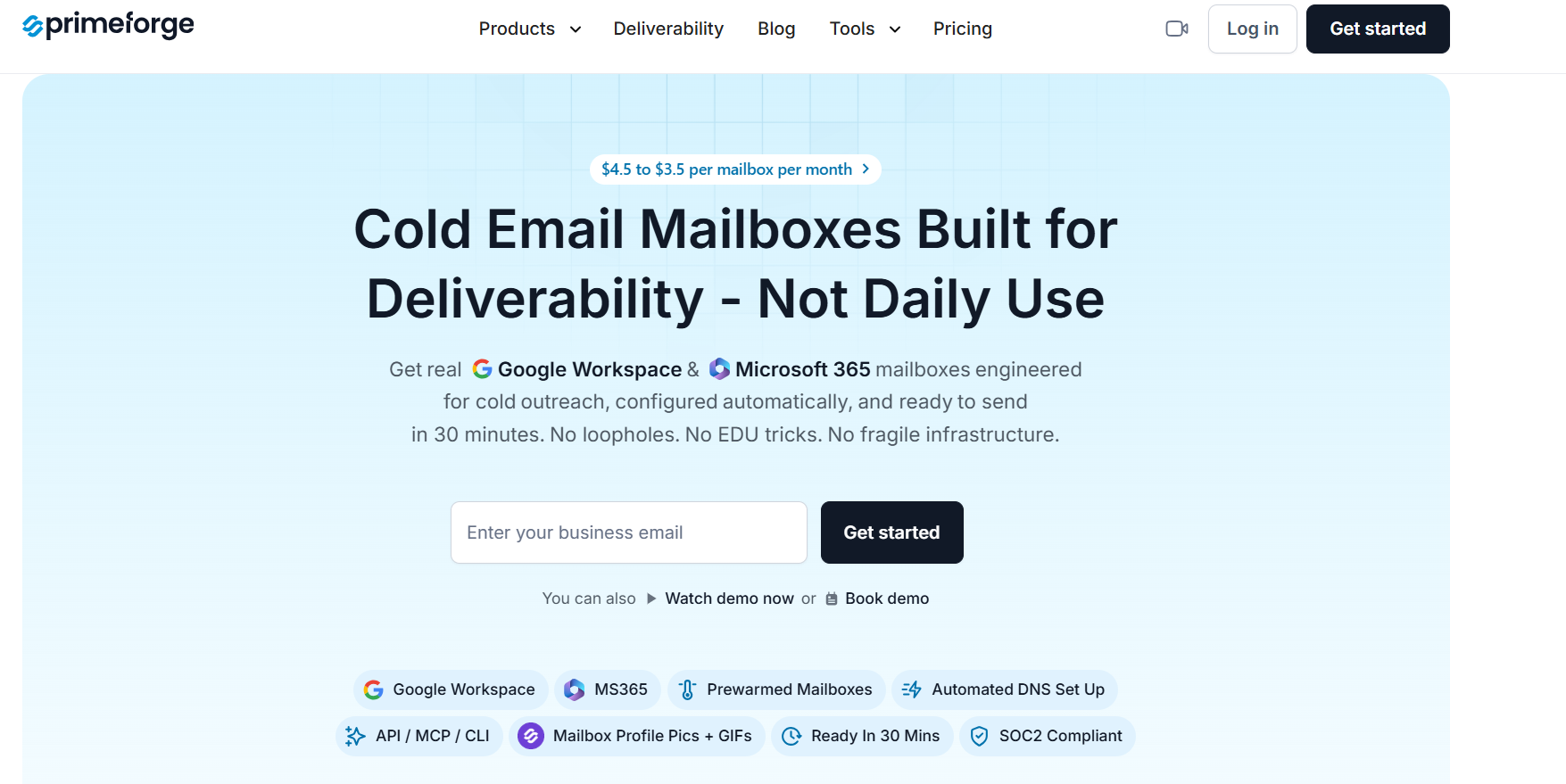
Primeforge is one of the strongest MailScale alternatives for businesses that want real Google Workspace and Microsoft 365 mailboxes for cold outreach. Unlike MailScale's proprietary email infrastructure, Primeforge provides actual Google and Microsoft mailboxes while handling the technical setup automatically.
The platform is built specifically for outbound teams, agencies, SDRs, and founders that want better deliverability without spending hours managing domains, DNS records, and mailbox provisioning. Domains, mailboxes, SPF, DKIM, DMARC, forwarding, and mailbox setup can all be managed from a single dashboard.
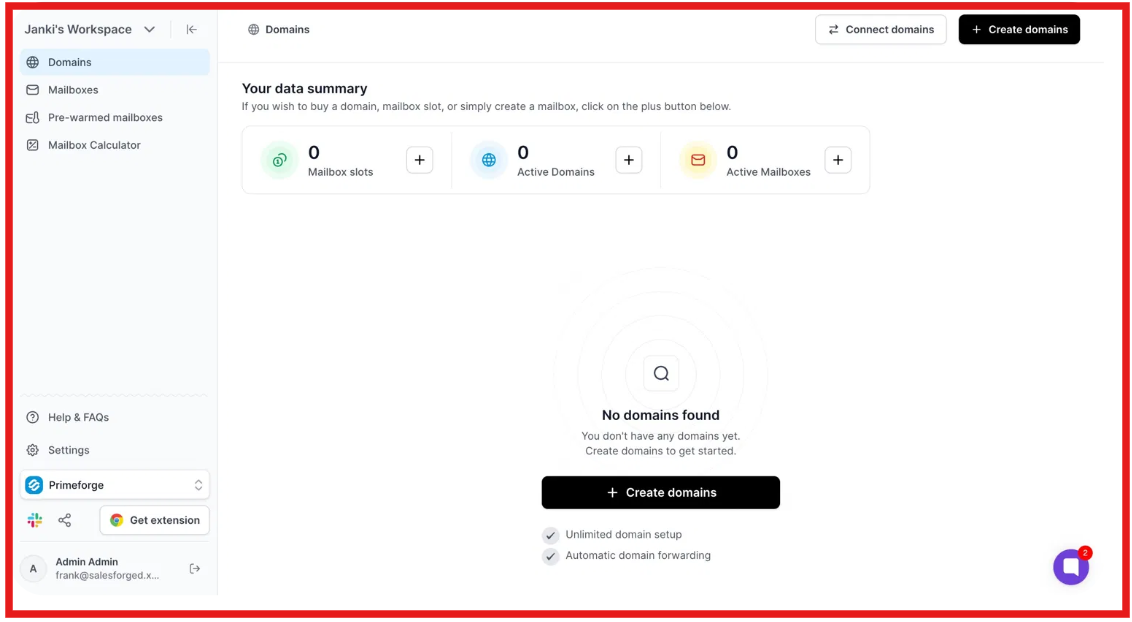
It is particularly useful for teams that want to use ESP matching by sending from the same providers their prospects use, which can help improve inbox placement.
| Feature | Primeforge | MailScale |
|---|---|---|
| Mailbox Type | Google Workspace & Microsoft 365 | Proprietary mailbox infrastructure |
| Automated DNS Setup | Yes | Yes |
| SPF, DKIM & DMARC Setup | Yes | Yes |
| Bring Your Own Domains | Yes | Yes |
| Bulk Mailbox Creation | Yes | Yes |
| Multiple Workspaces | Yes | Limited Information |
| Mailbox Profile Pictures | Yes | No |
| API Access | Yes | Not Highlighted |
| Infrastructure Type | Real Workspace Mailboxes | Self-hosted Infrastructure |
| Setup Time | Around 30 Minutes | Around 20–30 Minutes |
| Best For | Teams prioritizing mailbox quality and deliverability | Teams prioritizing lower-cost inbox infrastructure |
| Pros | Cons |
|---|---|
|
|
| Item | Pricing |
|---|---|
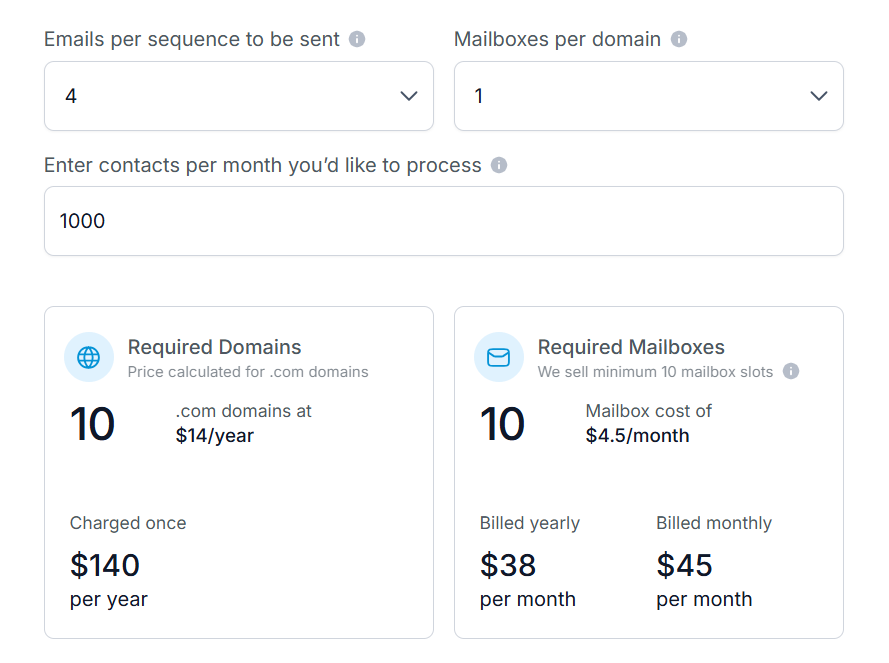
| Domains | Starting at $14 per domain per year |
| Mailboxes (Annual Billing) | Starting at $4.50 per mailbox per month |
| Mailboxes (Monthly Billing) | Starting at $5.40 per mailbox per month |
| Minimum Mailbox Slots | 10 |
| DNS Setup | Included |
| Hosting & Maintenance | Included |
Enter your email to get a custom plan & stack recommendation for your business
Please check your mailbox in 5 minutes

Best For: Agencies, outbound teams, and businesses that want more control over their email infrastructure than MailScale provides.
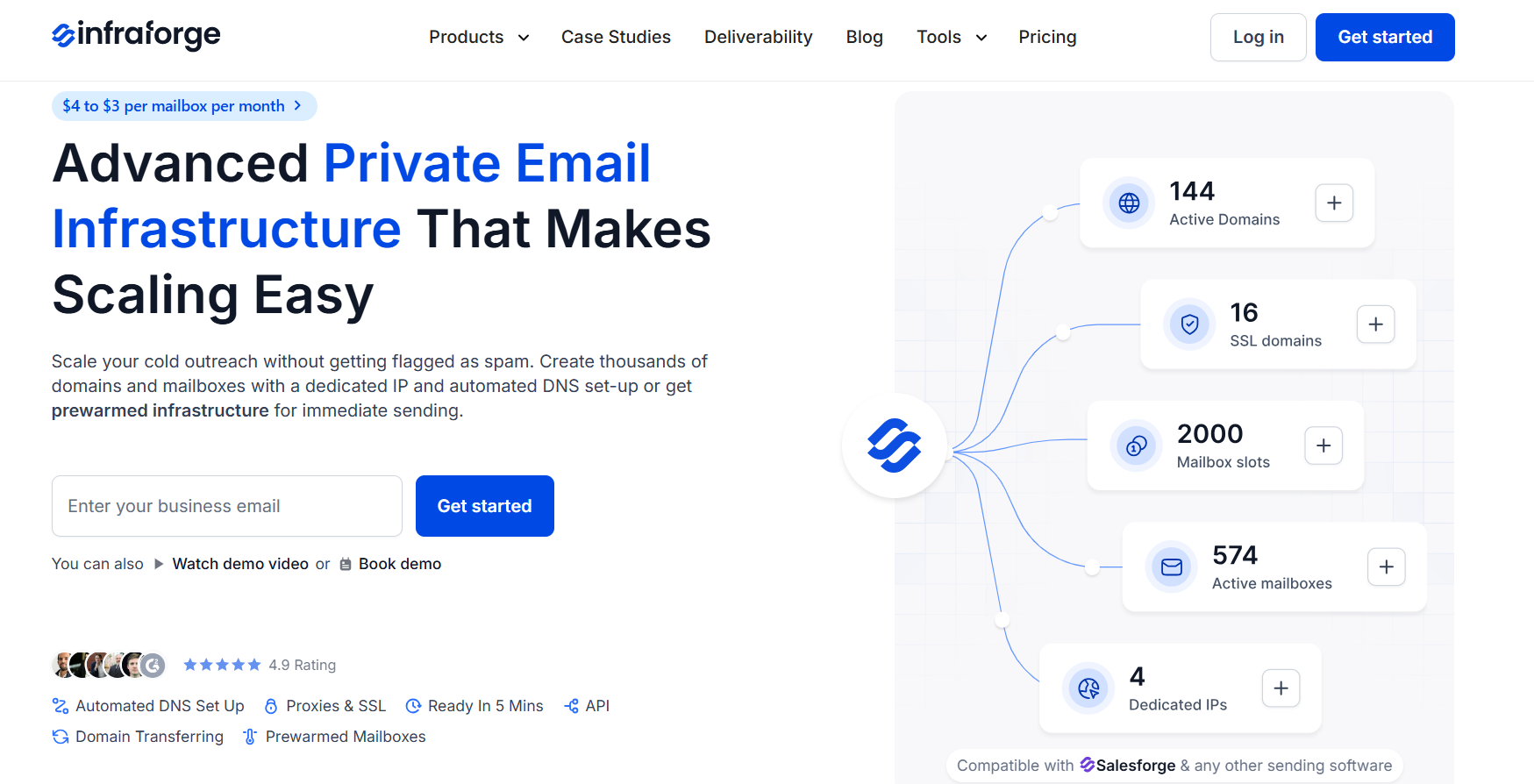
If your main goal is getting more control over your email infrastructure, InfraForge is one of the strongest MailScale alternatives to consider. While MailScale focuses on making inbox creation fast and simple, InfraForge takes a different approach.
It gives you private email infrastructure with dedicated IPs, multi-IP provisioning, and advanced infrastructure controls that are built specifically for cold outreach.
What I like is that InfraForge still removes much of the technical work. It automatically handles SPF, DKIM, DMARC, DNS setup, and mailbox provisioning, so you can get started quickly without manually configuring everything yourself.
For agencies, outbound teams, and businesses sending large volumes of cold emails, the extra control can be valuable as campaigns grow.
| Feature | InfraForge | MailScale |
|---|---|---|
| Infrastructure Type | Private Infrastructure | Shared Infrastructure |
| Dedicated IPs | Yes | Shared IP Pool |
| Automated DNS Setup | Yes | Yes |
| SPF, DKIM & DMARC Setup | Yes | Yes |
| Multi-IP Provisioning | Yes | No |
| Pre-Warmed Domains & Mailboxes | Yes | Not Highlighted |
| Multiple Workspaces | Yes | Not Highlighted |
| API Access | Yes | Not Highlighted |
| Setup Time | Around 5 Minutes | Around 20–30 Minutes |
| Best For | Teams needing more infrastructure control | Teams wanting simple inbox creation |
| Pros | Cons |
|---|---|
|
|
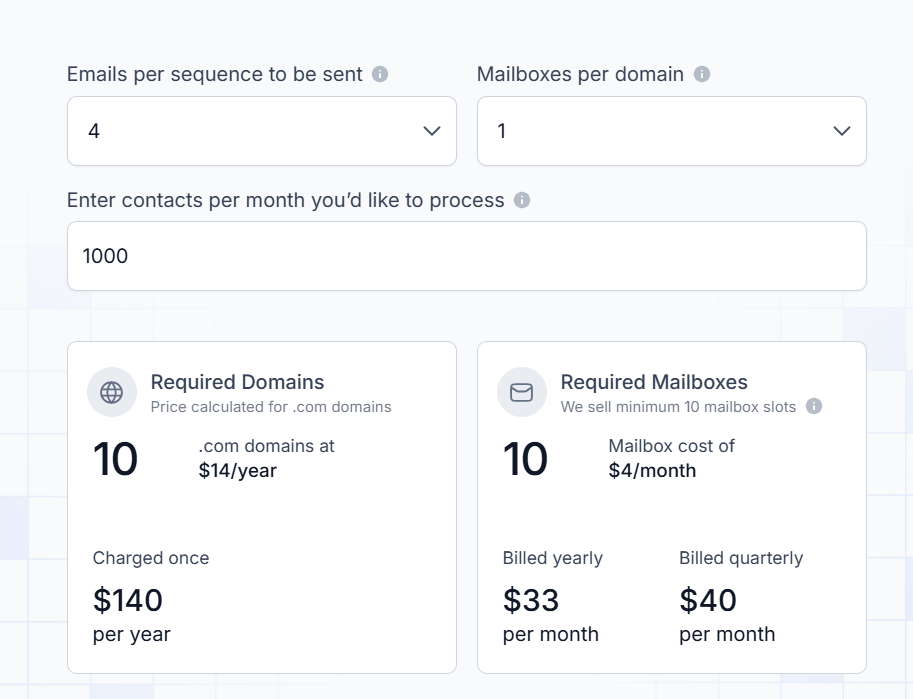
| Item | Pricing |
|---|---|
| Domains | $14 per domain/year |
| Mailboxes (Annual Billing) | $4 per mailbox/month |
| Mailboxes (Quarterly Billing) | $4.80 per mailbox/month |
| Dedicated IP | $99/IP/month |
| SSL & Domain Masking | $2/domain/month or $6/domain/year |
| Masterbox | $7/workspace/month (annual) |
Best For: Agencies and outbound teams that want dedicated servers, dedicated IPs, and more control over their cold email infrastructure.
Mailreef is a cold email infrastructure platform built around dedicated servers and dedicated IPs. The biggest difference I noticed is that Mailreef focuses heavily on dedicated infrastructure. I
nstead of using shared resources, every customer gets a dedicated mail server and dedicated IP address. The platform is built specifically for cold email teams that send large volumes of outreach and want more control over their sending environment.
I also like that Mailreef keeps setup simple. You can create domains and mailboxes quickly, SPF, DKIM, and DMARC records are configured automatically, and the platform integrates with popular sending tools like Smartlead and Instantly.
That said, Mailreef is more infrastructure-focused than MailScale. If your goal is simply creating inboxes as quickly and cheaply as possible, MailScale may feel easier. But if you want dedicated servers and dedicated IPs, Mailreef offers something different.
| Feature | Mailreef | MailScale |
|---|---|---|
| Infrastructure Type | Dedicated Infrastructure | Shared Infrastructure |
| Dedicated IPs | Yes | No |
| Dedicated Mail Server | Yes | No |
| Automated SPF, DKIM & DMARC | Yes | Yes |
| Bring Your Own Domains | Yes | Yes |
| Unlimited Inboxes | Yes | No |
| Best For | Teams wanting dedicated infrastructure | Teams wanting fast inbox creation |
| Pros | Cons |
|---|---|
|
|
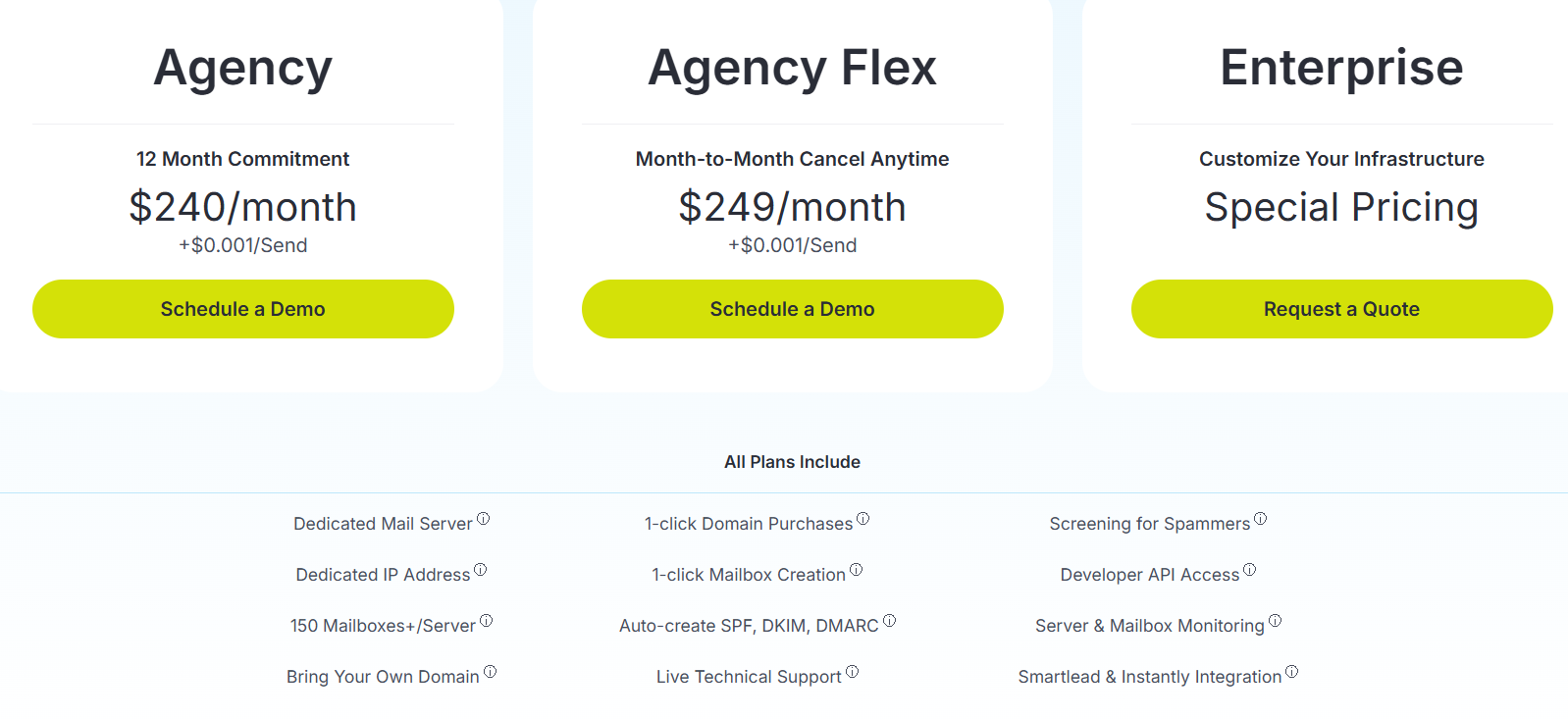
| Plan | Pricing |
|---|---|
| Agency | $240/month + $0.001 per send |
| Agency Flex | $249/month + $0.001 per send |
| Enterprise | Custom Pricing |
10 Mailreef Alternatives & Competitors for Scalable Mailboxes
Best For: Agencies, outbound teams, and businesses that want flexibility when building their email infrastructure.
Mailpool is one of the most flexible MailScale alternatives I came across. Instead of locking you into a single type of infrastructure, Mailpool lets you create inboxes on Google Workspace, Microsoft 365, Mailpool's own infrastructure, or dedicated servers from the same platform.
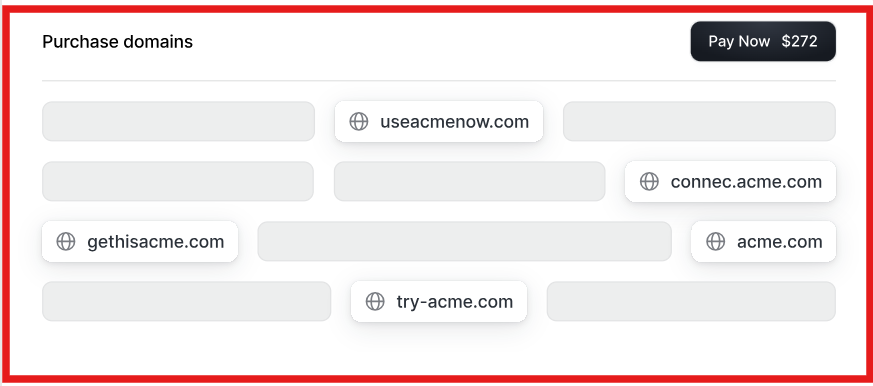
What stood out to me is how much of the setup is automated. You can buy domains, create inboxes, configure SPF, DKIM, and DMARC records, set up forwarding, and connect your outreach tools without handling the technical work yourself.
I also like that Mailpool is built for teams that need to scale. Whether you're managing a few inboxes or hundreds of them, everything can be managed from a single dashboard. Compared to MailScale, Mailpool gives you more flexibility when it comes to mailbox providers and infrastructure options. That makes it a good fit for teams that want more choice as their outbound setup grows.
| Feature | Mailpool | MailScale |
|---|---|---|
| Google Workspace Inboxes | Yes | Not Offered |
| Microsoft 365 Inboxes | Yes | Not Offered |
| Mailpool-Owned Infrastructure | Yes | No |
| Dedicated IP Servers | Yes | No |
| Automated SPF, DKIM & DMARC | Yes | Yes |
| AI Domain Generator | Yes | No |
| Full API Access | Yes | Not Publicly Highlighted |
| Deliverability Monitoring | Yes | Basic Monitoring |
| Best For | Teams wanting infrastructure flexibility | Teams wanting simple inbox creation |
| Pros | Cons |
|---|---|
|
|
| Service | Pricing |
|---|---|
| Mailpool Inboxes | From $3/inbox/month |
| Google Workspace Inboxes | From $4/inbox/month |
| Microsoft 365 Inboxes | From $5/inbox/month |
| Dedicated IP Server | From $200/server/month |
| Dedicated Infrastructure | Custom Pricing |
5 Best Mailpool Alternatives For Google & Microsoft Mailboxes
Best For: Agencies, sales teams, and lead generation companies that want more than basic inbox creation.
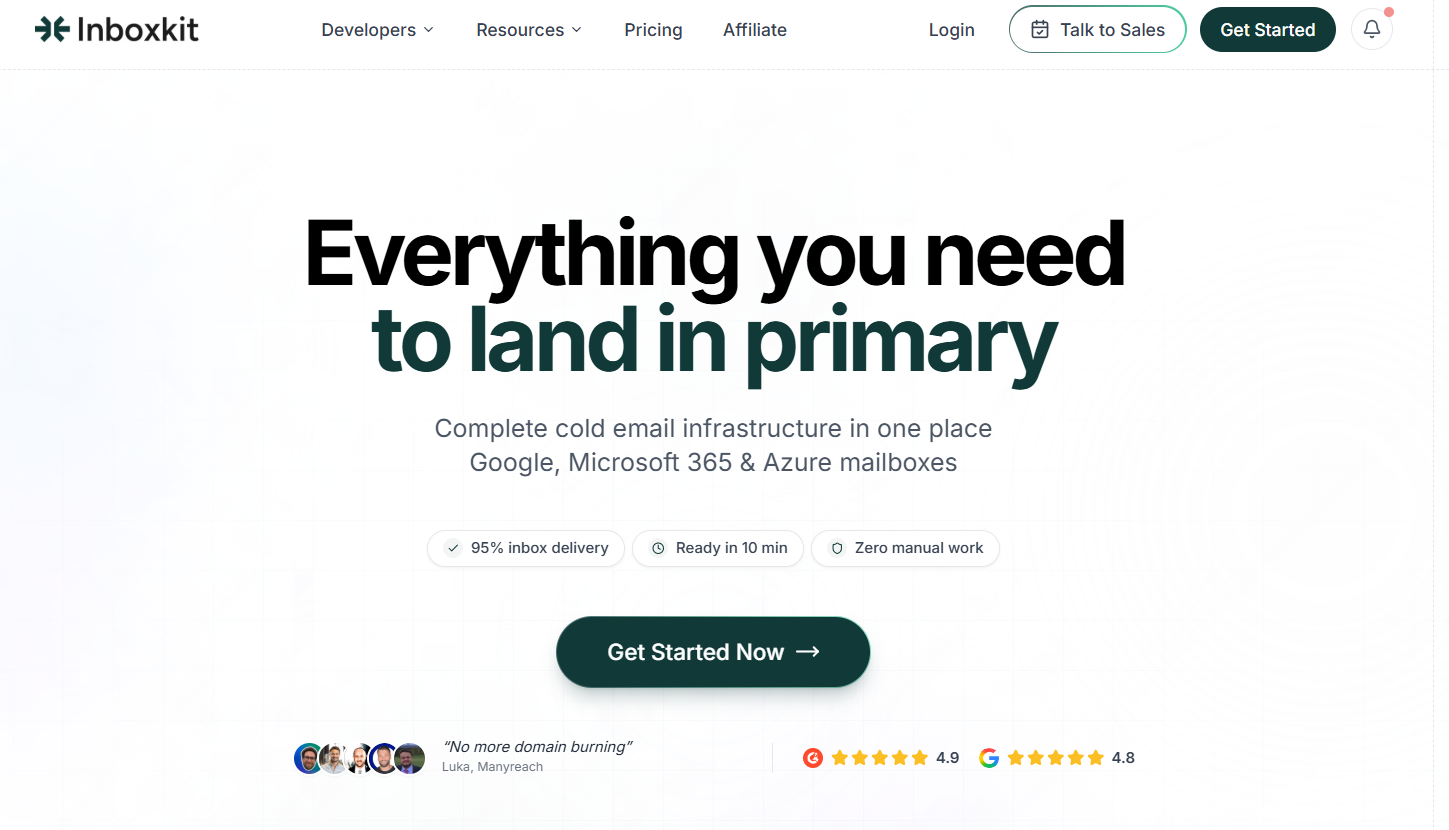
InboxKit is a cold email infrastructure platform built for teams that want Google Workspace, Microsoft 365, and Azure mailboxes from one dashboard. What I like about InboxKit is that it is not just a mailbox-buying tool.
It also helps with DNS setup, warmup, deliverability monitoring, inbox placement tests, analytics, and sequencer exports. So instead of buying inboxes in one place and checking deliverability somewhere else, you can manage most of the infrastructure workflow inside InboxKit.
Compared to MailScale, InboxKit feels more feature-heavy. MailScale is simpler if you only want fast inbox creation. But InboxKit is stronger if you want more visibility, monitoring, integrations, and control over your cold email infrastructure.
| Feature | InboxKit | MailScale |
|---|---|---|
| Google Workspace Mailboxes | Yes | Not Offered |
| Microsoft 365 Mailboxes | Yes | Not Offered |
| Azure Mailboxes | Yes | Not Offered |
| Automated SPF, DKIM & DMARC | Yes | Yes |
| Inbox Placement Tests | Yes | Not Highlighted |
| Deliverability Monitoring | Yes, with InfraGuard | Basic Monitoring |
| API Access | Yes | Not Publicly Highlighted |
| Sequencer Integrations | 24+ | Supports sending tools |
| Best For | Teams needing monitoring and control | Teams wanting fast inbox creation |
| Pros | Cons |
|---|---|
|
|
| Plan | Monthly Price | Included Mailboxes | Additional Mailbox Cost |
|---|---|---|---|
| Professional | $39/month | 10 | $3.50/mailbox |
| Agency | $99/month | 30 | $3.25/mailbox |
| Enterprise | $299/month | 100 | $2.99/mailbox |
Add-Ons
| Add-On | Pricing |
|---|---|
| Email Warmup | $3/mailbox/month |
| Azure Tenant | $30/tenant |
| InfraGuard | First month free, then add-on pricing |
| Inbox Placement Tests | Wallet-based pricing |
The right MailScale alternative depends on what you're trying to achieve.
Enter your email to get a custom plan & stack recommendation for your business
Please check your mailbox in 5 minutes
MailScale makes it easy to create inboxes and launch cold email campaigns, but it is not the only option available. Depending on your goals, you may need real Google Workspace mailboxes, private infrastructure, dedicated IPs, more deliverability tools, or greater flexibility when managing outbound campaigns.
Among the alternatives on this list, Primeforge stands out for businesses that specifically want real Google Workspace and Microsoft 365 mailboxes without the usual setup complexity. It automates domain management, mailbox creation, and DNS configuration while giving you access to the mailbox providers most businesses already use.
If mailbox quality, deliverability, and long-term scalability are important to your outbound strategy, Primeforge is worth considering.
Try Primeforge now!