
Personalized Outbound Strategy
Get The Right Outbound Strategy In Minutes
Enter your email to get a custom plan & stack recommendation for your business
It's being carefully crafted by AI
Please check your mailbox in 5 minutes

Are you probably planning to buy cold email inboxes and want to know if MailScale is safe to use before spending money. MailScale is built for teams that need multiple sending inboxes for outbound campaigns.
Instead of buying domains, creating mailboxes, setting up SPF, DKIM, DMARC, and starting warmup manually, MailScale gives you a managed setup for cold email infrastructure.
This is useful if you run a lead generation agency, manage SDR campaigns, or send cold emails at scale. But MailScale is not the right choice for every team. Pricing, mailbox quality, deliverability control, warmup, replacement support, and scaling limits all matter before you commit.
In this MailScale review, I’ll break down what MailScale offers, where it helps, where it may fall short, and how it compares to alternatives.
Yes, if your main goal is to set up cold email inboxes quickly without handling technical setup yourself. MailScale helps automate domains, mailboxes, SPF, DKIM, DMARC, and warmup setup for outbound campaigns. It is mainly useful for agencies, SDR teams, and founders who need multiple sending inboxes fast.
The biggest advantage is simplicity. Instead of spending hours configuring inbox infrastructure manually, MailScale lets you create and manage inboxes much faster. Many users also mention that the setup process is easy, even for non-technical teams. However, MailScale may not be ideal if you want:
That is where alternatives like Primeforge, Infraforge, or Hypertide may be a better fit for teams that want more control over their cold email infrastructure and deliverability setup.
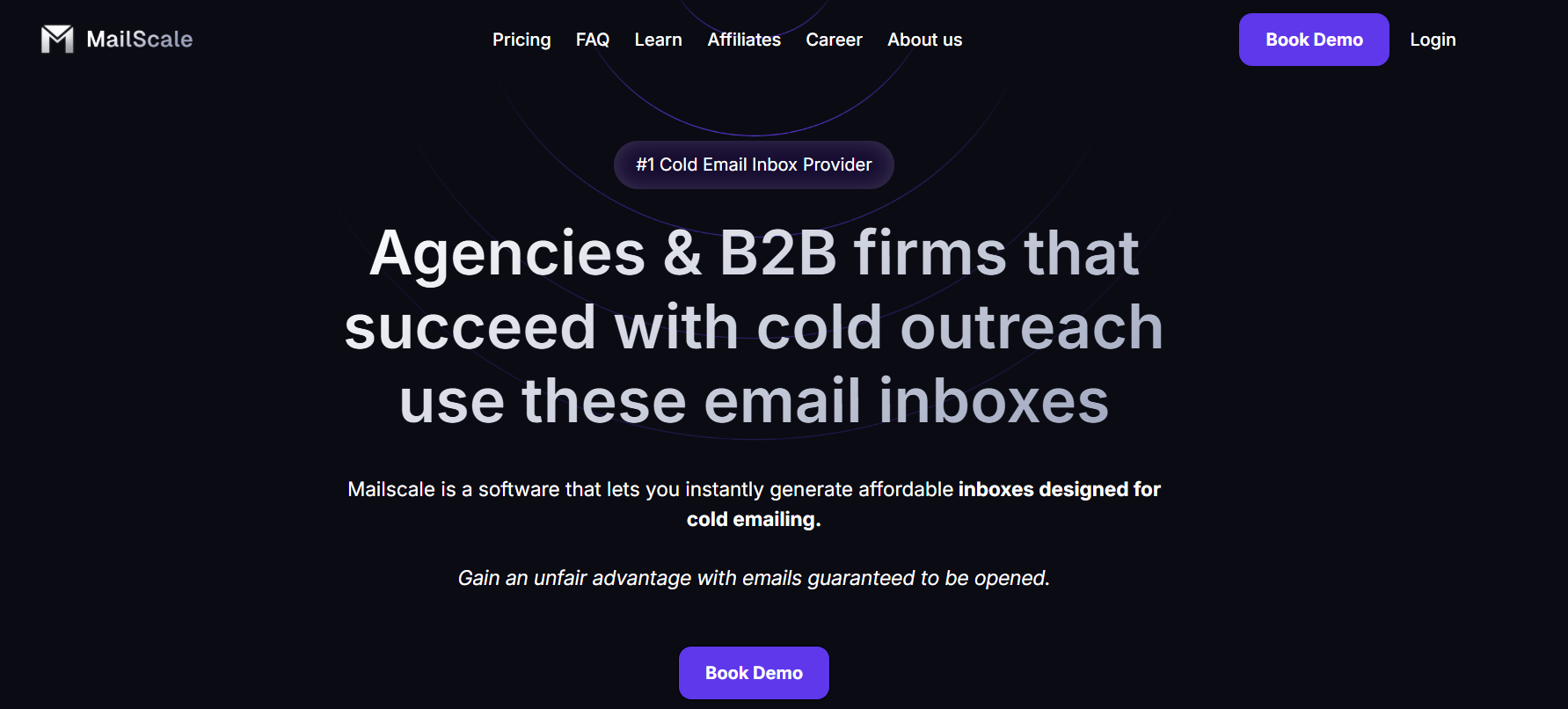
MailScale is a cold email infrastructure platform that helps businesses create and manage large numbers of email inboxes for outbound campaigns. Instead of manually setting up domains, mailboxes, SPF, DKIM, and DMARC records through Google Workspace or Outlook, MailScale automates most of the process.
The platform is built for agencies, SDR teams, recruiters, and B2B companies that send cold emails at scale. Users can buy domains inside MailScale, generate inboxes in bulk, and export them directly into tools like Instantly or Smartlead for sending campaigns.
MailScale mainly focuses on making cold email setup faster, cheaper, and less technical for outbound teams.
MailScale focuses on creating inboxes, managing domains, and reducing manual setup work for outbound teams. Here are the features that are actually useful for scaling cold email.
| Feature | What It Does |
|---|---|
| Bulk Inbox Creation | Lets users create 50 or even 1000 inboxes quickly instead of setting them up manually one by one. |
| Automated DNS Setup | Automatically configures SPF, DKIM, and DMARC records for domains bought inside MailScale. |
| Built-In Domain Buying | Users can buy domains directly inside MailScale instead of using separate domain providers. |
| CSV Export for Sending Tools | Exports inboxes as CSV files that can be imported into tools like Instantly and Smartlead. |
| Shared Email Infrastructure | MailScale manages the SMTP infrastructure and shared IP pools used for sending cold emails. |
| Deliverability Monitoring | The platform says it monitors blacklisting, reputation, spam reports, and bounce issues automatically. |
| Multiple Domain Management | Users can manage inboxes for different clients or domains from one dashboard. |
| Inbox Replacement Support | Users can request inbox swaps or replacements if needed. |
MailScale mainly sells itself as a cheaper way to scale cold email inboxes compared to buying dozens of Google Workspace or Outlook accounts manually. The pricing is built around the number of inboxes you need for outbound campaigns.
Here are the pricing details of Mailscale:
| Pros | Cons |
|---|---|
|
|
Most users talk positively about how much time MailScale saves during cold email setup. Many reviews mention that creating inboxes, setting up domains, and configuring DNS records becomes much easier compared to doing everything manually through Google Workspace or Outlook.

Some users also say the platform is beginner-friendly and does not require strong technical knowledge.

A lot of users also like the pricing and automation. Some reviewers mention that MailScale helped them reduce infrastructure costs while speeding up inbox creation for outbound campaigns. On the downside, some users say support responses can sometimes be slow, especially when campaigns are time-sensitive.

A few users also mention warmup delays, domain setup confusion, and limitations when scaling between plans.

MailScale helps with setting up domains, inboxes, and DNS for cold email. So the right choice depends on what you actually need.
If your main problem is cold email setup, MailScale can save a lot of time. But if you want more control over infrastructure and deliverability, you may need a different setup.
MailScale is mainly built for fast cold email inbox setup using shared infrastructure. But not every business needs the same setup. Some teams want Google and Microsoft mailboxes for better inbox placement. Some want dedicated IPs and more control over deliverability. Others just want the cheapest way to create hundreds of inboxes quickly.
That is why tools like Primeforge, Maildoso, Hypertide, Infraforge, Inframail, and Mailforge are becoming popular alternatives to MailScale.Correct version:
| Tool | Infrastructure Type | Dedicated IPs | Google/MS365 Mailboxes | Automated DNS Setup | Best For |
|---|---|---|---|---|---|
| MailScale | Shared infrastructure | No | No | Yes | Fast inbox setup |
| Primeforge | Google Workspace + MS365 | Google/Microsoft-managed IPs | Yes | Yes | Google & Microsoft outreach |
| Maildoso | Shared infrastructure | No | No | Yes | Cheap bulk inbox scaling |
| Hypertide | Microsoft + Google infrastructure | Advanced infrastructure | Yes | Yes | Advanced outbound teams |
| Infraforge | Private dedicated infrastructure | Yes | No | Yes | More deliverability control |
| Inframail | Microsoft-based infrastructure | Yes | Microsoft only | Yes | Large-scale inbox setup |
| Mailforge | Shared infrastructure | No | No | Yes | Lower-cost cold email infrastructure |
The best alternative depends on what matters most to you. If you want dedicated infrastructure and more deliverability control, Infraforge or Inframail may fit better. If you prefer Google or Microsoft mailboxes, Primeforge is a stronger option.
Enter your email to get a custom plan & stack recommendation for your business
Please check your mailbox in 5 minutes

MailScale can work well if your main goal is to create cold email inboxes quickly without handling technical setup yourself. It simplifies domain setup, mailbox creation, DNS configuration, and inbox exporting for cold outreach.
But the right tool depends on how you run outbound. Some businesses need shared infrastructure for cheaper scaling. Others want dedicated IPs, Google Workspace mailboxes, stronger deliverability control, or more advanced infrastructure management.
If you want Google Workspace or Microsoft 365 mailboxes built specifically for cold outreach, Primeforge is one of the strongest alternatives worth looking at. It focuses on deliverability-ready mailboxes, automated DNS setup, and infrastructure designed for outbound teams that want a more reliable setup for scaling cold email.
Sign up for Primeforge now!