

Hypertide sells Microsoft and Azure (Entra) inboxes in blocks of 100 for $50 per month plus a one-time setup fee, and caps each inbox at two sends per day. MailScale runs its own SMTP servers and rents you inboxes from $79 per month. Neither hands you real, owned Google Workspace and Microsoft 365 mailboxes.
For cold email infrastructure you actually own, Primeforge is the stronger choice. You get real Google Workspace and Microsoft 365 mailboxes with US IPs, ESP matching, automated DNS, and 30-minute setup, priced from $4.50 down to $3.50 per mailbox. They plug into Salesforge or any sending tool you already use.
I have set up cold email infrastructure on all three of these tools, and they sit in three different camps. One resells Microsoft and Azure inboxes, one builds its own SMTP, and one gives you genuine Google and Microsoft mailboxes you keep. That difference decides how your inboxes behave six months from now, not just on day one.
Hypertide automates Azure and Microsoft inbox setup in a few hours. MailScale spins up self-hosted SMTP inboxes in under a minute. Primeforge provisions real cold email infrastructure on Google Workspace and Microsoft 365, the same providers most of your prospects read mail on.
One data point sets the bar. The agency J-Reach ran 69 Primeforge mailboxes across 23 domains and reported zero mailbox failures over six months. That is the kind of stability this comparison is really about.
Cold Email Infrastructure Comparison at a Glance: Hypertide vs MailScale
| Feature | Primeforge | Hypertide | MailScale |
|---|---|---|---|
| Mailbox type | Real Google Workspace + Microsoft 365 | Azure (Entra) + Microsoft, some Google | Self-hosted SMTP (no Google/Microsoft) |
| Entry price | $4.50 to $3.50 per mailbox / month | $50 / month per 100 inboxes + setup fee | $79 / month (Solopreneur, 15 inboxes) |
| Setup time | 30 minutes | 4 to 6 hours | Under 60 seconds |
| Per-inbox send limit | ~30 to 50 / day (best practice) | 2 / day after warm-up | 20 to 30 / day recommended |
| IP type | US-based, dedicated tenant per domain | Isolated tenant per order | Shared SMTP IPs (dedicated on $1,000+ plan) |
| Free trial | No (explore app free) | No | 7-day free trial |
| DNS automation | Yes (SPF, DKIM, DMARC) | Yes (SPF, DKIM, DMARC) | Yes (SPF, DKIM, DMARC) |
| Full mailbox ownership | Yes | Partial (you rent the order) | Partial (you rent inboxes) |
| SOC 2 compliant | Yes | Not stated | Not stated |
| Best for | Teams and agencies on Google/MS365 at scale | Microsoft-heavy senders wanting Azure inboxes | Budget SMTP volume without Google/MS |
Hypertide Overview: Automated Azure and Microsoft Inboxes
Hypertide is a cold email infrastructure provider that automates inbox setup across Google, Microsoft, and Entra. It was founded in 2024 and leans heavily on Microsoft Azure, the same cloud large enterprises run on. Setup is fully automated and finishes in roughly four to six hours.
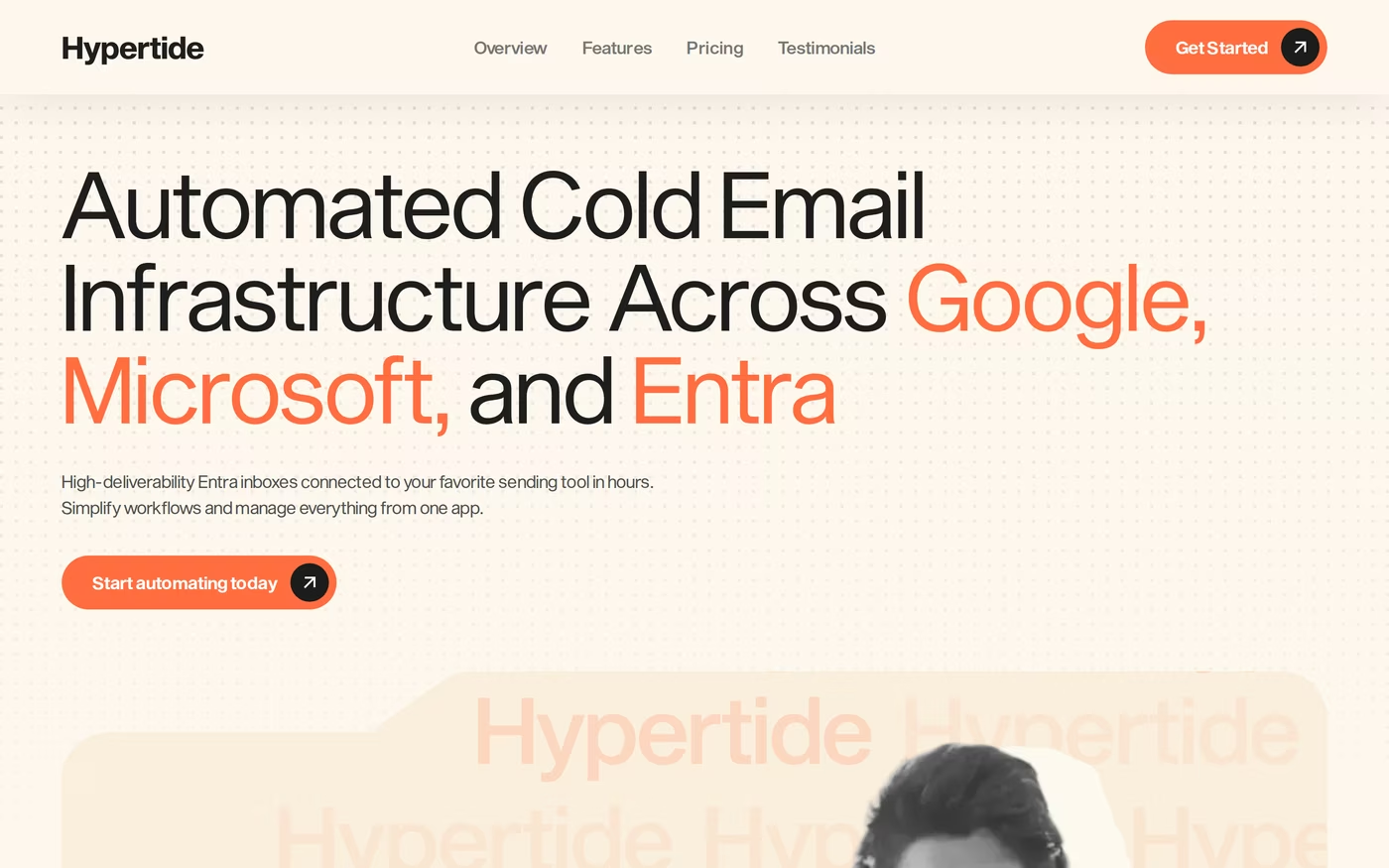
Its core features include:
- Azure (Entra) inboxes with a native Outlook interface, plus regular Microsoft and Google accounts to diversify.
- Tenant separation so each order gets its own dedicated domains, IPs, and users.
- Pre-configured SPF, DKIM, and DMARC on every order, with bulk warm-up tools for Hypertide clients.
- Auto-linking of 50 inboxes to SmartLead, Instantly, or Bison sequencers.
- In-app domain purchasing, or you can connect your own domains.
Pricing is a flat $50 per month for each order of 100 Azure inboxes, plus a one-time setup fee that third-party reviews put at around $1,500 to configure your Azure environment. There is no free trial, though plans are month to month and you can cancel from the app.
Hypertide is built for cold email lead-gen agencies and high-volume senders who want Microsoft-style infrastructure provisioned fast. If your prospects are Microsoft-heavy, the Outlook and Entra focus fits that profile. For a deeper look, I covered it in this in-depth Hypertide review.
What reviewers say about Hypertide
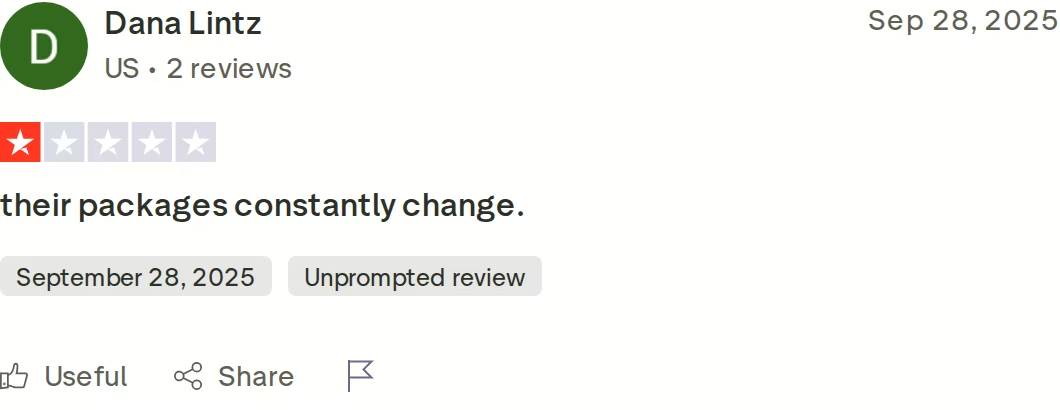
The honest limitations are worth knowing before you buy. After a two-week warm-up, Hypertide caps each inbox at two outbound emails per day, which works out to about 5,000 emails per month across all 100 inboxes. You also have limited DNS access compared with owning your own mailboxes, and Azure tenants carry a real shutdown risk if Microsoft flags activity. Its Trustpilot score sits at 3.2 out of 5, and the differences between Azure and standard Microsoft 365 are worth understanding, which I broke down in Azure mailboxes vs Microsoft 365.
MailScale Overview: Self-Hosted SMTP Inboxes at Scale
MailScale takes a different route. Instead of reselling Google or Microsoft, it owns the full stack, including SMTP servers and IP pools, and rents you inboxes built on that infrastructure. It markets itself as the number one cold email inbox provider and can generate 50 or more inboxes in under a minute.
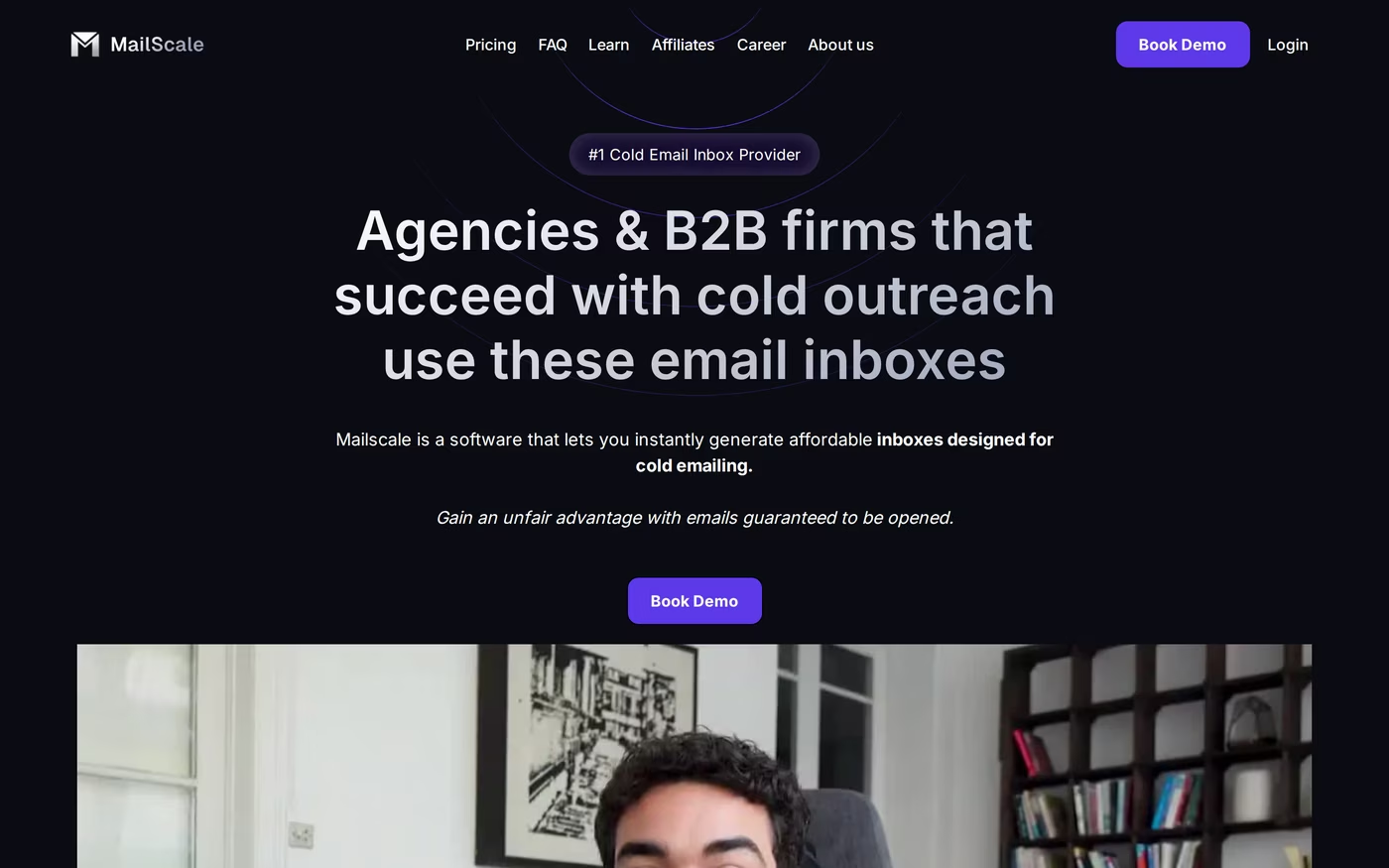
What MailScale offers:
- Instant inbox generation with a CSV export ready to import into your sending tool.
- Automated DNS setup for SPF, DKIM, and DMARC across your domains.
- A deliverability guarantee of 95 to 100 percent inbox placement to Google and Outlook recipients.
- Domain buying inside the app at $10 to $15 per year, or bring your own at $2 per domain.
- Integrations with Instantly, Smartlead, Apollo, Reply, Lemlist, and more over IMAP/SMTP.
Pricing runs from $79 per month for the Solopreneur plan (up to 15 inboxes), to $119 for Business (up to 50 inboxes), to $249 for Enterprise (up to 200 inboxes, with extra inboxes at $1.50 each). A $1,000-plus Unlimited plan adds dedicated IPs and a self-healing mechanism. There is a 7-day free trial. I wrote a full breakdown in this MailScale review.
MailScale fits solo founders and agencies who want a low cost per inbox and do not need Google or Microsoft accounts. The trade-off is that you are on self-hosted shared SMTP, and the gap between SMTP and mainstream mailboxes matters, which I compared in Google Workspace vs private SMTP.
What reviewers say about MailScale
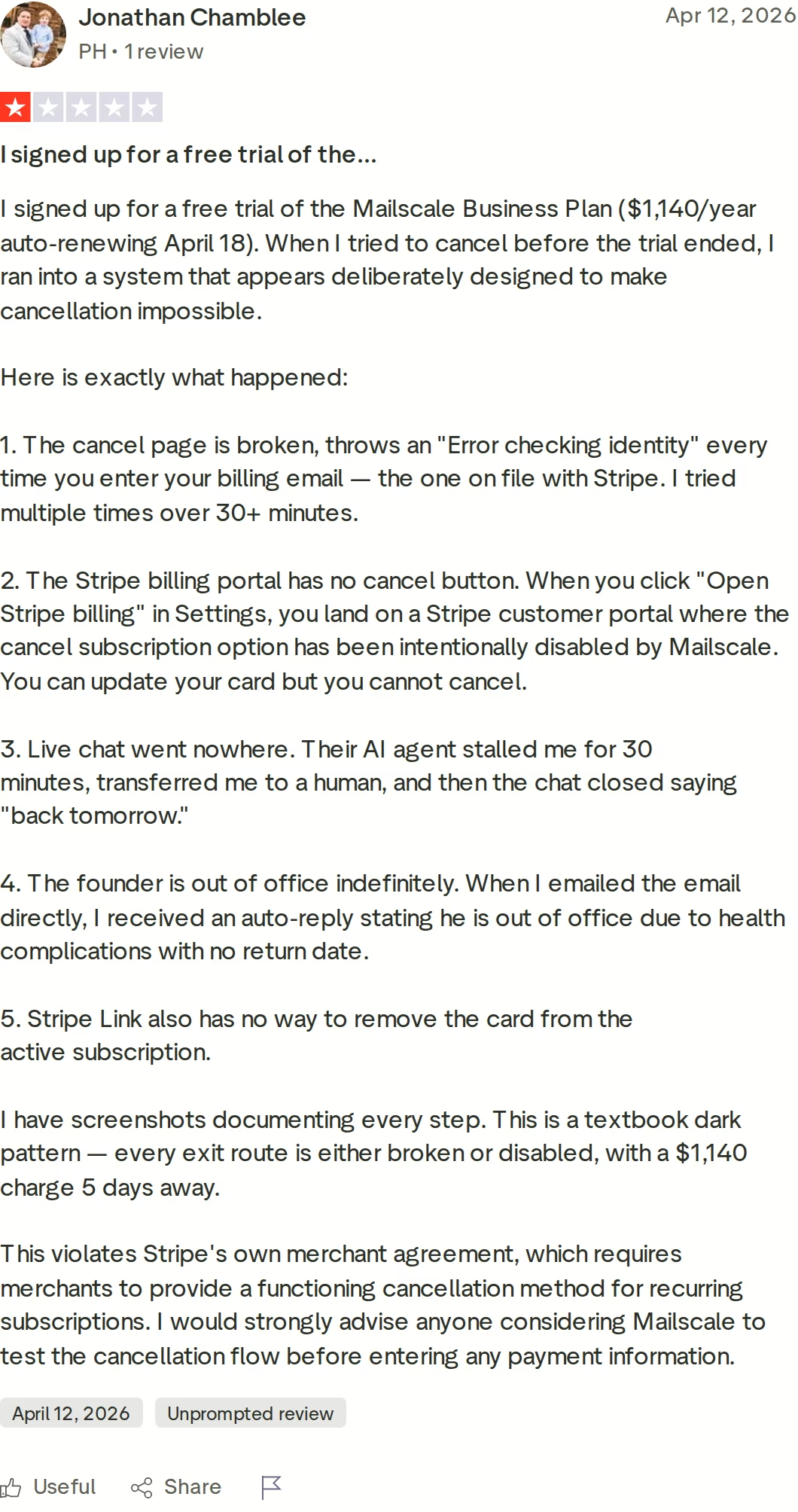
MailScale holds a 4.2 out of 5 on Trustpilot, but the picture is mixed. Reviewers report deliverability that can slip after the warm-up window closes, since SMTP shared pools are harder to keep clean than owned Google or Microsoft mailboxes. There is also a documented billing complaint: a recent 1-star review details a cancellation flow the reviewer found broken, with the Stripe cancel option disabled. Test the cancellation path before you enter card details.
Primeforge Overview: Real Google and Microsoft Mailboxes
Primeforge provisions real Google Workspace and Microsoft 365 mailboxes engineered for cold outreach, configured automatically and ready in 30 minutes. No EDU tricks, no loopholes, and no fragile infrastructure that breaks when a provider changes its policy. It is the mailbox layer of the wider Forge Stack.
Its features map directly to what keeps cold inboxes alive:
- Real Google Workspace and Microsoft 365 mailboxes, fully owned by you, not resold panels.
- ESP matching, so you send from the same provider your prospect uses and land in the primary inbox more often.
- US-based IP addresses on every mailbox for a strong deliverability baseline.
- Automated DNS for SPF, DKIM, DMARC, and custom tracking, following industry best practices.
- Pre-warmed mailboxes available so you can build pipeline from day one.
- Bulk DNS updates and multiple workspaces for managing hundreds of domains cleanly.
- Mailbox profile pictures and GIFs set up at scale to look legitimate.
- API, MCP server, and CLI access for programmatic setup.
- SOC 2 compliance and one tenant per domain on Microsoft 365.
- Works with any sending software, including Salesforge, Instantly, and Smartlead.
As part of the Forge Stack, Primeforge sits alongside Mailforge (shared infrastructure) and Infraforge (private dedicated IPs). Primeforge recommends mixing two or more providers to diversify and reduce the risk of infrastructure burn. Warm-up runs free through Warmforge.
Pricing is simple: $4.50 down to $3.50 per mailbox per month as volume grows, which Primeforge prices at 46 percent below buying Google Workspace direct and 25 percent below Microsoft 365 direct. There is no free trial because it is infrastructure you purchase, but you can explore the app before adding mailboxes.
Primeforge is built for cold email teams, agencies running 300-plus mailboxes, and AI SDR pipelines. The legitimacy angle matters more than ever after Google started suspending reseller and EDU mailboxes, which I covered in the Google EDU crackdown. The honest limitations: there is no free trial, and the per-mailbox price is higher than raw self-hosted SMTP because you are paying for genuine, owned Google and Microsoft mailboxes.
The proof shows up in the case studies. The agency J-Reach switched after constant mailbox failures elsewhere and ran 69 Primeforge mailboxes across 23 domains with zero failures for six months. Agencies like Outbound Pros run their client operations on the same stack.
in Action

Head-to-Head Feature Comparison: Hypertide vs MailScale
Mailbox type and legitimacy
This is the axis that decides everything else. Primeforge gives you real Google Workspace and Microsoft 365 mailboxes that carry the trust signals of those providers. Hypertide builds mainly on Azure (Entra) tenants with some standard Microsoft and Google accounts, while MailScale runs entirely on its own SMTP servers with no Google or Microsoft mailboxes at all. Self-hosted SMTP and Azure tenants both work, but they ask inbox providers to trust an unfamiliar sender, where a genuine Google or Microsoft mailbox starts with a head start. If you want owned, mainstream mailboxes, I covered the alternatives in Microsoft mailbox providers.
Deliverability and warm-up
Primeforge pairs US-based IPs with ESP matching, so a prospect on Gmail gets your mail from a Google mailbox and a prospect on Outlook gets it from a Microsoft one. That alignment lifts primary-inbox placement, and I explained the mechanism in how ESP matching boosts deliverability. MailScale offers a 95 to 100 percent inbox guarantee and will replace domains that drop below 80 percent placement, though reviewers note deliverability can slip on shared SMTP after warm-up. Hypertide pre-configures SPF, DKIM, and DMARC and includes warm-up tools. Warm-up itself is free and unlimited through Warmforge when you run Primeforge.
Sending limits and scaling
Per-inbox send capacity is where the numbers separate sharply. Hypertide caps each inbox at two emails per day after warm-up, so 100 inboxes top out near 5,000 emails a month. MailScale recommends 20 to 30 sends per inbox per day. Primeforge mailboxes follow the standard best practice of roughly 30 to 50 cold emails per day, the same ceiling Google and Microsoft reward. That gap means you need far more Hypertide inboxes to hit the same daily volume you would reach on Primeforge.
Setup, ownership, and management
Primeforge is ready in 30 minutes versus the 24-plus hours native setup takes, and crucially you own the domains and mailboxes outright. Hypertide automates setup in four to six hours but the order model means you rent the tenant. MailScale provisions inboxes in under a minute, but you are renting inboxes on its infrastructure. For managing scale, Primeforge adds bulk DNS updates, multiple workspaces, and profile pictures at scale, which matters when you run dozens of domains across outreach campaigns.
Pricing and scalability
The three price on different models. Hypertide charges per order of 100 inboxes ($50 per month) plus the one-time setup fee. MailScale uses tiered plans ($79, $119, $249). Primeforge charges per mailbox ($4.50 to $3.50), so you scale in single-mailbox steps rather than buying a fixed block. For an agency that adds clients gradually, per-mailbox pricing avoids paying for 100 inboxes when a client needs 20. I work the exact numbers in the pricing section below.
Infrastructure options, compliance, and the Forge Stack
Primeforge is one of three Forge infrastructure products, so you can blend it with Mailforge shared IPs or Infraforge dedicated IPs from a single login, and warm everything for free in Warmforge. It is SOC 2 compliant and exposes an API, MCP server, and CLI for automation. Hypertide and MailScale are single-product infrastructure providers without that wider stack or stated SOC 2 status. If you want a hybrid setup, this guide to hybrid email infrastructure walks through it.
Pricing Comparison: Primeforge vs Hypertide vs MailScale
| Plan | Price | Inboxes | Notes |
|---|---|---|---|
| Primeforge | $4.50 to $3.50 / mailbox / mo | Buy any number | Real Google/MS365, US IPs, owned |
| Hypertide (per order) | $50 / mo + one-time setup fee | 100 Azure inboxes | 2 sends/inbox/day after warm-up |
| MailScale Solopreneur | $79 / mo | Up to 15 | Self-hosted SMTP, 7-day trial |
| MailScale Business | $119 / mo | Up to 50 | Self-hosted SMTP |
| MailScale Enterprise | $249 / mo | Up to 200 | Extra inboxes $1.50 each |
Headline numbers can mislead, so look at how cost tracks with real sending. Say you want around 50 active sending mailboxes for an outreach push.
On Primeforge, 50 real Google or Microsoft mailboxes land in the low-to-mid hundreds per month at $4.50 to $3.50 each, and each can safely send 30 to 50 emails a day. On MailScale, the Business plan covers 50 SMTP inboxes at $119 per month, with 20 to 30 recommended sends each. Hypertide does not sell 50 as a unit: the nearest fit is 100 Azure inboxes at $50 per month plus the reported setup fee, but the two-sends-per-day cap means those 100 inboxes deliver roughly 200 emails a day combined.
So the cheapest monthly sticker does not equal the most sending capacity or the most durable inboxes. Primeforge costs more per mailbox than raw SMTP because the mailboxes are genuine, owned, and built on the providers your prospects already trust. You can verify the live per-mailbox rate on the Primeforge pricing page.
Grab Your Google and Microsoft MailboxesWho Should Use Which Cold Email Infrastructure
You might consider Hypertide if:
- Your prospects are Microsoft-heavy and you specifically want Azure or Entra inboxes with a native Outlook interface.
- You buy in blocks of 100 inboxes and are comfortable with a two-sends-per-day cap per inbox.
- You can absorb a one-time setup fee on top of the monthly cost.
You might consider MailScale if:
- You want the lowest possible cost per inbox and do not need Google Workspace or Microsoft 365 accounts.
- You are comfortable on self-hosted shared SMTP and want a 7-day trial before paying.
- You run a single operator or small team and only need inbox volume, not a wider stack.
Choose Primeforge if:
- You want real, owned Google Workspace and Microsoft 365 mailboxes built for cold outreach.
- You are a cold email team or agency running dozens to hundreds of domains and want bulk management.
- You care about ESP matching and US IPs to maximize primary-inbox placement.
- You need higher per-inbox send capacity (30 to 50 a day) without buying fixed blocks.
- You want a single stack for mailboxes, shared and dedicated infrastructure, free warm-up, and SOC 2 compliance.
Final Verdict: Which Cold Email Infrastructure to Choose
Hypertide and MailScale solve the setup problem in their own ways. Hypertide automates Azure and Microsoft inboxes but caps each at two sends a day and adds a setup fee. MailScale spins up self-hosted SMTP inboxes cheaply, but you do not get Google or Microsoft mailboxes and reviewers flag deliverability and billing friction.
For owned, durable cold email infrastructure on the providers your prospects actually use, Primeforge is the stronger choice. Real Google Workspace and Microsoft 365 mailboxes, US IPs, ESP matching, and 30-minute setup, from $4.50 down to $3.50 per mailbox, with free Warmforge warm-up and SOC 2 compliance behind it.
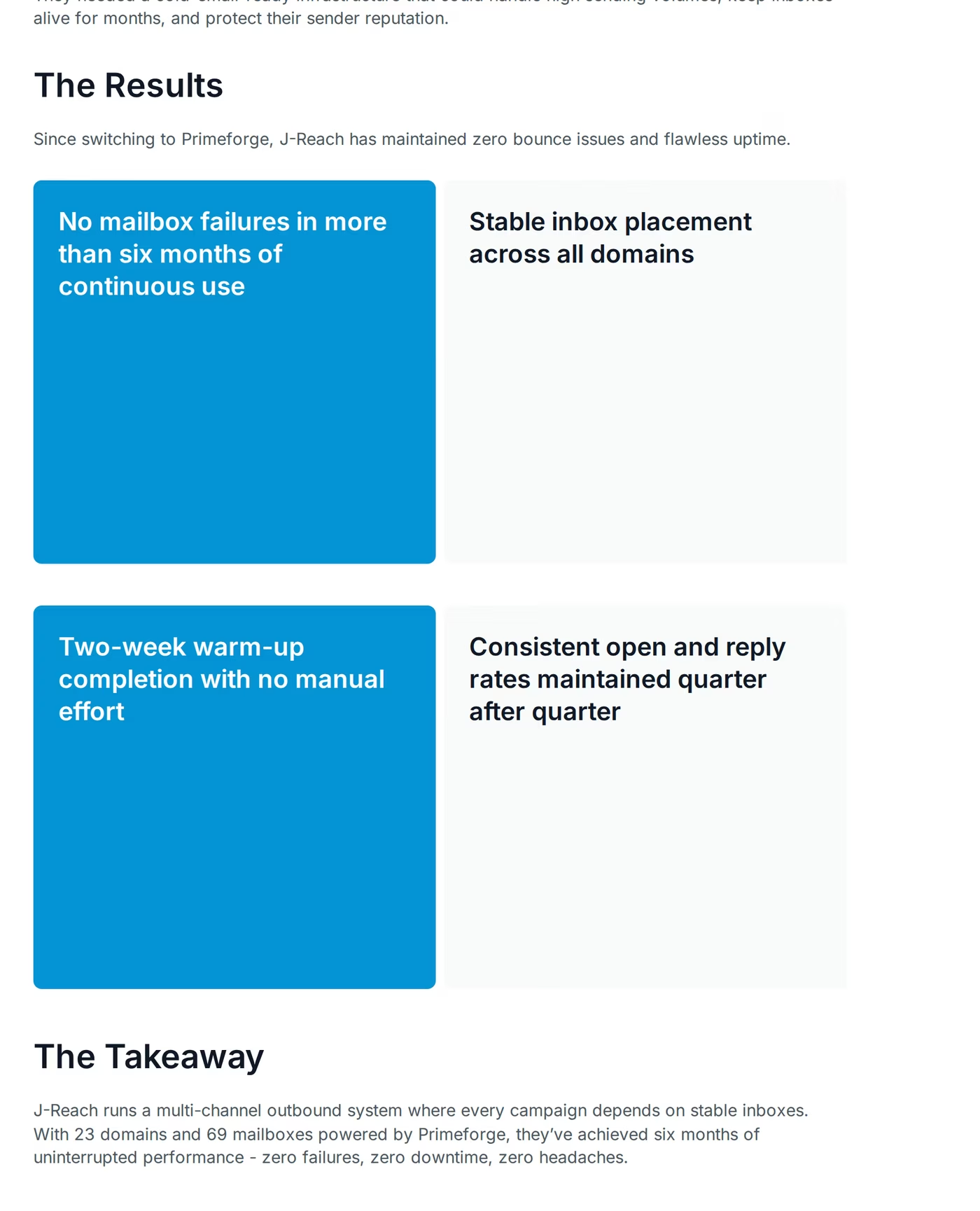
One falsifiable benchmark: the agency J-Reach ran 69 Primeforge mailboxes across 23 domains and recorded zero mailbox failures and zero downtime over six months. The case study is public.
Frequently Asked Questions
Is Primeforge better than Hypertide or MailScale?
For teams that want real, owned Google Workspace and Microsoft 365 mailboxes, Primeforge is the stronger fit. It delivers mailboxes on the providers most prospects use, with US IPs and ESP matching, and each inbox can safely send 30 to 50 emails a day. Hypertide focuses on Azure and Microsoft inboxes capped at two sends a day, and MailScale runs self-hosted SMTP with no Google or Microsoft accounts. The right answer depends on whether you value owned mainstream mailboxes.
What is the main difference between Primeforge, Hypertide, and MailScale?
The core difference is mailbox type. Primeforge provisions real, owned Google Workspace and Microsoft 365 mailboxes. Hypertide resells Azure (Entra) and Microsoft inboxes in blocks of 100, with some Google accounts. MailScale builds its own SMTP servers and rents you inboxes on that infrastructure. That single choice shapes deliverability, sending limits, and how much control you keep over your domains and reputation.
Which is cheaper: Primeforge, Hypertide, or MailScale?
Hypertide has the lowest monthly sticker at $50 per 100 inboxes, but adds a one-time setup fee and caps each inbox at two sends a day. MailScale starts at $79 per month for 15 inboxes. Primeforge charges $4.50 down to $3.50 per mailbox, so cost scales with how many mailboxes you actually need. Per email of real sending capacity on owned Google and Microsoft mailboxes, Primeforge is competitive.
Do Hypertide or MailScale offer real Google Workspace and Microsoft 365 mailboxes?
Not in the way Primeforge does. Hypertide centers on Azure (Entra) tenants and standard Microsoft inboxes, with some Google accounts, while MailScale uses self-hosted SMTP with no Google or Microsoft mailboxes at all. Primeforge provisions genuine, owned Google Workspace and Microsoft 365 mailboxes with US IPs, which carry the deliverability trust signals of those providers and support ESP matching.
Can I switch from Hypertide or MailScale to Primeforge easily?
Yes. Primeforge lets you connect existing domains from any registrar by updating your nameservers, and it handles SPF, DKIM, and DMARC automatically. You can have real Google or Microsoft mailboxes ready in about 30 minutes, then plug them into Salesforge, Instantly, Smartlead, or any sending tool. Most teams run a short two-week warm-up through Warmforge before launching campaigns.
Which has better cold email deliverability?
Primeforge has a structural deliverability advantage because it sends from real Google and Microsoft mailboxes on US IPs and uses ESP matching to align sender and recipient providers. MailScale offers a 95 to 100 percent placement guarantee but runs on shared SMTP, where reviewers report drops after warm-up. Hypertide depends on Azure tenant reputation. Owned mainstream mailboxes give Primeforge the steadier long-term baseline.
Does Primeforge offer a free trial?
Primeforge does not offer a free trial because it is infrastructure you purchase by the mailbox, but you can sign up and explore the app before adding domains and mailboxes. MailScale offers a 7-day free trial, and Hypertide offers no trial but runs month to month. Primeforge pricing starts at $4.50 per mailbox per month and drops toward $3.50 as volume grows.
Who is Hypertide best for?
Hypertide is best for cold email agencies and high-volume senders who specifically want Azure and Microsoft inboxes provisioned automatically. Each order delivers 100 isolated Azure inboxes for $50 per month plus a setup fee, with a native Outlook interface. The two-sends-per-day cap per inbox means it suits operators who buy large blocks of inboxes and spread low volume across all of them.