
Hypertide promises a fully automated cold email infrastructure across Google, Microsoft, and Entra (Azure), delivered in just a few hours, without virtual assistants, manual DNS work, or shared inbox risk.
In this Hypertide review, we will break down the 5 key things you must know about Hypertide before investing.
By the end of this article, you’ll know whether Hypertide is the right infrastructure choice for your cold email campaigns in 2025, or if you’re better off looking at alternatives.
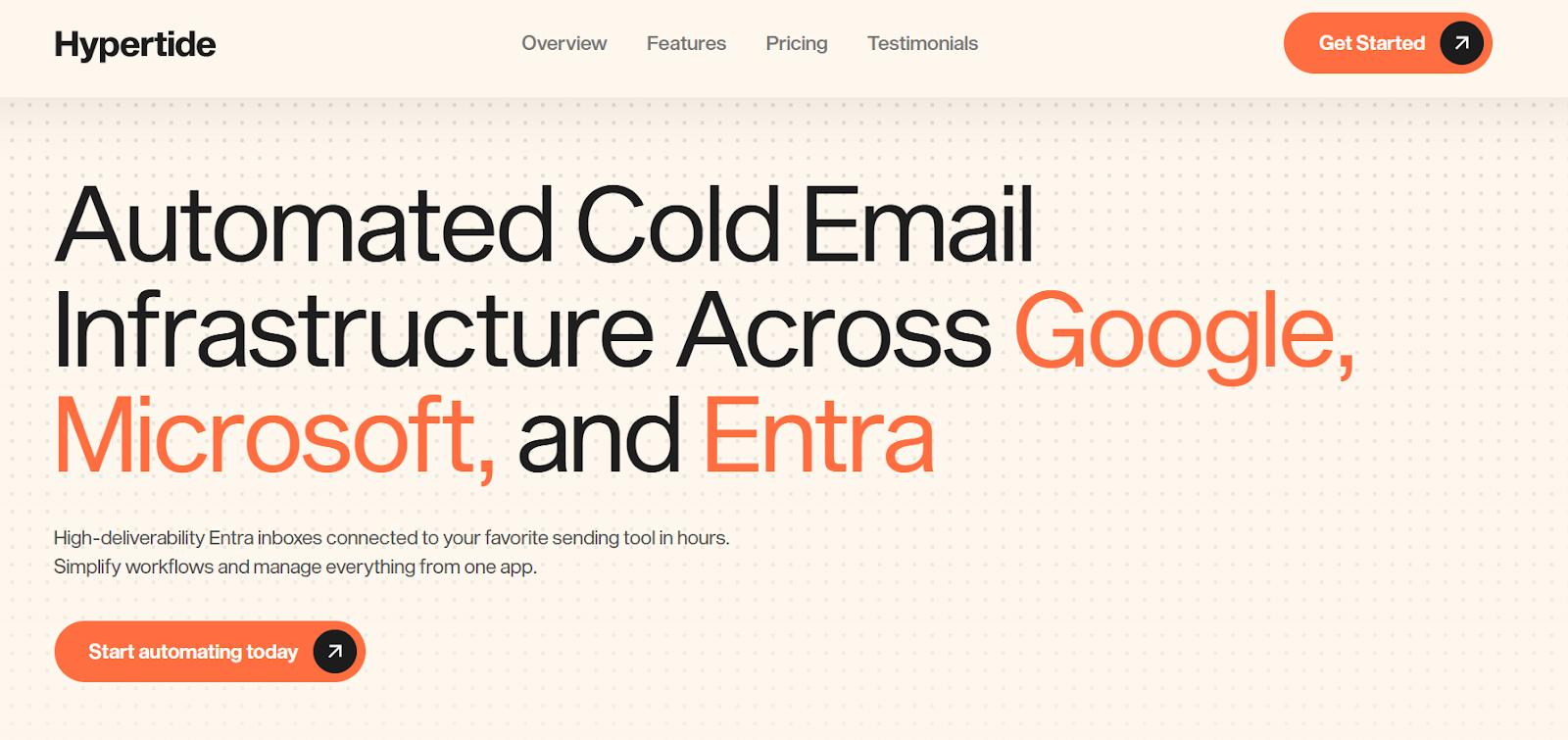
Hypertide is a cold email infrastructure platform that automatically creates and manages inboxes across Google Workspace, Microsoft 365, and Entra (Azure).
Instead of hiring VAs or setting things up manually, Hypertide does everything for you, domains, inboxes, DNS, warm-up, and integrations, in just a few hours.
Each Hypertide order runs in its own isolated tenant, with dedicated domains and IPs. This helps protect your sender reputation and improves deliverability.
In short, Hypertide removes the setup, DNS, inbox management, and warm-up work so you can focus on sending campaigns, not fixing deliverability issues.
Hypertide automates the setup and management of cold email infrastructure across Google Workspace, Microsoft 365, and Entra (Azure).
Here’s how Hypertide works:
Step 1 – Place your order: You choose the platform you want to use and decide whether to bring your own domains or have Hypertide purchase domains for you.
If Hypertide purchases the domains, the setup usually completes faster.
Step 2 – Domain and DNS configuration: Hypertide sets up the domains and configures SPF, DKIM, and DMARC for each order.
This removes the need to access DNS or configure authentication records yourself manually.
Step 3 – Inbox creation: Each order creates approximately 100 to 104 inboxes across two domains, with around 50 to 52 inboxes per domain.
All inboxes are created within a dedicated tenant, ensuring that domains, IPs, and users are not shared with other customers.
Step 4 – Integration with sending tools: Once inboxes are created, they are connected to supported sending tools such as Smartlead, Instantly, or Bison, allowing you to start campaigns without manual inbox imports.
Step 5 – Warm-up and sending limits: Warm-up settings are applied so that inboxes gradually build reputation.
Hypertide recommends sending 2 to 3 emails per inbox per day, which results in roughly 5,000 emails per month per order after warm-up.
Step 6 – Ongoing management: From the Hypertide dashboard, you can manage orders, swap domains if needed, and continue scaling by adding more orders as your sending volume increases.
Here are the features of Hypertide that will help you if you’re sending high-volume cold emails.
| Feature | Why It’s Useful |
|---|---|
| Automated Inbox Setup | Hypertide creates inboxes across Google, Microsoft, and Entra automatically, so you don’t need VAs or manual setup. |
| Tenant Separation |
Each order runs in its own tenant with dedicated domains and IPs, which helps protect the sender's reputation.
Isolation
|
| Pre-Configured DNS (SPF, DKIM, DMARC) | All authentication records are set up for you, reducing common deliverability mistakes. |
| Entra (Azure) Inboxes | Entra inboxes use a native Outlook UI and are known to be more stable for high-volume sending. |
| Warm-Up Tools | Warm-up settings are applied to help inboxes build a reputation before scaling. |
| High Inbox Volume per Order | Each order includes 100–104 inboxes, allowing you to spread volume safely. |
| Sending Tool Integrations | Inboxes are auto-linked to Smartlead, Instantly, and Bison. |
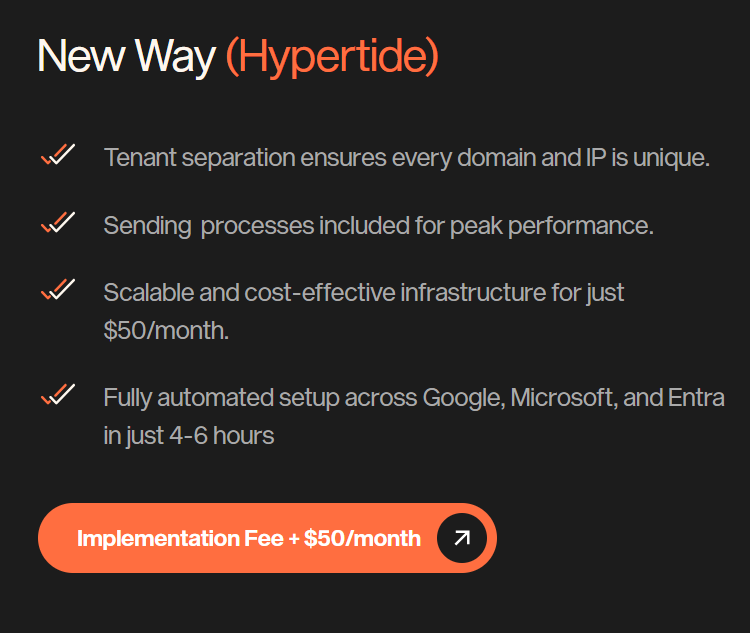
Hypertide charges a one-time implementation fee plus $50 per month per order.
Each order includes:
Domains:
If your goal is to scale cold email infrastructure fast without dealing with DNS, inbox setup, or shared reputation risk, Hypertide is a strong option.
But if you want an all-in-one outreach tool with sequencing, AI copy, or lead sourcing, you’ll still need to pair Hypertide with a sending tool.
If you like how Hypertide automates large-scale cold email infrastructure, but you want lower-cost Google and Microsoft inboxes, faster setup, and flexible mailbox-level pricing, Primeforge is a strong alternative.
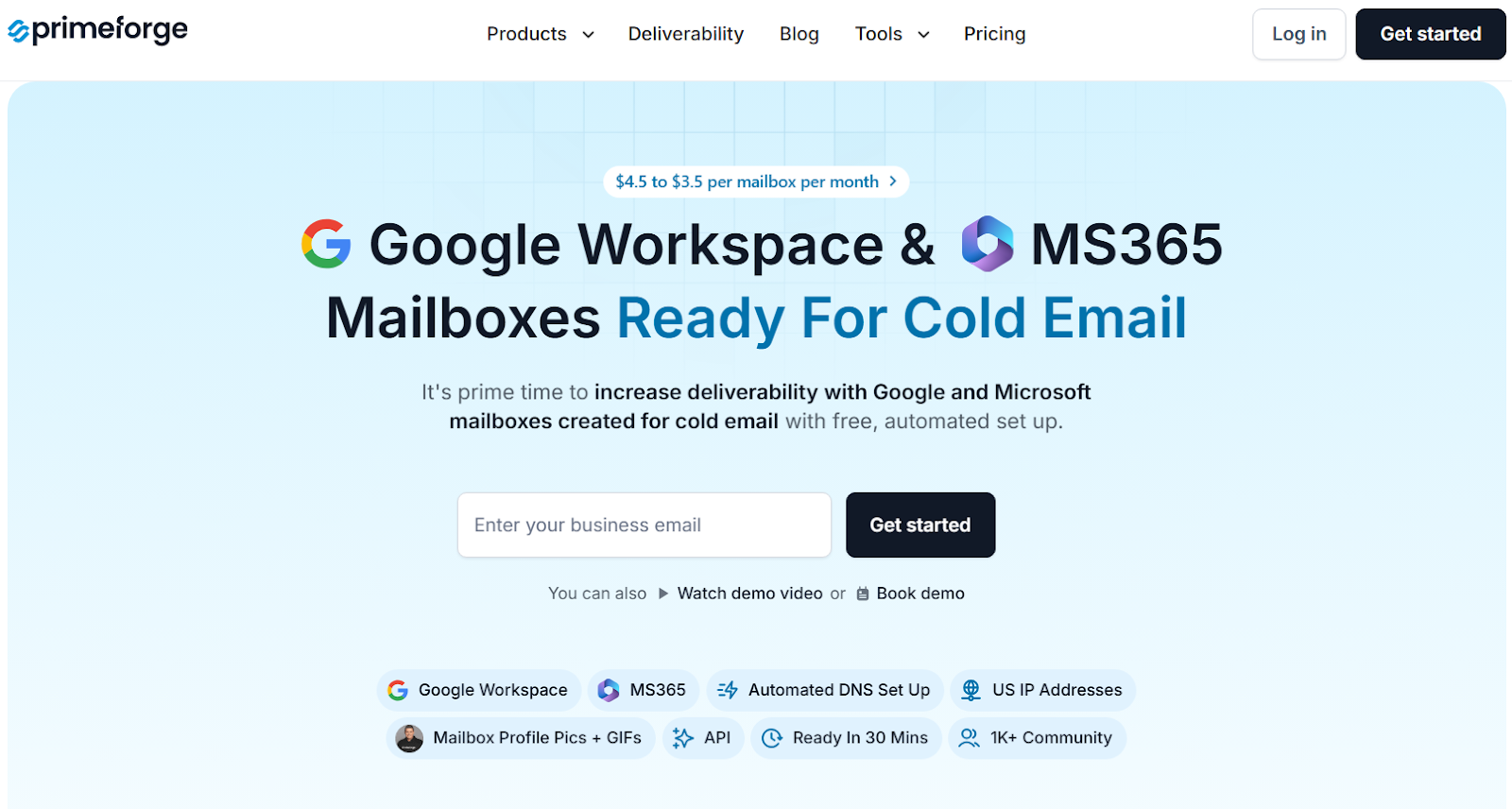
Primeforge provides Google Workspace and Microsoft 365 mailboxes built specifically for cold outreach.
It includes automated DNS setup and inboxes that are ready to send in about 30 minutes.
Unlike Hypertide, which focuses on bundled orders with Entra and tenant-level isolation, Primeforge lets you buy individual Google or MS365 mailboxes and send directly from the same email providers your prospects use.
This helps improve inbox placement through ESP matching.
Primeforge also offers mailbox profile pictures and animated GIFs, which are designed to increase visibility and engagement inside inboxes.

You can manage multiple workspaces, apply bulk DNS updates, and connect Primeforge inboxes to any cold email sending tool, all from a single dashboard.
Pricing starts at $3.5–$4.5 per mailbox per month. Compared to Hypertide’s $50 per order pricing, Primeforge is often more cost-effective for teams that need fewer inboxes or want flexible scaling without committing to large bundles.
| Feature | Hypertide | Primeforge |
|---|---|---|
| Infrastructure Type |
Google, Microsoft & Entra (Azure) with tenant isolation
Isolated
|
Google Workspace & Microsoft 365 mailboxes |
| Setup Speed | 4–6 hours (fully automated) | ~30 minutes (fully automated) |
| DNS Configuration | Pre-configured SPF, DKIM, DMARC | Automated SPF, DKIM, DMARC |
| Deliverability Approach | Isolated tenants, dedicated domains & IPs | ESP matching |
| Inbox Volume | 100–104 inboxes per order | Pay per mailbox |
| Personalization | Standard inbox setup | Profile pictures & GIFs per mailbox |
| Pricing | $50/month per order + setup | $3.5–$4.5 per mailbox/month |
| Best For | High-volume senders and agencies at scale | Teams wanting flexible, low-cost Google/MS365 inboxes |
So, if you want brand-name Google or Microsoft inboxes, faster setup, and pay-as-you-scale pricing, Primeforge is the stronger alternative.
If you're building or scaling cold email infrastructure and want something simple, fast, and affordable, Hypertide is a solid option.
For just $50/month, you get everything, from tenant separation, inbox warmup, and DNS setup to full automation with Google, Microsoft, and Entra.
It’s ideal for teams who need bulk inboxes without spending hours on manual setup or paying $750–$1,000/month like the old way.
But if your goal is better deliverability using real Google/MS365 mailboxes, faster setup (under 30 minutes), and personalization features like profile pictures and GIFs, you’ll want something more powerful.
Try Primeforge now!
