
When I first scaled cold email on Microsoft 365, I wanted to add more users and keep going.
That worked for a while.
Then I had 40 inboxes to manage.
I was inside Microsoft Admin more than I was inside my outreach tool.
That’s when I started looking at Microsoft mailbox resellers.
They handle bulk provisioning properly. Authentication is already set.
Replacing inboxes is structured.
In this guide, I’ll break down the 5 best Microsoft mailboxes resellers & providers in 2026.
I’ll show who they’re for, how they scale, and what to check before choosing one.
You’ll see:
Let’s begin!
I compared mailbox resellers the same way real outbound teams run campaigns day to day.
The goal was to find providers that make bulk setup easy and stable.
Each provider went through the same checks.
Here is exactly what I looked at while making this list:
These checks helped filter out providers that look good on a landing page but create friction at scale.
Only those who handled bulk Microsoft provisioning cleanly stayed on this list.
| Provider | Mailbox Type | Pricing Model | Setup Speed | Warmup Included |
|---|---|---|---|---|
| Primeforge | Real Google Workspace & Microsoft 365 | $3.5–$4.5 per mailbox | ~30 mins | No (use Warmforge) |
| Inframail | Microsoft-backed cloud hosting | Flat: $99–$249/month unlimited inboxes | Fast provisioning | No |
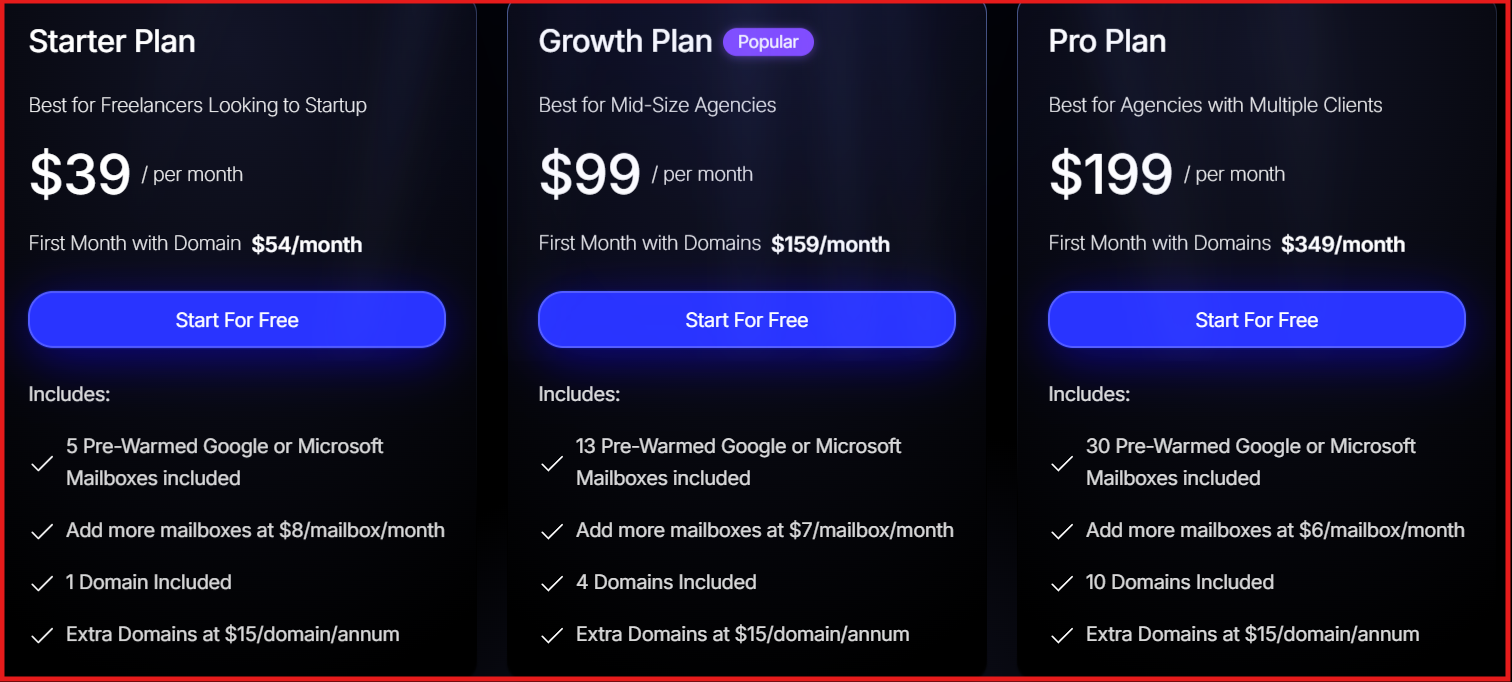
| LiteMail | Google Workspace & Microsoft 365 | ~$3–$3.50 per mailbox | Automated | Optional (pre-warmed plans) |
| Zapmail | Google Workspace & Microsoft 365 | Bundled plans ($39–$299/month) | 5–10 mins | Optional (12+ week pre-warm plans) |
| InboxKit | Official Google Workspace & Microsoft 365 | $39–$299/month bundles | ~10 mins | 14-day built-in warmup |
Best For: Outbound teams that want real Google Workspace and Microsoft 365 mailboxes set up for cold outreach.

Primeforge is a cold email mailbox provider that sells real Google Workspace and Microsoft 365 mailboxes configured for outbound.
It gives you business-grade Google and MS365 inboxes with DNS already configured.
When I used Primeforge, I did not have to manually set SPF, DKIM, or DMARC.
The mailboxes were ready in about 30 minutes.
That saved setup time compared to buying directly from Microsoft and configuring everything myself.
Primeforge is built for cold outreach, not daily team email.
If your prospects mostly use Google or Microsoft, sending from the same provider can improve inbox placement.
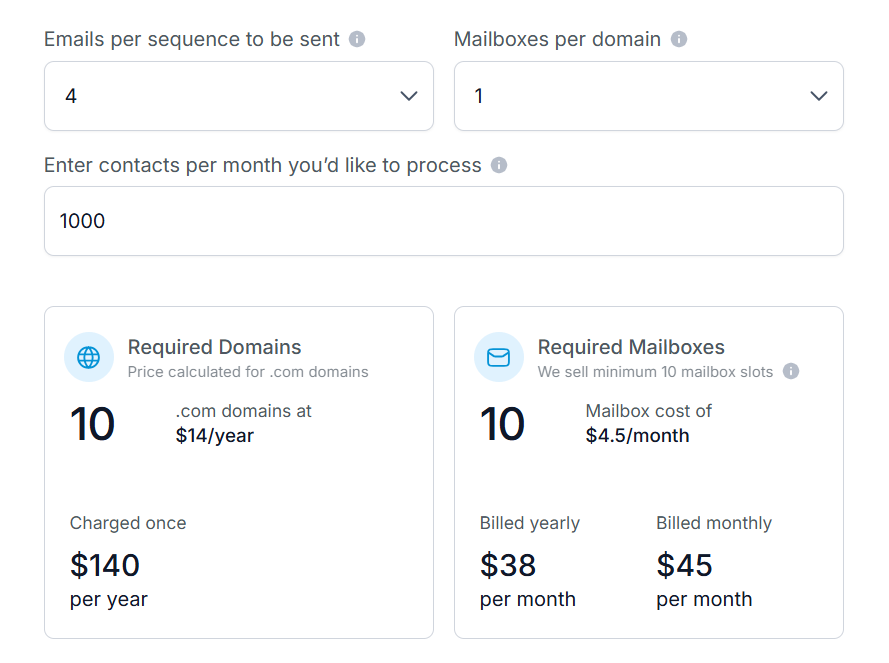
Compared to direct Google Workspace or MS365 pricing, Primeforge is usually cheaper at scale and faster to configure.
| Pros | Cons |
|---|---|
|
|
If I need legitimate Microsoft 365 mailboxes for cold email without spending hours in Microsoft Admin, Primeforge is an ideal choice.
I usually warm the mailboxes in Warmforge first, then connect them to Salesforge for sending.
For Google and MS365 inboxes built for outbound, Primeforge fits well.
Best For: Agencies that want Microsoft-backed infrastructure with dedicated IP control and unlimited inbox hosting.
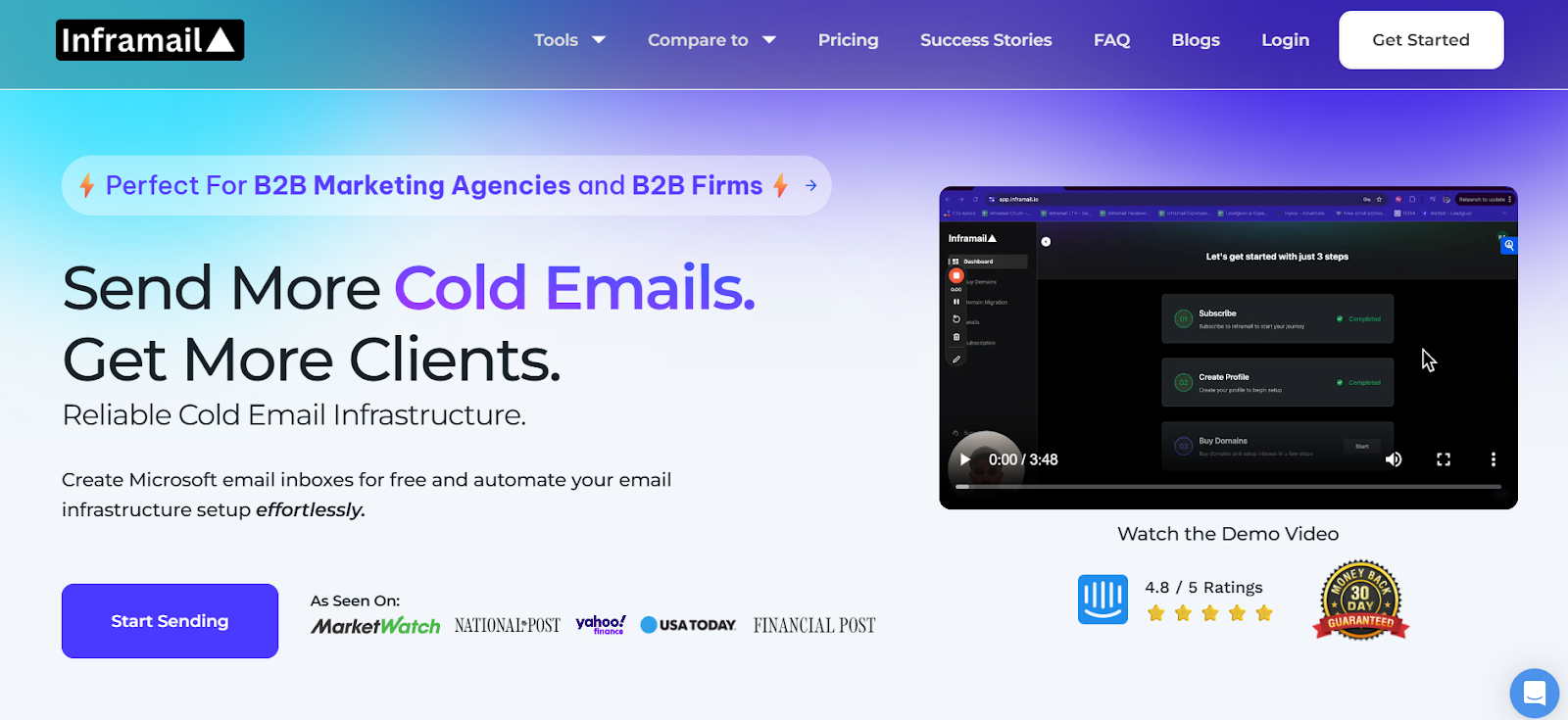
Inframail is a Microsoft-backed email infrastructure provider built for cold outreach.
It runs on Microsoft’s cloud platform and allows users to create and host unlimited email inboxes under flat monthly pricing.
Unlike Primeforge, it does not sell official Microsoft 365 business tenants.
Instead, it provides dedicated IP hosting with automated technical setup for running high-volume outbound.
You still need a separate sending tool like Instantly or Smartlead.
Domains can be purchased separately or transferred in.
Warmup is still required.

| Pros | Cons |
|---|---|
|
|
If I run many inboxes and want dedicated IP control at a flat price, Inframail can work.
Best For: Teams that want Google Workspace and Microsoft 365 mailboxes with automated setup at a lower price.
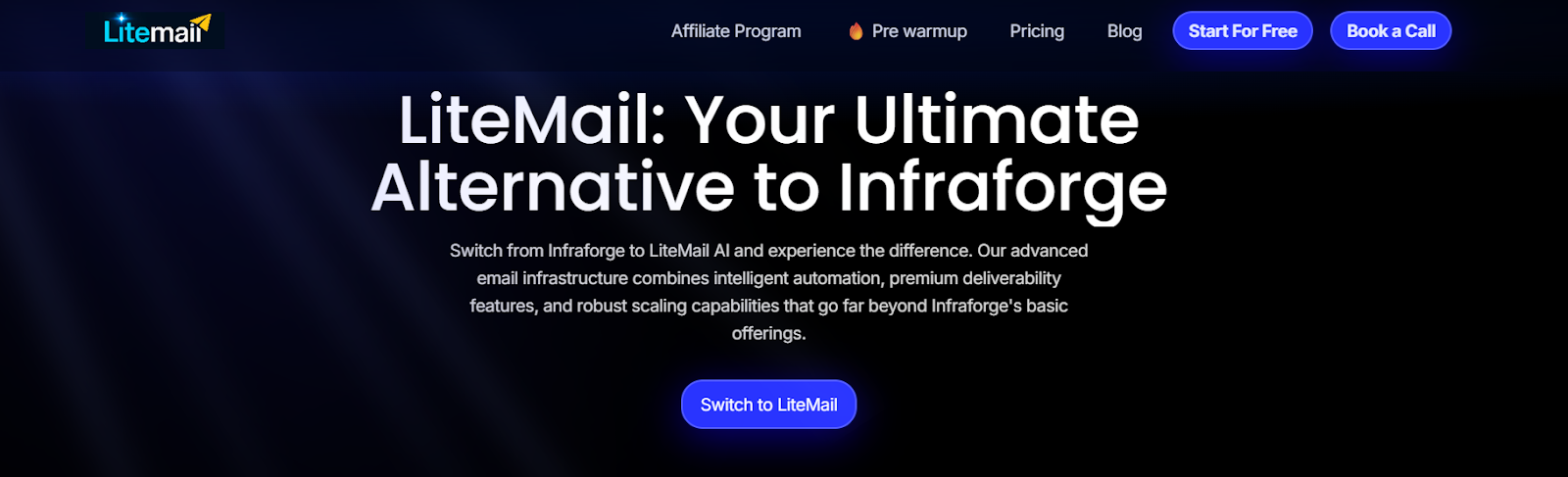
LiteMail is a mailbox provisioning platform for cold email.
It supports Google Workspace and Microsoft 365 accounts.
You can either:
LiteMail automatically provisions mailboxes through Google Workspace and Microsoft 365.
SPF, DKIM, and DMARC are configured automatically.
Each domain gets its own separate workspace.
If your prospects mostly use Google or Microsoft, sending from the same provider can support inbox placement.

| Pros | Cons |
|---|---|
|
|
LiteMail fits best for teams that prioritize cost and automated provisioning.
Best For: Outbound teams that want automated Google Workspace and Microsoft 365 mailboxes with fast setup and pre-warmed options.
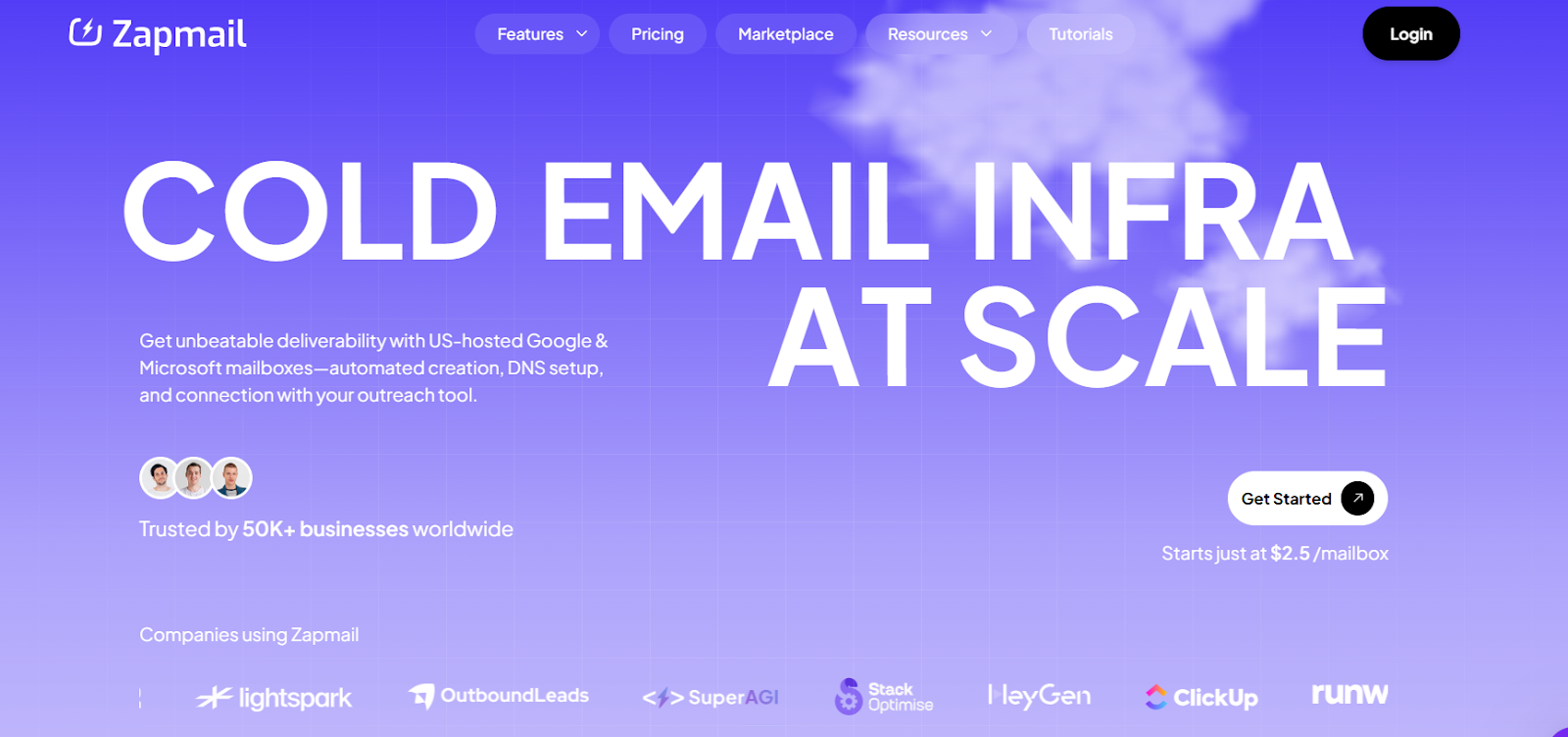
Zapmail is a cold email mailbox provider that supports Google Workspace and Microsoft 365 accounts.
It creates mailboxes automatically with DNS configured.
You can buy domains through Zapmail or bring your own domain. Each domain gets its own workspace with admin access.
SPF, DKIM, and DMARC are configured automatically.
Setup takes around 5–10 minutes based on the site.
Pre-warmed mailboxes with 12+ weeks of warm-up history are also available.
If your prospects mostly use Google or Microsoft, sending from the same provider may help with inbox placement.
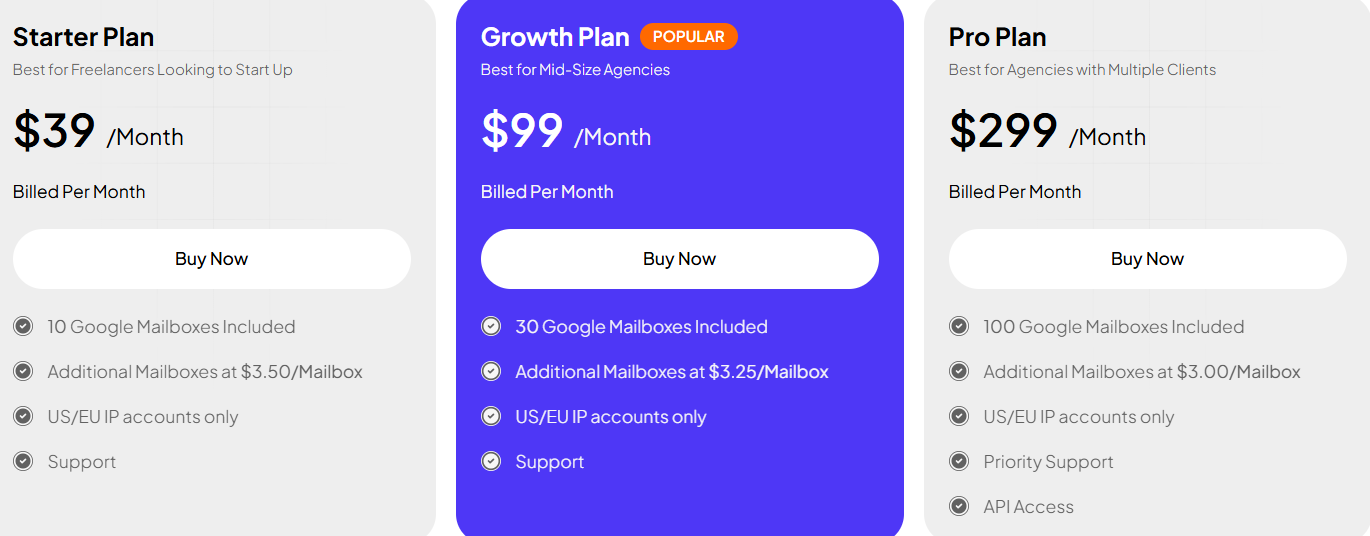
Additional mailboxes:
Pre-warmed plans available separately. Zapmail states it has a no-refund policy.
| Pros | Cons |
|---|---|
|
|
If you need automated Microsoft 365 or Google Workspace mailboxes with pre-warmed options, you can try Zapmail.
Best For: Outbound teams that want official Google Workspace and Microsoft 365 mailboxes with admin control.
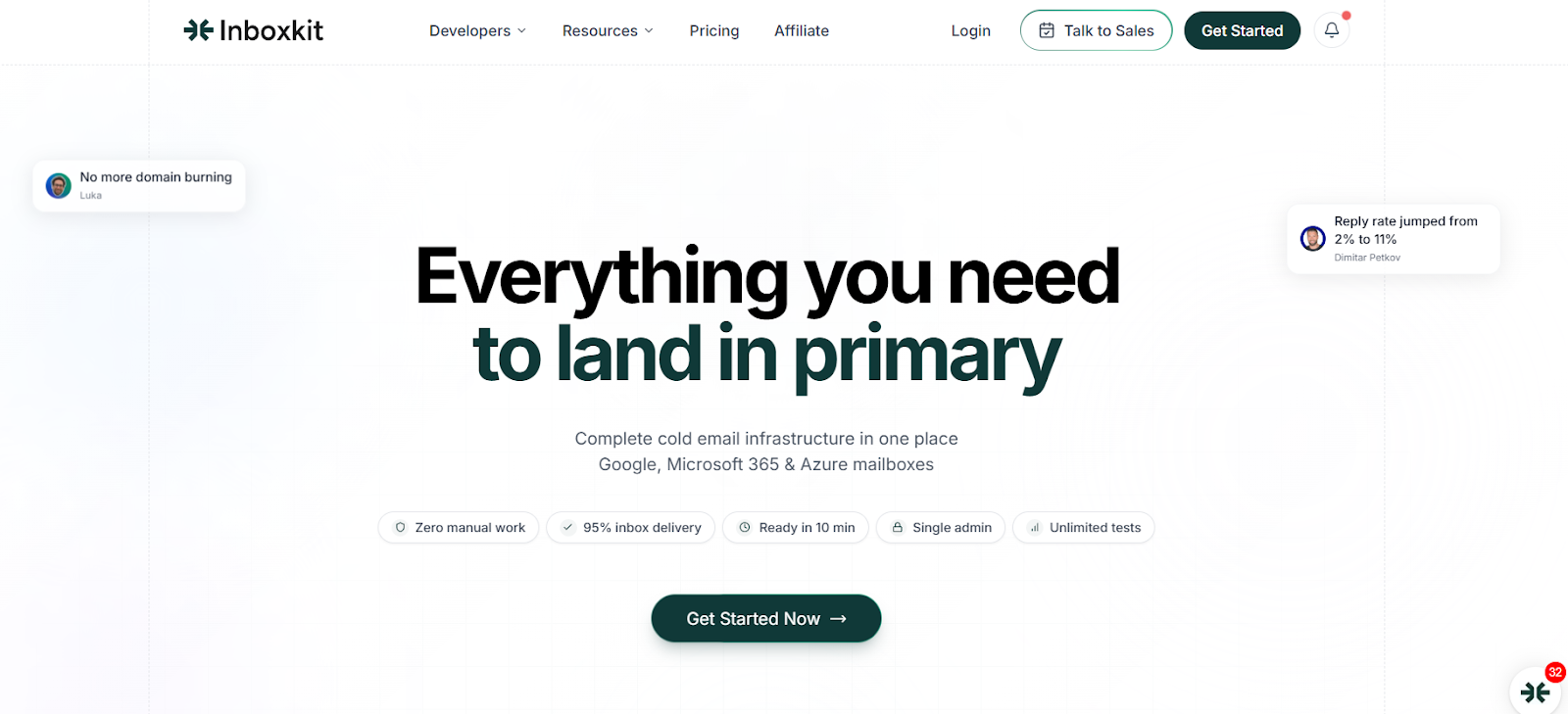
InboxKit is a cold email infrastructure platform focused on official Google Workspace and Microsoft 365 accounts.
When I reviewed InboxKit, the first thing I checked was licensing.
They position themselves as an official Google Workspace partner, and that’s central to their messaging.
This is not positioned as a shared-panel setup. Each domain gets its own isolated admin panel.
That isolation matters if you care about reputation control.

Add-on mailbox pricing ranges from $2.99–$3.5 depending on plan.
| Pros | Cons |
|---|---|
|
|
If I need official Google Workspace or Microsoft 365 accounts with domain isolation, InboxKit fits well.
After reviewing all five providers, the decision really comes down to the level of control you need.
When I specifically need real Microsoft 365 mailboxes built for cold outreach, I choose Primeforge.
They are legitimate business mailboxes. DNS is already configured.
They are ready in about 30 minutes.
From there, I warm them in Warmforge, then connect them to Salesforge to launch campaigns.
If I need contacts, I source them in Leadsforge first.
If you’re planning to send from Microsoft 365 and want mailboxes for outbound, Primeforge is worth testing.
Sign up with Primeforge now!
