
Personalized Outbound Strategy
Get The Right Outbound Strategy In Minutes
Enter your email to get a custom plan & stack recommendation for your business
It's being carefully crafted by AI
Please check your mailbox in 5 minutes

I have used both Google Workspace and private SMTP for cold email.
Both can send emails, but they work in very different ways.
Google Workspace sends emails from real Gmail or Microsoft 365 inboxes. Setup is fast. Daily sending limits are low. Provider rules control volume.
Private SMTP sends emails from owned servers and IPs. Setup takes more time. Sending limits depend on IP warm-up and sending quality.
This comparison breaks down Google Workspace vs private SMTP using simple factors, setup effort, daily limits, deliverability control, scale, cost, and risk.
The goal is to show which setup fits early-stage cold email and which setup fits high-volume outreach.
From day-to-day use, Google Workspace fits best when starting cold email with Gmail or Microsoft 365 inboxes.
Setup stays simple, and sending runs inside normal inbox limits set by the provider.
In contrast, private SMTP fits cases where higher volume and full control over IP reputation matter more.
However, that control comes with extra work, since server setup, IP warm-up, and monitoring stay in scope.
Because of this, Google Workspace often feels too limited for daily outreach, while private SMTP often feels too heavy to manage.
In practice, a middle option works better.
I have used pre-set Google Workspace and Microsoft 365 mailboxes built for cold email with Primeforge.
These are real Google and Microsoft mailboxes that come pre-warmed, with DNS records like SPF, DKIM, and DMARC already set up and running.
Instead of running private SMTP servers, these mailboxes connect directly to outreach tools.
As a result, inbox-based deliverability stays in place, setup time drops, and most private SMTP overhead is avoided.
Google Workspace means sending cold emails from real Gmail or Microsoft 365 inboxes.
Each sender uses a normal email inbox instead of a mail server.
This looks like creating many inboxes across different domains. Each inbox connects to a sending tool, and emails go out from those inboxes.
Each inbox sends only a small number of emails per day. Because of this, total sending volume stays limited by inbox count and inbox health.
If sending ramps up too fast, inboxes can get restricted or paused.
Since these inboxes run on shared provider reputation, control over IP-level deliverability stays limited.
From daily use, I found that creating and connecting many inboxes takes time.
On top of that, daily sending limits slow down scale, and inbox health drops faster when lists or copy are poor.
Private SMTP means sending cold emails from a mail server instead of Gmail or Microsoft 365 inboxes.
So instead of many inboxes, sending runs through a server with its own IP addresses.
In real setups, this involves running one or more servers and linking them to a sending tool.
All emails then go out from those server IPs, not from normal inboxes.
Because of this, each server can send more emails per day than a single inbox.
At the same time, sending volume depends on how well each IP is warmed and how steady the sending stays.
However, when volume increases too fast, inbox placement drops for every email sent from that IP.
Since sending happens from owned IPs, control over IP-level deliverability is higher, but the risk also becomes more direct.
Some teams do not want to set up and manage servers on their own. They use managed private SMTP tools instead.

Infraforge is one example of this.
It provides private email infrastructure with dedicated IPs, automated DNS setup, and pre-warmed domains and mailboxes.
Instead of running servers manually, teams can use Infraforge to get a private SMTP set up fast and connect it to their sending tools.
Both setups can send cold emails, but the day-to-day work and risk look very different.
With Google Workspace, sending stays tied to inboxes.
Scaling happens by adding more inboxes, while most technical work stays handled by the provider.
With private SMTP, sending stays tied to servers and their IPs.
Scaling happens by adding IPs or servers, while setup, warm-up, and IP health stay under direct control.
Because of this, ease of setup, speed of scale, and risk exposure change between the two options.
The table below highlights the main differences.
| Feature | Google Workspace | Private SMTP |
|---|---|---|
| Setup difficulty | Easy. Inboxes are created and linked to a sending tool. | Harder. Servers, IPs, and DNS need setup before sending. |
| Sending limits | Limited per inbox each day. | Based on IP warm-up and server setup, not inbox limits. |
| Deliverability control | Limited due to shared provider reputation. | Higher due to direct control over IP reputation. |
| IP reputation ownership | Shared with other senders on the provider. | Fully owned on the server IPs in use. |
| Account safety | Inboxes can be restricted or paused by the provider. | No inbox bans, but IP reputation can drop with poor sending. |
| Warm-up support | Done per inbox and repeated for each new inbox. | Done per IP and affects all sending from that server. |
Deliverability comes down to who controls sending.
With Google Workspace, sending happens from many inboxes.
So if one inbox gets flagged or limited, only that inbox slows down. The rest can keep sending.
That makes issues easier to contain, especially at lower volume.
With private SMTP, sending runs through one sending system with one or more IPs.
So if sending ramps up too fast or list quality drops, inbox placement can fall for everything sent from that IP.
In other words, one bad run can affect all campaigns on that server.
Because of this, control and risk move together.
If more control is needed over sending behavior and IP reputation, private SMTP fits better.
But if the goal is to keep risk spread out across inboxes, Google Workspace is easier to manage day to day.
Scaling cold email means sending more emails each day without hurting deliverability. Each setup scales in a different way.
With Google Workspace, volume increases by adding more inboxes.
Each inbox has daily limits, so higher volume means managing more accounts.
With private SMTP, volume increases by adding IPs or server capacity.
More emails go out from the same sending system.
The table below shows how scaling looks in practice for each setup.
| Factor | Google Workspace | Private SMTP |
|---|---|---|
| How volume grows | Add inboxes | Add IPs/servers |
| Speed to scale | Slower setup | Faster once infra is ready |
| Risk spread | Isolated per inbox | Affects all sending on an IP |
| Ongoing work | Many inboxes | Fewer systems, more infra |
| Best fit | Gradual scale | High-volume scale |
This is the scaling difference in Google Workspace vs private SMTP.
Both setups come with risk, but the risk are different.
With Google Workspace, sending happens from inboxes.
If an inbox breaks provider rules or sends too much, that inbox can be limited or paused.
Usually, the problem stays with that single inbox, not all sending.
This means risk is spread across many inboxes. One bad inbox does not stop every campaign.
But it also means inboxes can be lost and need to be replaced.
With private SMTP, sending happens from server IPs.
There are no inbox bans, but IP reputation can drop if sending quality is poor.
When that happens, inbox placement drops for everything sent from that IP.
This means risk is more concentrated. One bad campaign can hurt all sending on the same IP.
Fixing IP reputation also takes time and careful sending.
So the risk choice is simple. Google Workspace risks are spread across inboxes. Private SMTP risks are concentrated on IP reputation.
Both setups can send cold emails, but they solve different problems.
The choice comes down to sending volume and how much technical work stays manageable.
Google Workspace fits better when:
Private SMTP fits better when:
For most cold email teams, Google Workspace is the better choice.
It is easier to run, easier to scale with inboxes, and easier to recover when something breaks.
Private SMTP only makes sense when a team is ready to manage servers, IPs, and deliverability full-time.
That is not how most teams I've worked with prefer to operate.
So if the goal is inbox-based cold email with less technical work, Google Workspace is the right path.
The real question then becomes how to set up and manage those inboxes without wasting time.
That leads to using pre-set Google Workspace mailboxes for cold email.
Pre-set mailboxes are regular Google Workspace or Microsoft 365 inboxes that are created and prepared for cold email in advance.
DNS records are already set up.
Mailboxes are warmed up. The inboxes are ready to connect to a sending tool.
This keeps inbox-based sending on Google Workspace. It removes the slow, manual setup that usually blocks teams from scaling.
One way teams get pre-set mailboxes is through tools like Primeforge.
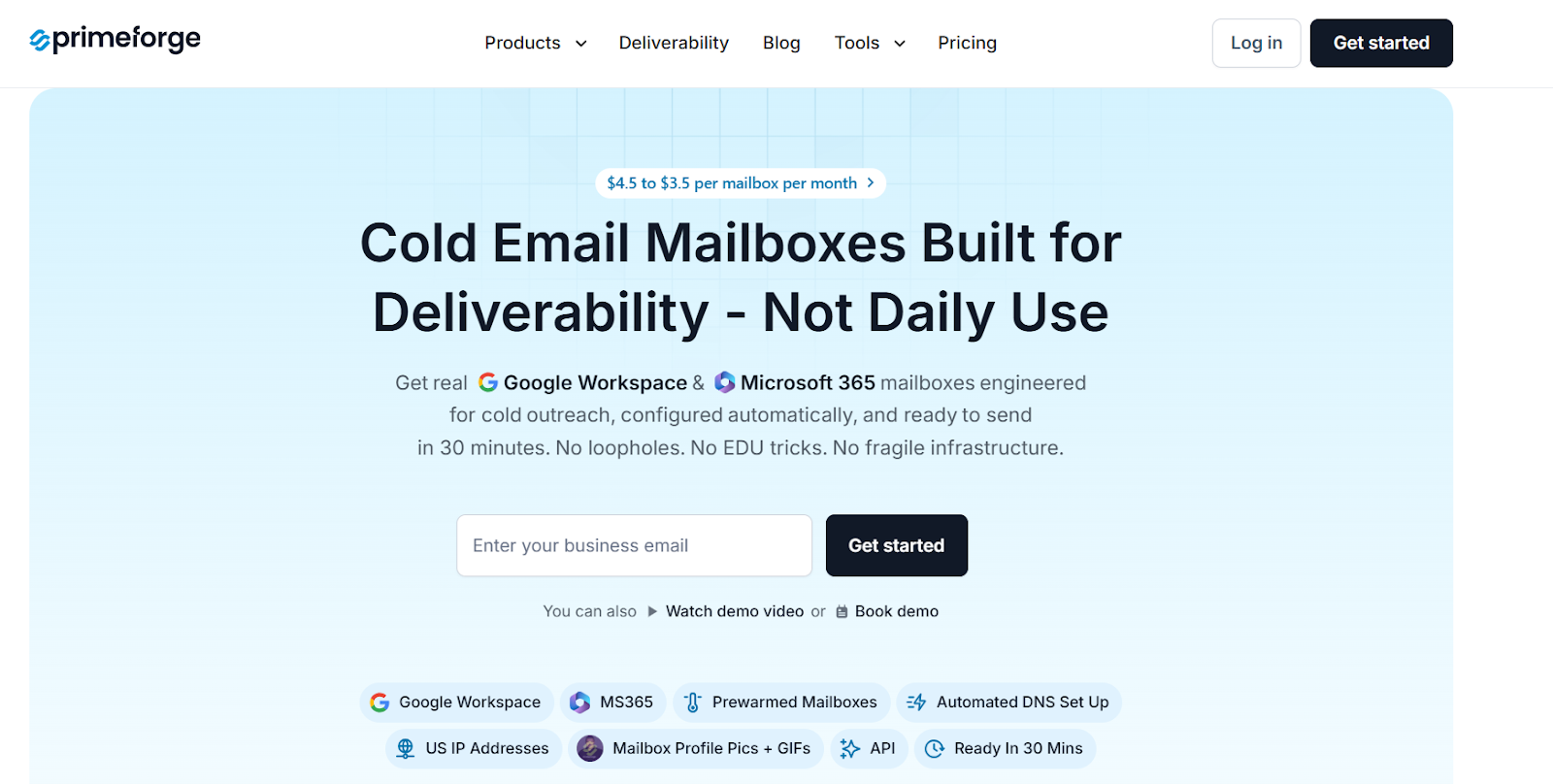
Primeforge provides real Google Workspace and Microsoft 365 mailboxes that are built for cold outreach.
Domains and DNS records are set up automatically.
Mailboxes come pre-warmed and ready to send. Mailboxes can be connected to any cold email tool.
This keeps inbox-based sending, but removes most of the setup work.
Here’s what changes when using pre-set mailboxes like Primeforge:
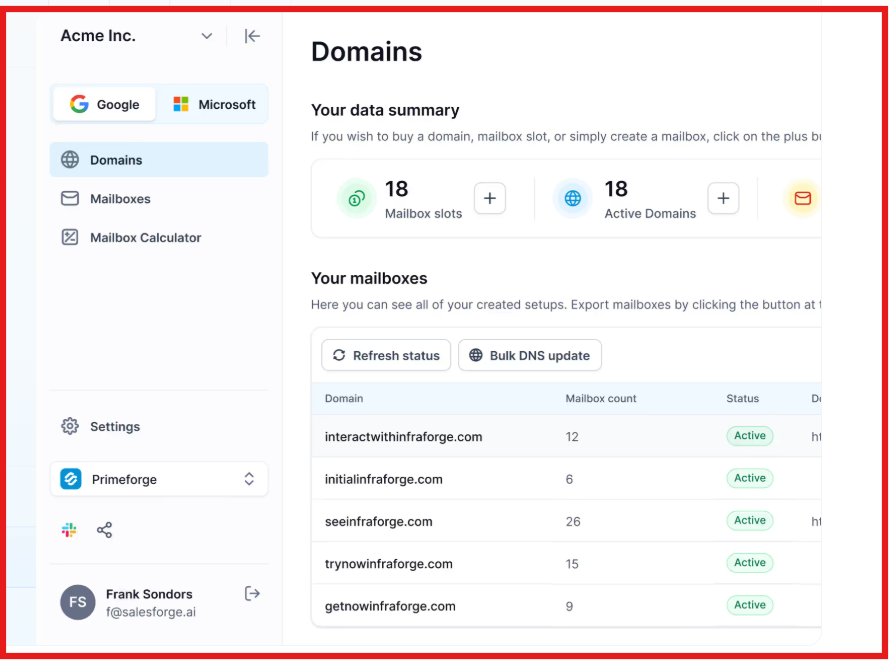
This is useful when inbox-based sending is preferred, but manual setup and warm-up slow down scale.
Enter your email to get a custom plan & stack recommendation for your business
Please check your mailbox in 5 minutes

For most cold email teams, inbox-based sending is the better path.
It is easier to set up, easier to manage, and easier to recover when something breaks.
Private SMTP can work for very high volume teams.
But it comes with more technical work and more deliverability risk on a single sending system.
If Google Workspace is the right choice, the main challenge is not sending.
The main challenge is setting up and managing inboxes at scale.
This is where Primeforge fits. It gives pre-set Google Workspace and Microsoft 365 mailboxes that are ready for cold outreach.
Domains, DNS, and warm-up are handled, so campaigns can start faster without manual setup.
To run outreach end to end, Primeforge usually works best with the rest of the Forge stack:
If inbox-based cold email is the chosen path, Primeforge is a simpler way to get clean Google Workspace mailboxes ready to send without wasting time on setup.
Try Primeforge to set up your cold email mailboxes faster.