

Personalized Outbound Strategy
Get The Right Outbound Strategy In Minutes
Enter your email to get a custom plan & stack recommendation for your business
It's being carefully crafted by AI
Please check your mailbox in 5 minutes
Cold email works only if your mailboxes are set up right.
I’ve seen many teams mix up Azure and Microsoft 365 when choosing this. Both come from Microsoft. But they are built for very different use cases.
Azure felt more like infrastructure. I had to think about setup, configs, and how everything connects.
With Microsoft 365, I could start much faster.
Mailboxes were ready without dealing with technical setup. For cold outreach, this difference shows up quickly. It affects how fast campaigns go live, how stable sending is, and how easy it is to scale.
In this guide, I’ll break down 10 clear differences between Azure mailboxes and Microsoft 365 for cold email.
So you can choose what actually fits your outreach workflow.
Quick answer:
If you want to send cold emails → use Microsoft 365.
Azure only makes sense for developer-led email systems.
When I tested both setups:
That changes everything.
Azure is more setup before sending
Microsoft 365 is for send almost immediately
For cold email, speed matters more than control.
Azure does not give you mailboxes.
When I used it, email sending was handled through Azure Communication Services:
There is no inbox.
I couldn’t:
That’s a key limitation for cold email.
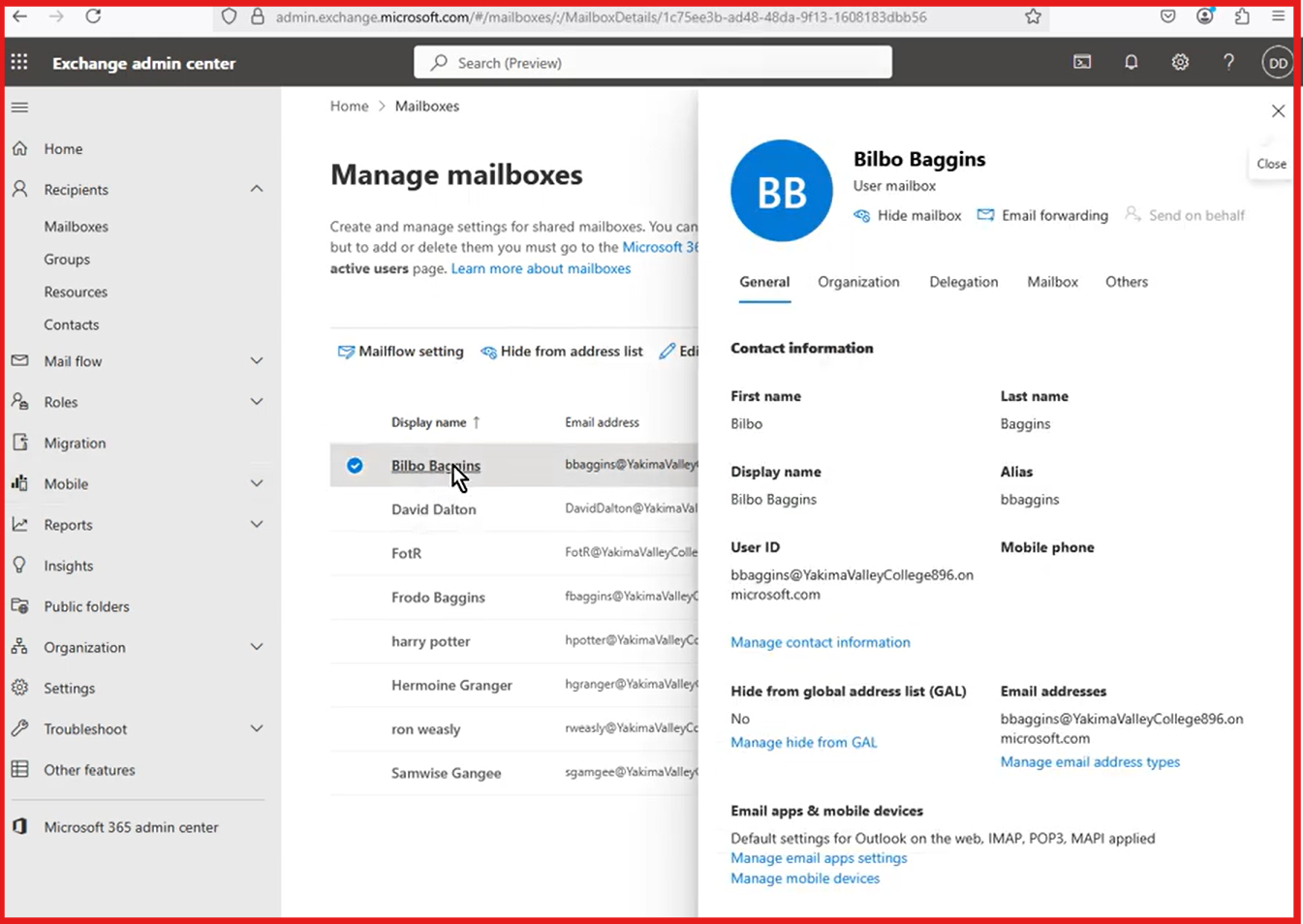
Microsoft 365 gives real inboxes through Exchange Online.
When I set it up:
This matches how cold outreach actually works:
That’s why most outbound tools rely on this setup.
Azure and Microsoft 365 are both cloud products from Microsoft, but they are built for different purposes.
Here are the most important differences that matter in real outreach use.
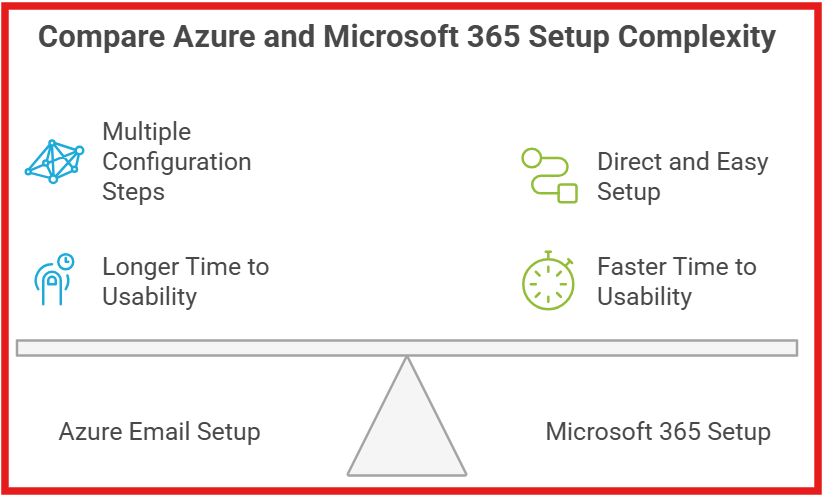
When I set up Azure for email, the process involved multiple configuration steps across services.
I had to create an email resource, verify domains, and configure DNS records like SPF and DKIM.
I also needed to connect sending through API or SMTP before emails could be sent.
This setup required coordination between admin tasks and developer-level configuration.
With Microsoft 365, the setup process was more direct and easier to manage.
I could create mailboxes from the admin panel and assign users with the required permissions.
After basic setup, the mailbox was ready to send and receive emails.
The difference is clear when comparing how quickly each system becomes usable.
Azure requires more configuration before sending can begin.
Microsoft 365 allows faster setup and quicker time to start sending emails.
In Azure, email sending depends on completing setup before anything can go live.
I cannot start sending until the domain verification and configuration steps are completed.
With Microsoft 365, I can start sending emails after creating a mailbox and assigning access.
This makes Microsoft 365 faster to start when the goal is to send emails quickly.
Azure:
Microsoft 365:
In most cases, stability wins.
The difference is in how much setup is required before sending works correctly.
In Azure, email is part of Azure Communication Services.
From what I saw, the service follows a usage-based approach, where you pay based on usage.
With Microsoft 365, email access is part of a licensed plan.
Mailboxes are available through Microsoft 365 plans that include Exchange Online.
This means access to email depends on having an active license.
The difference is in how email access is provided.
Azure is based on service usage, whereas Microsoft 365 is based on licensed plans.
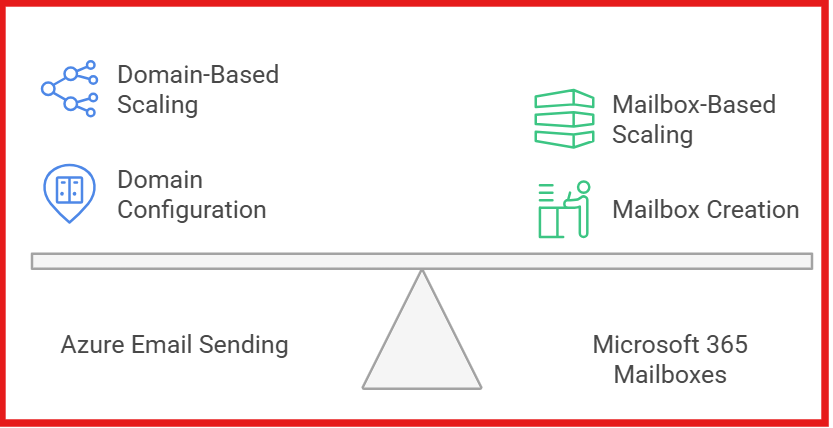
From my testing, Azure email sending was tied to domains, not individual mailboxes.
I had to add and verify a domain, then connect it to the email service before using it.
I could link multiple verified domains to the same service and use them for sending.
So scaling meant adding more domains and configuring them for use.
With Microsoft 365, scaling worked by adding more mailboxes.
I could create user or shared mailboxes and assign members or permissions to them.
Each mailbox acted as a separate email account for sending and receiving.
From what I saw, Azure email depends on completing multiple setup steps correctly.
Sending requires domain verification, authentication setup, and service configuration before use.
Because these steps must be completed correctly, there is a risk if any part is not configured.
The system depends on all required settings being in place before it can be used.
With Microsoft 365, email works through a predefined mailbox system.
I can create a mailbox, assign access, and start using it after setup.
Sending and receiving are part of the mailbox itself.
There are fewer setup steps involved before email can be used.
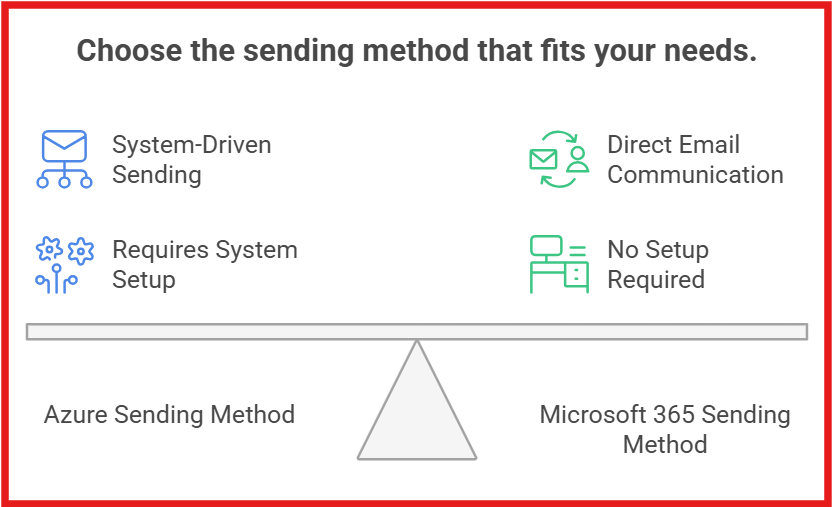
Azure:
Microsoft 365:
Cold outreach depends on inbox-based sending.
From my testing, neither Azure nor Microsoft 365 includes a built-in warmup system.
In Azure, I had to verify domains and configure authentication before sending.
There was no setup that gradually increases sending volume or builds reputation.
Azure is designed for application-based sending using verified domains.
With Microsoft 365, I could create a mailbox and start sending emails.
There was no warm-up process before sending from the mailbox.
Reputation depends on how emails are sent over time in both systems.
In Azure, I could not send emails until the service setup and validation were complete.
This means control happens early in the process.
With Microsoft 365, I could start sending once the mailbox was ready.
Restrictions depend on admin settings and how the mailbox is used over time.
The key difference is where control is applied.
Azure vs Microsoft 365 - Compliance & Restrictions: Quick Comparison
From my testing, the difference shows up when I try to run cold email campaigns.
One is built for sending emails from systems.
The other works like a real mailbox used for outreach and replies.
Azure email is built for system-based sending, not inbox-based outreach.
Here are the top pros and cons of Azura mailboxes:
Microsoft 365 works like a real mailbox system.
This makes it easier to send, receive, and manage outreach emails.
Here are the pros and cons of Microsoft 365 mailboxes for cold email:
When I ran larger campaigns, setup became the main problem.
I had two choices:
That’s where Primeforge changed the workflow.
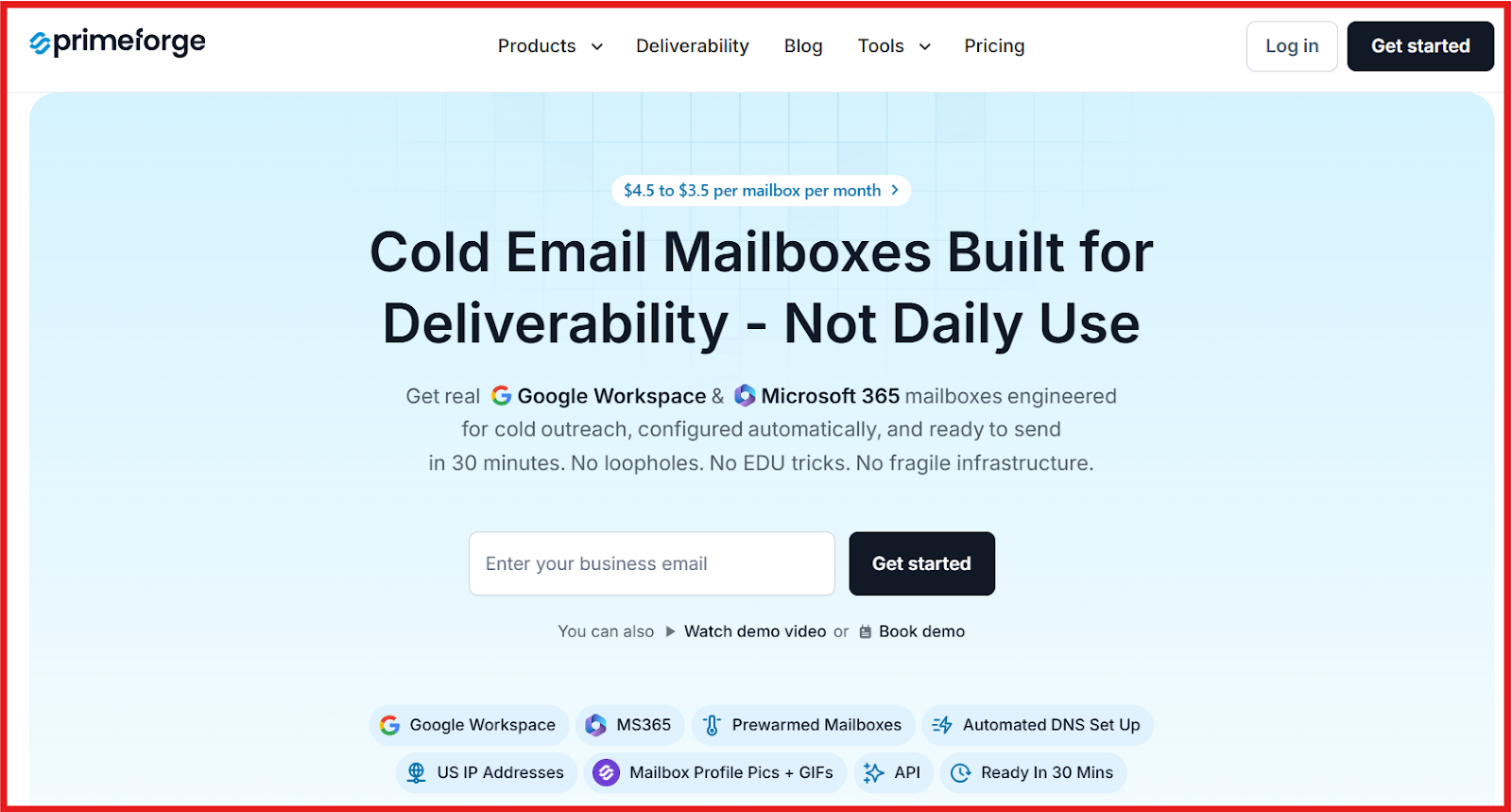
Primeforge gives:
So instead of setting things up manually, I could start sending faster.
I found this useful when:
It’s less relevant if:
When I run outbound end-to-end, setup is just one piece.
A typical workflow looks like this:
Once the pieces are connected, the system runs smoothly.
Enter your email to get a custom plan & stack recommendation for your business
Please check your mailbox in 5 minutes

From my testing, Azure and Microsoft 365 both work.
But neither is built for cold email workflows.
Azure requires setup before sending can start.
Microsoft 365 becomes repetitive when scaling.
Both slow down execution.
Cold email needs speed, scale, and fewer setup steps.
Primeforge solves this by providing real Microsoft 365 and Google Workspace mailboxes.
These are pre-configured with DNS (SPF, DKIM, DMARC) for cold email.
Mailboxes are ready in about 30 minutes.
This means I can move from setup to sending without delays.
I spend less time on configuration and more time on campaigns.
If the goal is to start fast and scale without manual work, Primeforge is a better choice for cold email.