

Personalized Outbound Strategy
Get The Right Outbound Strategy In Minutes
Enter your email to get a custom plan & stack recommendation for your business
It's being carefully crafted by AI
Please check your mailbox in 5 minutes
If you’re searching for an icemail review, you’re probably stuck with cold email setup issues. Domains don’t connect, DNS feels confusing, and inbox setup takes time. I’ve faced this myself while setting up campaigns. In one case, setting up SPF, DKIM, and mailboxes took more time than actually sending emails. I’ve also seen users say the same thing, that managing domains and inboxes manually slows everything down .
That’s what Icemail tries to fix. It helps you set up mailboxes, domains, and DNS in one place. But the real question is, does it only make setup easy, or does it help you run cold email properly when you scale? In this Icemail review, you’ll get a clear answer so you can decide if it’s right for you.
Icemail is good for setting up cold email infrastructure fast. It helps you create domains, mailboxes, and DNS without much manual work. From what I’ve seen, it works well in the beginning. Setup is quick, and deliverability can be strong early on. But like most pre-built setups, performance may drop over time and require rebuilding.
It’s okay for:
It’s not ideal for:
Verdict: Icemail is good for setup. But its not enough on its own for scaling outbound.
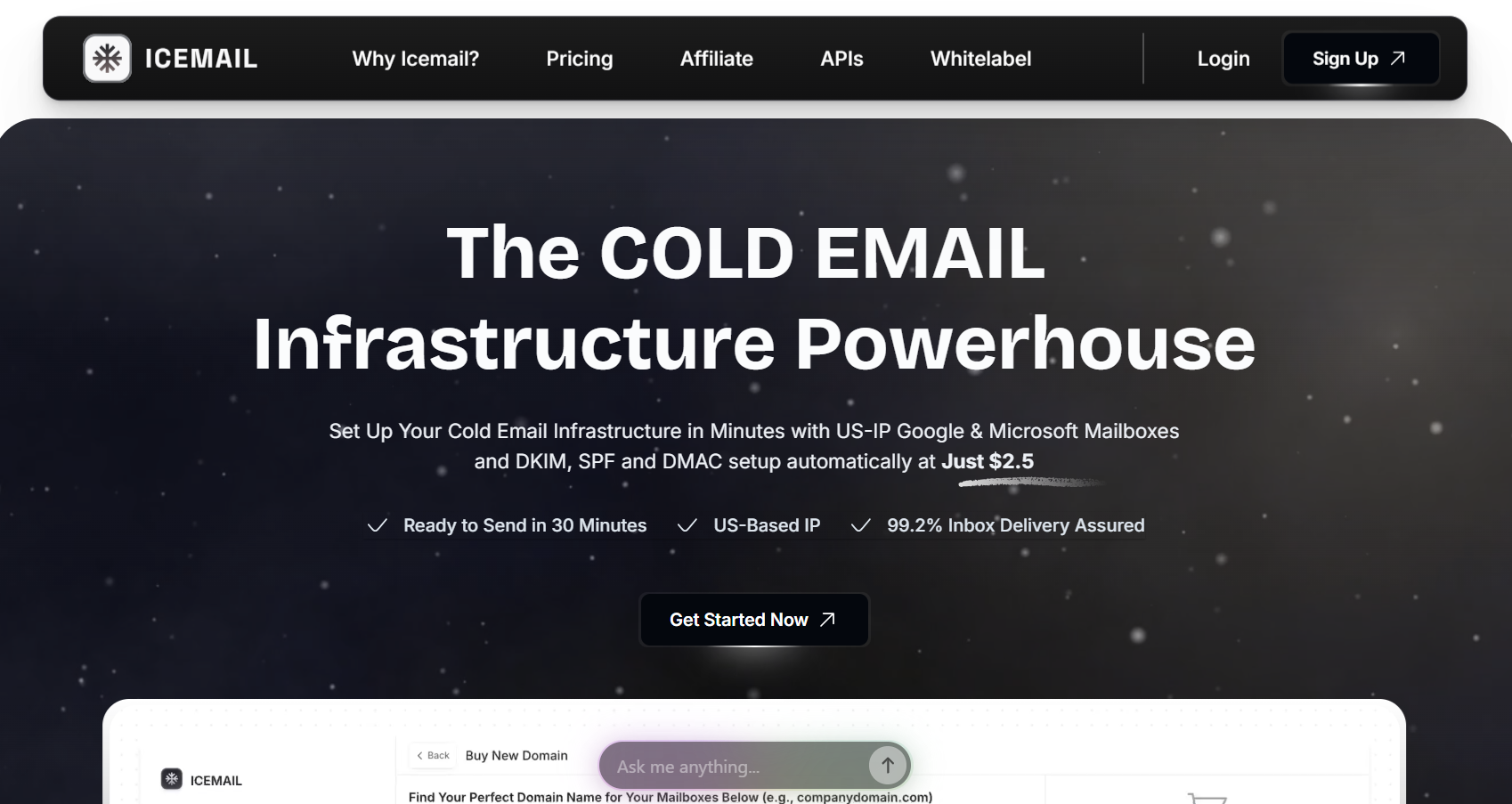
Icemail is a cold email infrastructure tool. It is used to set up the backend part of cold email, like domains, mailboxes, and DNS. With Icemail, you can:
The goal is simple. Instead of setting everything manually, Icemail handles the setup for you and gets your inboxes ready faster . It also lets you create multiple mailboxes, manage them in one dashboard, and export them to outreach tools like Instantly or Smartlead.
But it’s important to understand that Icemail only handles the infrastructure layer of cold email. In simple terms, Icemail prepares your setup. You still need other tools to actually run outbound.
Icemail works by bringing the main parts of cold email infrastructure into one dashboard. Instead of buying domains from one place, creating mailboxes somewhere else, and setting up DNS manually, Icemail helps you manage these pieces together.
The platform lets you connect existing domains or buy new domains inside Icemail. Once the domain is added, you can create Google Workspace or Microsoft 365 mailboxes for cold outreach. Icemail also supports bulk mailbox creation, which is useful if you need many inboxes for different campaigns or clients.
The most useful part is the DNS setup. Icemail can automatically configure records like SPF, DKIM, and DMARC. These records matter because they help mailbox providers understand that your emails are coming from an approved sender. Without them, cold email deliverability can suffer.
After the mailboxes are ready, Icemail lets you export them to outreach platforms like Instantly, Smartlead, ReachInbox, Lemlist, Woodpecker, and others. That means Icemail prepares the inboxes, but the actual campaign sending happens inside your outreach tool.
From what I’ve seen, this is where Icemail is useful. It reduces the manual setup work that usually slows down cold email teams. But it is still an infrastructure tool, not a full outbound platform. It helps you prepare the sending setup; it does not find leads, write sequences, or manage campaigns for you.
Icemail focuses on simplifying the setup and management of cold email infrastructure. Most of its features are built around domains, mailboxes, and DNS setup.
These features make Icemail useful for teams that want to set up cold email infrastructure faster without handling everything manually.
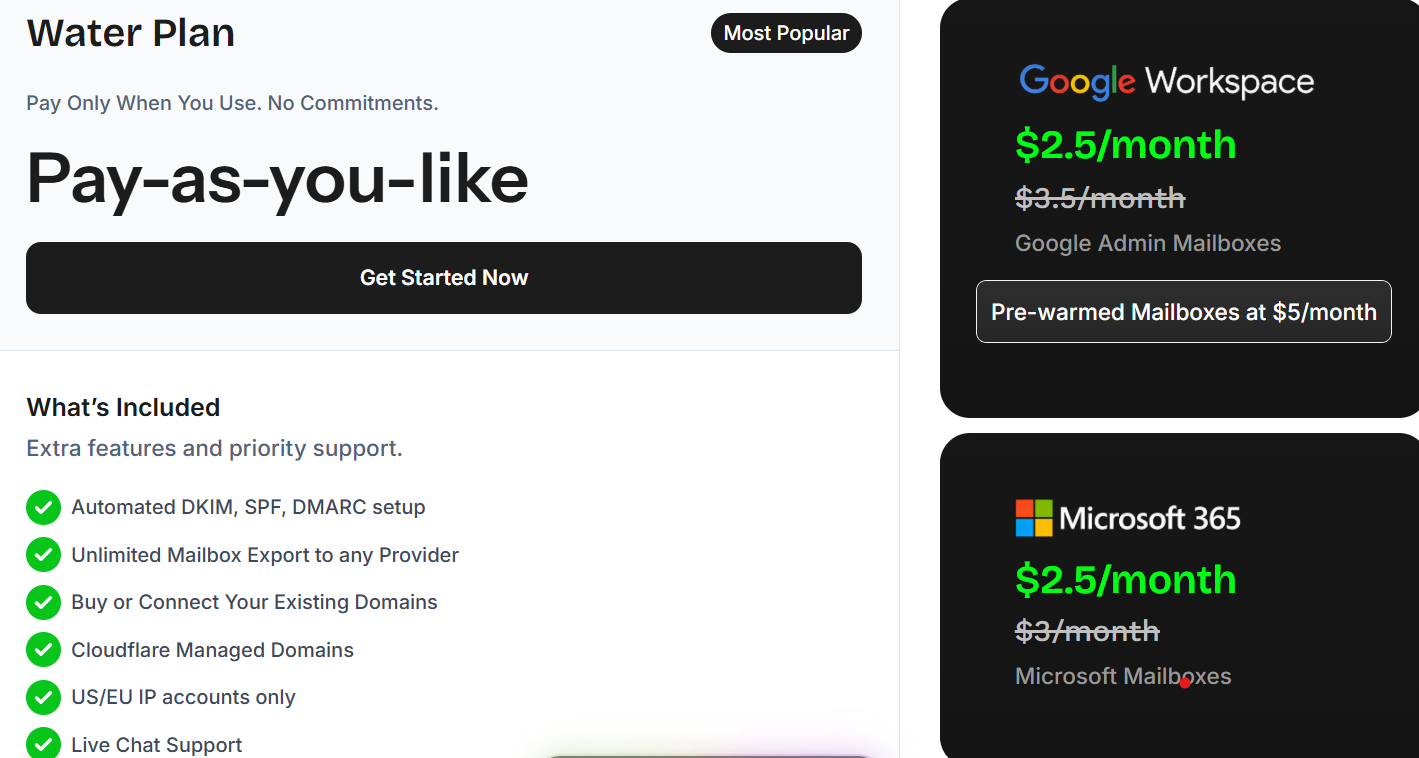
Icemail uses a per-mailbox pricing model, where you pay based on how many inboxes you create. It also follows a flexible pay-as-you-use approach, so there are no strict locked plans.
From what I’ve seen, the pricing is quite affordable if you want to set up multiple inboxes quickly. But this only covers the infrastructure part. You still need other tools for sending emails and running campaigns.
From what I found, there are no reviews available on G2 for Icemail right now.
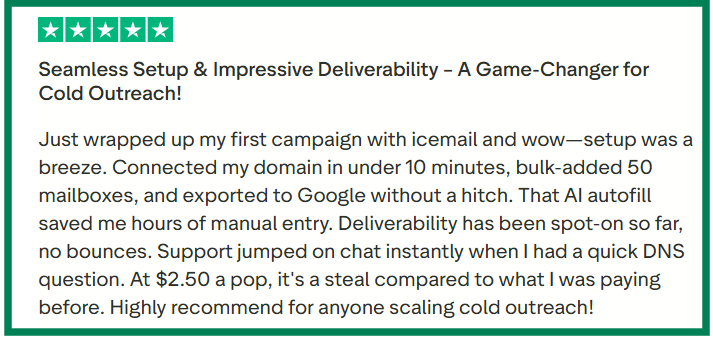
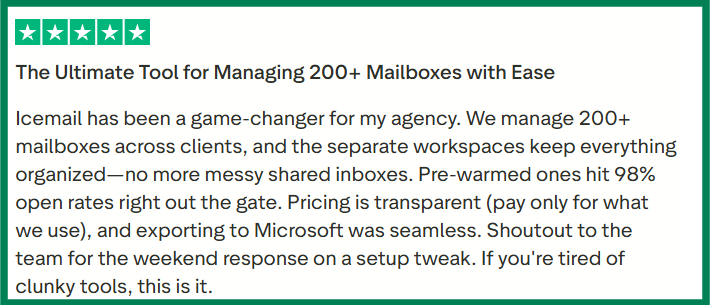
Upon checking user feedback from Trustpilot and a few Reddit discussions,here’s what I found:
What users like about Icemail:
What users dislike about Icemail:

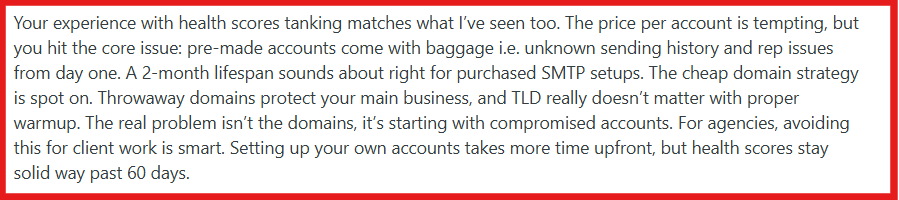
Icemail has a 4.2/5 rating on Trustpilot (based on 10 reviews). From what I’ve seen, users like it for quick setup and ease of use, but long-term performance depends on how you manage your setup.
Icemail helps in setting up domains, mailboxes, and DNS. So the right choice depends on what you actually need.
Icemail is a good choice if you:
Icemail is not the right choice if you:
If your main problem is setup, Icemail helps. But if your goal is running and scaling outbound, you will need additional tools.
If Icemail helps you set up infrastructure quickly, Primeforge is built to help you run cold email more reliably at scale. The main difference is focus. Icemail is more about fast setup. Primeforge is more about deliverability and long-term performance.
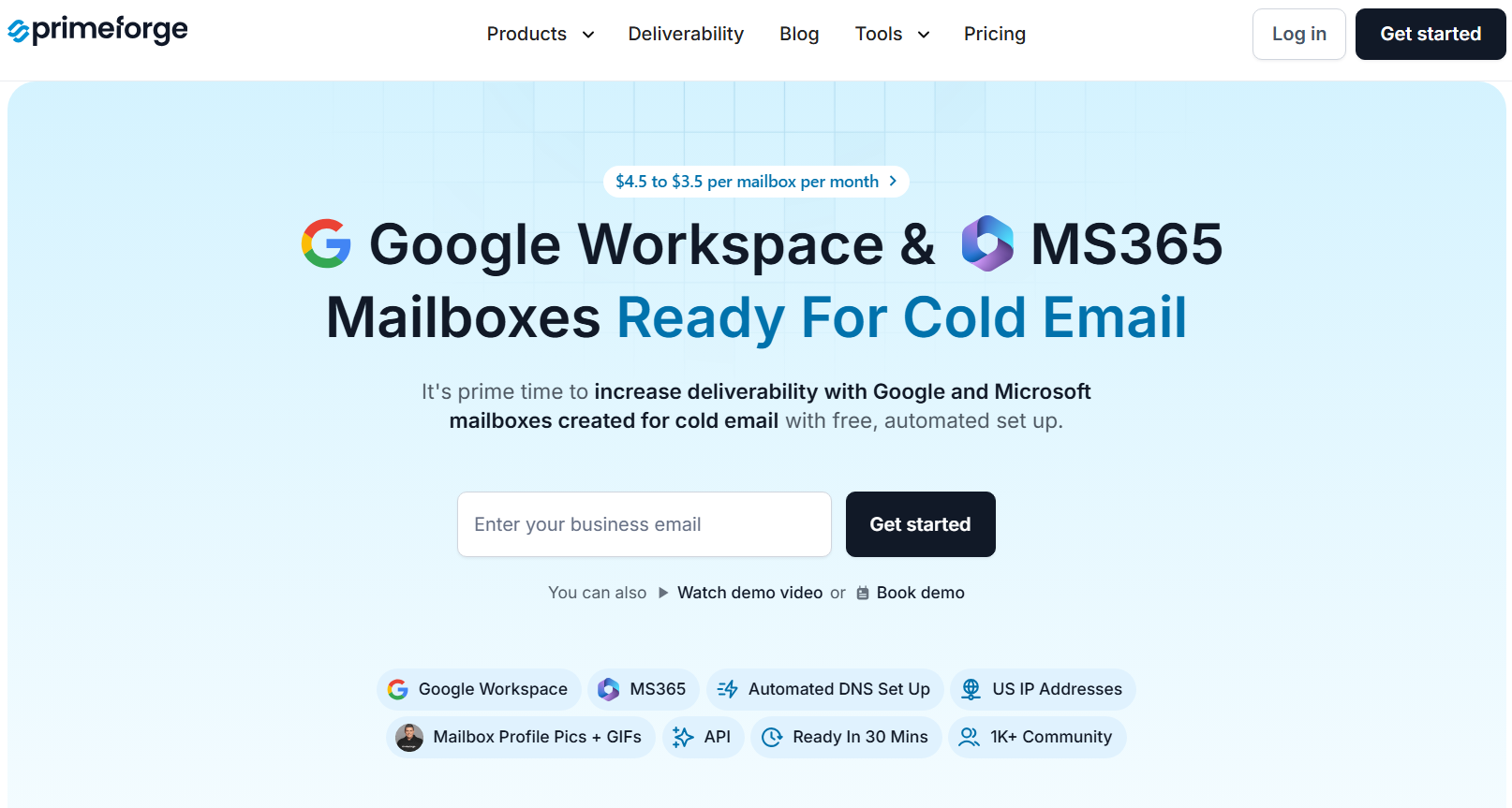
Primeforge is a cold email infrastructure tool. It helps you set up domains and Google Workspace / Microsoft 365 mailboxes that are optimized for cold outreach. The focus is on deliverability, inbox placement, and scaling outbound safely.
Primeforge provides Google Workspace and Microsoft 365 mailboxes optimized for cold email. It also uses ESP matching, which means you can send emails from the same provider your prospect is using. This helps improve inbox placement and reduces the chances of landing in spam. Setup is still fast, with mailboxes ready in around 30 minutes, and DNS (SPF, DKIM, DMARC) is configured automatically using best practices. It makes it easier to manage infrastructure as you scale outreach.
In simple terms, Icemail is good when you want to get started quickly. Primeforge is a better choice when you want more stable deliverability and plan to scale outbound.
Enter your email to get a custom plan & stack recommendation for your business
Please check your mailbox in 5 minutes

Icemail is a good option if you want to get started quickly. It makes domain and mailbox setup simple, which helps in the early stage. But as you send more emails, deliverability and consistency start to matter more than setup speed. That’s where the gap becomes clear.
Tools like Primeforge focus more on improving inbox placement and handling infrastructure as your outbound grows. If you plan to run cold email seriously, it helps to use a setup that supports you beyond just the initial setup.
You can book a demo now to explore Primeforge and see if it fits your outbound workflow.