If you only need a few Google Workspace accounts, buying them directly from Google is simple. You pay $7 per user each month and you are done.
But what if you need 30 or more mailboxes for cold email?
You now have to buy domains, handle DNS setup, create mailboxes, and prepare each inbox before you start sending.
Handling all of this yourself becomes harder as the number of mailboxes grows.
This is one reason businesses turn to Google Workspace resellers. They can provide multiple accounts and handle much of the setup for you.
The important thing is knowing what you are actually getting. Are they real Google Workspace accounts? Do you control the accounts and domains? How much of the setup is handled for you?
I compared seven providers based on their pricing, setup, features, and support.
TL;DR: Best Google Workspace Resellers at a Glance
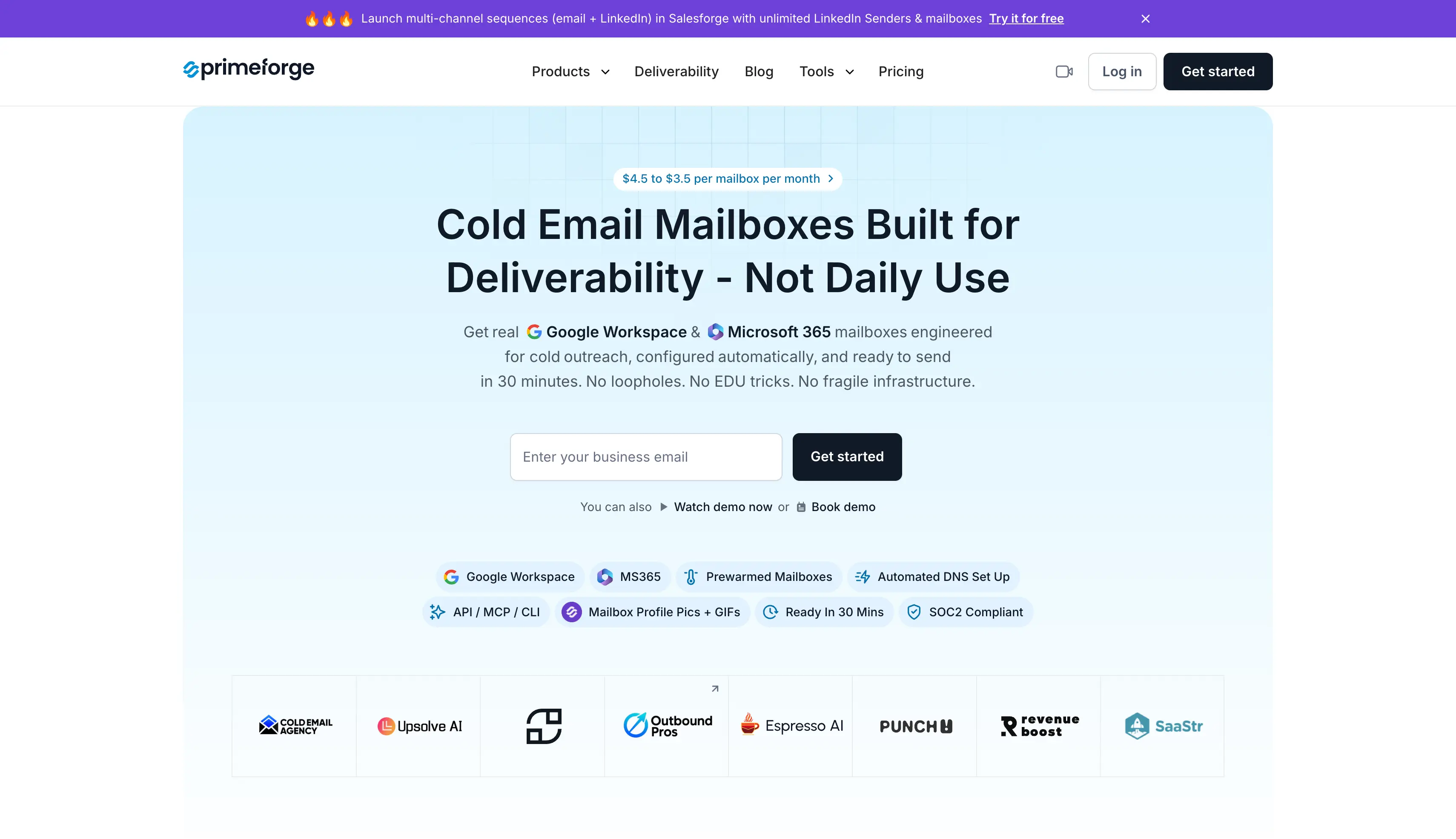
Primeforge: Best if you need Google Workspace and Microsoft 365 mailboxes with the setup for cold email handled in one place.
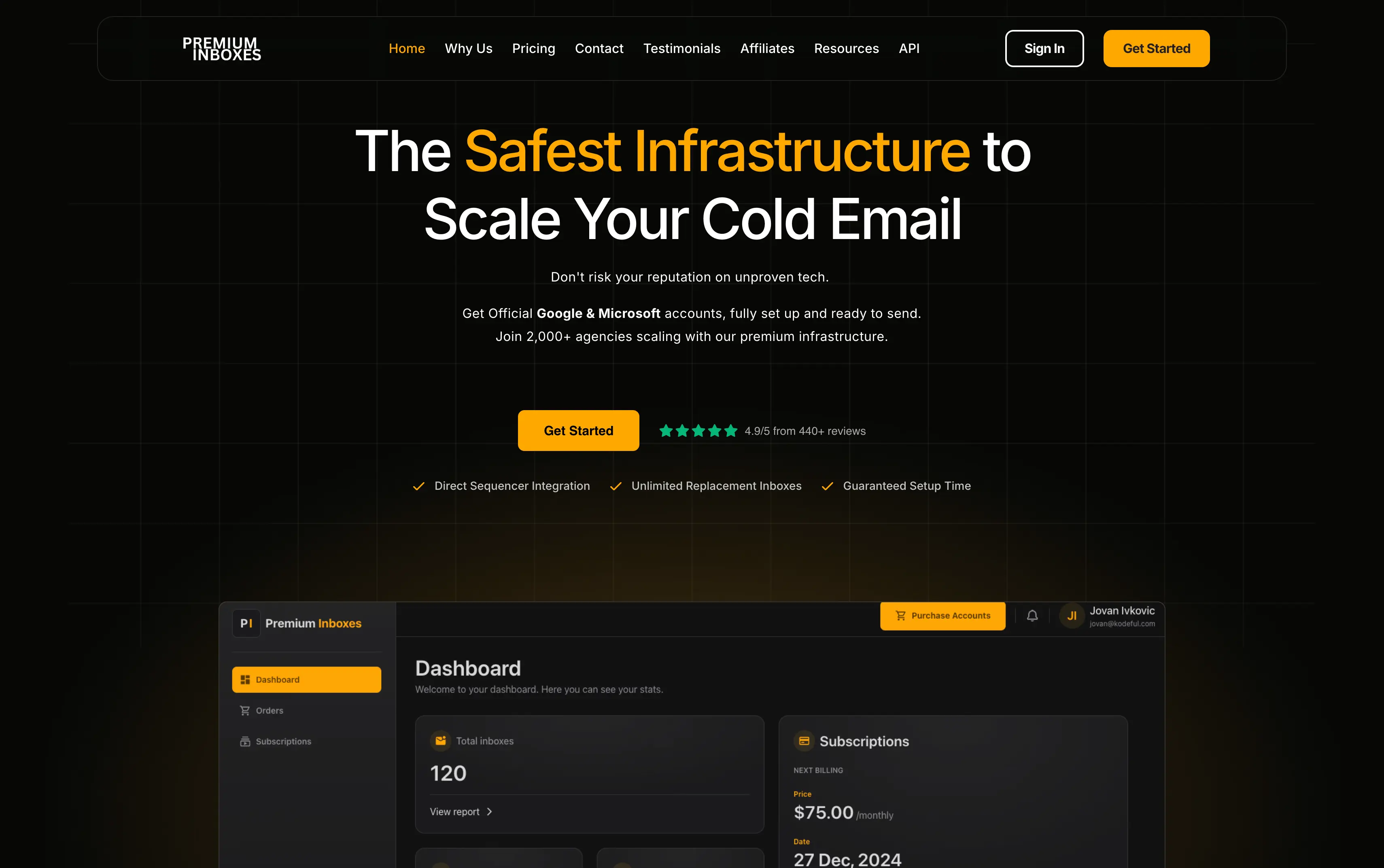
Premium Inboxes: Best if you want managed mailboxes and prefer to leave most of the setup to the provider.
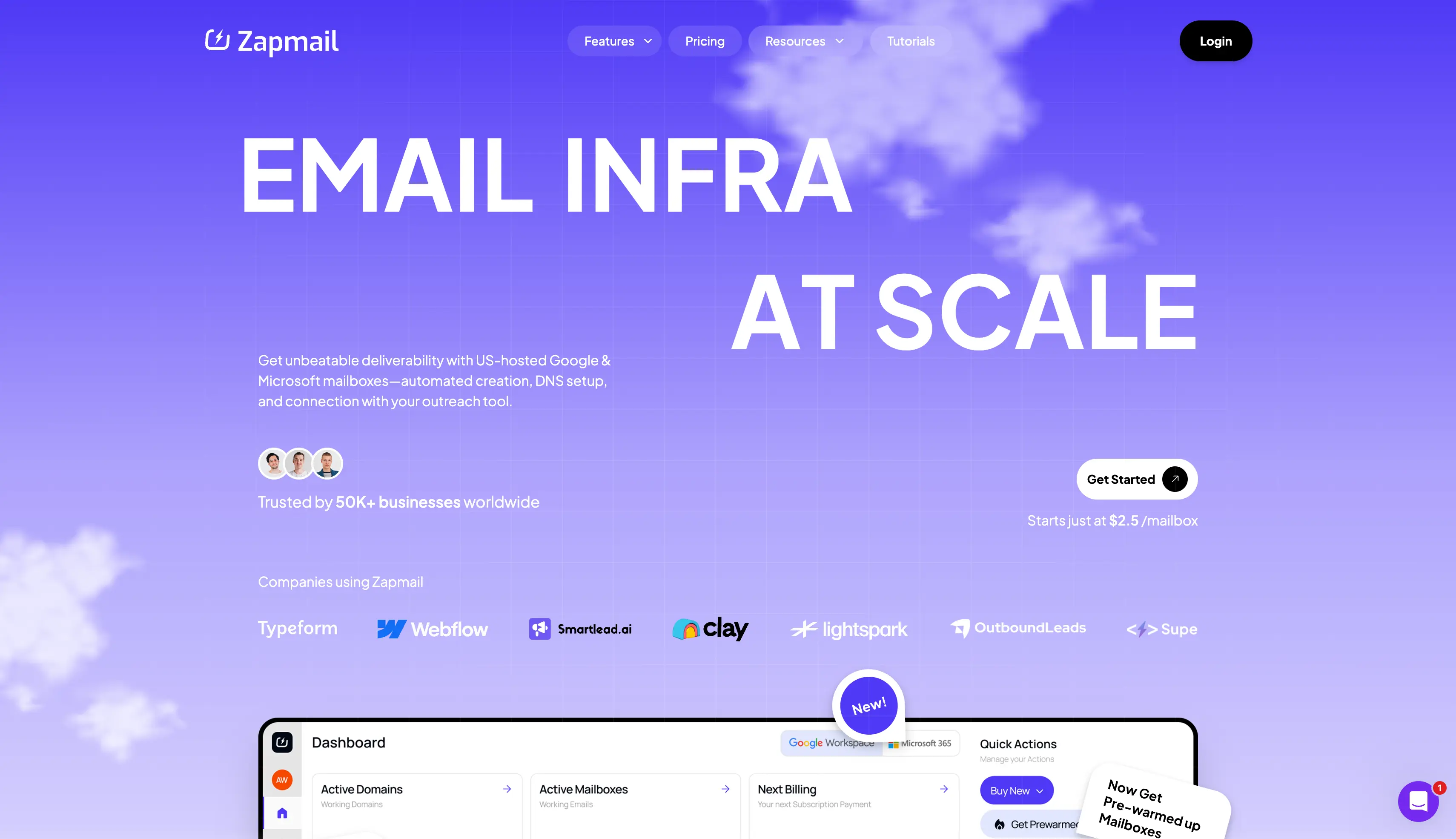
Zapmail: Best if you want a simple way to buy and manage multiple Google Workspace mailboxes.
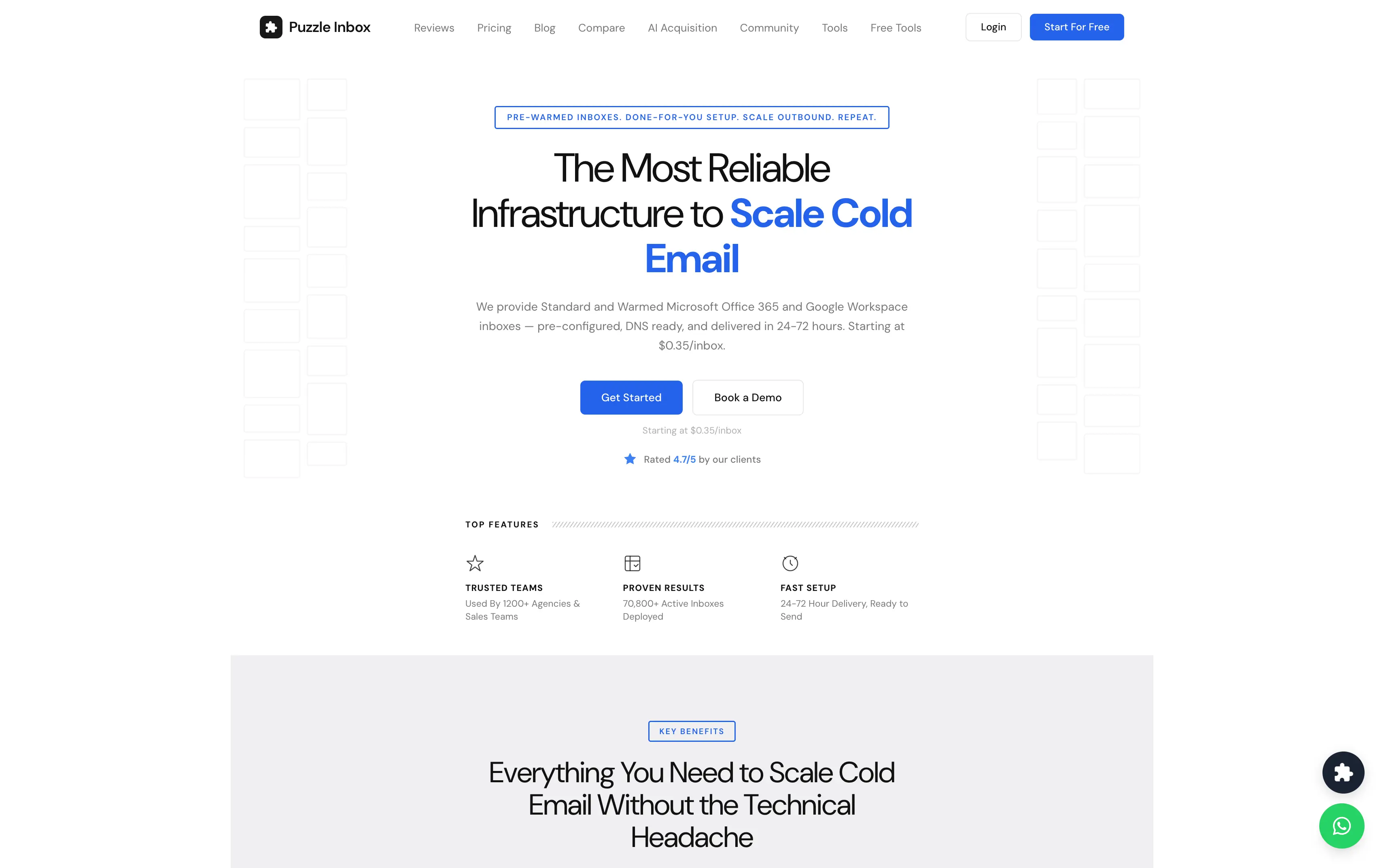
Puzzle Inbox: Best if you want pre-warmed mailboxes so you can start sending without warming new inboxes yourself.
Cheap Inboxes: Best if you need hundreds of mailboxes and want to keep the cost per mailbox low.
InboxKit: Best if you want mailbox monitoring and management tools along with your mailboxes.
IceMail: Best if you want a lower-cost option and need the choice of a dedicated IP.
What is a Google Workspace Reseller?
A Google Workspace reseller is a company that sells Google Workspace licences to businesses instead of you buying them directly from Google. You still get Google Workspace and Gmail, while the reseller may handle account creation, domain connections, and DNS configuration.
Most resellers sell Business Starter, the cheapest of Google's three business plans. Cold email usually does not need the extra storage in Business Standard or Google Vault access in Business Plus. Some resellers only provide Workspace licences, while others handle technical setup and provide mailboxes ready for cold email.
A certified reseller is a company Google has approved to sell licences, also called a Google Workspace partner or Google Cloud partner. Most providers in this list are not certified partners in that formal sense. They buy licences at volume and resell them with setup included. The resellers here focus on cold outreach for agencies and sales teams, rather than regular business email. This guide also compares Google Workspace and Microsoft 365 for cold email.
How I Compared These Google Workspace Resellers
I evaluated each provider using the same six criteria.
Are these real Google Workspace accounts? I checked the admin panel and email headers from a test send.
Do I get admin access? I checked whether I could change passwords and add aliases.
What does 30 mailboxes really cost? I looked at the total cost, including domains and warmup where applicable.
How long does setup take? I checked how long it takes to get the mailboxes ready for sending.
Are the pre-warmed inboxes actually warm? I checked inbox placement before using them for a real campaign.
What happens when something goes wrong? I contacted support and checked how quickly they responded.
I did not test any of these at large volume. If you are buying in bulk, ask the provider for references first. This guide covers cold email infrastructure in full.
Google Workspace Resellers Compared
The table below shows what each Google Workspace reseller is best for.
Feature
Primeforge
Premium Inboxes
Zapmail
Puzzle Inbox
Cheap Inboxes
InboxKit
IceMail
Best for
Outbound teams managing multiple campaigns
Cold email teams that want done-for-you setup
Sales teams that need multiple mailboxes
Cold email teams that want pre-warmed mailboxes
Agencies that need mailboxes in bulk
Cold email teams managing multiple mailboxes
Small teams looking for low-cost mailboxes
Price per mailbox
$4.50 to $3.50
$3.50 to $2.80
$39 to $299 per plan
$3.00 to $4.50
$3.50 to $2.80
$39 to $299 per plan
$2.00 to $2.50
Mailbox type
Google and Microsoft
Google and Microsoft
Google and Microsoft
Google and Outlook
Google and Microsoft
Google, Microsoft, Azure
Google and Microsoft
Pre-warmed
Yes
Yes
Yes
Yes, on the $4.50 tier
Yes
Add-on at $3
Not listed
Admin access
Yes
Yes
Yes
Yes
Yes
Yes, per domain
Yes
API, MCP and CLI
API, MCP and CLI
Not available
API on the Pro plan
Not available
API
API
Not available
Setup time
About 30 minutes
Same day
About 5 minutes
24 to 72 hours
1 to 2 days
Under 60 seconds
About 30 minutes
Minimum order
10 slots
None listed
10 mailboxes
None listed
None listed
10 mailboxes
None listed
Domains
About $14 a year
Sold separately
Included
Sold separately
From $2.50 a year
Sold separately
Not listed
Rating
4.4 on G2
4.9 on Trustpilot
4.5 on Trustpilot
4.1 on Trustpilot
4.5 on Trustpilot
4.9 on G2
4.2 on Trustpilot
1. Primeforge
Best For: Outbound teams and agencies that manage multiple cold email campaigns and need Google Workspace or Microsoft 365 mailboxes.
Primeforge provides real Google Workspace and Microsoft 365 mailboxes for cold email. You can connect them to your sending software and manage multiple mailboxes from one place.
Primeforge also handles much of the technical setup needed before you start sending. This includes domain setup, DNS configuration, mailbox setup, and pre-warming.
You can use Primeforge with different sending platforms, so you do not have to change your outreach software when setting up your mailboxes.
For larger setups, Primeforge also provides API, MCP, and CLI access. This lets you create and manage multiple mailboxes without setting up each account manually.
Key Features of Primeforge
Google Workspace and Microsoft 365 mailboxes: Primeforge provides real mailboxes from both Google and Microsoft.
Pre-warmed mailboxes: You can get pre-warmed mailboxes and start sending without waiting for new accounts to warm up.
Automated mailbox setup: Primeforge handles mailbox setup so you do not have to configure each account manually.
Automated DNS setup: Primeforge sets up SPF, DKIM and DMARC, plus custom domain tracking for your domains.
Mailbox profile pictures and GIFs: Primeforge can set up profile pictures and GIFs for your mailboxes.
Bulk DNS updates: You can update DNS settings across multiple domains from one place.
Multiple workspaces: You can organize mailboxes and domains across separate workspaces.
Sending software compatibility: You can connect Primeforge mailboxes to Salesforge, Smartlead, Instantly, and other sending platforms.
Bulk mailbox management: You can manage multiple domains and mailboxes without setting up each one manually.
API, MCP, and CLI: You can create and manage mailboxes through the Primeforge API, MCP, or CLI.
Pros and Cons of Primeforge
Pros
API, MCP and CLI access for creating mailboxes in bulk
Real Google Workspace and Microsoft 365 licences on one account
Pre-warmed mailboxes available at the point of order
SPF, DKIM and DMARC configured automatically on every domain
Profile pictures and GIFs set up before handover
Free unlimited warmup through Warmforge on any Salesforge plan
Cons
There is no free trial, so you have to make purchases of domains & mailboxes
Primeforge Pricing
Billed yearly, and the price drops as you buy more.
Plan
Price
What you get
Mailboxes
$4.50 to $3.50 per mailbox a month
Google or Microsoft account, automated DNS, pre-warmed option
Domains
About $14 a year
Priced separately by TLD
Minimum
10 mailbox slots
You pay for all 10 whether you fill them or not
The Primeforge pricing page shows the rate at your volume. Your first mailbox is ready in about 30 minutes.
You can create an account and price a setup before you buy anything.
Who Should Use Primeforge
Use Primeforge if you send to both Gmail and Outlook prospects and want ESP matching without paying two providers.
Skip it if you need fewer than 10 mailboxes, or if the cheapest possible inbox is what you are after. IceMail costs less per mailbox.
One thing worth doing no matter who you pick. Run two providers so you always have a mailbox matching your prospect's provider.
Best For: Cold email teams and agencies that need multiple Google Workspace or Microsoft 365 mailboxes.
Premium Inboxes provides official Google Workspace and Microsoft 365 business accounts for cold email. You choose the number of inboxes you need and provide your domain preferences.
Its team handles the setup for you. This includes creating the mailboxes and configuring SPF, DKIM, and DMARC records for your domains.
The accounts are uploaded directly to your sending platform, and warmup is started before you begin sending. Premium Inboxes also provides replacement inboxes if an account is flagged.
You can monitor your inboxes through its dashboard and check their health from one place.
Use Premium Inboxes if you want a done-for-you service from a provider with a track record you can check.
Skip it if you need to create mailboxes through code, or if you want monitoring without paying the premium tier.
3. Zapmail
Best For: Teams that need a fixed number of mailboxes with a single monthly bill.
Zapmail offers Google Workspace and Microsoft 365 mailboxes through monthly plans. Each plan includes a set number of mailboxes and domains.
You pay one monthly fee for the plan. The domains included in the plan do not require a separate payment.
Zapmail also handles the Google Workspace deployment. This includes domain setup, DNS configuration, and mailbox creation. The company says mailboxes can be ready within minutes.
Zapmail offers plans for different mailbox counts. You can also add more mailboxes when needed.
Google Workspace and Microsoft 365 mailboxes: Zapmail provides mailboxes on both providers.
Workspace isolation: Each mailbox is placed in its own workspace so a flagged account stays contained.
Pre-warmed mailboxes: You can order mailboxes that are ready to send instead of warming them yourself.
Automated DNS setup: Zapmail configures SPF, DKIM and DMARC on every domain.
Domain registration: Zapmail registers and connects your domains as part of the plan.
Inbox placement tests: Each plan includes a set number of placement test credits.
API access: The Pro plan adds an API for provisioning mailboxes through code.
Pros and Cons of Zapmail
Pros
$99 a month for 30 mailboxes, the cheapest at that volume here
Domains included in every plan
Setup in about five minutes, per their site
Each mailbox placed in its own workspace
Pre-warmed mailboxes available on a separate plan
Cons
Renewal pricing is higher than the first-year rate, which is easy to miss
API access is locked to the $299 Pro plan
Placement tests are capped per plan rather than always on
Zapmail Pricing
Plan
Price
Mailboxes
Starter
$39 a month
10
Growth
$99 a month
30
Pro
$299 a month
100
You can also check the Zapmail alternatives guide to find similar tools with per-inbox pricing.
Who Should Use Zapmail
Use Zapmail if your mailbox count is steady and the flat rate works out cheaper at your volume.
4. Puzzle Inbox
Best For: Cold email teams and agencies that want pre-warmed Google Workspace or Outlook 365 inboxes.
Puzzle Inbox provides Google Workspace and Outlook 365 inboxes for cold email. You can choose between standard and pre-warmed inboxes.
The team handles the setup for you. This includes domain setup, DNS configuration, SPF, DKIM, DMARC, and OAuth configuration.
The Warmed plan includes pre-warmed inboxes, so you can start sending without running a separate warmup process. The Standard plan gives you new inboxes without pre-warming.
Puzzle Inbox delivers the inboxes within 24 to 72 hours. It also provides a dashboard where you can manage your inboxes and monitor their warmup status.
All plans include dedicated support and unlimited replacement inboxes.
Pre-warmed Google Workspace mailboxes: Mailboxes arrive ready to send at normal volume.
Outlook 365 mailboxes: You can run Google and Outlook from the same account.
Automated DNS setup: SPF, DKIM, MX and DMARC are configured before handover.
OAuth configuration: Inboxes connect to your sending platform without app passwords.
Unlimited replacement inboxes: Flagged or failed inboxes are replaced on every plan.
Warmup dashboard: You can manage your inboxes and check their warmup status in one place.
Pros and Cons of Puzzle Inbox
Pros
Pre-warming included in the $4.50 price rather than sold as an add-on
Google and Outlook 365 available on the same account
Outlook 365 inboxes from $0.35, the lowest entry price on this list
A $3.00 standard tier if you warm the mailboxes yourself
Admin access on every mailbox
Cons
Google inboxes are capped at 12 emails a day, so you need more of them
Delivery takes 24 to 72 hours, the slowest on this list
No named founder and little company information published
40 reviews is a small base to judge deliverability on
Puzzle Inbox Pricing
Tier
Price per inbox
Google Workspace, standard
$3.00 a month
Google Workspace, pre-warmed
$4.50 a month
Outlook 365, standard
$0.35 a month
Outlook 365, pre-warmed
$0.50 a month
You can also read the Puzzle Inbox alternatives guide to find similar tools with comparable features.
Who Should Use Puzzle Inbox
Use Puzzle Inbox if pre-warmed inboxes are worth an extra $1.50 per mailbox to you.
Skip it if you need mailboxes today, or if warmup is already handled elsewhere in your stack.
5. Cheap Inboxes
Best For: High-volume senders who already run their own deliverability monitoring.
Cheap Inboxes provides Google Workspace and Microsoft 365 mailboxes in bulk. You choose how many inboxes you need and either buy domains through the platform or bring your own.
Its team creates the mailboxes and configures the DNS records for each domain. Every domain sits in its own workspace, so a flagged domain does not affect the rest of your setup.
You get full admin access to each workspace. Mailboxes connect to Instantly and Smartlead through OAuth.
There is no monitoring built in, so you will need separate tools for blacklist checks and placement testing.
Google Workspace and Microsoft 365 mailboxes: IceMail provides mailboxes on both providers.
Dedicated IPs: You can put your domains on a dedicated IP instead of shared infrastructure.
Built-in deliverability tools: Monitoring and checks run inside the platform rather than as add-ons.
Automated DNS setup: IceMail configures the records on every domain.
Admin access: You manage passwords and aliases yourself.
Pros and Cons of IceMail
Pros
$2.00 to $2.50 per mailbox, the lowest entry price here
Dedicated IPs from $49 per domain, the only published option on this list
Deliverability tools included rather than sold separately
Mailboxes ready in about 30 minutes
Admin access on every account
Cons
It doesn't offers pre-warmed mailboxes
IceMail Pricing
Product
Price
Google or Microsoft mailbox
$2.00 to $2.50 a month
Dedicated IP
From $49 per domain
Who Should Use IceMail
Use IceMail if you want to test cheap mailboxes and think you might want dedicated IPs later.
Skip it if you want a provider with a proven record, because there is not enough public evidence yet.
Should You Buy from Reseller or Google Workspace Directly?
To buy Google Workspace directly is the simplest route. You sign up, pay per user, and handle the Google Workspace setup yourself.
Business Starter costs $7 per user each month when you buy from Google directly. Thirty mailboxes works out at $210 a month.
The same 30 mailboxes from a reseller costs $75 to $135. The lower cost is the whole reason resellers exist.
The limitation is what you handle yourself.
Factor
Google directly
Reseller
Price per mailbox
$7
$2.00 to $4.50
Domain setup
You do it
Usually included
DNS and DMARC configured
You do it
Usually included
Built-in warmup
You do it
Sometimes included
Admin console
Yours
Yours, if the reseller gives it
Technical support
Google support
The reseller
At 30 mailboxes that is $210 a month from Google against $75 to $135 from a reseller.
Buying Google Workspace directly is the right call for regular business email. You get Google's own technical support and full control over data protection settings.
Resellers are the cost effective solutions when you need volume. Many businesses save money this way once they pass 10 or 15 inboxes.
Is It Safe to Buy Google Workspace From a Reseller?
It can be, but check what you are getting before you pay.
Make sure you have admin access and know who controls the Workspace account. Full admin ownership means you hold the admin console and the access controls, not the reseller.
Also confirm that the provider uses standard commercial Google Workspace licences. The Google education mailbox crackdown shows what happens to the rest.
Check what happens if an account is suspended, how replacements work, and whether you can move your domains away from the provider.
Before buying, ask these six questions:
Who owns the Workspace account? Make sure you know who controls the account and what happens if you leave the reseller.
Do I get full admin access? You should be able to manage passwords, aliases, users, and other account settings yourself.
Can I move my domains out? Ask how domain transfers work and whether there are any restrictions.
Where do the licences come from? Confirm that you are getting standard commercial Google Workspace licences.
What happens if Google suspends an account? Ask about the replacement process and any associated costs.
Do I pay for unused mailboxes? Check how the reseller handles paused or unused accounts.
I would also avoid providers that sell recycled Google accounts or cannot clearly explain whether they are giving you Google Workspace mailboxes or SMTP mailboxes.
How to Choose a Google Workspace Reseller
Run your shortlist through these questions before you pay anyone. This guide on choosing a mailbox provider explains each one.
Are these real Google Workspace licences, or SMTP mailboxes described as Google?
Do I get full admin access on day one?
Who owns the account, and what happens if the provider shuts down?
Can I move my domains out, and what does that involve?
Are the IPs really where the provider says they are? Send a test email and read the headers.
Do mailboxes arrive pre-warmed, and can the provider show placement data?
Is warmup included, or is it an add-on that changes what I actually pay?
How fast is a replacement when Google suspends an account?
Is there an API, MCP, or CLI, or does every order go through support?
What does this cost per month at my volume, with domains, warm up and add ons included?
Does the provider offer various plans, or one price at every volume?
Who handles technical support, and do I get a real person or a ticket queue?
Question 7 is the one most people get wrong. A $2.50 mailbox with a $3 warmup add-on costs more than a $4.50 mailbox with warmup included.
You also need to know how many mailboxes to buy. The Gmail sending limit sets the ceiling per mailbox.
Which Google Workspace Reseller Should You Pick?
The right reseller depends on how many mailboxes you need and how much setup you want to handle yourself.
Before choosing one, compare the total cost at your volume and check whether you get admin access. Competitive pricing means little if an inbox dies and nobody answers, so weigh the support too. Great support is worth more than 50 cents a mailbox.
I use Primeforge because it gives me real Google Workspace and Microsoft 365 mailboxes, pre-warmed inboxes, automatic DNS setup, and API, MCP, and CLI access for bulk management.
It also connects with Mailforge, Infraforge, Warmforge, and Salesforge, so you can manage your email infrastructure and sending from one place.
1. Is it legal to buy Google Workspace from a reseller?
Yes, reselling Google Workspace licences is legal and Google runs an official partner programme for it. What matters is where the reseller gets the licences from. Education and nonprofit licences sold to businesses get taken back when Google reviews the account. Ask any provider to confirm the licence type in writing before you pay.
2. How much cheaper are resellers than buying from Google?
Google charges $7 per user a month for Business Starter, while the providers in this post charge $2.00 to $4.50 per mailbox. At 30 mailboxes that is $210 a month from Google against $75 to $135 from a reseller. The saving grows as you add mailboxes.
3. Which Google Workspace reseller is cheapest?
IceMail is cheapest at $2.00 to $2.50 per mailbox with no plan fee on the mailbox tiers. InboxKit reaches $2.50 only on the Enterprise plan with annual billing, and adds $3 per mailbox for warmup. Compare the monthly total at your volume instead of the price per mailbox.
4. Do reseller mailboxes still need warmup?
Yes, unless you buy a pre-warmed mailbox. A new Google Workspace account has no sending history, so going straight to volume will damage the domain. Pre-warmed mailboxes from Primeforge or Puzzle Inbox remove that two to four week wait.
5. How many mailboxes do I need to send 10,000 emails a month?
Around 10 to 15 mailboxes, based on a safe limit of 30 to 50 emails per mailbox a day. Keep it to three mailboxes per domain, because more than that sets off spam pattern detection. This guide works out how many domains you need.
Scale outreach with real Google and Microsoft inboxes
Set up Google Workspace and Microsoft 365 inboxes faster.