
InboxKit is a popular cold email infrastructure platform that provides Google Workspace, Microsoft 365, and Azure mailboxes for outbound campaigns.
But as your setup grows, a few InboxKit limitations can become more noticeable:
I compared seven InboxKit alternatives based on mailbox types, pricing, warmup, email infrastructure, DNS setup, sending limits, scalability, and operational workload.
I compared the providers based on the parts that matter when you are buying and managing cold email infrastructure:
Check this table to go through the InboxKit alternatives for a quick overview.
| Feature | Primeforge | Mailforge | Infraforge | Zapmail | Icemail | Puzzle Inbox | Maildoso | InboxKit |
|---|---|---|---|---|---|---|---|---|
| Best for | Sales teams, outbound teams and agencies | GTM teams and agencies | Outbound teams and agencies | Agencies and outbound teams | Solo SDRs and small teams | Budget-conscious teams | High-volume senders | Agencies needing Azure and monitoring |
| Mailbox or infrastructure type | Google Workspace, Microsoft 365 | Shared email infrastructure | Private infrastructure with dedicated IPs | Google Workspace, Microsoft 365 | Google, Microsoft 365, Azure, private | Google Workspace, Outlook 365 | Proprietary SMTP | Google, Microsoft 365, Azure |
| Starting price | $4.50 per mailbox | $3 per mailbox | $4 per mailbox | $39 for 10 mailboxes | $2.50 per mailbox | $3 Google, $0.35 Outlook | $2.50 per mailbox on the 30-mailbox monthly plan | $39 for 10 mailboxes |
| Pricing model | Per mailbox | Per mailbox, slot minimum | Per mailbox | Fixed plans plus extras | Pay as you go | Per inbox | Quarterly plans | Fixed plans plus extras |
| Pre-warmed mailboxes | Yes | Yes | Yes | Yes | Yes, $5 per inbox | Yes, warmed tier | No | No |
| Dedicated IPs | Provider-based | Shared IP pool | Yes, multi-IP provisioning | Provider-based | Provider-based and private | Provider-based | IP rotation | Provider-based |
| Automated DNS | SPF, DKIM, DMARC, tracking | SPF, DKIM, DMARC, tracking | SPF, DKIM, DMARC, tracking | SPF, DKIM, DMARC, tracking | SPF, DKIM, DMARC | SPF, DKIM, DMARC | DNS setup included | SPF, DKIM, DMARC |
| Workspaces | Yes | Yes | Yes | One domain per workspace | Yes | Not published | Yes | Yes |
| Free domain connection | Yes | Yes | Yes | Domains charged separately | Domains $18 each | Not published | Included on quarterly plans | Domains charged separately |
| API, MCP and CLI | API, MCP, CLI | API, MCP, CLI | API, MCP, CLI | API on the Pro plan | Not published | Not published | API and MCP | REST API on every plan |
Let's look at each cold email infrastructure provider in detail, including its features, pros, cons, and pricing.
Best for: Sales teams, outbound teams and agencies that want real Google Workspace and Microsoft 365 mailboxes with pre-warmed options, automated DNS setup, and flexible mailbox management.
Primeforge is a cold email infrastructure platform that offers real Google Workspace accounts and Microsoft 365 mailboxes for outbound campaigns. You can choose standard or pre-warmed mailboxes based on your campaign needs.
Compared with InboxKit, Primeforge includes more of the essential setup from the start. The platform automatically configures SPF, DKIM, DMARC, and tracking DNS for every domain, so domain setup is handled for you. You also get mailbox analytics, workspaces, and free domain transfers.
Primeforge supports full API access, MCP, and CLI as well. These options let you create mailboxes and manage them at scale without setting up each account manually.
The platform uses official Google Workspace and Microsoft inboxes. There are no loopholes, no EDU tricks, and no fragile infrastructure.
Mailboxes also run on different safe IP addresses, which gives you a cleaner setup for managing sender reputation and better inbox placement in cold email outreach.
Primeforge pricing ranges from around $4.50 to $3.50 per mailbox per month, depending on your mailbox count and whether you choose annual billing or monthly billing.
Pre-warmed mailboxes are also available when you want to avoid waiting for a new mailbox to warm up.
Last but not least, domains are charged separately.
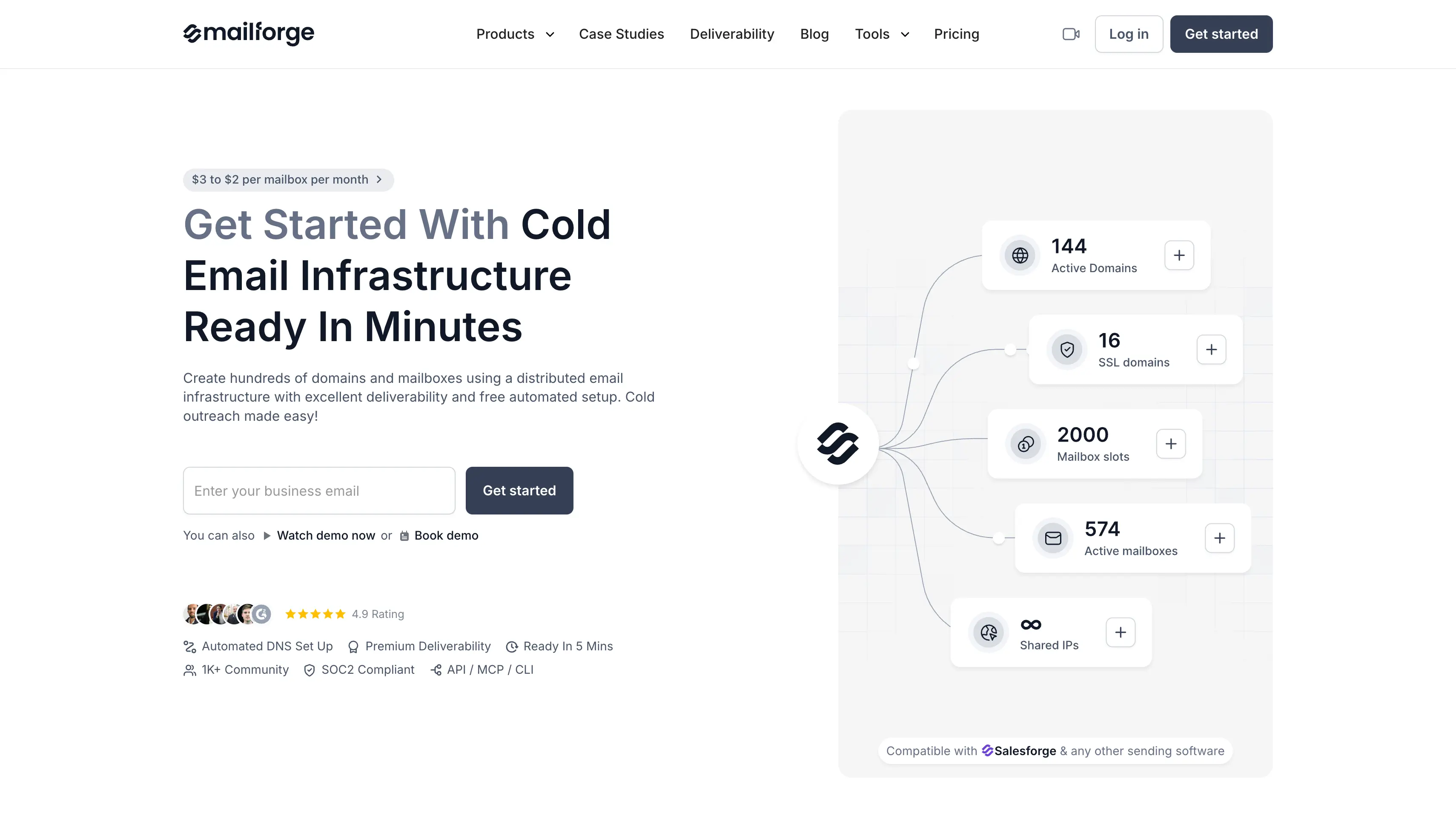
Best for: GTM teams and agencies scaling shared email infrastructure with bulk domain and bulk mailbox creation.
Mailforge is a shared email infrastructure platform for cold email campaigns. It lets you create mailboxes and manage multiple domains in bulk, which makes the setup easier when you need to scale outreach.
Compared with InboxKit, Mailforge gives you a more scalable setup at a lower mailbox cost. It includes automated SPF, DKIM, DMARC, and tracking DNS, pre-warmed domains and mailboxes, workspaces, and free domain transfers.
Mailforge also supports API, MCP, and CLI access. You can use these options to provision domains and mailboxes, manage your infrastructure, and automate repetitive setup tasks.
The shared IP setup also keeps the infrastructure cost lower than a private setup. It can be a practical option when you need more sending capacity without paying for dedicated infrastructure.
For a closer look at how it performs, read the full Mailforge review.
Mailforge starts at around $3 per mailbox per month and can fall to around $2 per mailbox at higher volumes on annual billing.
The platform uses mailbox slots, with a minimum setup requirement. Domains are priced separately based on the TLD.
SSL and domain masking are additional options.
Warmup can be handled through Warmforge with Salesforge.
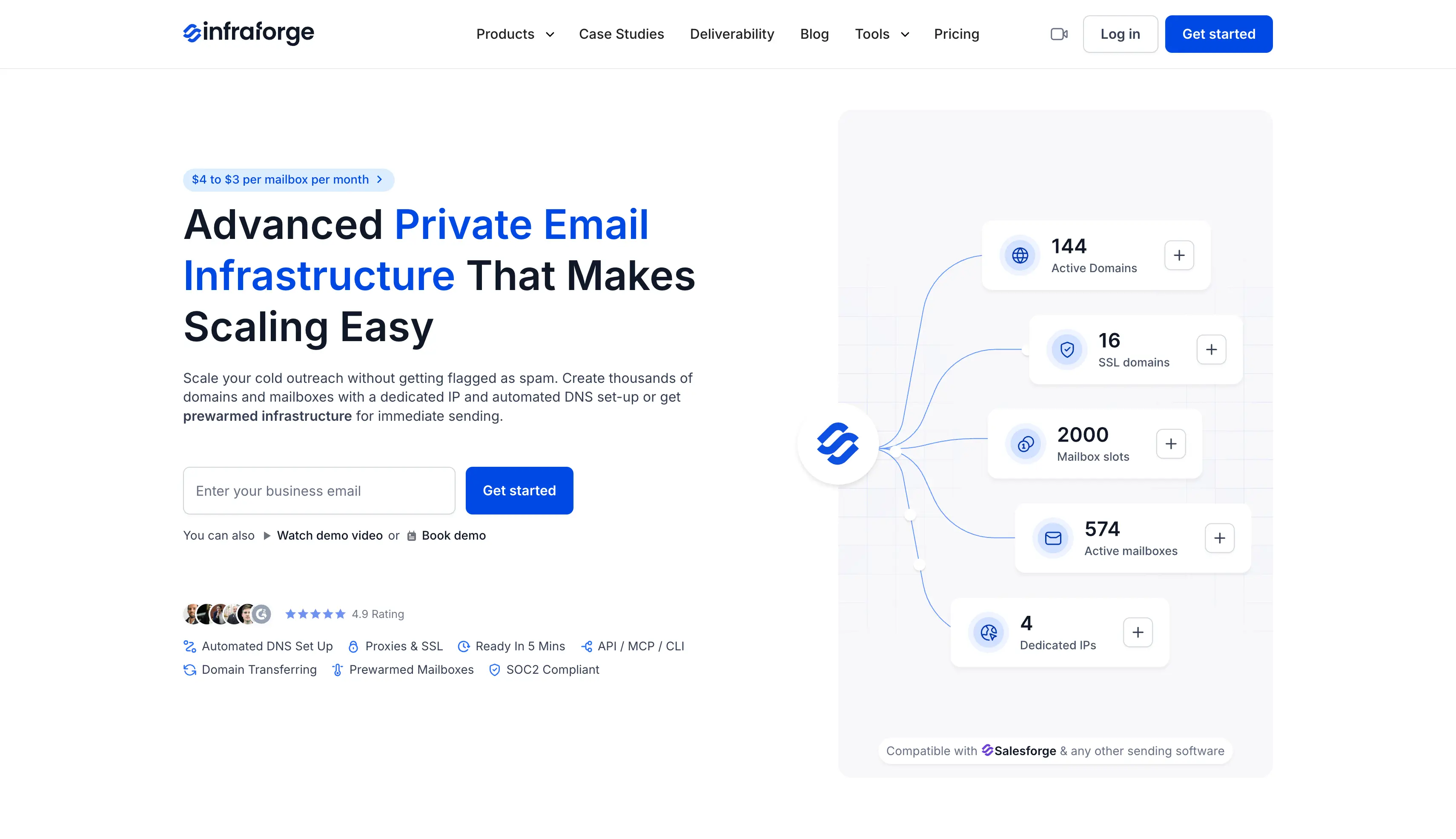
Best for: Outbound teams and agencies that want private email infrastructure with dedicated IPs, automated warmup, and more control over sender reputation.
Infraforge is a private email infrastructure platform for cold email campaigns. It gives you dedicated IPs and keeps your sending infrastructure separate from shared networks.
Compared with InboxKit, Infraforge gives you more control over your sending infrastructure. It includes automated SPF, DKIM, DMARC, and tracking DNS setup. You also get automated warmup, monitoring, sender rotation, and multi-IP provisioning.
Infraforge supports full API access, MCP, and CLI. You can use these tools to provision unlimited email accounts and manage mailboxes without doing every setup task manually.
You can also choose pre-warmed infrastructure and transfer your domains for free. This makes it easier to move your existing setup and get your infrastructure ready for sending.
For a closer look at how it performs, read the full Infraforge review.
Infraforge starts at around $4 per mailbox per month and can fall to around $3 per mailbox at higher volumes.
The subscription includes automated DNS setup and infrastructure hosting and maintenance.
Pre-warmed infrastructure is also available.
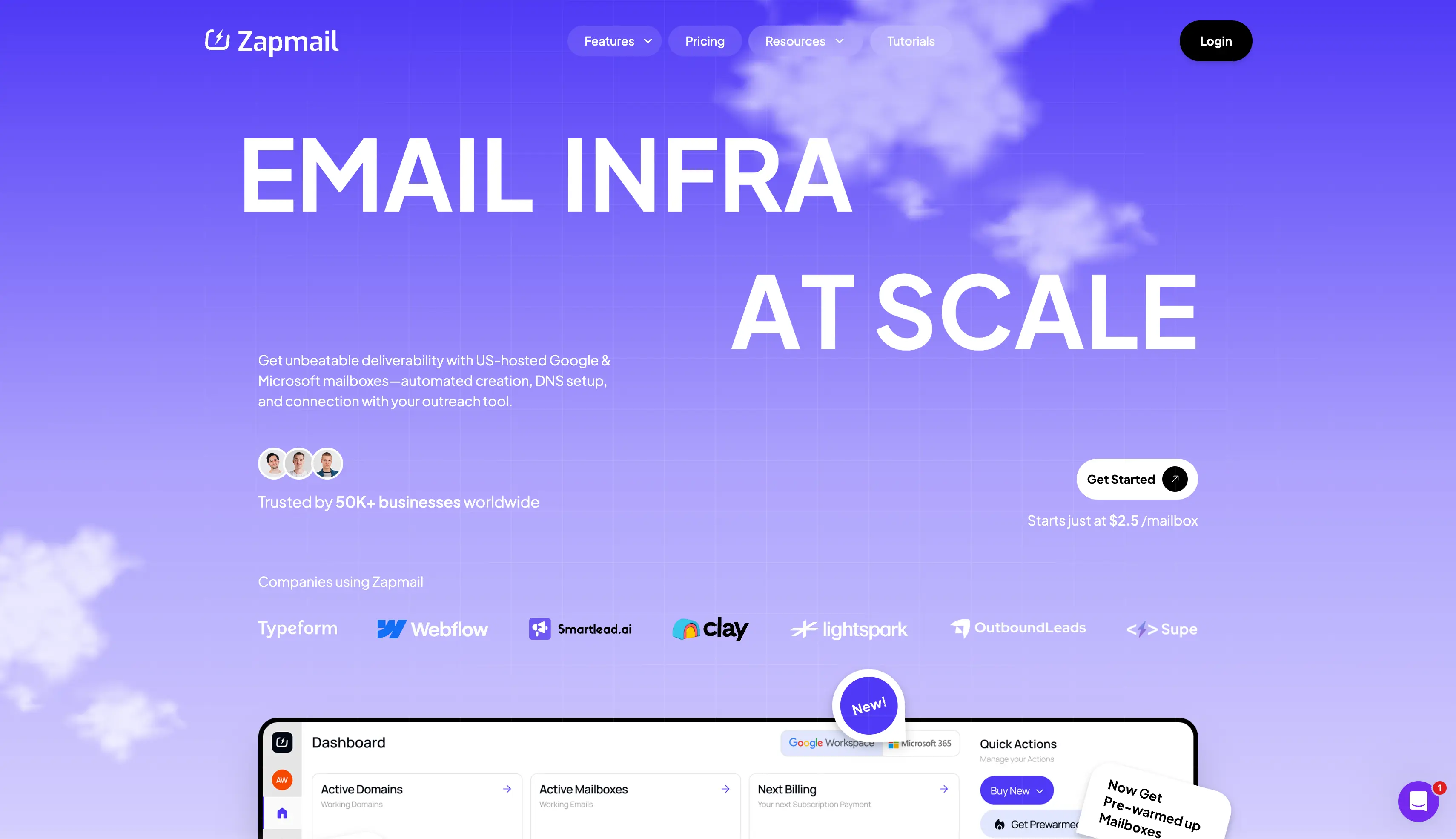
Best for: Agencies and outbound teams that want pre-warmed Google Workspace and Microsoft 365 mailboxes with isolated workspaces and broad outreach tool support.
Zapmail is a provider of Google Workspace and Microsoft 365 mailboxes for cold email campaigns. It offers standard and pre-warmed mailboxes, so you can choose fresh accounts or mailboxes that are ready for sending.
Compared with InboxKit, Zapmail adds pre-warmed mailbox options and 50+ sending tool integrations. InboxKit also offers Azure mailboxes, 24+ integrations, and built-in monitoring.
Zapmail handles the main technical setup for you. SPF, DKIM, DMARC, and tracking domains can be configured automatically. You can also bring your own domains and manage DNS and forwarding from the platform.
The platform also offers separate workspaces and API access, and connects to most outreach platform tools. Its pre-warmed mailboxes have already gone through the warmup process, so you can start campaigns without waiting for a new mailbox to warm up.
For a closer look at what users say, read the full Zapmail review.
Zapmail pricing starts at:
Additional mailboxes are available on the plans at different rates.
Microsoft 365 mailboxes are priced at the same tiers as Google Workspace.
Domains are charged separately.
If Zapmail doesn't fit your setup, compare these Zapmail alternatives.
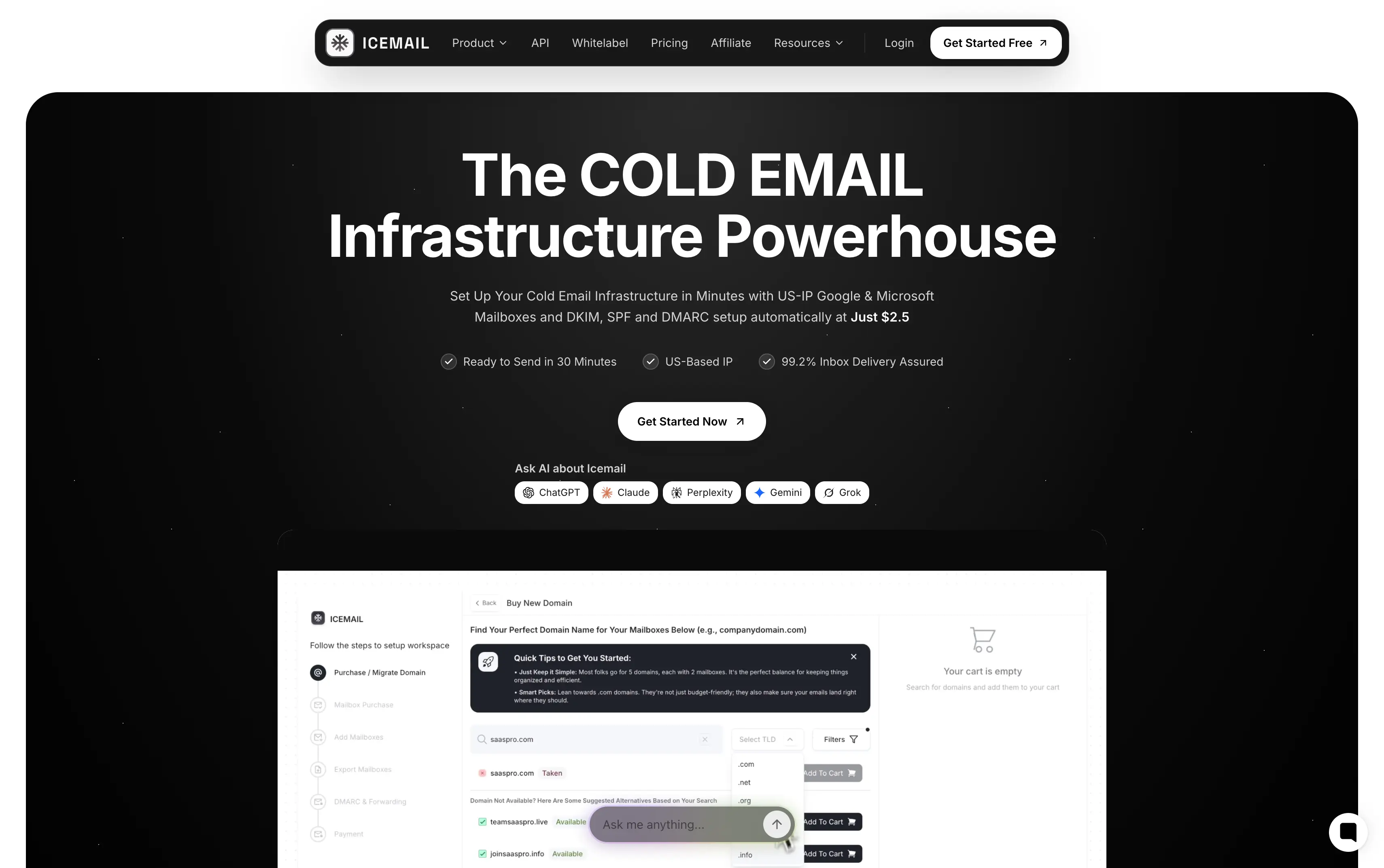
Best for: Solo SDRs and small teams that want pay-as-you-go mailbox provisioning across Google, Microsoft 365, Azure mailboxes, and private infrastructure.
Icemail is a cold email infrastructure platform that supports Google Workspace, Microsoft 365, Azure, and custom IMAP/SMTP mailboxes. It also offers standard and pre-warmed mailbox options.
Compared with InboxKit, Icemail gives you more infrastructure choices, including custom IMAP/SMTP mailboxes and dedicated IP options. InboxKit focuses on Google Workspace, Microsoft 365, and Azure with built-in monitoring and API access.
Icemail handles SPF, DKIM, DMARC, and MX configuration automatically. You can connect existing domains or purchase domains through the platform and export mailboxes to external providers and supported sending tools.
The platform also supports bulk mailbox creation and mailbox replacement. Its different infrastructure options give you more flexibility when your sending setup requires something beyond standard Google or Microsoft mailboxes.
For a closer look at what users say, read the full Icemail review.
Icemail standard mailboxes cost around $2.50 per mailbox per month on a pay-as-you-go basis.
Pre-warmed mailboxes cost around $5 per mailbox.
Last but not least, domains are listed at around $18 each. There is no fixed subscription requirement.
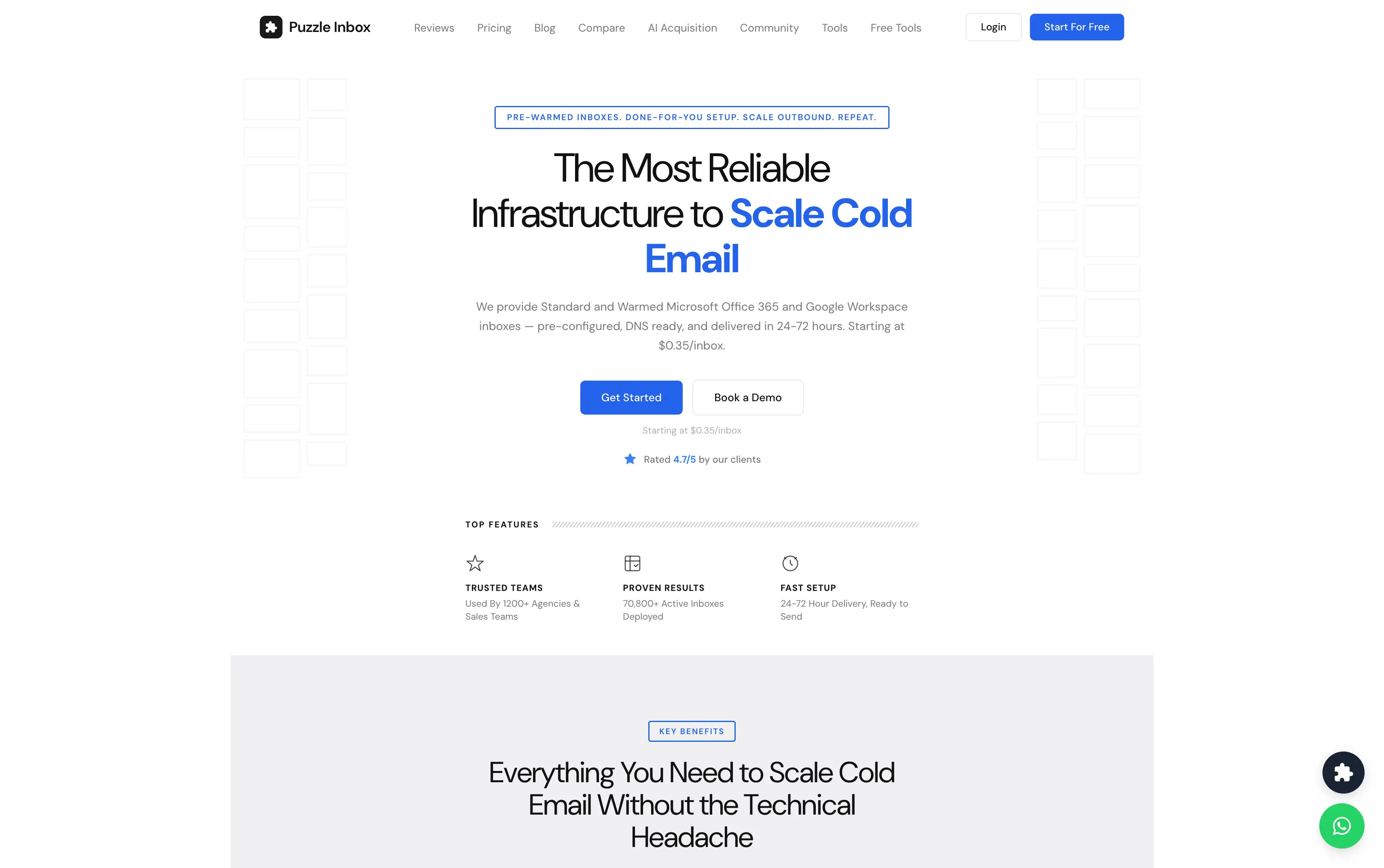
Best for: Budget-conscious teams and agencies that need low-cost Google Workspace inboxes and Outlook mailboxes.
Puzzle Inbox is a cold email infrastructure provider offering real Google Workspace and Microsoft 365 mailboxes. You can choose standard or pre-warmed inboxes based on your campaign requirements.
Compared with InboxKit, Puzzle Inbox focuses on Google Workspace and Microsoft 365 with controlled sending limits. InboxKit also offers Azure mailboxes, 24+ integrations, API access, and real-time monitoring.
Pre-warmed inboxes go through a 14-day warmup before delivery. Standard inboxes use your own domain, while Puzzle Inbox handles SPF, DKIM, and DMARC configuration for you.
Puzzle Inbox supports sending platforms such as Smartlead, Instantly, Lemlist, and Saleshandy. Its published limits are 12 cold emails per day for Google Workspace and 3 for Outlook 365, so larger campaigns require more inboxes.
For a closer look at how it performs, read the full Puzzle Inbox review.
Current listed pricing includes:
Published sending limits include:
If Puzzle Inbox doesn't fit your setup, compare these Puzzle Inbox alternatives.
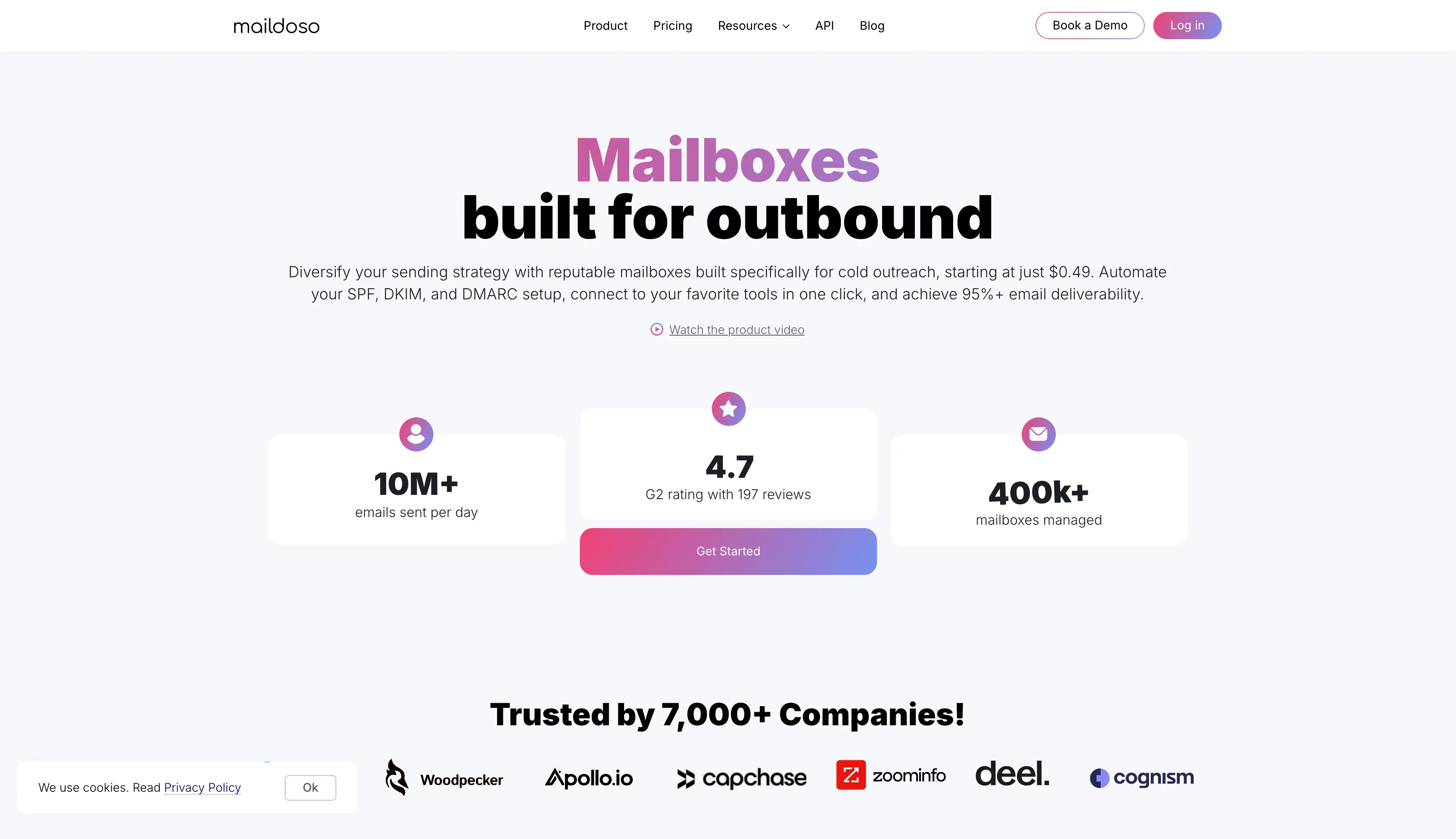
Best for: High-volume senders and agencies running SMTP mailboxes with IP rotation and lower costs as the mailbox count grows.
Maildoso is an email infrastructure provider focused on SMTP-based cold email sending. It uses proprietary SMTP infrastructure and IP rotation rather than standard Google Workspace or Microsoft 365 mailboxes.
Compared with InboxKit, Maildoso uses SMTP infrastructure and IP rotation, while InboxKit provides Google Workspace, Microsoft 365, and Azure mailboxes with automated DNS, monitoring, API access, and 24+ integrations.
Maildoso is aimed at larger sending setups where SMTP infrastructure and IP management are important. It also provides mailbox and domain management features, including bounce tracking, for running multiple sending accounts.
The main difference is the infrastructure model. Maildoso gives you an SMTP-based setup, while InboxKit gives you provider-native Google, Microsoft, and Azure mailboxes.
For a closer look at how it performs, read the full Maildoso review.
Maildoso pricing varies by plan and volume. Example quarterly plans include:
| Mailboxes | Quarterly price | Approx. effective mailbox cost |
|---|---|---|
| 32 | $299 | ~$3.10 |
| 68 | $499 | ~$2.40 |
| 400 | $2,199 | ~$1.80 |
Monthly Maildoso pricing starts at $2.50 per mailbox, totaling $75 per month for 30 mailboxes, so I suggest checking the current plan before budgeting.
These plans don't include warmup.
If Maildoso doesn't fit your setup, compare these Maildoso alternatives.
Before you switch, work through these points. They decide more about your results than the mailbox price does.
InboxKit is one option for provisioning Google Workspace, Microsoft 365, and Azure mailboxes for cold email campaigns.
If you want more control over mailbox setup, pre-warmed options, and automated infrastructure management, Primeforge is another option to consider.
Primeforge offers real Google Workspace and Microsoft 365 mailboxes, pre-warmed options, automated DNS setup, workspaces, and API, MCP, and CLI access. You can also connect your domains for free and manage your mailbox setup from one platform.
Want to try Primeforge for your next campaign? Sign up and explore Primeforge.
Primeforge and Zapmail both provide Google Workspace and Microsoft 365 mailboxes with pre-warmed options. Primeforge also provides API, MCP, and CLI access, while Zapmail focuses on isolated workspaces and integrations with 50+ outreach tools.
Several providers have lower starting prices depending on the email infrastructure you need. Icemail starts around $2.50 per mailbox, Mailforge starts around $3 and can fall to $2 at higher volumes, while Maildoso has lower effective rates on larger SMTP plans. The total cost depends on domains, warmup, and the rest of your setup.
Infraforge provides private email infrastructure with dedicated IPs. It also supports multi-IP provisioning, automated warmup, monitoring, sender rotation, and smart sending limits, which gives you more control over sender reputation.
Puzzle Inbox lists Outlook 365 inboxes at around $0.35 per month for standard accounts and $0.50 for warmed accounts. The published sending limit is 3 emails per day per Outlook inbox, so the number of inboxes required should be considered alongside the mailbox price.
Yes. Primeforge, Zapmail, Icemail, Puzzle Inbox, and Infraforge offer pre-warmed mailbox or infrastructure options. Mailforge also has pre-warmed infrastructure options.
InboxKit offers warmup as an additional feature rather than including it by default. The available pricing information lists warmup at $3 per mailbox per month, with a typical 14-day ramp for new mailboxes.
It depends on the infrastructure you need. Mailforge provides shared infrastructure for large mailbox setups, Infraforge provides private infrastructure with dedicated IPs and unlimited inboxes, and Maildoso provides proprietary SMTP infrastructure with IP rotation.
Most of them do. Primeforge, Mailforge, Infraforge, Zapmail, Icemail, and Puzzle Inbox all offer automated DNS configuration covering SPF, DKIM, and DMARC, and several support bulk DNS updates across multiple domains.
