Endy Inboxes works if you want a done-for-you private cold email infrastructure service with dedicated IPs, DNS setup, sequencer upload, and Slack or WhatsApp support.
But if you want Google Workspace or Microsoft 365 mailboxes, direct mailbox ownership, lower per-mailbox pricing at volume, managed outbound infrastructure, or deeper infrastructure control, compare the infrastructure model before you compare the mailbox price.
Here are the best Endy Inboxes alternatives:
Primeforge: best for teams that want real Google Workspace and Microsoft 365 mailboxes built for cold outreach.
Maildoso: best for budget SMTP and Google Workspace mailbox volume.
Mailreef: best for expert senders who want dedicated servers and mailbox-level control.
Mission Inbox: best for teams that need isolated infrastructure for sales, marketing, transactional, or platform email.
Mailscale: best for teams that want managed outbound infrastructure with campaign operations wrapped around it.
If your team is replacing Endy because you still want mailbox infrastructure, but not a private SMTP-style setup, Primeforge is the most direct place to start.
It gives you Google Workspace and Microsoft 365 mailboxes on US IPs, automated DNS, mailbox slots, and compatibility with Salesforge or any other sending software.
TL;DR: Which Endy Inboxes alternative should you pick?
Alternative
Best For
Mailbox Model
Starting Price
Avoid If
Primeforge
Google/MS mailbox ownership
Google Workspace and Microsoft 365
$4.50 to $3.50/mailbox/month (annual discount available)
You need the cheapest possible SMTP volume
Maildoso
Budget mailbox scaling
SMTP, Google Workspace, combo
From $75/month for 30 SMTP mailboxes
You want Microsoft 365 mailboxes
Mailreef
Dedicated server control
Dedicated mail server and mailboxes
From $240/month (12-month commitment) or $249/month month-to-month; Enterprise pricing is custom
You want low-cost mailbox-only provisioning
Mission Inbox
Isolated infrastructure lanes
Dedicated IP/server infrastructure
From $199/month
You only need simple mailbox provisioning
Mailscale
Managed outbound infrastructure
Domains, inboxes, warmup, campaigns, and reply workflow
From $95/month for up to 50 inboxes (some pricing pages show $119/month). Domains typically cost $10–15/year.
You need Google Workspace or Microsoft 365 inbox ownership
Why teams look for Endy Inboxes alternatives
Endy Inboxes is built around a clear promise: private cold email infrastructure, dedicated US IPs, complete DNS setup, and a 30-minute setup motion.
That is useful. It removes a lot of manual work.
But the same model raises the important questions:
Mailbox type: Endy positions around proprietary private infrastructure. Some teams specifically want Google Workspace or Microsoft 365 mailboxes because their prospects already live on those ESPs.
Ownership and portability: If you are building a long-term outbound asset, you care about domain control, mailbox slot logic, admin access, and whether the infrastructure stays useful outside one provider.
Pricing at scale: Endy is $25/month for 10 mailboxes, $99/month for 45, and $199/month for 100. That is competitive, but the cheapest option is not always the right option when your risk is domain burn.
Sending workflow: Endy handles infrastructure. You still need strategy, contacts, enrichment, copy, sequencing, replies, and reporting elsewhere.
Support model: Endy offers Slack or WhatsApp support. That is helpful for teams that want help. It is less ideal for operators who want self-serve control, API access, or a multi-client dashboard built around their own operating process.
The better question is not "what is cheaper than Endy?"
The better question is: which infrastructure model matches how your team actually sends?
How I evaluated Endy Inboxes alternatives
I evaluated these tools based on how well they replace Endy Inboxes for cold email infrastructure without hiding the operational tradeoffs that show up after the first campaign.
The focus was not just mailbox count. It was whether the tool gives an outbound team the right mix of mailbox model, setup speed, control, deliverability safeguards, and cost clarity.
Mailbox model: Does it use Google Workspace, Microsoft 365, SMTP, shared infrastructure, private infrastructure, or sequencer-controlled accounts?
Operational control: Can your team manage domains, DNS, mailbox slots, workspaces, IPs, exports, and sequencer connections without waiting on support?
Deliverability fit: Does the tool support safe sending limits, warmup, DNS authentication, ESP matching, inbox placement checks, or IP isolation?
Pricing clarity: Are mailbox costs, domain costs, add-ons, overages, and minimum commitments clear enough to model before buying?
Switching risk: What happens if you change sequencers, split infrastructure across providers, move domains, or scale beyond the first 50 to 100 mailboxes?
1. Primeforge: Best for Google Workspace and Microsoft 365 mailbox ownership
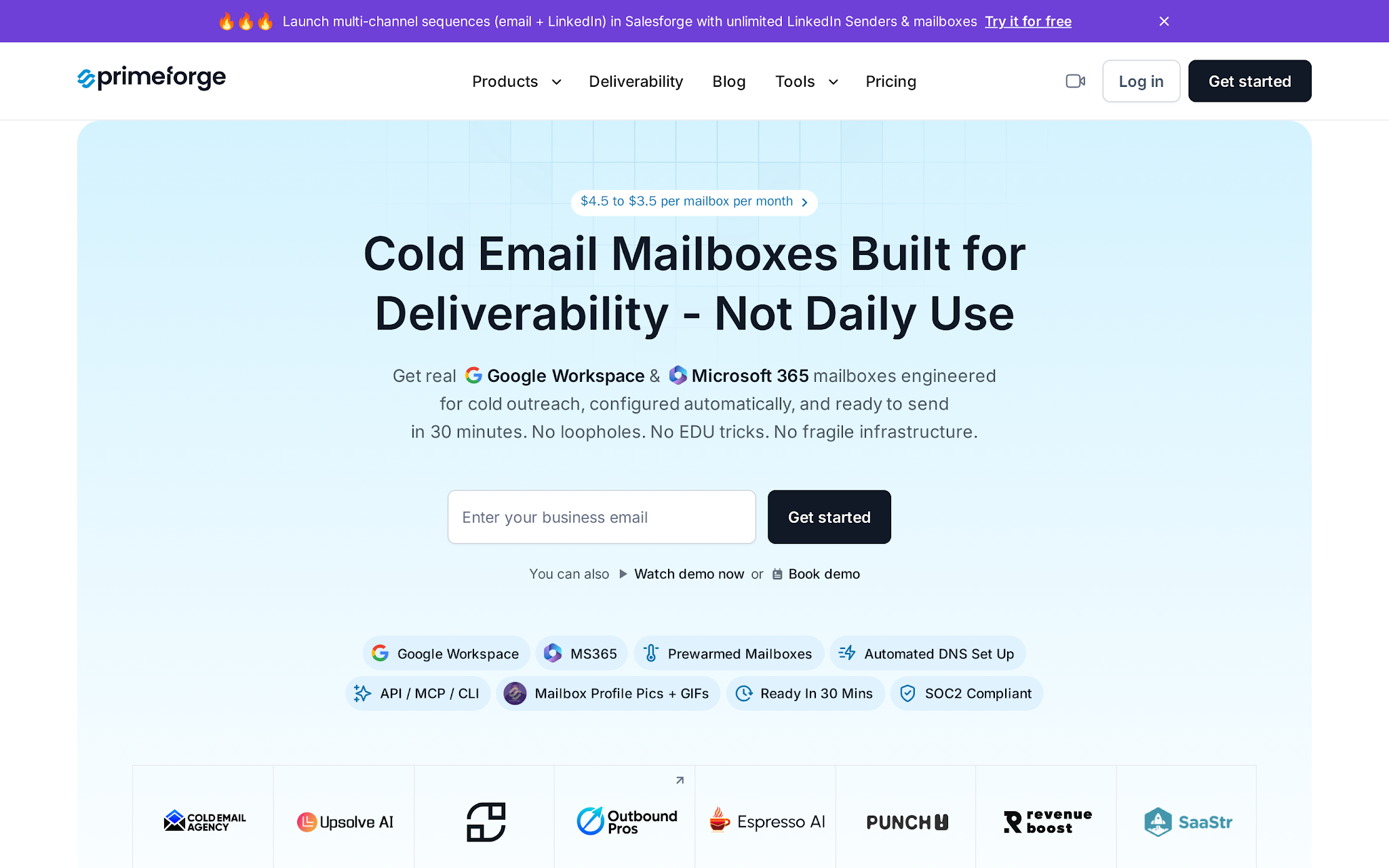
This image shows the Primeforge homepage showing Google Workspace and Microsoft 365 mailboxes for cold outreach
Primeforge is the strongest Endy Inboxes alternative when you want cold email infrastructure built around real Google Workspace and Microsoft 365 mailboxes, not a private-only mailbox layer.
That matters if your prospects are mostly on Google or Microsoft. Sending from the same provider family gives your team an ESP-matching motion, and it keeps the mailbox model familiar for operators who already understand Google Workspace or Microsoft 365.
Primeforge is part of the Forge stack. Use Primeforge for the mailboxes, Warmforge for warmup and deliverability checks, Salesforge for sequencing and Primebox reply management, and Leadsforge when you need contact data before the send.
The workflow is infrastructure first, warmup second, contact quality third, copy fourth, then volume.
That order matters. Most teams do it backwards.
Key features
Google Workspace and Microsoft 365 mailboxes built for cold outreach
US-based IP addresses
Automated SPF, DKIM, DMARC, and custom tracking setup
Mailbox slots that let you delete and recreate mailboxes without buying a new slot
Bulk DNS updates across domains
Multiple workspaces for teams, clients, or campaigns
Works with Salesforge and other sending software
Access to the Primeforge API
Pricing
Primeforge pricing is based on mailbox slots.
Mailbox cost $4.50/month billed yearly and $113/month billed monthly for 25 slots..
That means a 25-mailbox setup costs roughly $113/month for mailboxes..
Domains are priced separately, .com domains at $14/year, so 25 new domains would add about $350/year.
There is no free trial because it is an infrastructure product, but you can explore the app without purchasing domains and mailboxes.
Pros
Primeforge gives you Google Workspace and Microsoft 365 mailboxes, which matters when ESP matching is the reason users switch from Endy.
Mailbox slots make capacity planning more predictable: you can delete and recreate mailboxes without buying a new slot each time.
The infrastructure is sequencer-portable. You can connect Primeforge mailboxes to Salesforge or another sender instead of making the sending platform the infrastructure owner.
Automated SPF, DKIM, DMARC, custom tracking, bulk DNS, and workspace organization reduce the manual setup work that usually slows down multi-domain outbound.
Cons
Primeforge is a separate subscription from Salesforge, Warmforge, and the rest of the Forge stack, so total cost depends on how much of the stack you use.
Mailbox slots can create waste if you buy more capacity than you actually need, especially before you know your safe daily sending volume.
Outbound teams, agencies, and AI SDR workflows that want Google Workspace or Microsoft 365 mailboxes, automated DNS, US IPs, and portability across sending tools.
Who should not choose Primeforge
Teams that only care about lowest-cost SMTP volume, teams that want one fully managed private infrastructure service, or teams that are not ready to think through domains, warmup, sending limits, and sequencer setup.
Personalized Outbound Strategy
Get The Right Outbound Strategy In Minutes
Enter your email to get a custom plan & stack recommendation for your
business
It's being carefully crafted by AI
Please check your mailbox in 5 minutes
2. Maildoso: Best for budget SMTP and Google Workspace mailbox volume
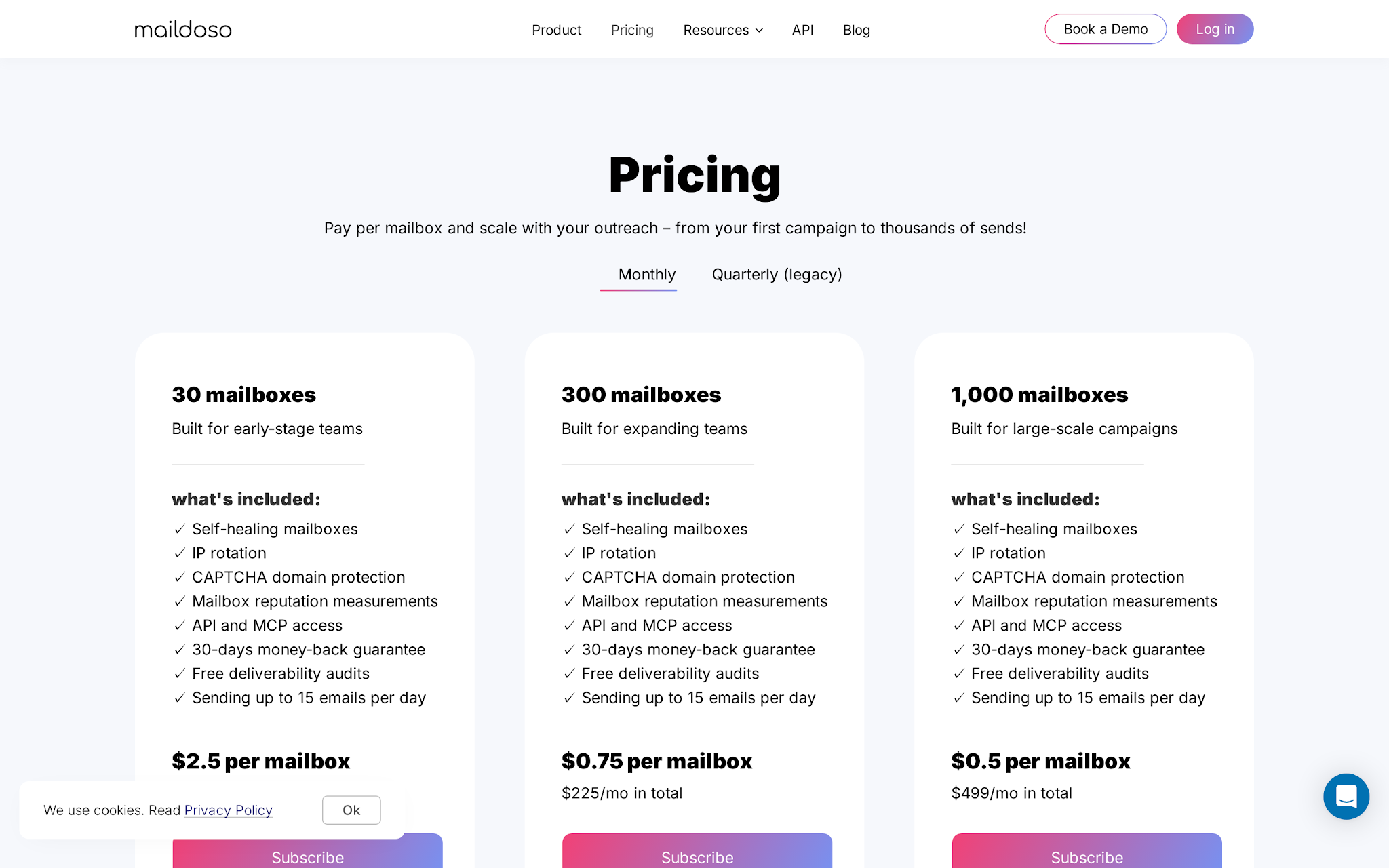
This image shows the Maildoso pricing page showing SMTP, Google Workspace, and combo mailbox packages
Maildoso is a strong Endy alternative when cost is the only concern.
It sells outbound mailboxes across SMTP, Google Workspace, and combo packages.
The positioning is simple: buy mailboxes and domains in bulk, get DNS automation, connect to your sequencer, and keep the per-mailbox number low.
This is not the same buyer as Primeforge. Primeforge makes sense when mailbox legitimacy and Google/Microsoft continuity are the center of the decision.
Maildoso makes sense when you need a lot of infrastructure and you are comfortable with SMTP volume, IP rotation, and a stricter ramp.
Key features
SMTP mailboxes built for outbound
Google Workspace mailbox packages
Combo plans with SMTP plus Google Workspace
Automated SPF, DKIM, and DMARC setup
One-click connection to major sequencers
IP rotation for SMTP
Self-healing mailbox behavior that pauses burned mailboxes
Inbox placement tests every 3 days on SMTP
Pricing
Maildoso's monthly SMTP pricing starts at $75/month for 30 mailboxes, then $158/month for 70 mailboxes, and $570/month for 300 mailboxes.
That puts the entry SMTP package at about $2.50 per mailbox per month, before domains.
Monthly combo plans start at $90/month for 15 Google Workspace plus 15 SMTP mailboxes.
Domains cost $12/year on monthly plans, so a 30-mailbox setup with 10 new domains would add about $120/year.
Quarterly SMTP plans include domain bundles, such as $299/quarter for 32 mailboxes plus 8 domains.
Pros
The SMTP entry package comes out to about $2.50 per mailbox per month before domains, which is cheaper than Google/Microsoft mailbox infrastructure.
Inbox placement checks every 3 days on SMTP give operators a recurring signal instead of waiting for reply rates to collapse.
Self-healing mailbox behavior, IP rotation, and sequencer sync make it more operational than a basic mailbox resale panel.
Cons
Maildoso's cheapest numbers depend on package size, billing model, and mailbox type, so the headline price can understate the real buying decision.
Google Workspace sending limits are conservative, with recommended cold send volume around 15 emails per mailbox per day.
Domains are only included on quarterly SMTP plans; monthly buyers need to pay for domains separately or connect their own.
Maildoso does not position Microsoft 365 as a core mailbox option, which matters if your prospect base is Outlook-heavy.
Who should use Maildoso
Agencies or outbound operators that need low-cost mailbox volume, can work within package requirements, and know how to manage sending discipline.
Who should avoid Maildoso
Teams that want Microsoft 365 mailboxes, high-control private infrastructure, or a Google/Microsoft mailbox ownership model.
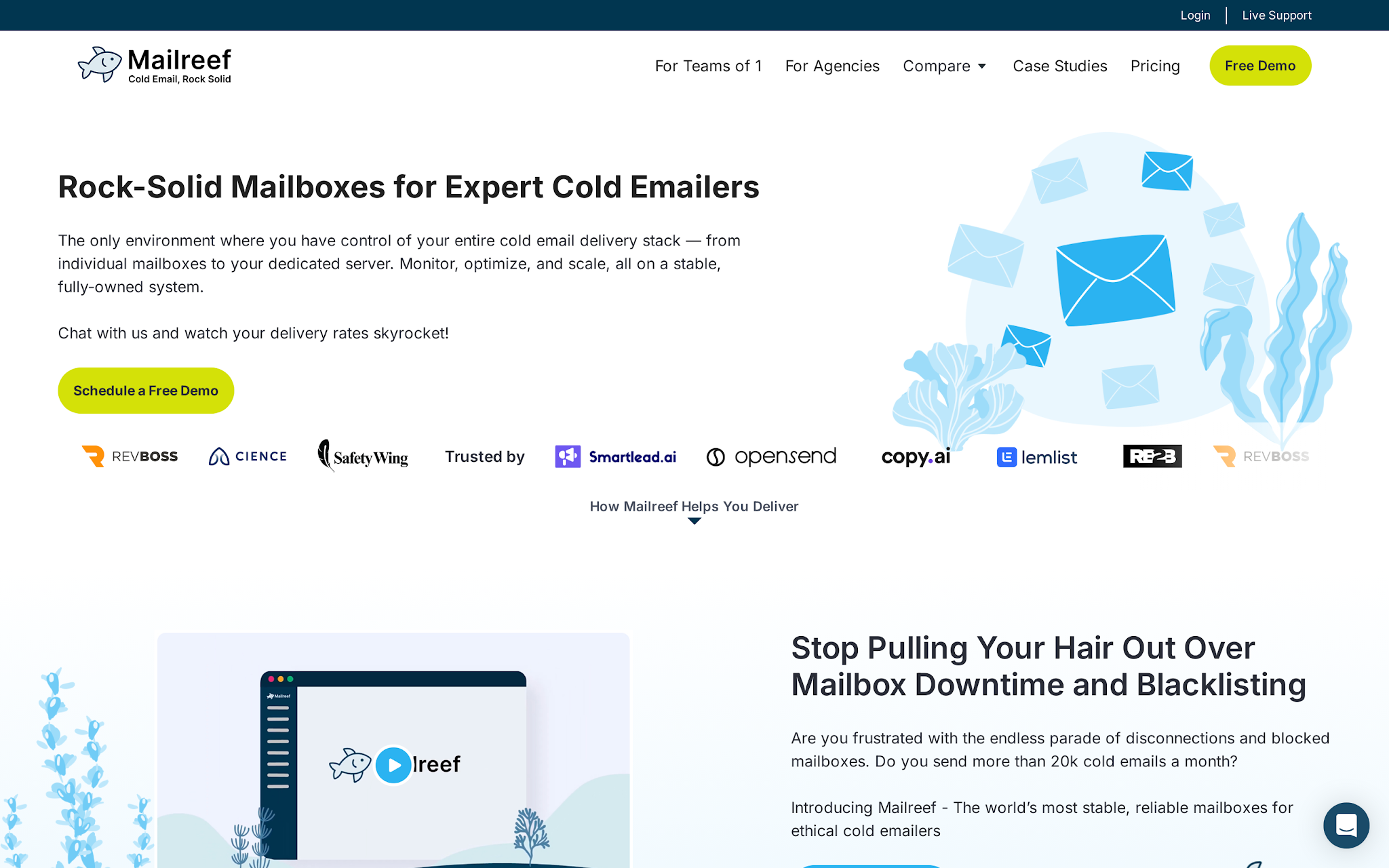
Mailreef is for teams that have moved past "I need inboxes" and are thinking in terms of server control, reputation, uptime, and deliverability operations.
It positions around a dedicated mail server, dedicated IP address, unlimited free inboxes, domain and mailbox automation, pre-warmed server/domain/mailbox claims, live delivery consulting, monitoring, and integrations with common cold email sending tools.
That is a different replacement path from Primeforge.
Primeforge gives you mainstream Google and Microsoft mailboxes for cold outreach. Mailreef gives expert cold emailers a dedicated server-style environment where the infrastructure itself is the product.
Key features
Dedicated mail server and dedicated IP address
Unlimited free inbox positioning
Bring-your-own-domain support
One-click domain purchases and mailbox creation
Automated SPF, DKIM, and DMARC setup
Pre-warmed server, domains, and mailboxes positioning
Server and mailbox monitoring
Sending-tool integrations
Pricing
Mailreef starts at $240/month on the Agency plan with a 12-month commitment. The Agency Flex plan costs $249/month for teams that want month-to-month cancellation. Both plans also add $0.001 per send.
This is not mailbox-only pricing. It is server-level infrastructure pricing.
The plans include a dedicated mail server, dedicated IP address, domain purchases, mailbox creation, SPF, DKIM and DMARC setup, monitoring, API access, support, and Smartlead and Instantly integration.
Each server includes 150+ mailboxes, so the Agency plan comes to roughly $1.60 per mailbox per month if the server is fully used. Enterprise pricing is custom.
Pros
Mailreef gives expert operators a dedicated server and dedicated IP model instead of a simple mailbox bundle.
Unlimited free inbox positioning can be attractive if your team already knows how to manage domain quality and sending discipline.
Sending-tool integrations let Mailreef sit under common outbound workflows without becoming the sequencer itself.
Live delivery consulting and monitoring are useful when the team needs help diagnosing infrastructure issues, not just buying accounts.
Cons:
Mailreef is a poor fit for beginners who just want 10 to 30 mailboxes and a simple checkout.
Dedicated infrastructure gives you control, but it also makes your team more responsible for list quality, copy quality, sending limits, and reputation management.
If your goal is ESP matching with Google Workspace or Microsoft 365, Primeforge is the more direct model.
Who should use Mailreef
Experienced cold email operators, agencies, and high-volume teams that want server-level infrastructure control and have the discipline to operate it.
Who should avoid Mailreef
Smaller teams that want transparent self-serve pricing, Google/Microsoft mailbox ownership, or a simple mailbox procurement flow.
4. Mission Inbox: Best for isolated infrastructure beyond cold outreach
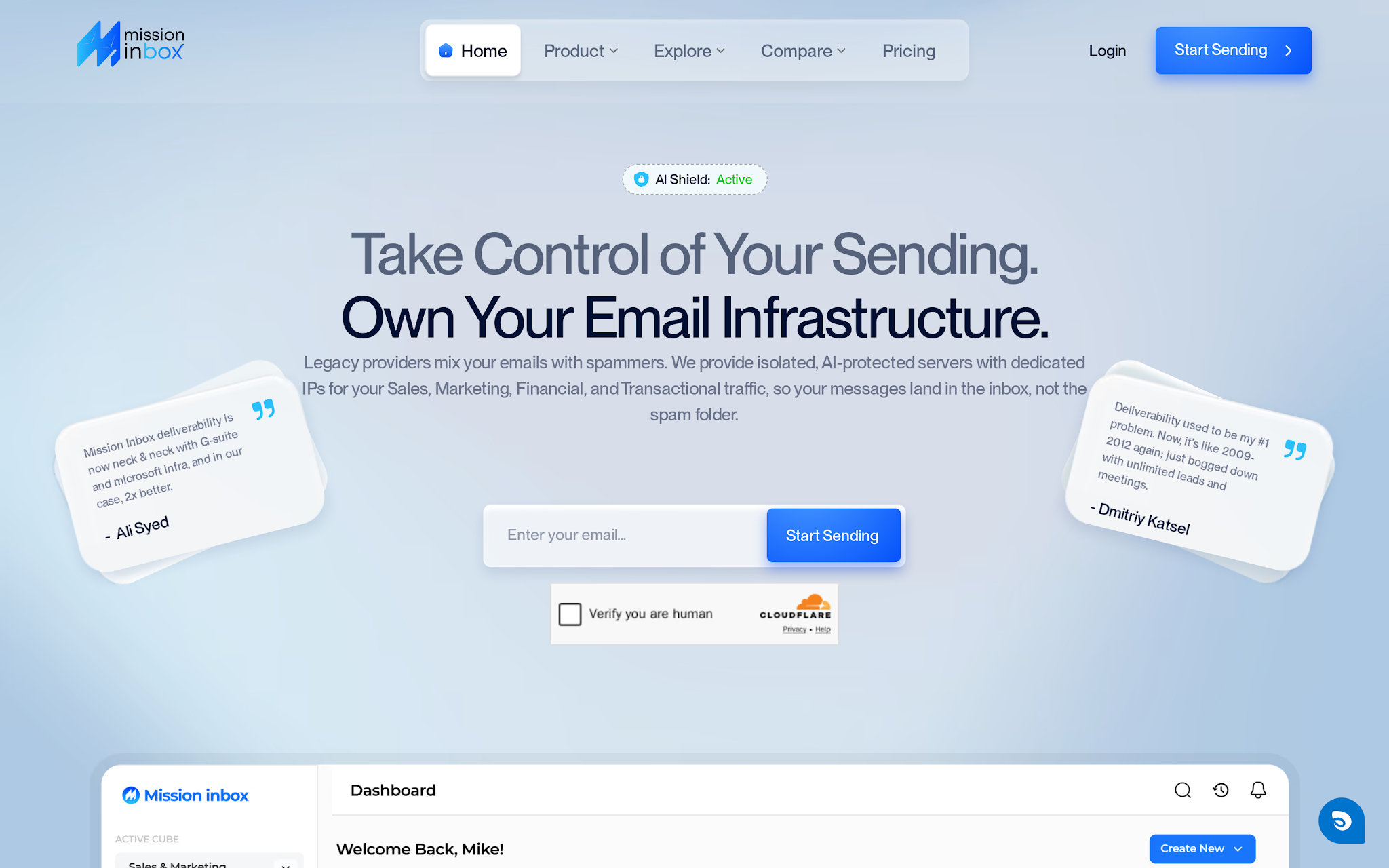
This image shows the Mission Inbox homepage showing isolated email infrastructure and dedicated IPs
Mission Inbox is the Endy alternative if your email infrastructure problem is bigger than cold outreach.
It positions around isolated servers, dedicated IPs, workload-specific lanes, API or SMTP architecture, pre-send quality checks, deliverability insights, warmup support, and infrastructure for sales, marketing, transactional, financial, legal, and platform email.
It is closer to a private email infrastructure layer for teams that need separation between different types of sending.
A marketing blast should not affect invoices. Sales outbound should not sit on the same reputation surface as product notifications.
Key features
Isolated server infrastructure
Dedicated IPs based on volume
Sales, marketing, transactional, financial, legal, and platform lanes
SMTP and API architecture
Pre-send quality checks
Deliverability insights
Warmup support
Webhooks and SDK/API positioning
Pricing
Mission Inbox lists a starting price of $199/month, including 30 inboxes, 10,000 sends, and 20 credits.
For a sales team, that means the starting plan is already more than Endy's $25 and $99 tiers, but it includes a broader infrastructure model.
It also lists overage-style additions such as $1 per additional 1,000 sends and $2 to $3 per additional mailbox, so a 50-inbox setup would likely sit above the entry plan once extra mailboxes and usage are added.
Pros
Mission Inbox supports a broader infrastructure problem than cold outreach alone: sales, marketing, transactional, financial, legal, and platform email can sit in separate lanes.
Dedicated IPs and isolated servers help when one workload should not damage another workload's sender reputation.
API and SMTP architecture make Mission Inbox relevant for product or platform teams, not just sales teams buying inboxes.
Pre-send quality checks, deliverability insights, warmup support, and webhooks make it more infrastructure-heavy than a basic cold email inbox provider.
Cons:
Mission Inbox is overbuilt if all you need is cold email mailboxes for a sales campaign.
The $199/month starting plan is higher than Endy's entry price, so small teams need a real infrastructure reason to justify it.
It is less directly comparable to Primeforge if your main goal is Google Workspace or Microsoft 365 mailboxes.
The broader workload model adds decisions your sales team may not need to make yet, including lane design, API needs, and send-volume planning.
Who should use Mission Inbox
Teams that need dedicated infrastructure across sales, marketing, transactional, or platform email and care about separating reputation by workload.
Who should avoid Mission Inbox
Teams that only need quick cold email inboxes, Google/Microsoft mailbox ownership, or the lowest per-mailbox cost.
5. Mailscale: Best for managed outbound infrastructure with campaign operations
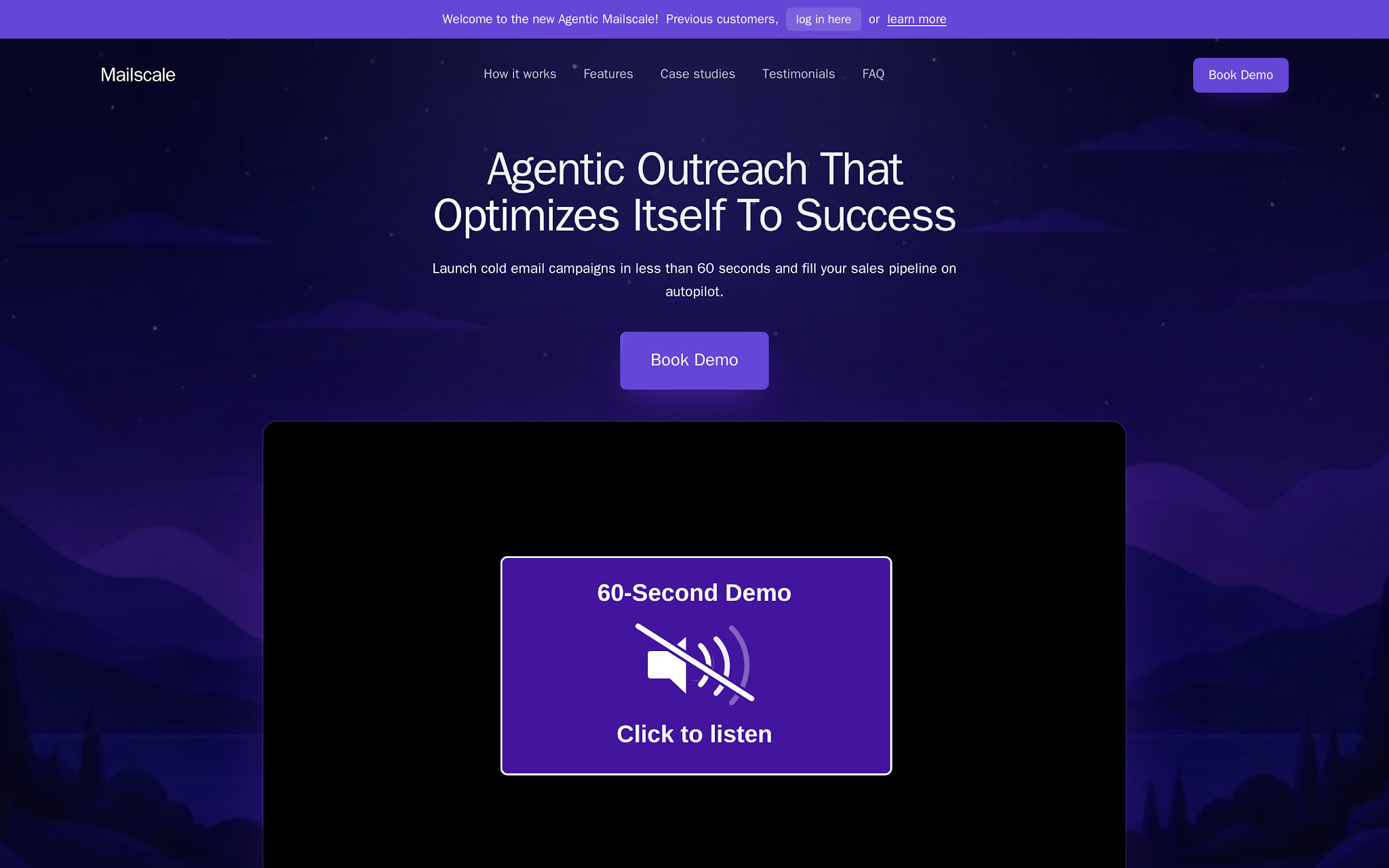
This image shows the Mailscale homepage showing managed outbound infrastructure and campaign operations
Some teams looking for Endy alternatives are not only replacing inboxes.
They are tired of buying domains, setting up mailboxes, warming accounts, uploading lists, writing campaigns, checking replies, and diagnosing deliverability issues as separate jobs.
Mailscale now positions around a managed, agentic outbound workflow: infrastructure, campaign execution, deliverability monitoring, enrichment, and reply handling wrapped into one operating layer.
That makes it useful if your real problem is outbound operations, not just inbox supply. If you want an independent mailbox infrastructure that can move between sequencers, Primeforge, Maildoso, Mailreef, or Mission Inbox make more sense.
Key features
Domain and inbox setup as part of the outbound workflow
Warmup and sending ramp guidance
Campaign launch and optimization
Self-healing deliverability positioning
Phone enrichment
Reply classification and response drafting
Case-study-led proof points for reply volume
Previous-customer login plus demo-led onboarding
Pricing
Mailscale pricing is based on the number of outbound inboxes you need. Inboxes can go as low as $1/month per inbox, depending on the plan.
The Business plan is listed at $95/month for up to 50 inboxes, while another pricing page version lists it at $119/month. That puts the cost at roughly $1.90 to $2.38 per inbox per month if all 50 inboxes are used.
Domains usually cost around $10 to $15/year with SPF, DKIM, and DMARC configured. Mailscale also recommends using no more than 5 inboxes per domain for deliverability.
Pros
Mailscale is useful when the team wants outcomes and operating help, not another raw mailbox vendor.
The workflow covers more of the outbound chain: domains, inboxes, warmup, campaign execution, deliverability monitoring, enrichment, and replies.
The safe-send math is concrete: up to 30 campaign emails and 20 warmup emails per account per day, with at least 2 weeks of warmup before cold sending.
It is easier to justify for founders or agencies that do not have an internal cold email operator to manage infrastructure every week.
Cons
The current positioning is broader than Endy-style inbox procurement, so it may be too much product and service for teams that only need 25 to 50 mailboxes.
If infrastructure portability matters, confirm whether domains, inboxes, campaign assets, and reply data remain usable outside Mailscale.
Teams that want Google Workspace or Microsoft 365 mailbox ownership should evaluate Primeforge before choosing a managed outbound layer.
Who should use Mailscale
Founders, agencies, and lean B2B teams that want a low-cost way to create and manage outbound inboxes without manually setting up every domain, DNS record, and mailbox.
Who should avoid Mailscale
Teams that specifically want Google Workspace or Microsoft 365 mailbox ownership, or teams that need a full sending platform with campaigns, replies, and sales workflow built in.
Endy Inboxes vs alternatives: what changes by model?
The five tools above are not interchangeable.
They replace Endy for different reasons:
Switch for Google/Microsoft mailbox ownership: choose Primeforge.
Switch for lower per-mailbox pricing: choose Maildoso.
Switch for dedicated server control: choose Mailreef.
Switch for broader infrastructure isolation: choose Mission Inbox.
Switch for managed outbound operations: choose Mailscale.
Endy is a private cold email infrastructure service. Primeforge is Google/Microsoft mailbox infrastructure. Maildoso is a budget SMTP and Google Workspace volume. Mailreef is a dedicated server control. Mission Inbox is isolated infrastructure. Mailscale is managed outbound infrastructure with campaign operations attached.
Pick the model first.
Then pick the vendor.
When Endy Inboxes still makes sense
Endy is still a good fit when you want a white-glove private infrastructure service with dedicated IPs, sequencer upload, 30-minute setup, and Slack or WhatsApp support.
Do not switch just because a different provider looks cheaper.
Endy makes sense if:
You want dedicated private IPs without managing the infrastructure yourself.
You value responsive support more than self-serve control.
You are comfortable with Endy's mailbox model and sending limits.
You want someone else to handle domain and DNS setup.
Your current campaigns are working and the real issue is campaign quality, not infrastructure.
The problem is not Endy.
The problem is buying the wrong model for the way your team sends.
Final decision guide
If your team is replacing Endy Inboxes, ask these questions:
Do you need Google Workspace or Microsoft 365 mailboxes? Choose Primeforge.
Do you need the lowest mailbox cost at volume? Choose Maildoso.
Do you need dedicated server control and live delivery expertise? Choose Mailreef.
Do you need isolated infrastructure across sales, marketing, transactional, or platform email? Choose Mission Inbox.
Do you want managed outbound operations beyond mailbox setup? Choose Mailscale.
For most B2B outbound teams evaluating Endy Inboxes alternatives, Primeforge is the best first comparison because it changes the underlying infrastructure model without forcing you into a sequencer-owned workflow.
You get Google Workspace and Microsoft 365 mailboxes, automated DNS, US IPs, mailbox slots, workspace control, and the ability to plug into Salesforge or another sender.
That is the better question for serious outbound teams:
Do you want to rent another inbox bundle, or do you want mailbox infrastructure your team can actually operate?
Personalized Outbound Strategy
Get The Right Outbound Strategy In Minutes
Enter your email to get a custom plan & stack recommendation for your
business
It's being carefully crafted by AI
Please check your mailbox in 5 minutes
Build the infrastructure before you scale the sending
Cold email does not fail because your team lacks one more inbox.
It fails because infrastructure, warmup, contact quality, sequencing, reply handling, and reporting are treated as separate chores. That works until you add more domains, more senders, more offers, and more follow-up steps.
If you want Endy-style convenience but need Google Workspace and Microsoft 365 mailboxes for a more portable outbound system, start with Primeforge.