If you are looking for an alternative to Google Workspace, formerly G Suite, you probably have a reason beyond Gmail itself.
The question is whether the rest of Workspace still fits what your business needs.
For some teams, the issue comes down to cost or the storage limits on Google Drive. Others want more control over their data, or need separate infrastructure for cold outreach.
Here are some of the reasons businesses consider other options:
I tested seven Google Workspace alternatives across two groups: email infrastructure built for cold outreach and full productivity suites.
I have marked each option so you can focus on the alternatives that fit your needs.
Note: To make this blog post easier for readers, I have divided the tools into two categories: cold email infrastructure for outbound campaigns, and productivity suites for everyday business needs such as email, storage, documents, and collaboration.
The right Google Workspace alternative depends on what you need.
Full pricing sits in each tool section below.
I've listed different Google Workspace alternatives to pick the best options for your needs.
I did not test every enterprise plan or self-hosted deployment at scale, so I cannot speak to those. Where a claim comes from a vendor rather than my own use, I say so.
Check this table to understand quick comparison of the Google Workspace alternatives.
| Feature | Primeforge | Mailforge | Microsoft 365 | Zoho Workplace | Proton for Business | ONLYOFFICE | Fastmail |
|---|---|---|---|---|---|---|---|
| Best for | GTM teams and agencies sending cold email | High-volume sender agencies wanting affordable cold infrastructure | Teams wanting the closest match | Small businesses watching cost | Teams handling sensitive data | Teams self-hosting their files | Teams that only need email |
| Starting price | $4.50 per mailbox, monthly | $3 per mailbox, monthly | $7 per user, annual | $3 per user, annual | $6.99 per user, annual | Free on your own server | $4 per user, annual |
| Custom domain | Yes | Yes | Yes | Yes, on paid plans | Yes, 3 domains and up | Yes | Standard plan and up |
| Built for cold email | Yes | Yes | No | No | No | No | No |
| Pre-warmed mailboxes | Yes, same price | Yes, same price | No | No | No | No | No |
| Integrations | Any sending tool, native Salesforge | Any sending tool, native Salesforge | The most of any suite here | Mostly other Zoho apps | Very few | About 10 platforms | 1Password, Dropbox, any mail app |
| API access | Yes, included | Yes | Graph API | REST API | Not published | Yes | JMAP API |
| MCP and CLI | Forge MCP server and CLI | Forge MCP server and CLI | Community-built MCP only | Community-built MCP only | Not published | Not published | Official MCP server |
Best For: GTM teams and lead generation/cold emailing agencies sending cold email who need real Google and Microsoft mailboxes without the setup work.
Primeforge sells genuine Google Workspace and Microsoft 365 mailboxes built for cold outreach. You use it when you want to send cold email from separate domains instead of your main company one.
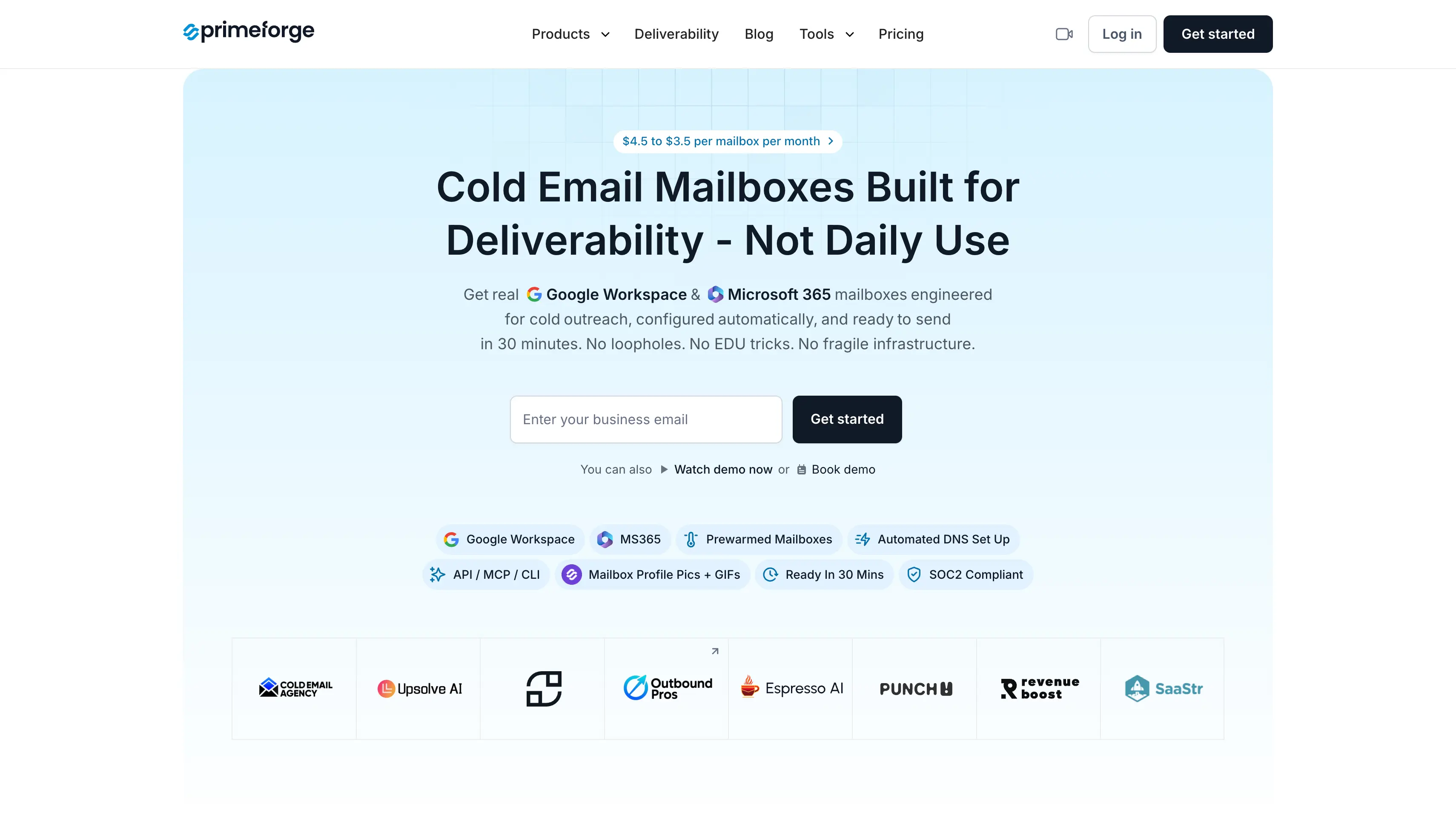
Here is what stands out:
The thing I like most is how quick the setup is. You sign up and have a mailbox that can send within the hour.
The catch is the price. Primeforge costs the most per mailbox of the Forge options, and warmup is available via Warmforge (which is charged separately).
| Item | Price | Details |
|---|---|---|
| Mailboxes, monthly | $4.50 per mailbox | Minimum 10 mailbox slots |
| Mailboxes, annual | About $3.75 per mailbox | Minimum 10 mailbox slots |
| Domains | $14 a year | For .com, or connect domains you already own |
| Included | No extra cost | Automated DNS, hosting, maintenance and the Primeforge API |
Best For: GTM teams and agencies that want cold email mailboxes at a steady per-mailbox price.
Mailforge is shared email infrastructure built for cold outreach. You use it when you need a lot of sending mailboxes and want to keep the cost per mailbox low.
Today, Mailforge is used by more than 10,000 businesses use the platform for their outbound email. This means such a huge number of businesses trust Mailforge for its cold email infrastructure.
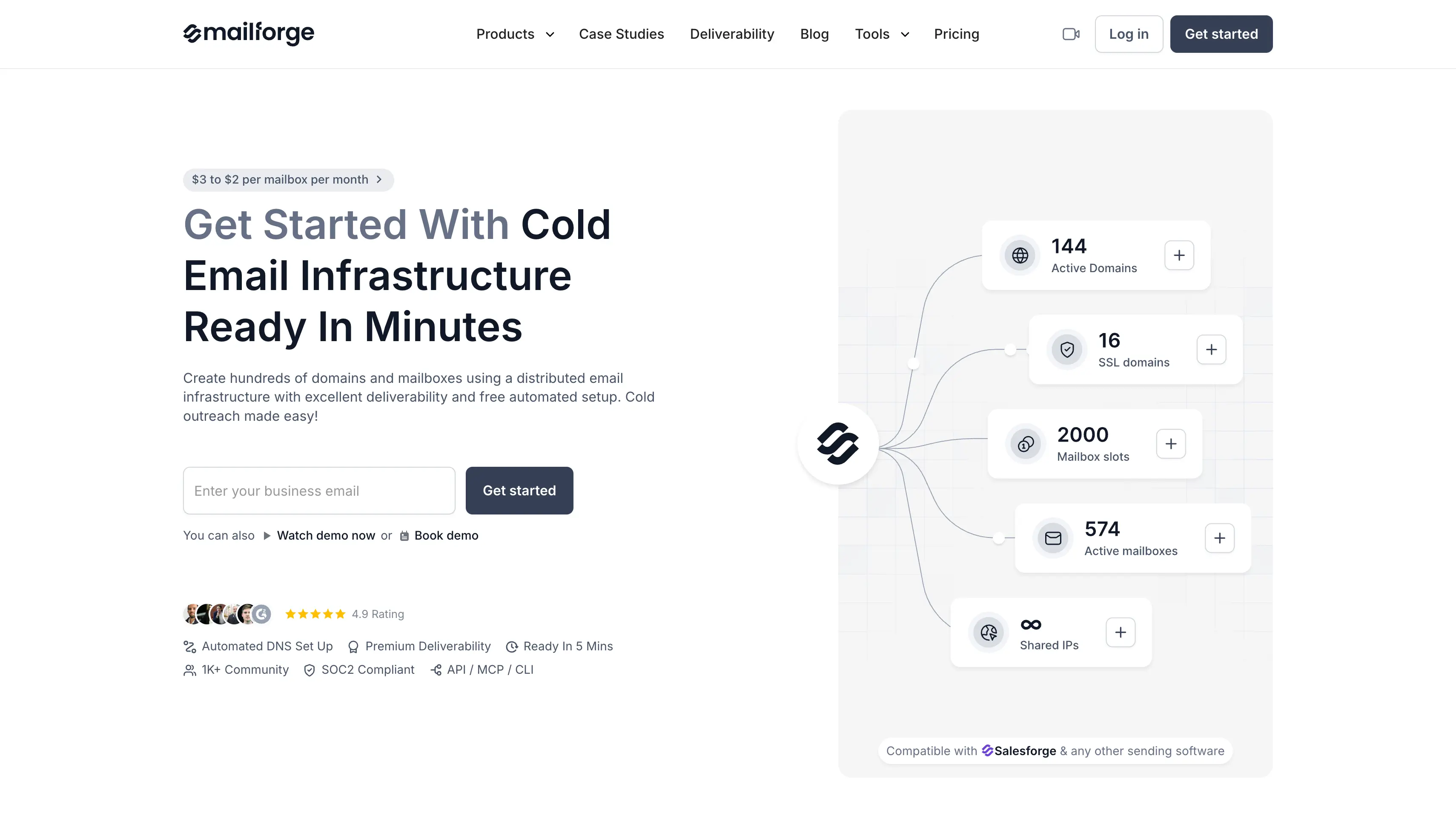
Here is what stands out:
The trade-off is the shared infrastructure. Your mailboxes operate in a shared environment alongside other senders.
Let's now understand the pros and cons.
| Item | Price | Details |
|---|---|---|
| Mailboxes, monthly | $3 per mailbox | Minimum 10 mailbox slots |
| Mailboxes, annual | About $2.40 per mailbox | Minimum 10 mailbox slots |
| Domains | $14 a year | For .com, priced separately with no annual discount |
| SSL and domain masking | $2 per domain | Per month, or $6 per domain per year |
| Included | No extra cost | Automated DNS, hosting and maintenance |
Best For: Teams that want the closest match to Google Workspace, with desktop apps and deep third party integrations.
Microsoft 365 is the full productivity suite most teams compare Google Workspace against. You use it when you want the same set of essential tools plus real desktop apps your team can work in offline.
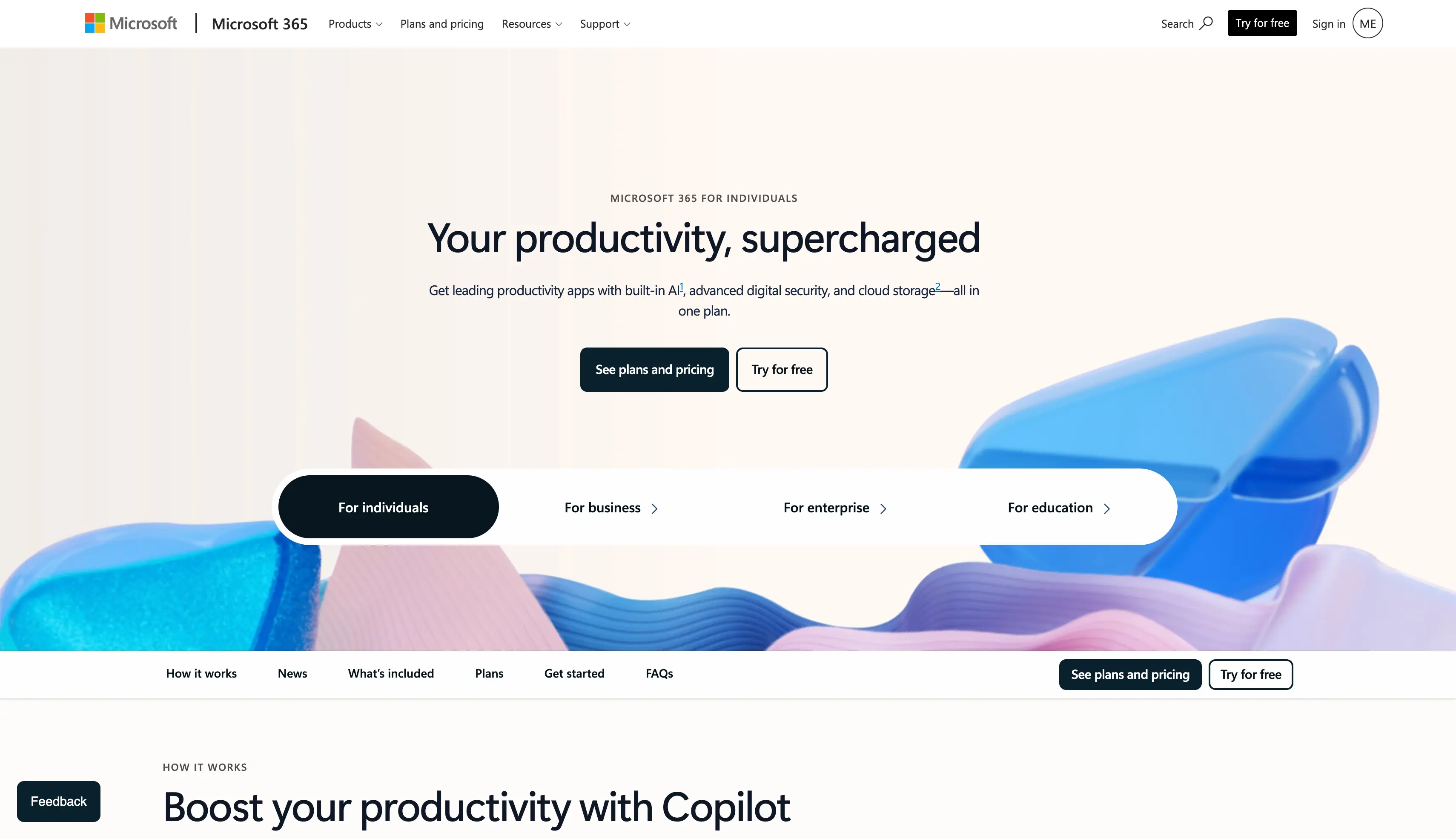
Here is what stands out:
What I like most is how it handles complex documents. Heavy spreadsheets and formatted Word files behave the same way they always have.
If the rest of your business already sits in the Microsoft ecosystem, team collaboration gets easier straight away.
The catch is complexity. The admin centre has more settings than most small businesses will ever touch, and the licensing takes real reading. Microsoft also raised prices in July 2026, with Business Basic going from $6 to $7 per user per month.
| Plan | Price | What you get |
|---|---|---|
| Business Basic | $7 per user/mo | Web and mobile apps, Teams, 1 TB storage per user |
| Business Standard | $14 per user/mo | Adds the full Word, Excel, PowerPoint and Outlook desktop apps |
| Business Premium | $22 per user/mo | Adds advanced security and device management |
| Annual commitment. Prices rose in July 2026 and apply at your next renewal. | ||
Best For: Small businesses and larger teams that want a full suite at a much lower cost, or a genuinely free version.
Zoho Workplace is a full productivity suite covering Zoho Mail, document editing, file storage, chat and meetings. You use it when you want a full suite without paying a full suite price.
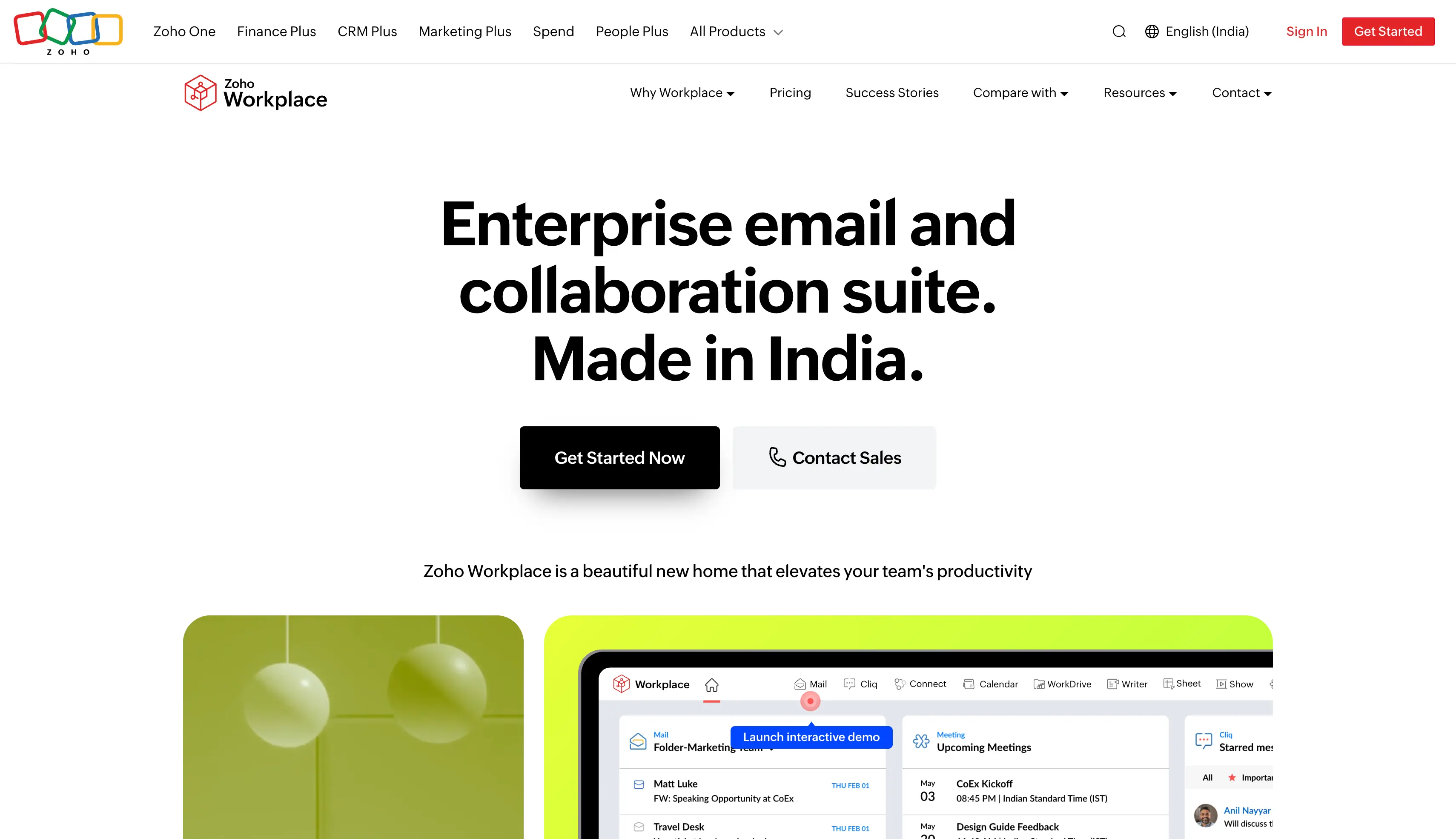
Here is what stands out:
The plan mixing is what I like most. Field staff can sit on the mail-only tier while managers use Professional, and it all runs from one admin panel.
The collaboration features are fully integrated across Mail, Writer, Sheet and Cliq.
The catch is depth. Writer, Sheet and Show handle everyday word processing well, but complex Word and Excel files can come back looking different. Third party integrations are also thinner, and Zoho's answer is usually another Zoho app.
| Plan | Price | What you get |
|---|---|---|
| Forever Free | $0 | Up to 5 users, limited features, no custom domain email |
| Mail Only | $1 per user/mo | Zoho Mail with a custom domain, no wider suite |
| Standard | $3 per user/mo | Full suite: mail, docs, file sharing, chat and meetings |
| Professional | $6 per user/mo | Everything in Standard with higher limits and more admin control |
| Billed annually. You can mix plans across users inside one account. | ||
Best For: Teams handling sensitive client data who need encryption as a requirement.
Proton for Business is an end-to-end encrypted suite covering mail, calendar, cloud storage, docs and video calls. You use it when your clients or an auditor care where the data sits and who can read it.
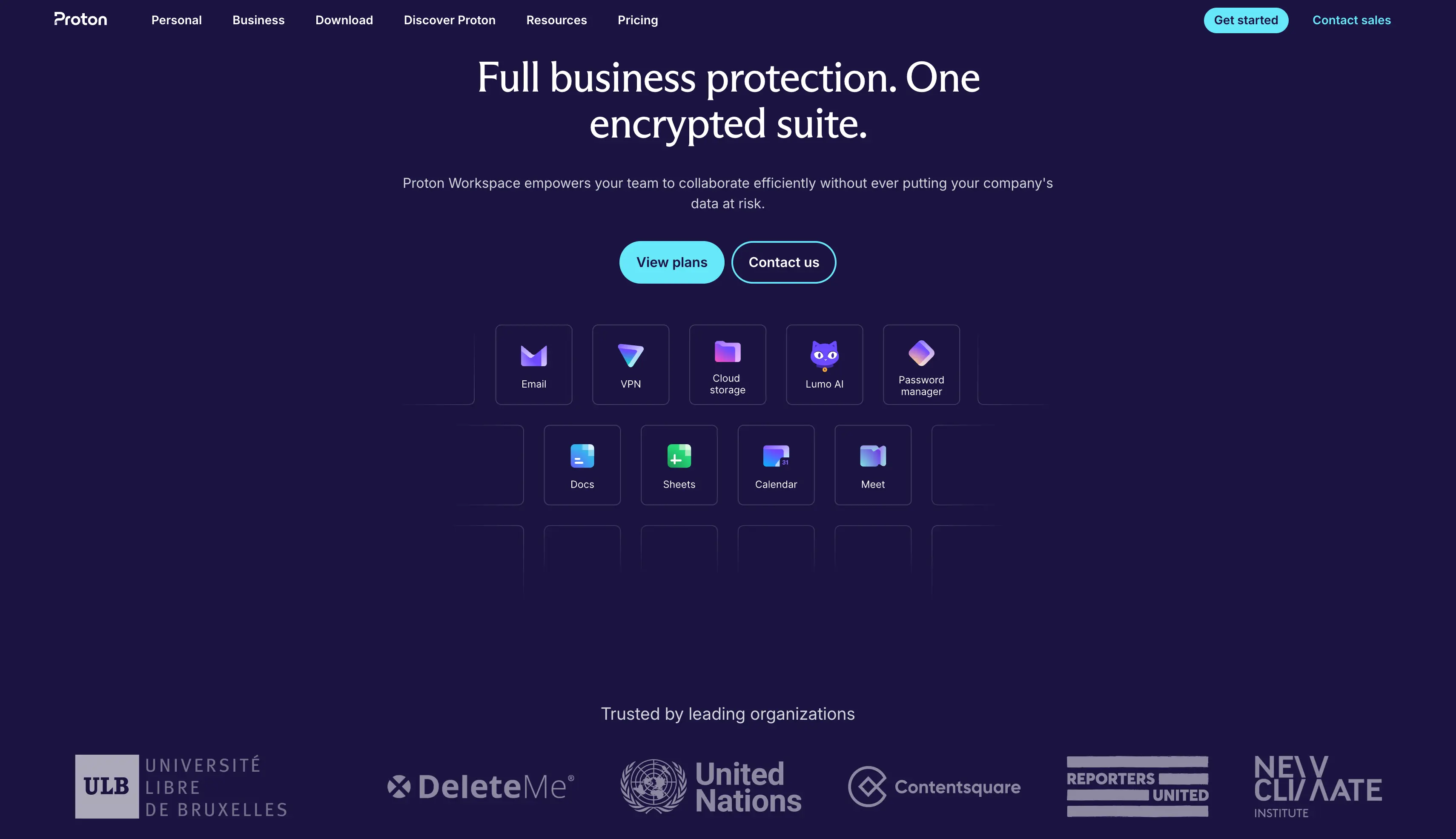
Here is what stands out:
What I like most is that the encryption is the default rather than a setting. You do not have to configure anything for it to apply.
The catch is the ecosystem. Third party integrations are thin, the shared document editing is still young, and search inside a fully encrypted mailbox has real limits.
| Plan | Price | What you get |
|---|---|---|
| Mail Essentials | $6.99 per user/mo | Encrypted mail and calendar, 3 custom domains |
| Workspace Standard | $12.99 per user/mo | Adds Drive, Docs, Sheets, Meet, plus VPN and password manager |
| Workspace Premium | $19.99 per user/mo | Higher storage and domain limits across the suite |
| Enterprise | Custom | Contact Proton for pricing |
| Billed annually. | ||
Best For: Teams that want to run their own office suite on their own server, and technical teams that want a free version.
ONLYOFFICE is an office suite you can run on your own server or in the cloud, with document editing and file sharing built in.
You use it when you want your files on hardware you control, or when paying per user stops making sense.
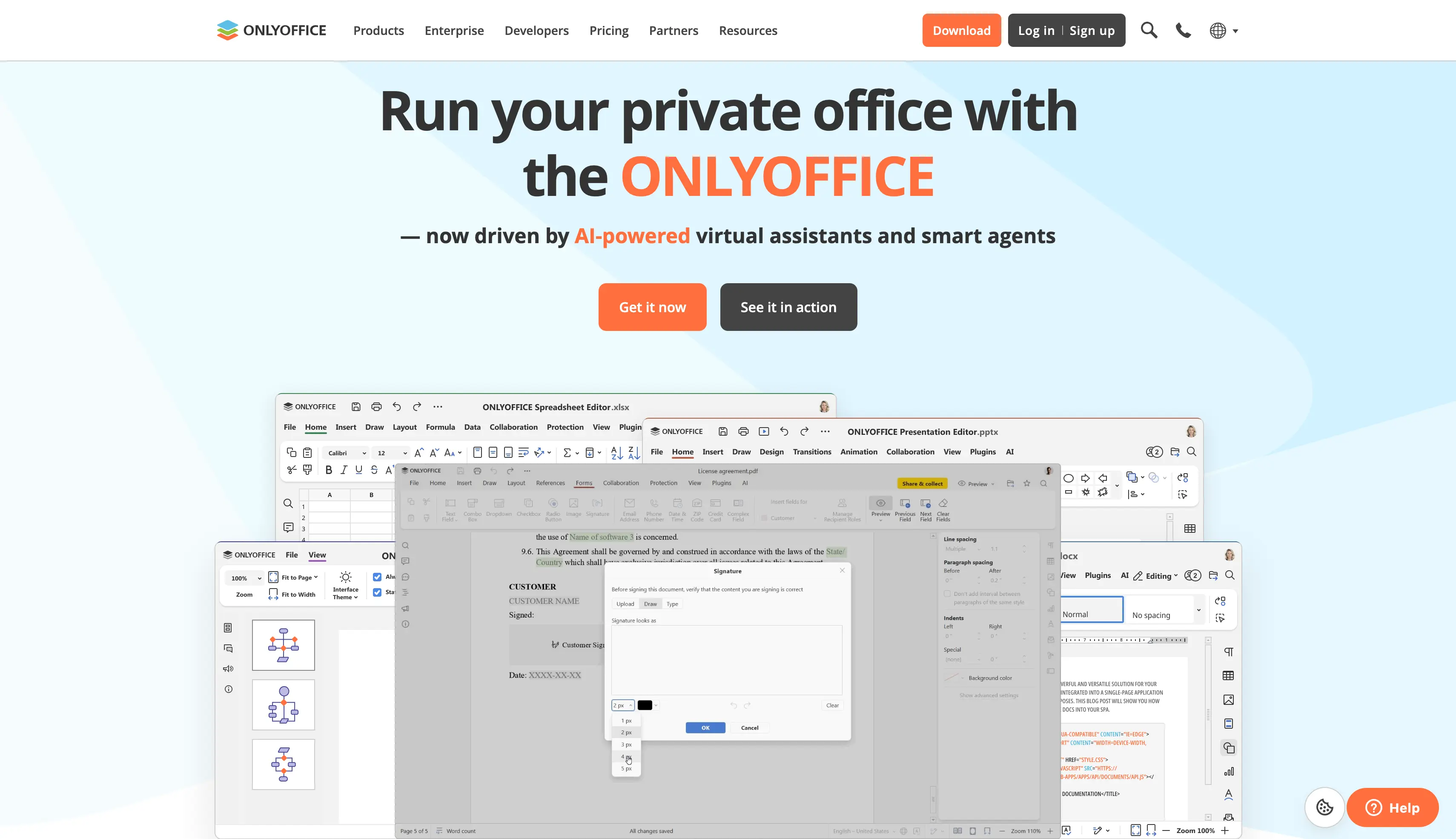
Here is what stands out:
What I like most is that Word and Excel files open and save without breaking. That is rarer in open-source suites than it should be.
The catch is that running your own server is real work. You need someone who can apply updates and handle backups, and setup takes time. ONLYOFFICE also does not include email, so you still need a mail server or a hosted provider alongside it.
| Plan | Price | What you get |
|---|---|---|
| Community Edition | Free | Run on your own server, up to 20 users |
| DocSpace Cloud Startup | Free | Hosted entry tier |
| DocSpace Cloud Business | $20 per admin/mo | Priced per admin rather than per user |
| Docs Enterprise Cloud | From $8 per user/mo | Hosted enterprise document editing |
| DocSpace Enterprise | From $6,550 | One-time cost, on-premises |
| No email hosting included, so you still need a mail provider alongside it. | ||
Best For: Small teams that only need a professional email address and shared calendars.
Fastmail is a paid email service with calendars and contact management, and nothing else bolted on. You use it when you want a fast, ad-free professional email address and you already solved documents and file storage elsewhere.
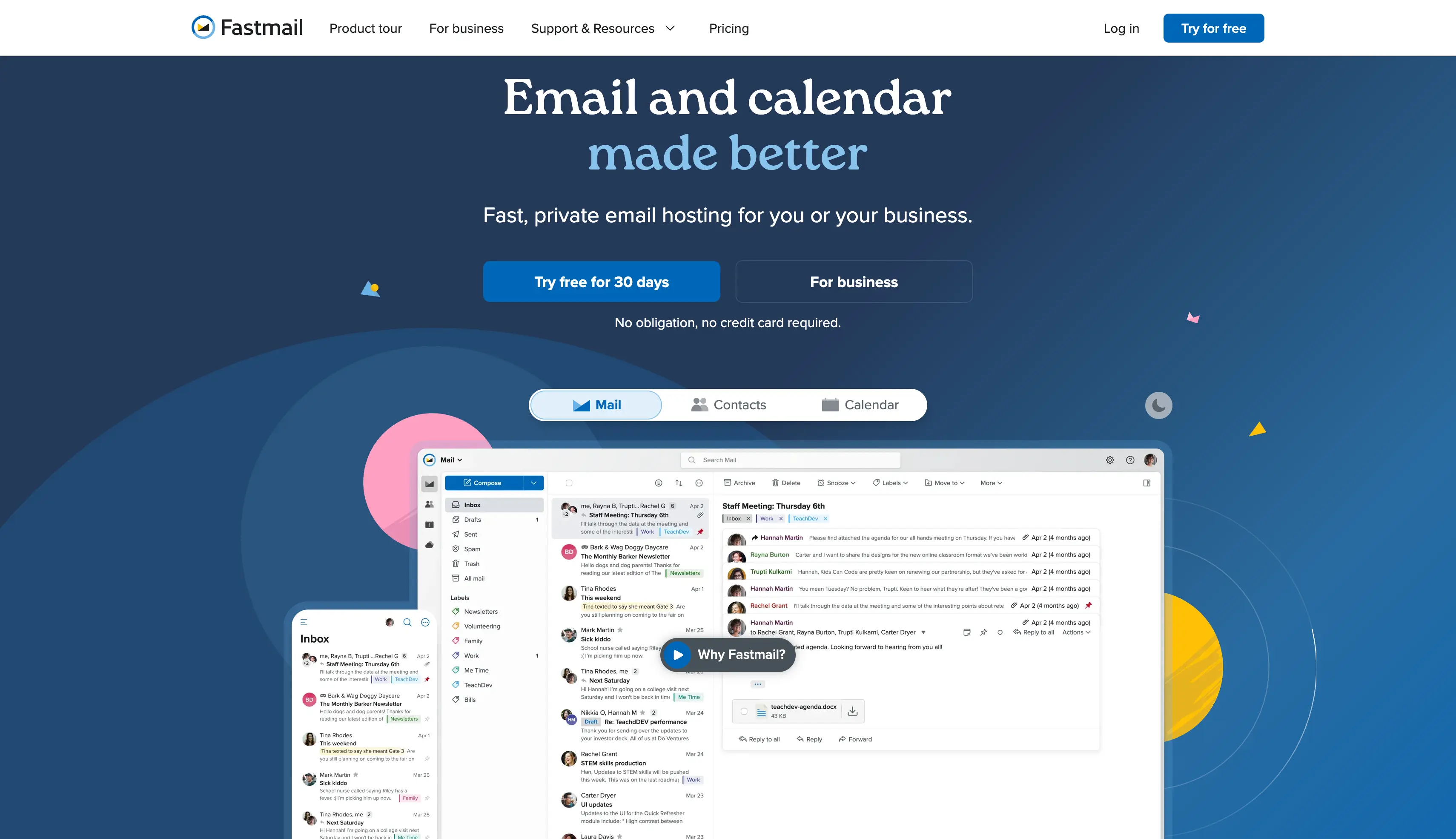
Here is what stands out:
What I like most is that it does not try to be a suite. Everything in the product is aimed at the inbox.
The catch is how little it covers. There is no document editing, no cloud storage beyond mail and no video conferencing. It replaces Gmail, not Google Workspace, and custom domains need the Standard plan or above.
| Plan | Price | What you get |
|---|---|---|
| Basic | $4 per user/mo | Mail and calendar, no custom domain |
| Standard | $6 per user/mo | Adds custom domains |
| Professional | $9 per user/mo | Higher storage, shared calendars and admin tools |
| Billed annually. You can mix plan tiers across your team. | ||
Run your shortlist through these before you pay for anything.
You can ask these questions to understand if the alternative suits to your requirements.
For most teams, switching from Google Workspace is not necessary unless it no longer meets their needs.
Zoho Workplace offers a lower-cost alternative, while Proton focuses on privacy and ONLYOFFICE supports self-hosting.
My advice is simple: choose an alternative based on the problem you want to solve.
If your main reason for switching is cold email, you need separate domains and mailboxes for your outreach. Primeforge and Mailforge are built for that.
Start your 14-day free trial of Primeforge.
Zoho Workplace has the strongest free version, covering up to 5 users, though it drops custom domain email at that tier. The ONLYOFFICE Community Edition is free for up to 20 users if you run it on your own server. That costs nothing, but you need someone who can look after the server. Neither Google Workspace nor Microsoft 365 offers a true free version for business use, only trials, so a paid version is the only real option there.
They are close to level in 2026. Microsoft 365 Business Basic is $7 per user per month and Business Standard is $14, both on annual commitment. Google Workspace Business Starter and Business Standard match those figures. The real difference is what you get, since Microsoft includes desktop apps and 1 TB of storage per user at the Basic tier.
Yes, in every case on this list. Your domain is registered with your registrar, not with Google, so you point the MX records at your new provider and mail starts arriving there. The one thing to plan properly is the mailbox migration itself, since moving years of archived mail takes time.
You lose access once the account closes, so export everything first through Google Takeout while the subscription is still live. Docs, Sheets and Slides come out as Word, Excel and PowerPoint files, which every suite here opens. Give yourself a few weeks, because a large Drive takes a while to export and check.
Harder than moving mail alone, because Google's file formats are its own. Docs, Sheets and Slides are not stored as Word, Excel or PowerPoint files, so every one has to be converted on the way out, and heavily formatted documents need checking afterwards. Mail, contacts and calendars move cleanly in most cases. Files are where the work is.
Most of them support moving your data across, though the quality varies. Microsoft provides a free built-in path through the Exchange Admin Center, which works but takes several technical steps and a service account with domain-wide delegation. Proton has a one-click Easy Switch import at no extra cost, per its site. Zoho publishes manual migration guides rather than an automated tool.
Not the productivity suites, no. Zoho, Proton, Fastmail and ONLYOFFICE are all built for company mail. Sending cold outreach through them risks the same suspensions and domain damage you would get from Google Workspace. For cold email you want separate infrastructure like Primeforge or Mailforge, on separate domains, kept away from your main one.
Around 20 is where the maths usually turns, because per-seat pricing gaps that look small at 5 users become real money at 20 or 50. Ten users moving from Google Workspace Business Starter to Zoho Workplace Standard saves about $480 a year. The same move at 50 users saves roughly $2,400, which is when most teams stop putting it off.
Microsoft 365, since they are its own formats. ONLYOFFICE is the strongest of the rest and handles complex Word and Excel files better than any other open-source suite. Zoho and Proton both open Office files, but heavily formatted documents can come back looking different. Test with your own worst file before you commit.

