
Personalized Outbound Strategy
Get The Right Outbound Strategy In Minutes
Enter your email to get a custom plan & stack recommendation for your business
It's being carefully crafted by AI
Please check your mailbox in 5 minutes

Aerosend's pitch centers on one claim. Google and Outlook penalize cold email, so private servers built for it are safer. It supports this with aged IPs, a new server for every ten domains, managed warmup and burn alerts when a domain starts slipping.
I think that argument works for some teams. For me, after 6 months of using it, deliverability was solid initially, but after the 3rd month it started landing in spam.
If you are here, you have probably run into the same limits I did. You manage more inboxes than your volume should need, and every time you grow, you commit to another 30. When a domain burns, the alert arrives, but you still have to do the cleanup.
And when placement drops, there is no easy way to tell whether the problem is your domain, the nine others on your server, or the fact that your mail does not come from the Google or Microsoft accounts your prospects use.
If any of those issues brought you here, the five alternatives below offer a different setup. Four use real Google or Microsoft mailboxes, one gives you control over private servers, and I explain what each costs in return.
Four of these five use real Google or Microsoft mailboxes. One stays on private servers but gives you control.
Primeforge is my top choice for teams wanting provider accounts with each domain in its own workspace.
Leaving Aerosend changes six parts of how you send, so I judged every alternative on those areas.
Emails can go through Google and Microsoft, which most prospects use, or private servers built for cold email. That choice shapes everything else here, so I considered it first.
When domains share a server, account, or IP, a problem with one can affect the rest. I looked for the smallest isolation unit each provider offers, down to one domain per account.
Leaving a provider with bundled warmup can quietly add another bill. I checked whether each alternative includes warmup, sells pre-warmed mailboxes, or requires a separate tool.
A provider recommending 40 emails per mailbox daily needs half as many mailboxes as one recommending 20. Fewer mailboxes mean fewer domains to buy, configure, and monitor, so I compared costs at the same volume.
Some providers alert you, some assign a person, and others give you a dashboard. The right option depends on whether someone on your team already manages deliverability.
Fixed batches work at scale but waste money when you need only five more mailboxes. I favor per-mailbox pricing and monthly billing you can adjust.
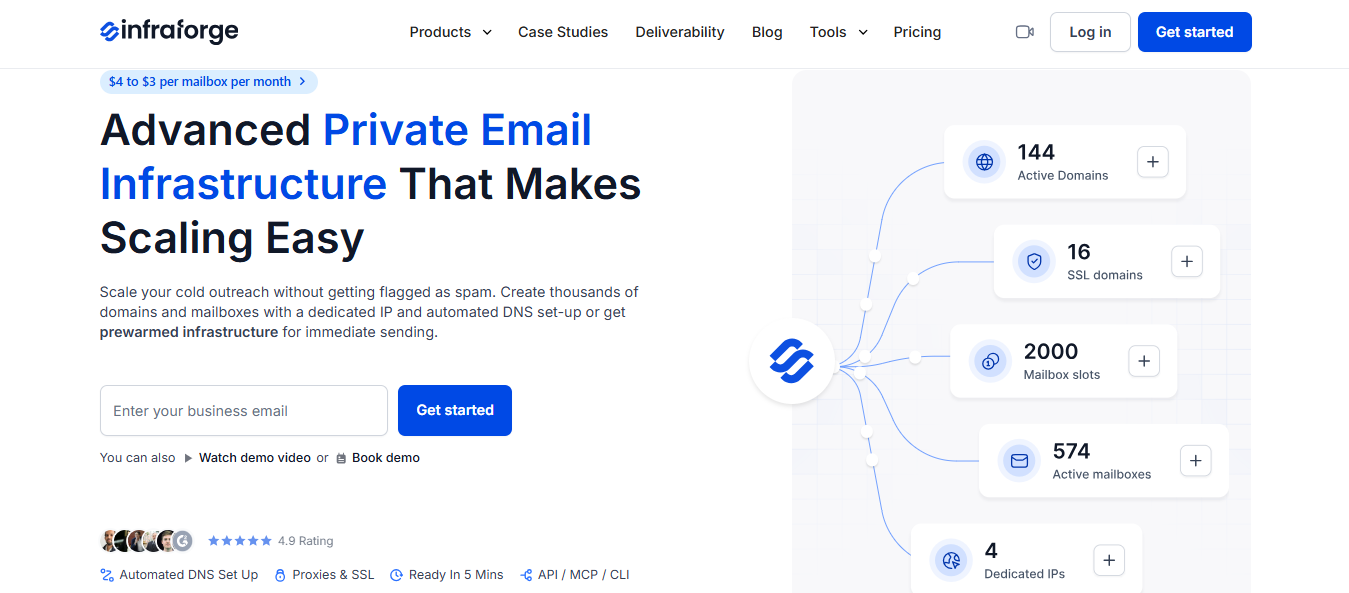
Infraforge gives you private cold email infrastructure with your own servers and IPs. One trade-off matters first. A dedicated IP carries only your reputation.
That helps when your lists are clean and copy is personal, but hurts when campaigns attract spam complaints because no wider sender pool softens the impact. Infraforge directs senders expecting heavy complaints to Mailforge, its shared-pool option.
You decide how sending is structured. You can add IPs as you grow, assign them to workspaces, and change the domain attached to an IP whenever needed. The grouping isn't fixed for you.
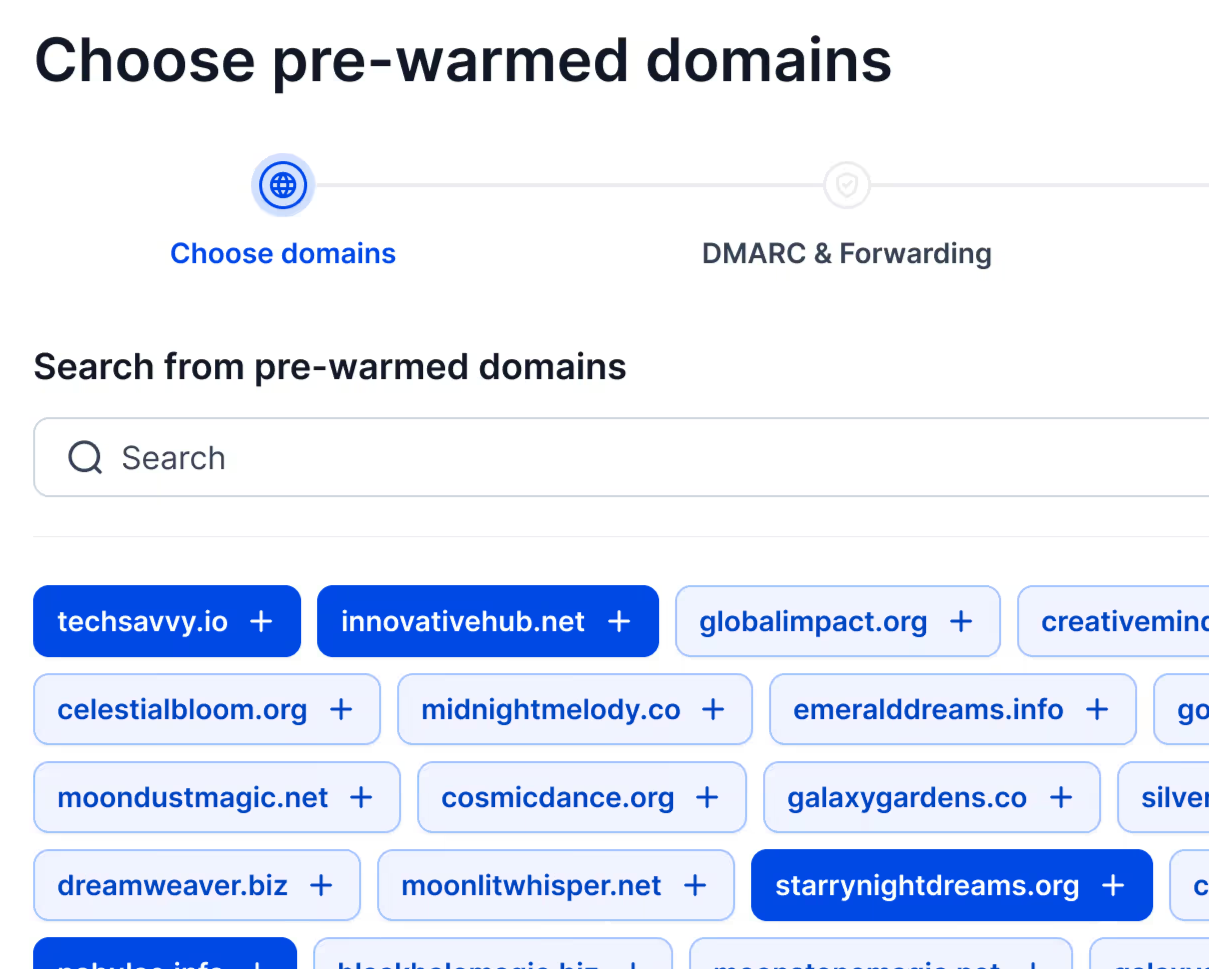
Your plan covers automated DNS, including DMARC, SPF, DKIM, and custom tracking, plus hosting, API access, and support. Warmup isn't included, so buy pre-warmed domains and mailboxes or connect a warmup tool before sending at volume.
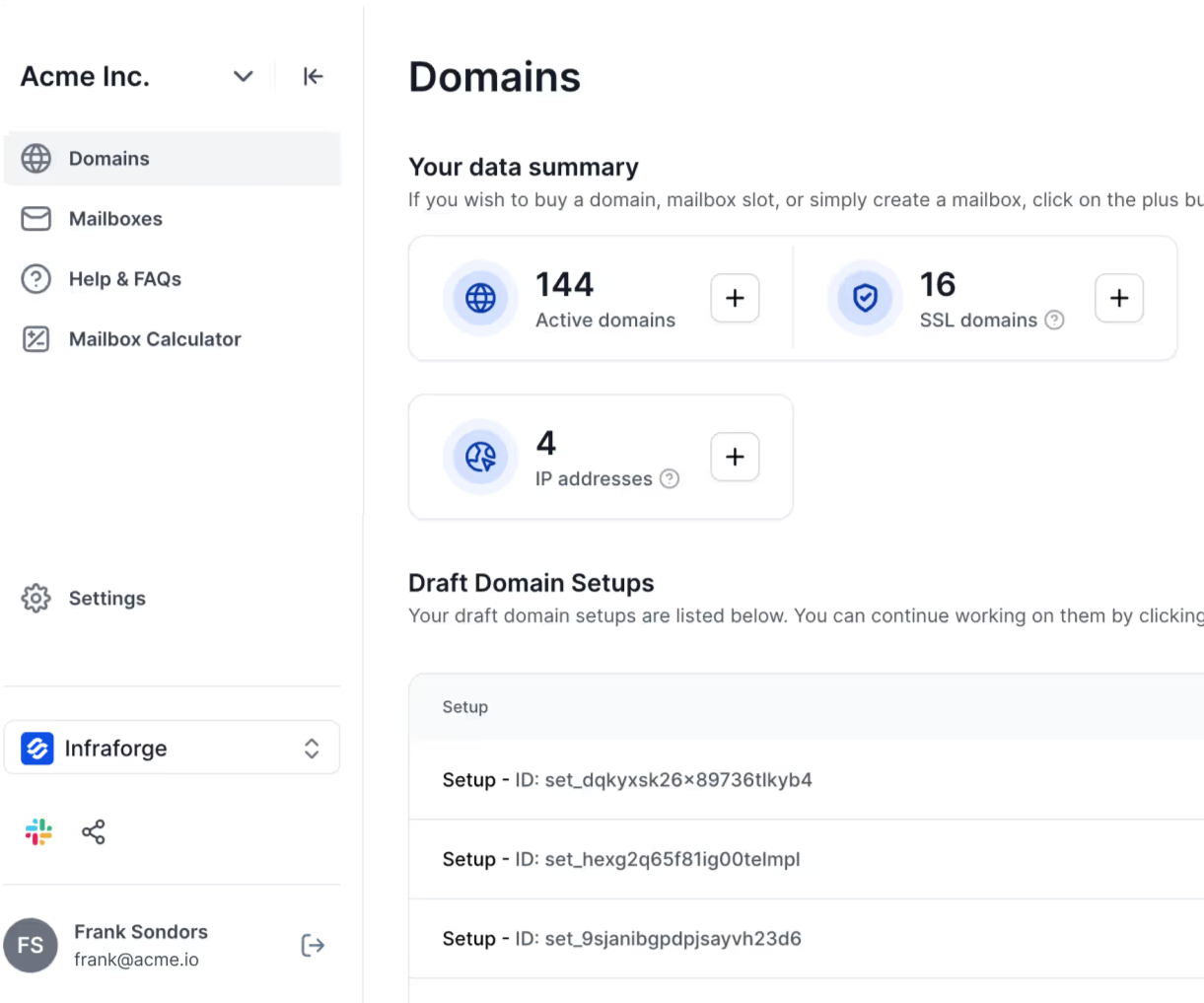
For client outreach, Infraforge offers white-label options. SSL with domain masking also ensures anyone visiting a sending domain sees a secure page with your brand instead of a blank domain.
Aerosend and Infraforge both use private servers. The difference is who manages them.
Aerosend creates a new server and IPs for every ten domains, handles warmup, rotates IPs when performance drops, and limits each inbox to 20 to 25 daily emails. Infraforge gives you those decisions.
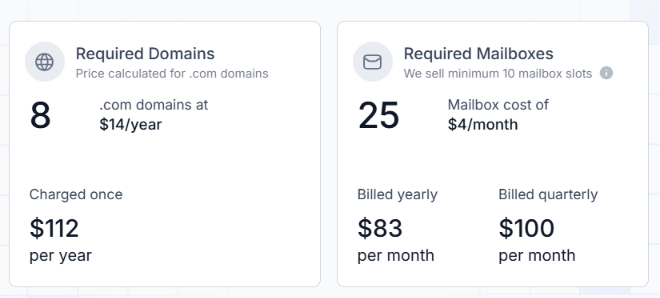
At 200 mailboxes, Infraforge lists $651 a month. Aerosend sells batches of 30, making its closest match 210 inboxes at about $720 with warmup included.
The totals are similar. The difference is whether warmup comes included or you add it separately.
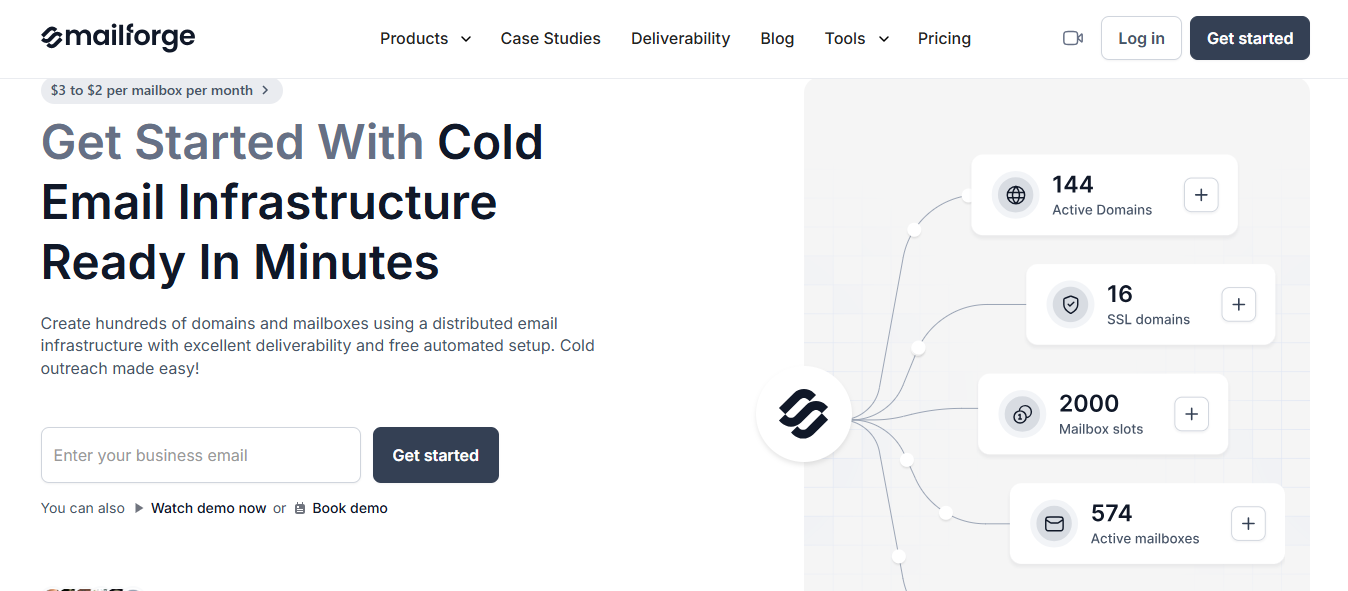
Mailforge spreads your mailboxes across a shared IP pool built for cold email, just as Gmail and Outlook spread users across theirs. More than 10,000 businesses use it, from one-person teams to Fortune 500 companies.
The shared pool is the first thing to understand, because it cuts both ways. Other senders' habits affect the IPs you send from. But your own spam complaints are also spread across that pool rather than landing on one address.
Forge Stack recommends Mailforge to teams who expect a higher volume of spam reports, and Infraforge to teams who keep their sending strictly clean.
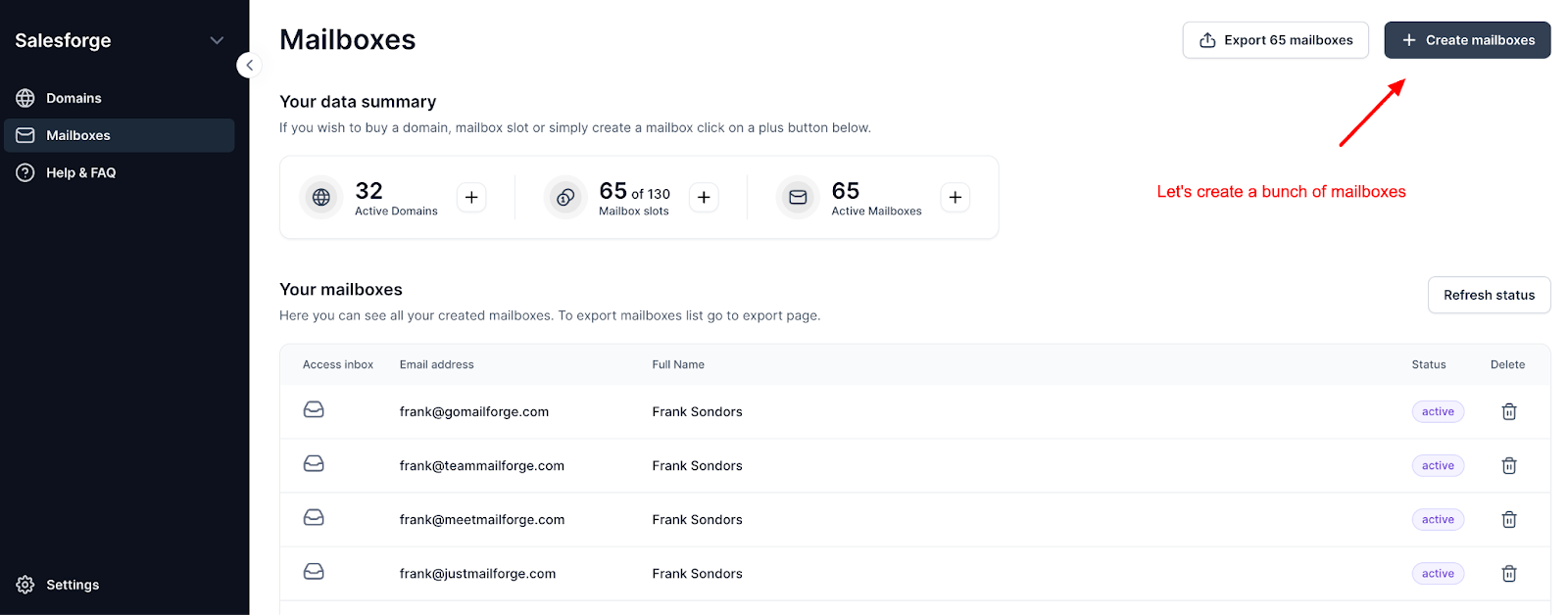
Setup is fast. You can auto-generate secondary domains from your main domain, create pre-warmed mailboxes in bulk with names and signatures already set, and have DNS configured for you in a few minutes.
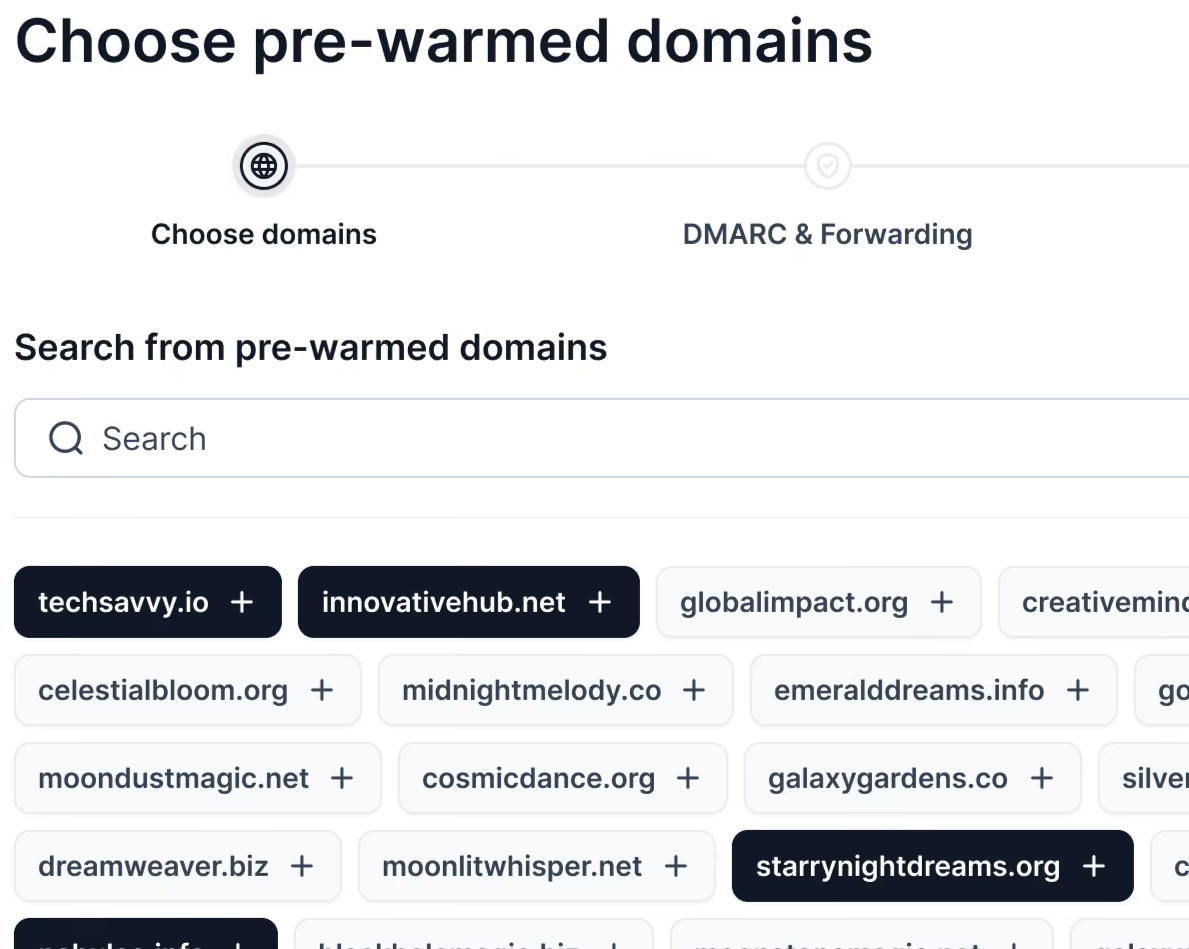
Mailforge suggests no more than three mailboxes per domain.
Warmup is not part of the plan. Expect about two weeks of warmup before you send campaigns, or buy pre-warmed domains and mailboxes.
Mailforge also does not list burn alerts or placement testing, so keeping an eye on deliverability is your job.
Aerosend sells inboxes in batches of 30, builds a new server for every ten domains, and sets its minimum at 30 inboxes. Mailforge lets you buy exactly the capacity you need, starting at 10 mailbox slots, and change it without a contract.
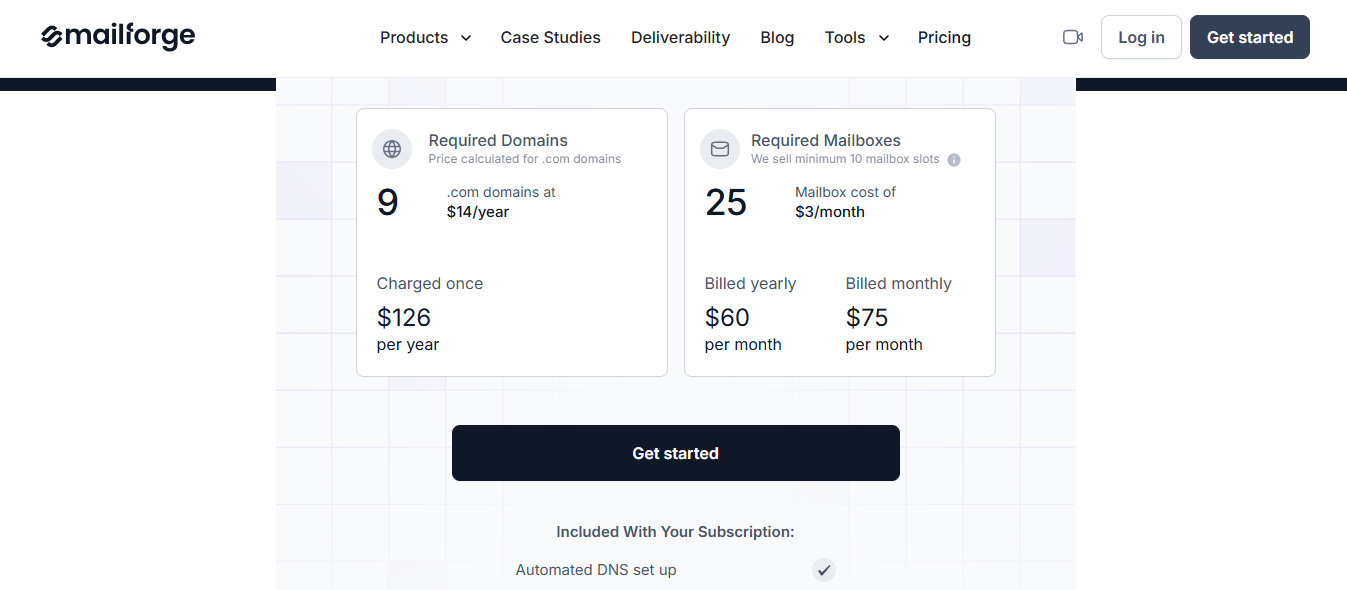
Ten Mailforge slots cost about $30 a month, against Aerosend's 30-inbox minimum at $120. At scale, Mailforge publishes $484 a month for 200 mailboxes, against about $720 for 210 Aerosend inboxes, though Aerosend's price includes warmup.

ScaledMail suits teams wanting people to manage their infrastructure. Before building anything, its team reviews your domain health, sending patterns, and volume. It then configures your DNS and supports you through a dedicated Slack channel, watching for issues and stepping in when placement drops unexpectedly.
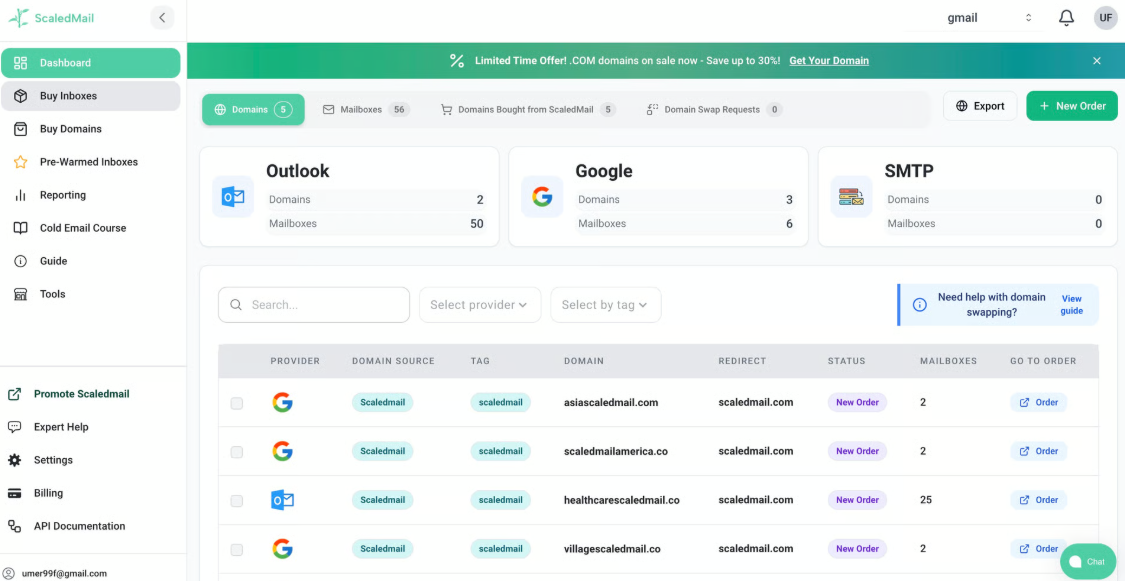
It also spreads sending across providers. ScaledMail sets up Google Workspace and Microsoft 365 mailboxes together, with SMTP as a third option. If one provider tightens its filters, the other can carry more volume while you adjust.
Warmup is the main gap. ScaledMail doesn't provide it. The team recommends a ratio and connects your chosen warmup tool. To avoid waiting, you can buy domains with 30, 90, or 180 days of history.
Your whole team gets access with unlimited seats and workspaces. Mailboxes connect through OAuth to Instantly, Smartlead, Apollo, Lemlist, EmailBison, PlusVibe, and other sequencers.
Aerosend and ScaledMail both handle deliverability, but differently. Aerosend relies on automation: five metrics for burn alerts, biweekly placement tests, and automatic IP rotation, backed by engineers monitoring the wider market.
ScaledMail assigns a person to your account. Its view is that someone reviewing your setup can spot issues an algorithm misses.
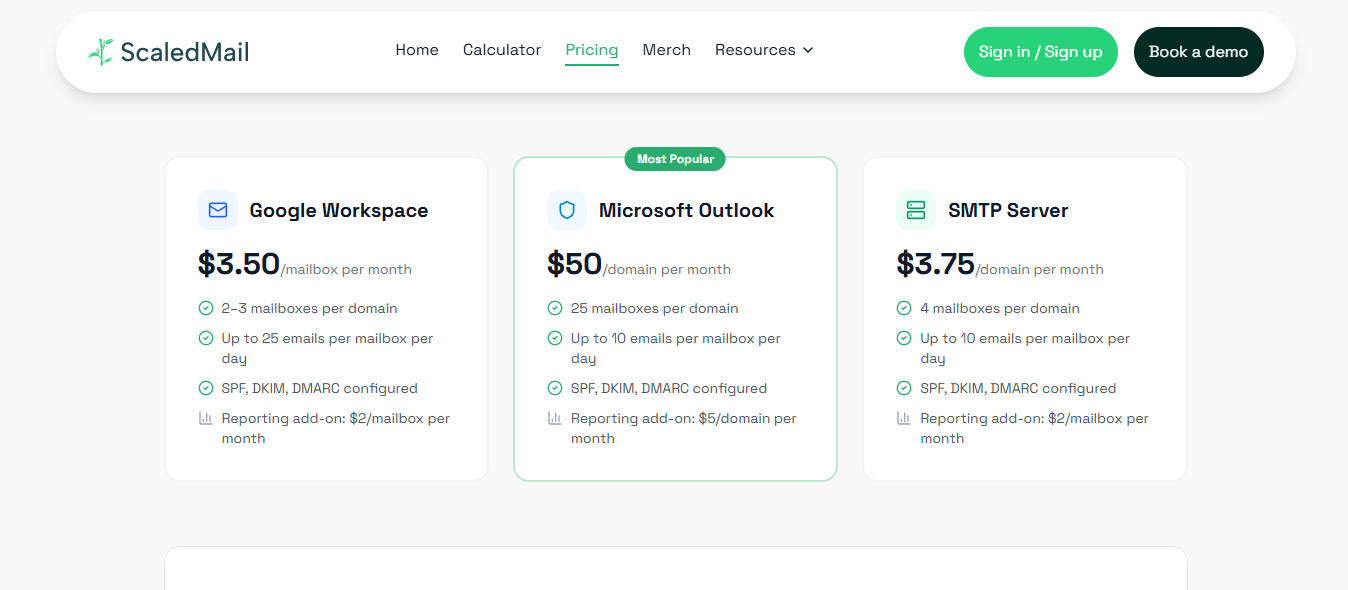
Aerosend charges $4 per inbox, dropping to $2 above 150, with warmup included. ScaledMail argues that cost per delivered email matters more than cost per inbox. I agree that's the fairer comparison for every provider here.
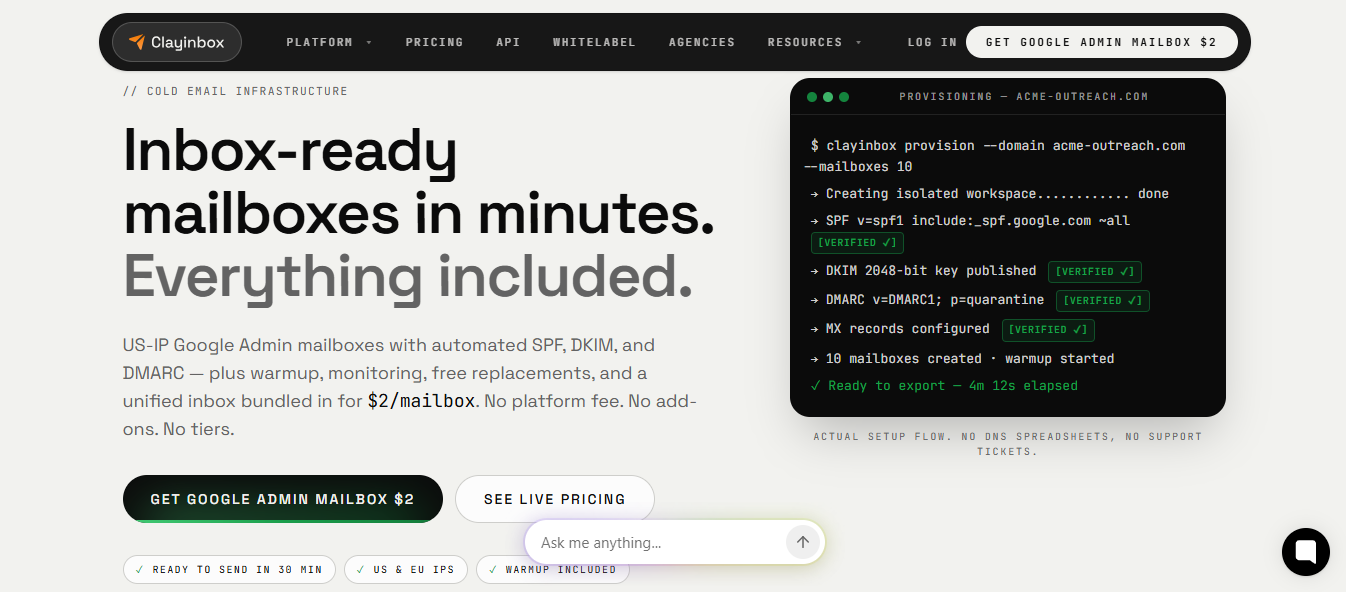
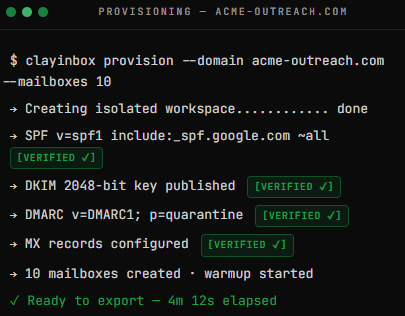
Clayinbox includes deliverability features you'd usually buy separately. These cover warmup, blacklist and DNS monitoring, unlimited inbox placement tests, and replacement mailboxes whenever one gets banned. Everything works across Google Workspace, Microsoft 365, and Azure mailboxes, with no setup or onboarding fee.
The bundle is automated, not managed. Clayinbox monitors every mailbox and sends a weekly health report, but nobody is assigned to review it for you. Support is available through live chat.
If you want to send outside Google and Microsoft, Clayinbox also offers IMAP/SMTP mailboxes on a dedicated IP, letting you run both types from one account.
Domains bought through Clayinbox use Cloudflare-managed DNS and are registered to you. Billing is prorated daily, so mailboxes added midway through the month only cost you for the days used.
If you liked Aerosend's single price for warmup, testing, and replacements, Clayinbox keeps that model but uses Google and Microsoft mailboxes. Here's how they compare:
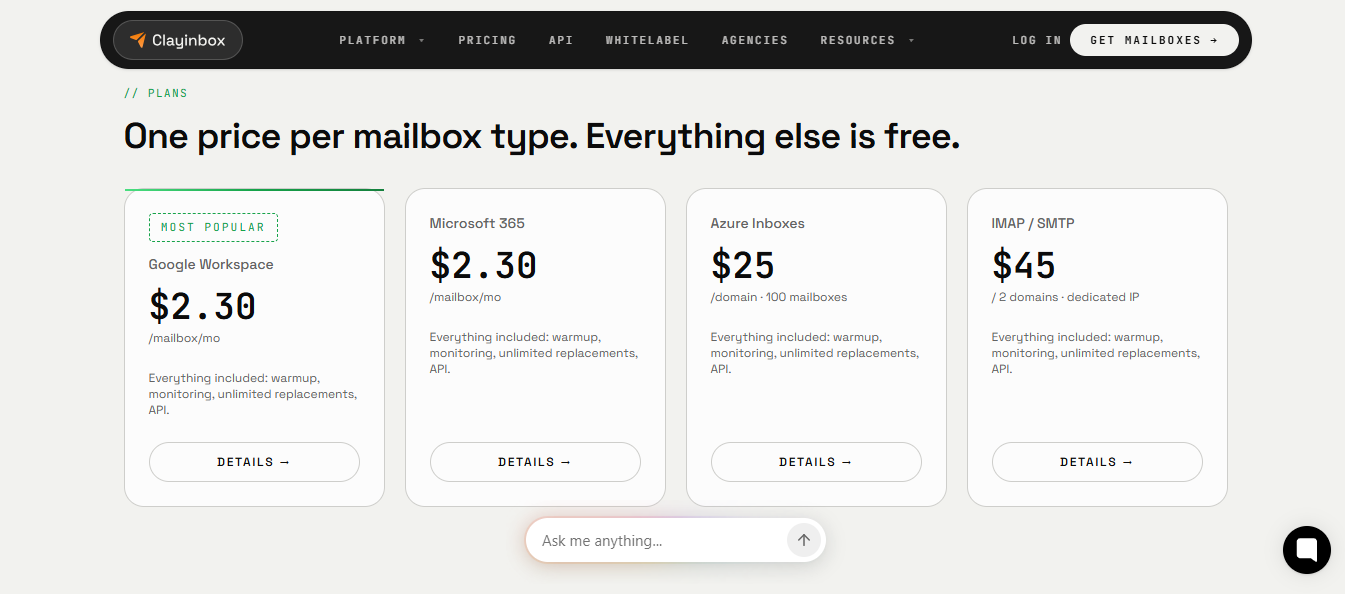
At 210 mailboxes, Clayinbox costs $420 monthly on Google Workspace. Aerosend costs about $720 for 210 inboxes, its nearest batch size. Both include warmup.
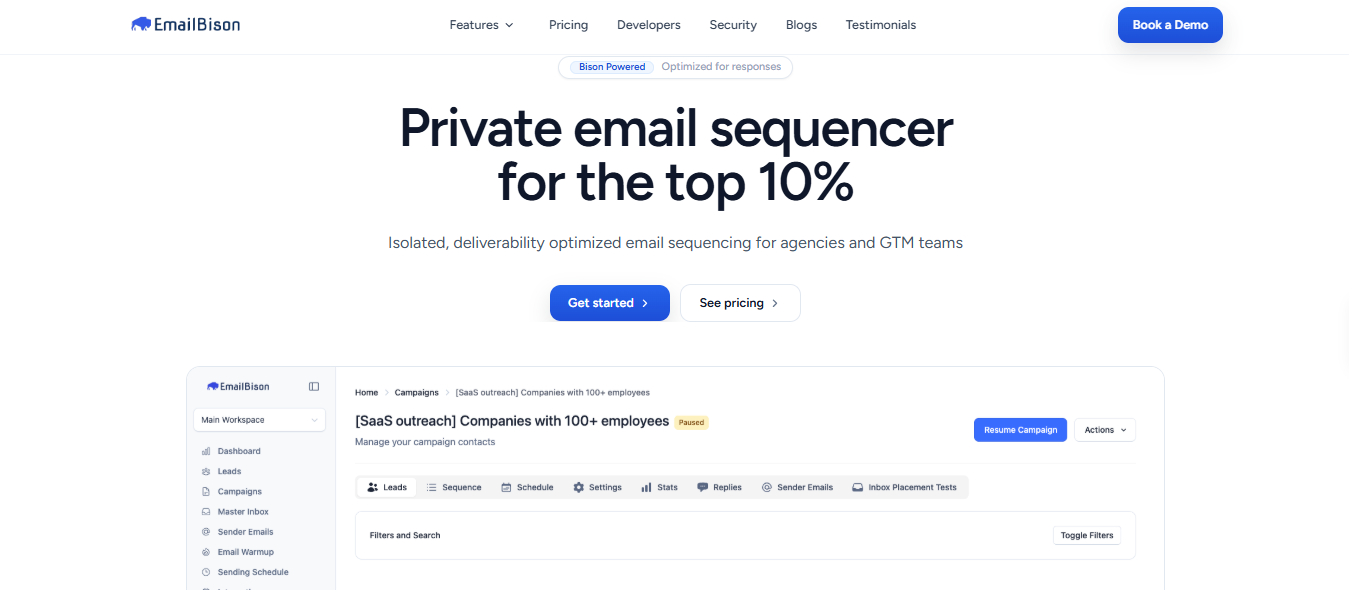
EmailBison is a sequencer that runs its own sending infrastructure. Your campaigns go out through a single-tenant cluster with dedicated IPs and a static egress address, and its engineers manage the pools of sending servers your sequences route across.
That makes it a bigger switch than the other tools on this list. You would move your campaigns into EmailBison, not just your mailboxes.
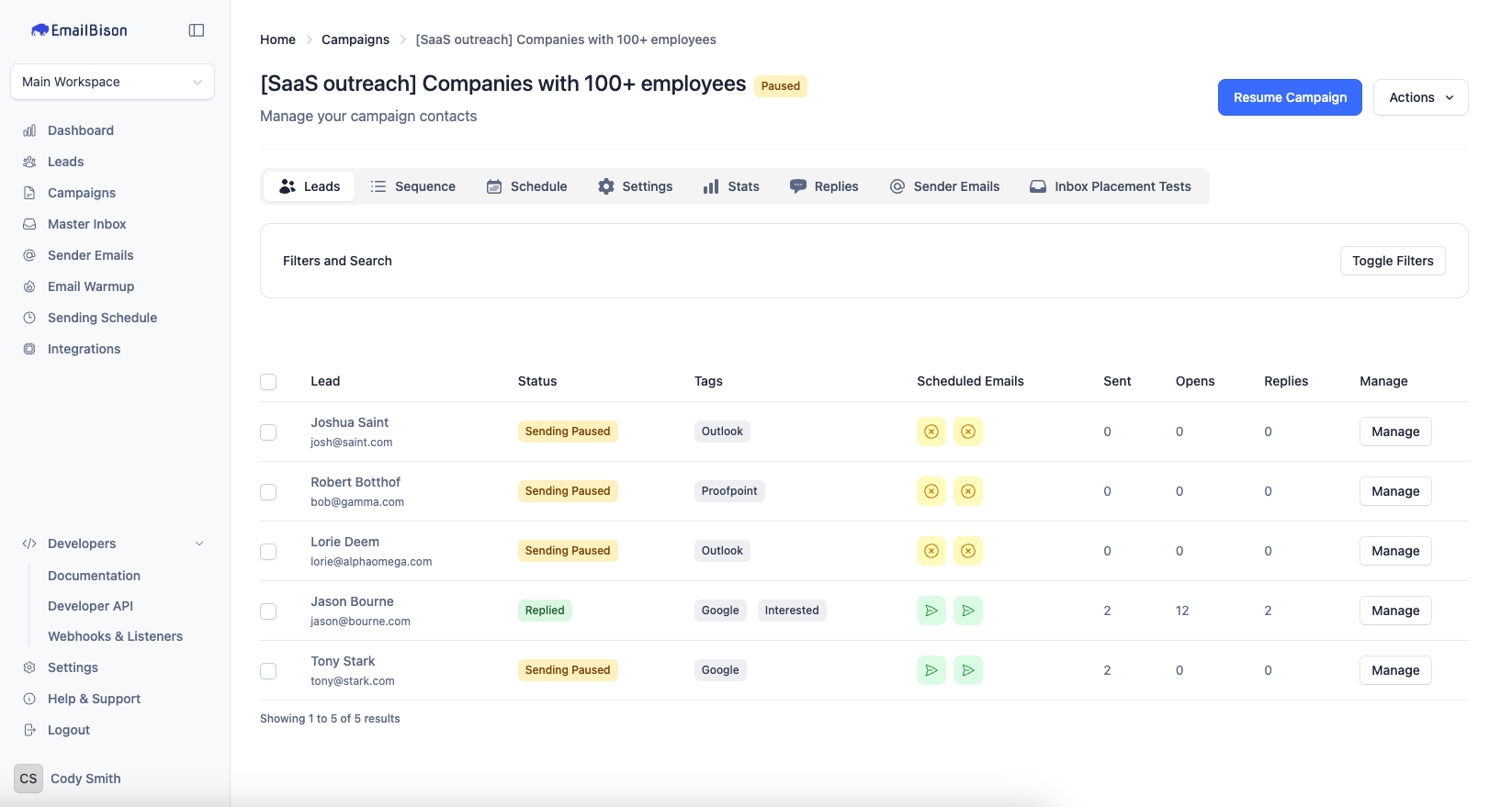
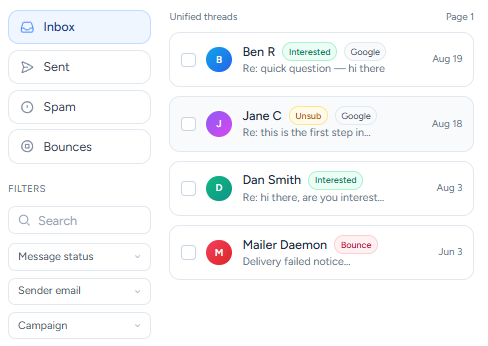
In return, you get step-level A/B tests that pick a winner automatically, follow-up campaigns that trigger on replies, and a master inbox where you can reply, attach files, and send one-off emails.
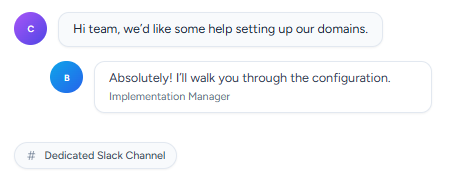
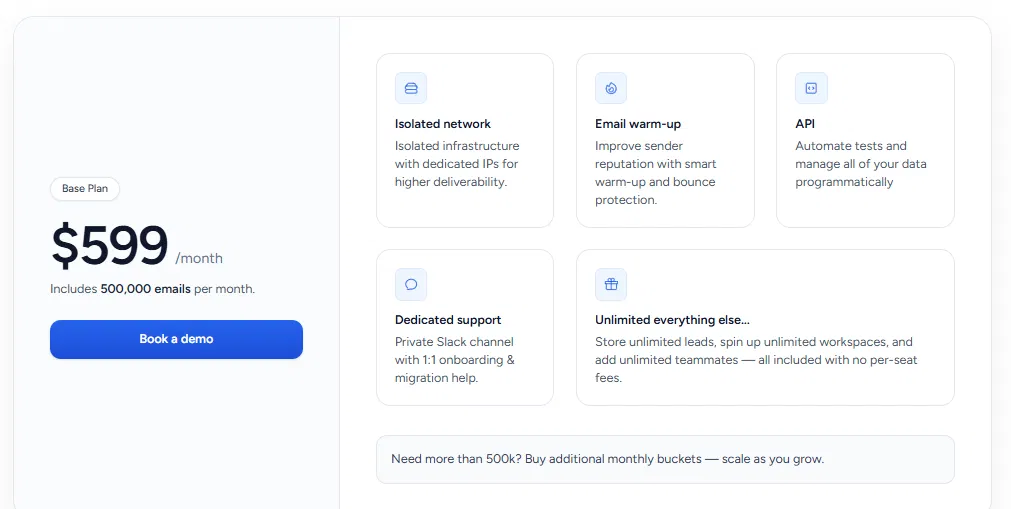
Warmup and bounce protection are included, and inbox placement testing runs through a native EmailGuard integration. Support comes through a private Slack channel with engineers, plus one-to-one onboarding and help migrating from your current setup.
One thing to confirm on the demo call: EmailBison’s material does not say whether it supplies the mailboxes and domains or expects you to bring your own.
Aerosend supplies the inboxes, but you still need a sequencer to send from them, which means two vendors, two bills, and two support teams when something breaks. EmailBison is both, with the infrastructure isolated to your account.
Aerosend’s 210 inboxes cost about $720 a month and cover roughly 5,000 emails a day, before you pay for a sequencer.
EmailBison’s $599 includes 500,000 emails a month and the sequencer itself, though the material does not say whether mailboxes and domains are part of that.
Enter your email to get a custom plan & stack recommendation for your business
Please check your mailbox in 5 minutes

Every option here comes back to Aerosend’s main question: should you use private servers, or the Google and Microsoft accounts your prospects already use?
I’d stay on private servers, but I’d move to Infraforge. You get dedicated IPs that carry only your sending, and you decide how many IPs you run and which domains sit on each, instead of working within a fixed group of ten per server.
When something starts to slip, you can change the setup yourself instead of waiting on a provider. The one thing to plan for is warmup. Aerosend includes it, and Infraforge doesn’t, so buy pre-warmed domains and mailboxes or connect a warmup tool.
If Infraforge isn’t the right fit, each of the other four solves one specific problem. Mailforge gives you the lowest cost per mailbox on a shared pool. ScaledMail puts a person in charge of your deliverability on Google and Microsoft accounts. Clayinbox keeps warmup in the price on provider accounts. EmailBison replaces both Aerosend and your sequencer with one platform.
Start with Primeforge if you want real mailboxes, isolated per domain and under your control.