

ScaledMail is a managed service that builds and runs real Google, Outlook, and SMTP inboxes for you. MailScale generates self-hosted SMTP inboxes at low headline prices with a 7-day free trial. Primeforge gives you real Google Workspace and Microsoft 365 mailboxes that you own outright, with US IPs and automated DNS in about 30 minutes. If you want owned, provider-native inboxes that plug into a wider sending stack, Primeforge is the option I keep coming back to.
I have set up cold email infrastructure for enough campaigns to know the inbox layer quietly makes or breaks a sending program. Pick the wrong mailboxes and your reply rate dies in spam folders before anyone reads a word.
These three tools solve the same problem in very different ways. ScaledMail runs the whole setup as a done-for-you service. MailScale sells self-hosted SMTP inboxes you spin up yourself. Primeforge hands you real Google and Microsoft mailboxes that stay yours.
Below I compare mailbox type, ownership, deliverability, setup, pricing, and how each one fits a real workflow. The numbers come from live vendor pricing pages and public reviews, so they reflect what you actually pay.
Cold Email Inbox Comparison at a Glance: ScaledMail vs MailScale
Here is the short version across the factors that decide deliverability and cost. Primeforge sits in the first column for reference, with the two competitors beside it.
| Feature | Primeforge | ScaledMail | MailScale |
|---|---|---|---|
| Mailbox type | Real Google Workspace + Microsoft 365 | Managed Google, Outlook + SMTP | Self-hosted SMTP |
| Who owns the mailboxes | You own them outright | Built and run for you | MailScale infrastructure |
| Entry price | $3.50–$4.50 / mailbox / mo | $3.50 / mailbox / mo (Google) | $79 / mo (up to 15 inboxes) |
| ESP matching | Yes | Provider dependent | No (SMTP only) |
| US IPs | Yes | Not specified | Shared pools; dedicated on top tier |
| Warm-up | Via Warmforge (separate product) | Pre-warmed available + monitoring | Built in, with a placement guarantee |
| Setup time | About 30 minutes | 24–72 hours | Under 60 seconds to generate |
| DNS automation | Yes (SPF, DKIM, DMARC) | Yes (SPF, DKIM, DMARC) | Yes (SPF, DKIM, DMARC) |
| Free trial | No (explore app after signup) | Free account, then demo | 7-day free trial |
| SOC 2 | Yes | Not stated | Not stated |
| Wider stack | Forge Stack (4 tools) | Beanstalk services | Standalone |
| Best for | Owned, provider-native inboxes at scale | Hands-off managed setup | Lowest headline cost, SMTP |
ScaledMail Overview: Managed Inboxes as a Service
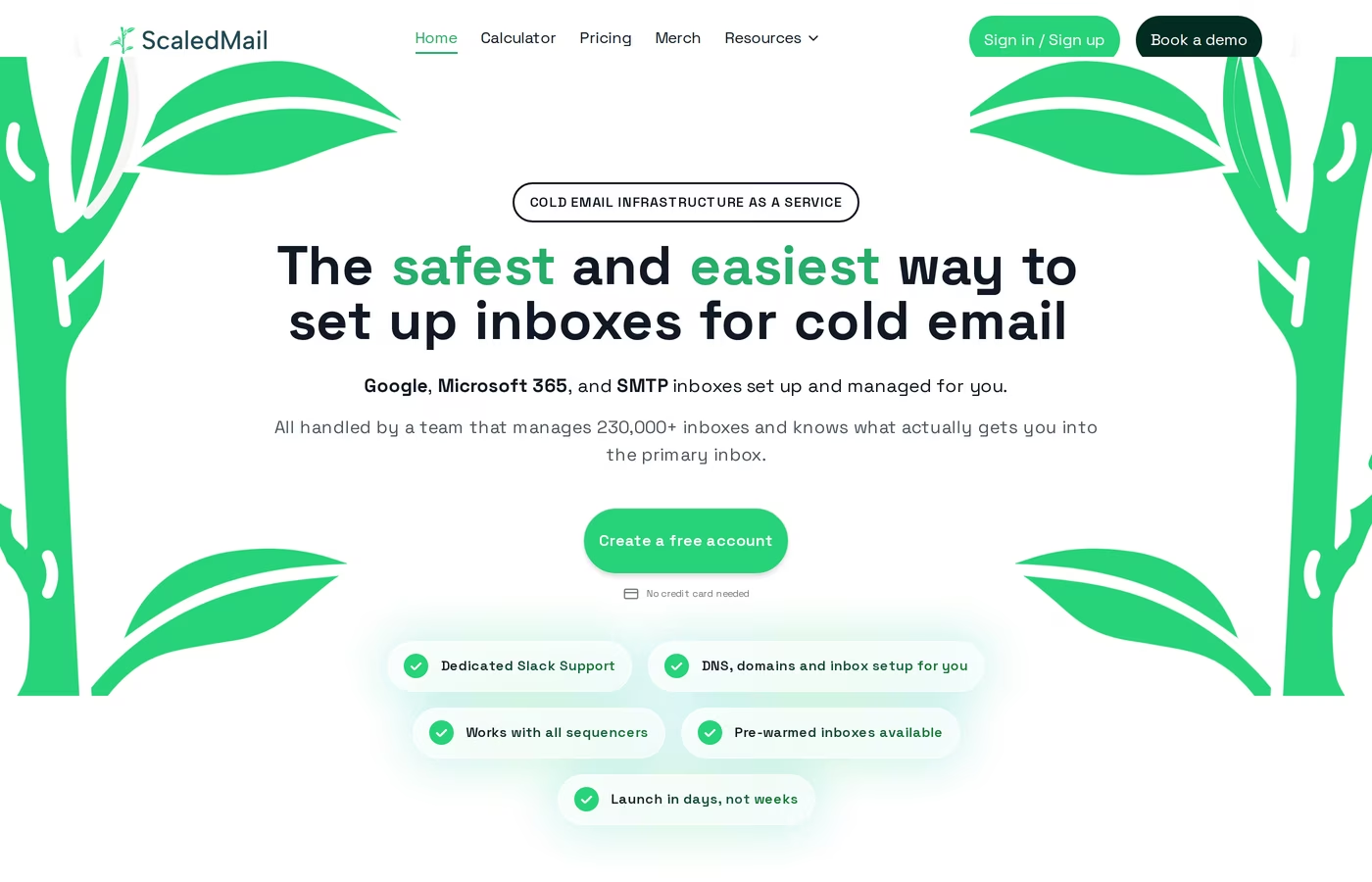
ScaledMail, run by Beanstalk Consulting, is a managed service rather than software you operate. You pick the blend of Google Workspace, Microsoft Outlook, and SMTP, and the team builds and runs it for you.
Pricing comes from a "Build Your Package" calculator instead of fixed public tiers. Google Workspace runs $3.50 per mailbox per month with 2 to 3 mailboxes per domain. Microsoft Outlook is $50 per domain per month, and SMTP is $3.75 per domain per month. Reporting is a paid add-on on every provider, which is easy to miss when you compare headline numbers.
Every package includes domain registration, full DNS authentication, managed provisioning, ongoing deliverability monitoring, and a dedicated Slack channel. Setup lands in roughly 24 to 72 hours, and pre-warmed inboxes are available. The company reports 230,000+ inboxes across 2,000+ agencies and is a Smartlead Certified Partner, with a Trustpilot score of about 4.6 across a small review count.
The trade-offs sit in the details. The package-builder pricing is hard to estimate before a demo, and reporting costs extra per mailbox or per domain. There is no built-in sequencer, so you still bring your own sending tool. A public r/coldemail thread documented a DMARC misconfiguration during a 50,000-email test, and a 60-day test by Puzzle Inbox found 8 of 30 inboxes dropped to 58% placement or lower after day 30, with email support responding in about 36 hours. The white-glove model also means sharing account access, which some buyers flag as a concern. If you want to understand the moving parts yourself first, a complete cold email infrastructure setup walkthrough helps you judge what "managed" is doing for you.
MailScale Overview: Self-Hosted SMTP Inboxes at Scale
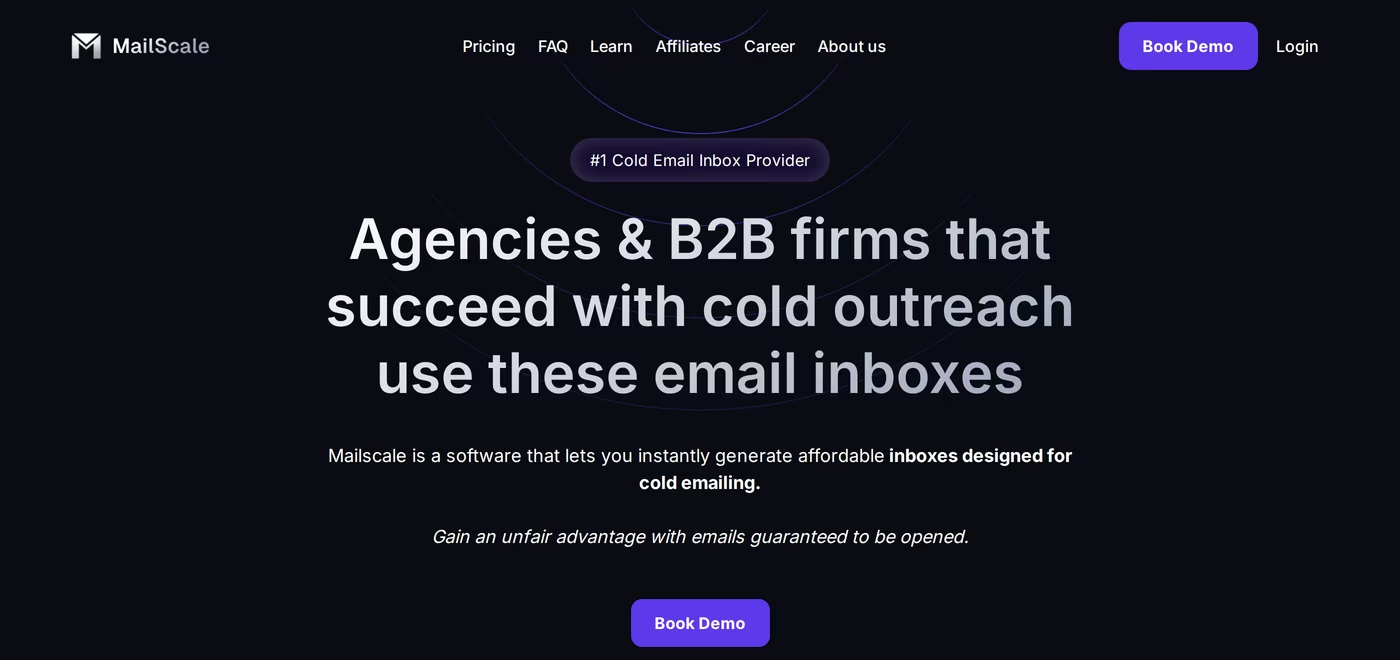
MailScale takes a different path. It owns its SMTP servers and IP pools and sells self-hosted SMTP inboxes, not real Google Workspace or Microsoft 365 accounts. That single fact shapes most of the comparison.
Pricing is public and tiered, despite some competitor-written reviews claiming otherwise. Solopreneur is $79 per month for up to 15 inboxes, Business is $119 for up to 50 inboxes and bundles a cold-email course, and Enterprise is $249 for up to 200 inboxes with extra inboxes at $1.50 each. An Unlimited plan starts at $1,000+ per month and adds dedicated IPs, a self-healing system, and a deliverability specialist. There is a genuine 7-day free trial, annual billing is offered, and you can generate up to 1,000 inboxes in under a minute.
MailScale automates DNS and publishes a deliverability guarantee of 95 to 100% placement to Google and Outlook, with domain recovery inside 30 days or replacement if placement falls below 80%. That guarantee only applies to domains bought through MailScale, not domains you bring, which cost $2 each with no guarantee. Domains purchased inside run roughly $10 to $15 per year. The recommended cadence is 30 to 50 emails per account per day across up to 5 emails per domain, and inboxes connect to Instantly, Smartlead, Apollo, and similar tools over IMAP and SMTP.
What MailScale reviewers report
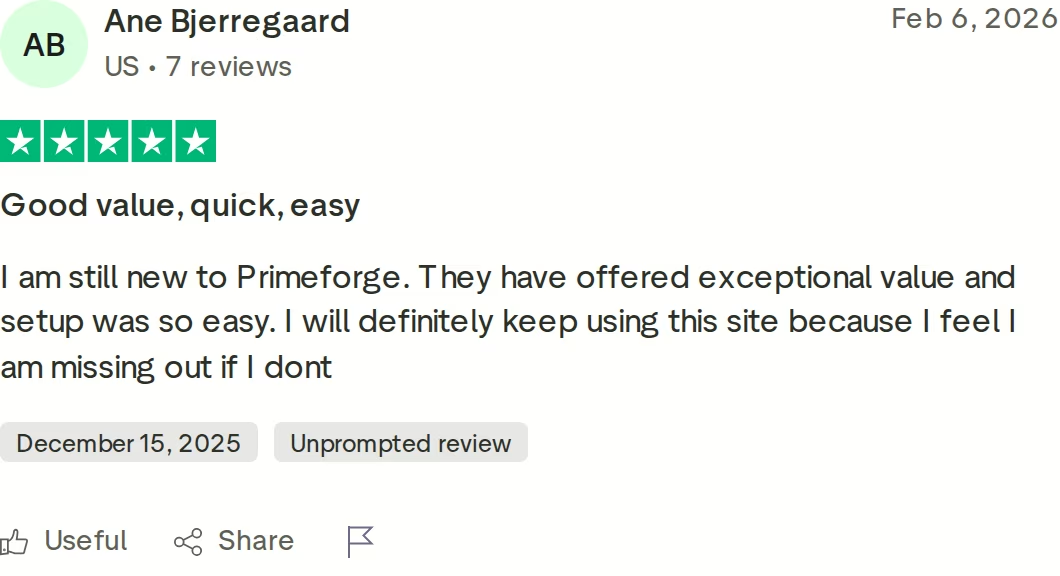
Public reviews are where the SMTP model shows strain. The most common theme is deliverability volatility, including a Trustpilot reviewer whose placement dropped below 50% by week two after a data-center and IP move. Reviewers also note that inboxes carry no profile pictures, and G2 feedback points out there is no per-inbox health or reputation data. The review below documents a billing experience during cancellation that several users found frustrating.
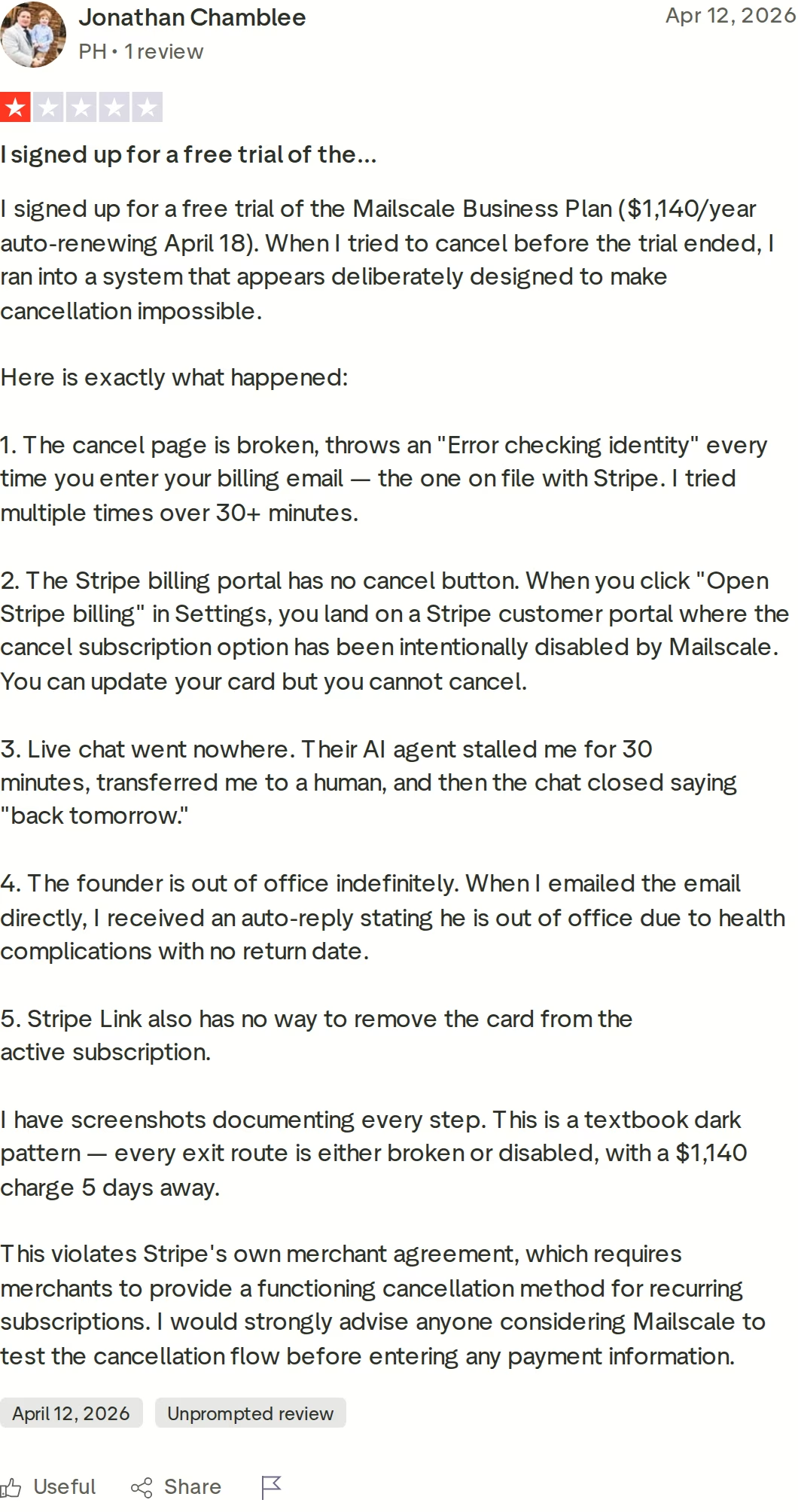
None of this makes MailScale a bad tool for the right buyer. It does mean SMTP weakens provider matching, since you are not sending from the same provider your prospects use. If that distinction matters to you, the case for choosing between Google Workspace and Microsoft 365 is worth reading before you commit.
Primeforge Overview: Real Google and Microsoft Mailboxes
Primeforge is the tool I lean on for owned, provider-native inboxes. It provisions real Google Workspace and Microsoft 365 mailboxes on US IPs, with automated SPF, DKIM, and DMARC, and gets you sending in about 10 to 30 minutes. Because these are genuine accounts at the same providers your prospects use, ESP matching works the way it should.
Pricing is a simple per-mailbox model at $3.50 to $4.50 per mailbox per month, lower at volume and on annual billing, with a 10-mailbox minimum. You can confirm the current numbers on the Primeforge pricing page. Domains cost about $14 per year and are fully owned by you, not rented, so leaving never means losing your sending assets. Primeforge reports being 46% cheaper than buying Google Workspace directly and 25% cheaper than Microsoft 365, and the platform is SOC 2 compliant with API access, bulk DNS, profile pictures, and multi-workspace support.
It also plugs into the wider Forge Stack: Salesforge for sequencing, Warmforge for warm-up and placement testing, Mailforge for shared-IP infrastructure, and Infraforge for dedicated IPs. A common pattern is mixing two or more providers, for example Primeforge plus Mailforge, while scaling mailboxes across domains. For Microsoft-specific senders, Primeforge also covers pre-warmed Microsoft 365 mailboxes.
Honest limitations: warm-up, monitoring, and placement testing live in separate Forge products with separate billing, so there is no single unified invoice. There is no classic free trial, though you can explore the app after signup. The 10-slot minimum rules out tiny single-mailbox tests. And by Salesforge's own positioning, this is not built for Fortune 500 procurement with long RFP cycles and seven-figure bespoke deals. The sweet spot is B2B teams running ACVs of roughly $5K to $100K into SMB and mid-market lists.
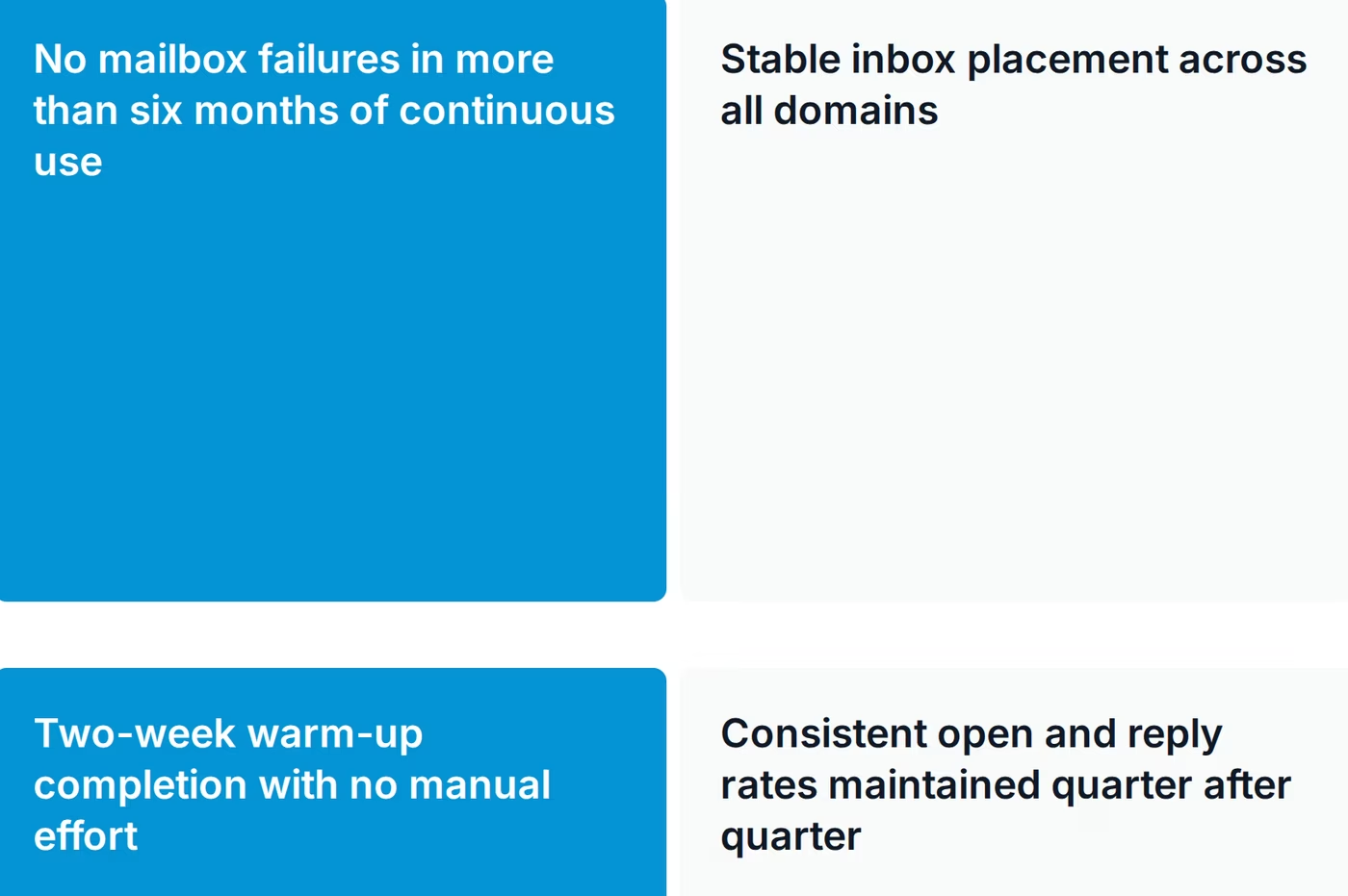
The credibility anchor is a public result. The J-Reach case study documents 23 domains and 69 mailboxes running for six months with zero failures or downtime, and you can browse the full case study library for more. For the broader category, Primeforge also maintains a guide to cold email infrastructure tools and a primer on how IP rotation affects deliverability.
in Action

Head-to-Head Feature Comparison: ScaledMail vs MailScale
This section pits the two competitors against each other across the factors that matter for an email-only infrastructure decision.
Mailbox type and ownership
This is the cleanest dividing line. ScaledMail provisions real Google, Outlook, and SMTP inboxes and runs them as a service, so the accounts are genuine but managed on your behalf. MailScale provides self-hosted SMTP inboxes on infrastructure it owns, which means you are not operating real Google or Microsoft accounts at all. For buyers who care that the sending domain matches a recognized provider, ScaledMail's Google and Outlook options are closer to provider-native, while MailScale trades that for control of the underlying SMTP stack.
Email deliverability and warm-up
Both lean on different mechanisms. ScaledMail offers pre-warmed inboxes plus ongoing monitoring, though public tests have shown placement slipping on some inboxes after the first month. MailScale publishes a 95 to 100% placement guarantee, but it applies only to domains bought through MailScale, and reviewers report sharp volatility after IP changes. Neither approach removes the need to watch reputation closely. Warm-up is bundled in both cases, which differs from a stack that treats warm-up as a dedicated, separately tuned product.
Setup speed and ease of use
MailScale wins raw speed. It can generate up to 1,000 inboxes in under 60 seconds and hands you a CSV to import. ScaledMail is slower by design, since a team configures everything over 24 to 72 hours, but that also means you do less yourself. So the choice is between near-instant self-serve generation and a hands-off build you wait on. Both automate DNS, so neither asks you to hand-edit records.
Infrastructure model and control
ScaledMail's control sits with the managed team across Google, Outlook, and SMTP, with IP rotation handled for you. MailScale owns its SMTP servers and IP pools, with shared pools on lower tiers and dedicated IPs reserved for the Unlimited plan. If isolating your sending reputation on dedicated IPs matters, MailScale gates that behind its top tier, whereas a managed Google or Outlook setup distributes sending across provider infrastructure instead.
Pricing and scalability
MailScale's tiers are transparent and start low at $79 per month, but inbox caps and per-inbox overage shape the real cost as you grow. ScaledMail's calculator can land cheaper per mailbox on Google, yet the paid reporting add-on and per-domain Outlook pricing make totals harder to predict before a demo. At scale, MailScale's headline price tends to look lower, while ScaledMail's cost depends heavily on the provider mix you choose.
Integrations and the wider stack
Both are tool-agnostic on the sending side and connect to Instantly, Smartlead, and Apollo over standard protocols. Neither ships its own sequencer, so you supply that layer. ScaledMail leans on Beanstalk's surrounding services, while MailScale stays standalone. Neither offers an integrated multi-tool ecosystem the way a unified stack does, which is where pairing inboxes with a dedicated warm-up and sequencing layer changes the workflow.
Pricing Comparison: Cold Email Inbox Costs Compared
Headline prices hide the real comparison, so here is a concrete scenario: roughly 50 sending mailboxes for a team sending about 1,500 to 2,000 emails per day.
- MailScale Business is $119 per month for up to 50 inboxes. It is the lowest headline figure, but those are self-hosted SMTP inboxes, not real Google or Microsoft accounts.
- ScaledMail with managed Google mailboxes lands near $175 per month at the base, rising to about $275 per month once you add reporting across accounts.
- Primeforge runs roughly $175 to $225 per month for 50 real, owned Google or Microsoft 365 mailboxes, plus about $140 per year in domains.
The pattern is consistent: MailScale is cheapest on paper because it sells SMTP, while ScaledMail and Primeforge cost more because they deliver real provider mailboxes. The right call depends on whether provider-native sending is worth the difference for your campaigns. You can verify current Primeforge figures on the pricing page before you model your own numbers.
Grab Your Primeforge MailboxesWho Should Use Which Cold Email Inbox Tool
You might consider ScaledMail if:
- You want a fully managed setup and prefer a team to build and run inboxes for you.
- You need a mix of real Google, Outlook, and SMTP inboxes under one managed roof.
- You are comfortable with calculator-based pricing and a paid reporting add-on.
You might consider MailScale if:
- Lowest headline cost is your priority and SMTP inboxes meet your needs.
- You want to generate large inbox batches in seconds with a self-serve trial.
- You are fine without profile pictures or per-inbox health data.
Choose Primeforge if:
- You want real Google Workspace and Microsoft 365 mailboxes that you own, on US IPs.
- You rely on ESP matching to land in the primary inbox.
- You run B2B outreach at $5K to $100K ACVs into SMB and mid-market lists.
- You want infrastructure that plugs into the Forge Stack for warm-up, sequencing, and dedicated IPs.
- You want a public result to point to, like J-Reach at 23 domains and 69 mailboxes with zero failures in six months.
Final Verdict: Which Cold Email Infrastructure to Choose
All three tools can put inboxes in front of prospects, but they are not interchangeable. ScaledMail is a reasonable pick when you want a managed team to handle a mixed Google, Outlook, and SMTP setup and you accept calculator pricing. MailScale fits buyers who want the lowest headline cost and are comfortable with self-hosted SMTP and its deliverability swings.
For most B2B teams that want owned, provider-native mailboxes at a predictable price, Primeforge is the option I recommend. It gives you real Google and Microsoft 365 accounts you keep, US IPs, automated DNS, and a stack you can grow into. The claim is falsifiable, not marketing: J-Reach ran 23 domains and 69 mailboxes for six straight months with zero mailbox failures or downtime, after a two-week warm-up.
Frequently Asked Questions
Is Primeforge better than ScaledMail and MailScale?
It depends on what you value. Primeforge gives you real Google and Microsoft 365 mailboxes you own, which is the strongest fit for provider-native sending and ESP matching. ScaledMail is better if you want a fully managed service, and MailScale is better if your only goal is the lowest headline price on SMTP inboxes. For owned, provider-native infrastructure at predictable cost, I prefer Primeforge.
What is the main difference between the three tools?
Mailbox type and ownership. Primeforge provisions real Google and Microsoft 365 accounts that you own. ScaledMail builds and manages a mix of real Google, Outlook, and SMTP inboxes for you. MailScale sells self-hosted SMTP inboxes on infrastructure it owns. That difference drives deliverability, ESP matching, and how each one scales.
Which option is cheaper?
MailScale has the lowest headline price, starting at $79 per month, because it sells self-hosted SMTP rather than real provider mailboxes. ScaledMail and Primeforge cost more because they deliver genuine Google or Microsoft accounts. For about 50 mailboxes, MailScale sits near $119, ScaledMail near $175 to $275 with reporting, and Primeforge around $175 to $225 plus domains.
Does MailScale use real Google or Microsoft 365 mailboxes?
No. MailScale provides self-hosted SMTP inboxes running on its own servers and IP pools, not real Google Workspace or Microsoft 365 accounts. That is the core trade-off: lower cost and fast generation in exchange for SMTP rather than provider-native sending, which weakens ESP matching with prospects on Google and Outlook.
Does Primeforge offer a free trial?
Primeforge does not offer a classic free trial, though you can explore the app after signing up before you add domains. MailScale offers a 7-day free trial, and ScaledMail lets you create a free account before booking a demo. If a trial is essential to your evaluation, factor that into your shortlist.
Which tool has better deliverability?
Deliverability depends on mailbox type, warm-up, and sending discipline more than on any single claim. Primeforge sends from real Google and Microsoft accounts and points to six months of zero failures in the J-Reach case study. MailScale publishes a placement guarantee tied to its own domains, and ScaledMail offers monitoring, though public tests show some placement drift over time.
Can I switch between these tools easily?
Switching is manageable but not instant. With Primeforge you own the domains and real mailboxes, so moving sending tools is straightforward. ScaledMail manages assets for you, so a move means coordinating handoff. MailScale inboxes are SMTP-based, so migrating usually means rebuilding inboxes elsewhere. Owning your domains, as you do with Primeforge, makes future moves far less painful.
Who is ScaledMail best for?
ScaledMail suits agencies and teams that want a hands-off, fully managed setup across a mix of Google, Outlook, and SMTP inboxes, with a dedicated Slack channel for support. It is a good fit if you would rather not operate infrastructure yourself and you are comfortable with calculator-based pricing plus a paid reporting add-on.