
Personalized Outbound Strategy
Get The Right Outbound Strategy In Minutes
Enter your email to get a custom plan & stack recommendation for your business
It's being carefully crafted by AI
Please check your mailbox in 5 minutes

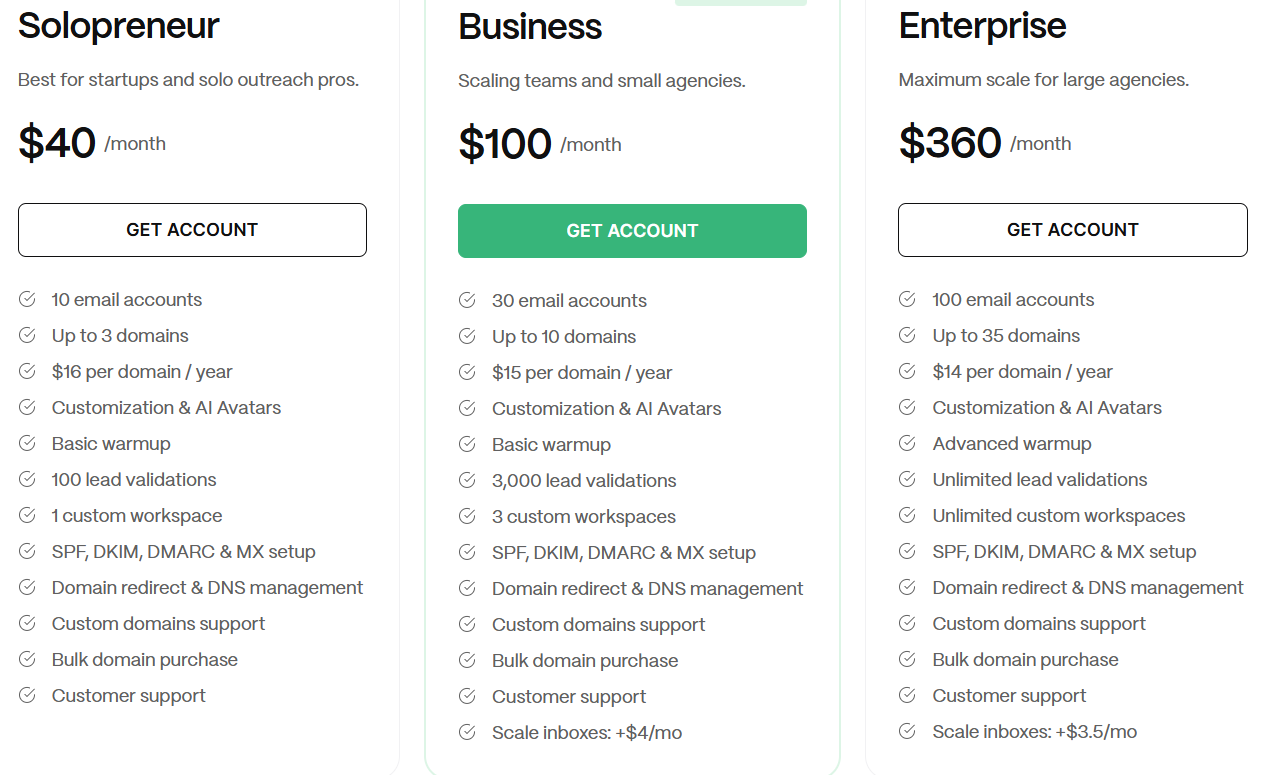
Mailerr's Business plan gives you 30 mailboxes, up to 10 domains, warmup and 3,000 lead validations for $100 a month. For one bill, that covers much of what a cold email setup needs.
What's harder to find is the information you'd usually check before paying. Mailerr doesn't say whether its mailboxes run on Google Workspace, Microsoft 365, or its own servers. I couldn’t find a single review from someone who's used it, and if it doesn’t work out, you won’t get your money back.
I reviewed every feature, plan, and FAQ answer to fill that gap. I priced each plan at real mailbox counts, flagged the hidden limits, and listed what to ask Mailerr before you buy.
If you'd rather know your mailbox provider upfront, I'll also compare Primeforge and show where Mailerr still costs less.
Mailerr never tells you what kind of mailboxes you’re buying.
That matters more than any feature on the list. If your prospects read their email in Gmail or Outlook, you want your mailboxes on Google Workspace or Microsoft 365 too.
Mailerr puts it up against Google and Outlook, and claims to have US-based IP addresses.
Together, those suggest Mailerr runs its own mail servers, so I’d ask support to confirm before paying.
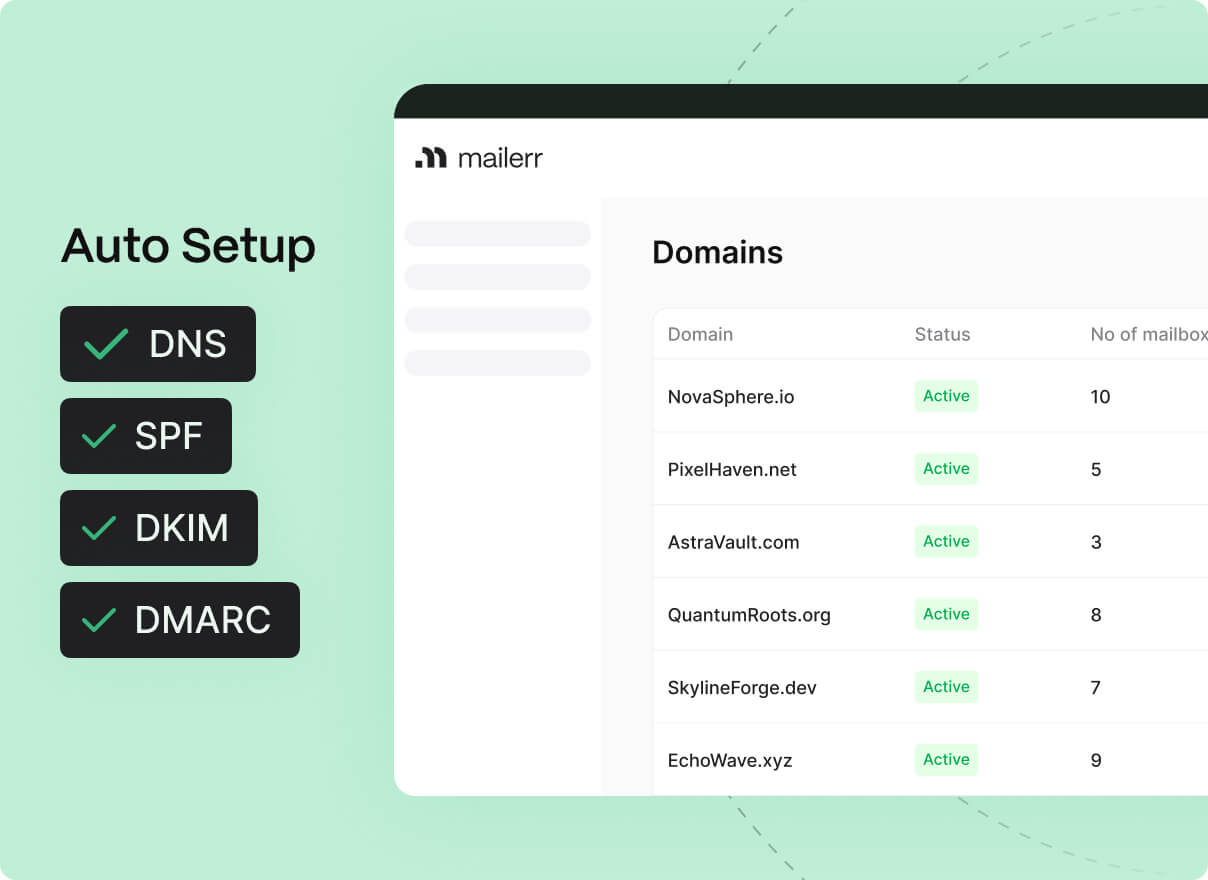
The validation is what I’d use most. Bounces burn a fresh domain faster than anything else, and here I can clean a list before it reaches a new mailbox. It only marks addresses valid or invalid, though, so catch-alls are still my call.
Each mailbox has its own sender name, photo, and AI avatar. Every client gets a separate workspace, and invoices generate themselves, which saves time if I bill clients for their sending infrastructure.
Mailerr falls short on deliverability, which is the main reason to buy it in the first place.
I don’t know what my emails send from. Mailerr doesn’t say whether its mailboxes run on Google, Microsoft, or its own mail servers. Inbox placement depends heavily on that, so I can’t predict how my emails will land until I’ve already paid.
The warmup is confusing. The lower plans get “basic,” Enterprise gets “advanced,” and the warmup screen is just an on switch and a rising line with no numbers. I’d have no way to tell when a mailbox is ready for real volume.
Monitoring has the same problem. Mailerr promises to watch for blacklists, spam reports, and bounces, but there’s no screen that shows any of it. If a domain got blacklisted mid-campaign, I’d probably notice from my reply rate before Mailerr told me.
“Unlimited mailboxes” is a little confusing too. Plans stop at 10, 30, or 100; extras cost $4 or $3.50 each, and Solopreneur doesn’t offer extras at all.
A few gaps would affect how I plan a launch:
Primeforge answers the question Mailerr leaves open. Here's how they compare.
New tools often launch without reviews, so that alone isn't a warning sign. But Mailerr offers no refunds, meaning you can't treat the first month as a trial.
Nobody has publicly shared whether mailboxes arrive on time, warmup works, or support helps with blacklisted domains.
Mailerr welcomes questions before you buy. I'd get these answers in writing:
Mailerr has no trial, so I couldn't log in and explore it. Instead, I planned a real setup on paper for an agency running three clients across 30 mailboxes. Then I checked every plan, screen, and FAQ answer against it.
Here's what I found.
Business gives me 30 mailboxes for $100 a month, covering my setup exactly. It also limits me to 10 domains, so I'd need 3 mailboxes on each domain.
If I wanted to spread the risk with 2 mailboxes per domain, I'd need 15 domains. I couldn't find whether Business lets me buy more. Each domain also costs $15 a year, adding another $150 annually for 10 domains.
Business includes 3 workspaces, one for each client. Once I sign a fourth, the next plan offering more workspaces is Enterprise at $360 a month.
Enterprise also offers worse value per mailbox at $3.60 compared with $3.33 on Business. It only works if I use most of its 100 mailboxes. I'd ask support whether I could add a workspace without upgrading.
Sending 30 emails daily from each mailbox gives me 900 emails a day. With a three-step sequence, that's around 300 new prospects per working day. Business includes 3,000 monthly validations, so I'd use them in about 10 working days.
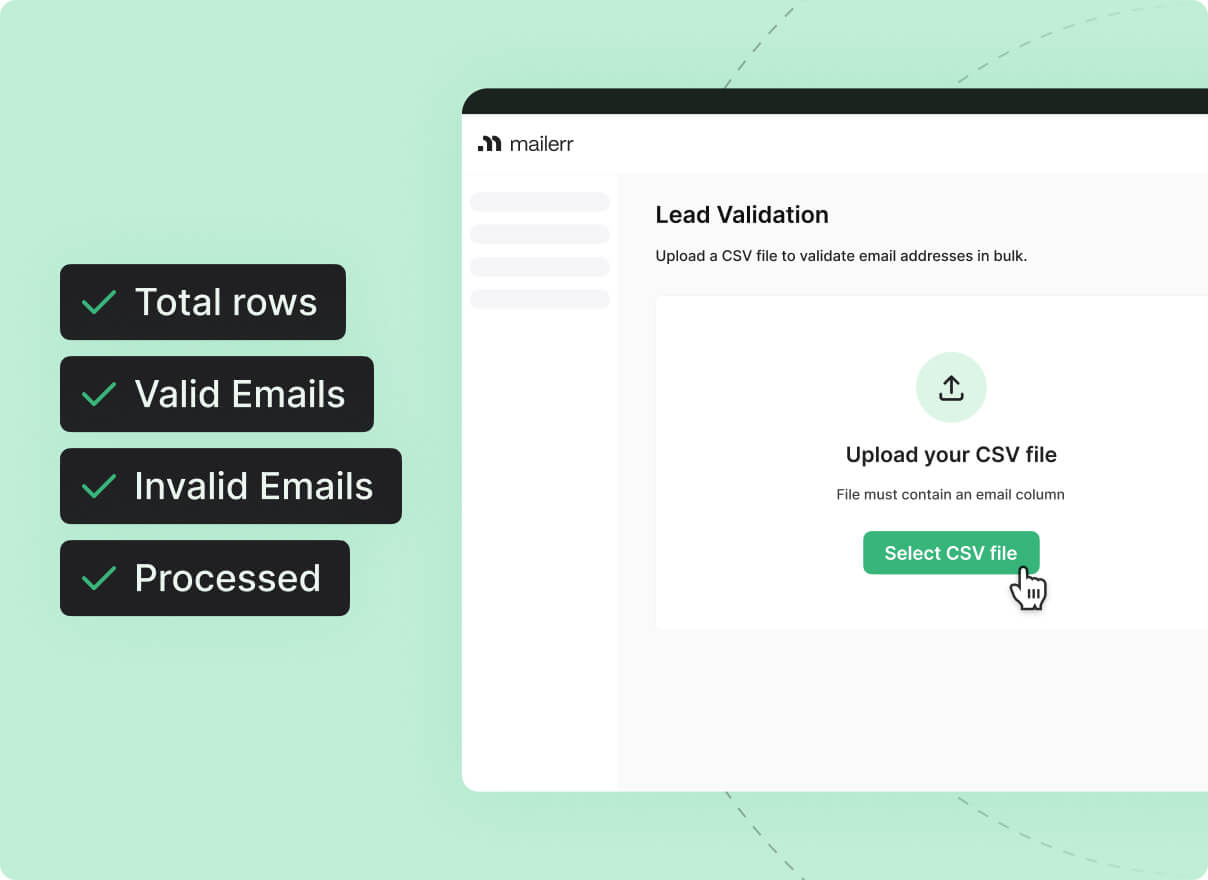
For the rest of the month, I'd need another verifier or send without checking. Unlimited validation only comes with Enterprise.
Warmup is controlled by one switch. The reputation chart below rises, but it shows no numbers, dates, or targets.
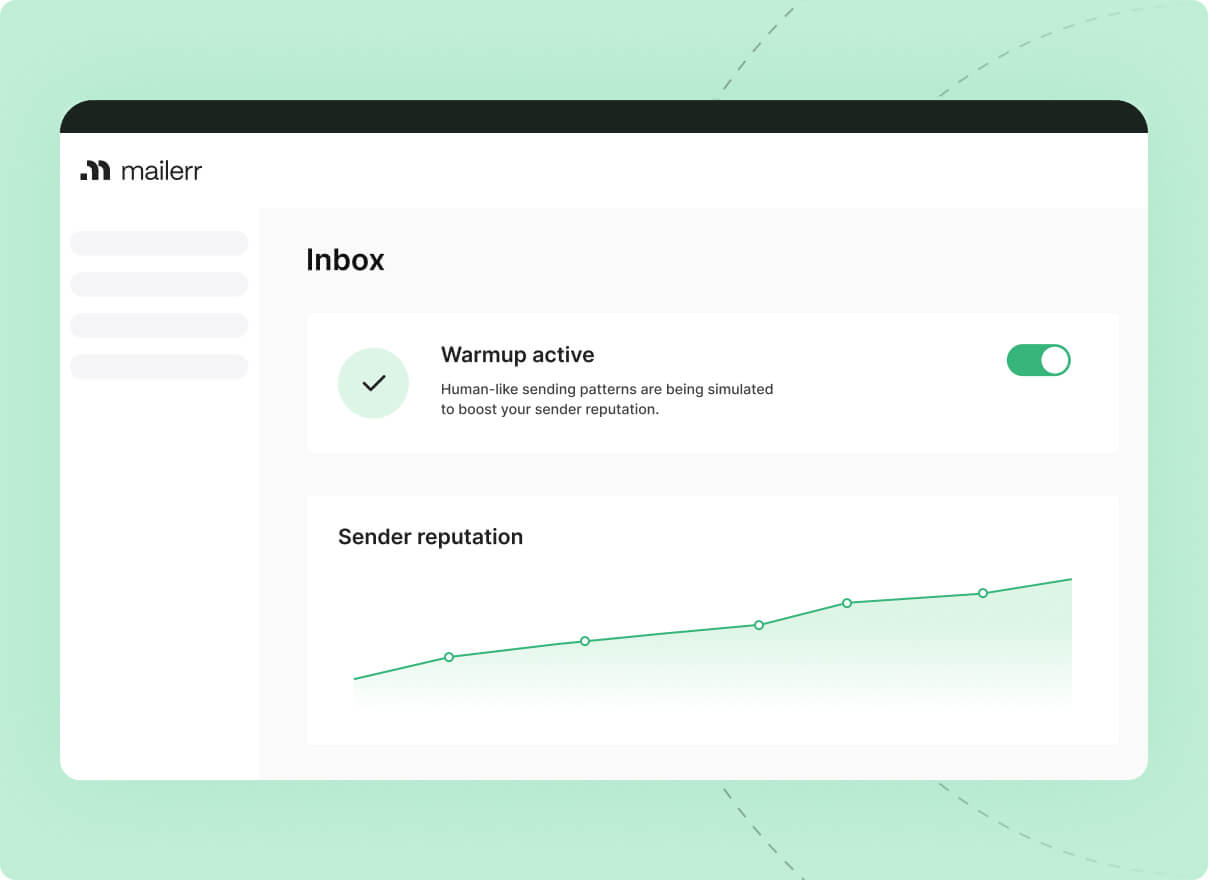
Without a score or "ready" signal, I'd have to guess when to launch real campaigns. To stay safe, I'd keep every new mailbox at a low volume for longer than usual.
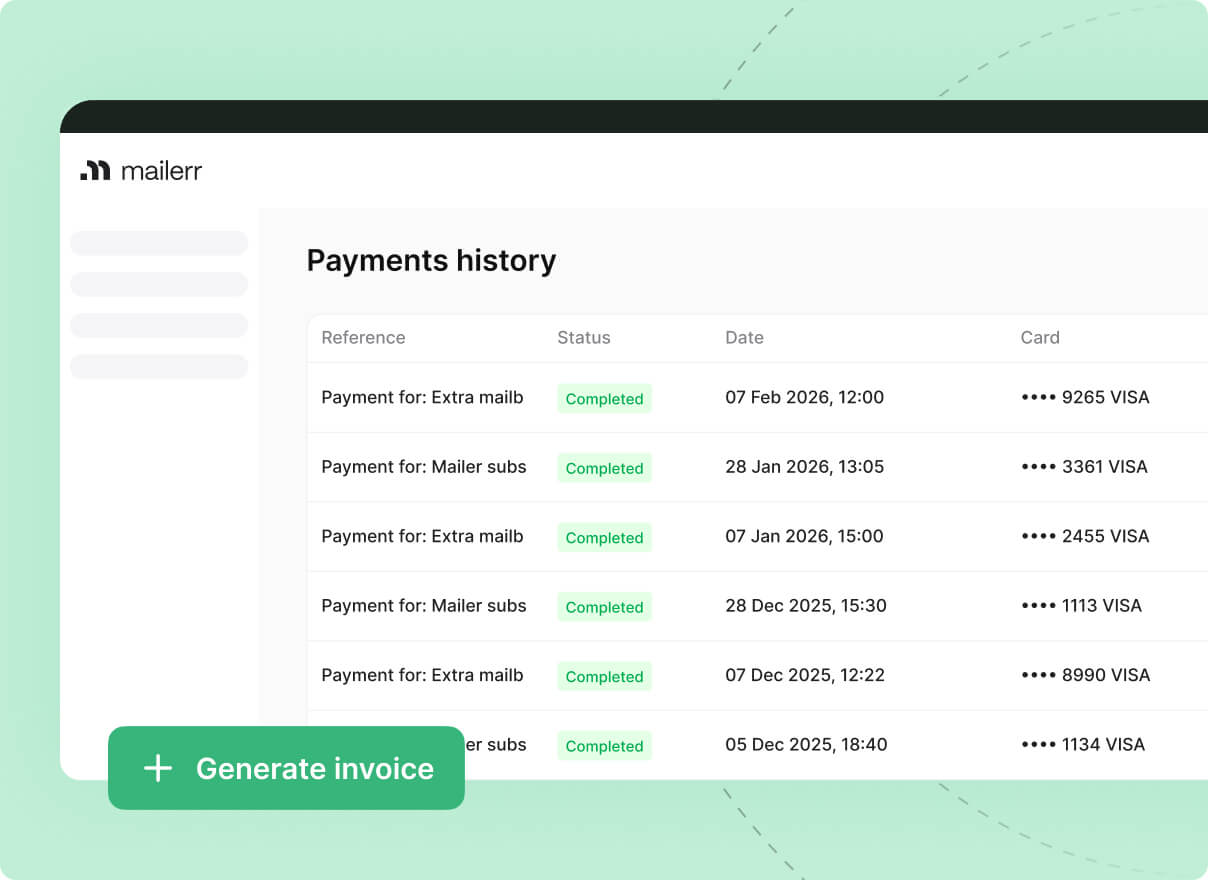
Mailerr automatically generates invoices and stores the full payment history. If I pass infrastructure costs to clients, I can download the month's invoice instead of creating one myself.
The setup ends with "export to your sending tool," but it never says which tools are supported or whether they connect through OAuth or passwords. If my clients use Instantly or Smartlead, I'd confirm both before paying.
Annual billing drops Business from $100 to $95 a month, saving $60 a year. With no refunds, that locks me in for a year with an unreviewed provider. I'd pay monthly until Mailerr earned my trust.
Mailerr has three plans that bundle mailboxes, domains, warmup and lead validation into one monthly price. That makes pricing easy to understand.
The harder part is finding the right plan once you need more mailboxes than the bundle includes.
Here's what each setup costs after adding domains and using the full domain allowance:
At most sizes, I wouldn't need a separate warmup tool or verifier, keeping the total lower than it first appears.
Extras on Business cost more than the plan's own mailboxes. The 30 mailboxes work out to $3.33 each, while every extra one costs $4. My average cost rises with each addition.
Enterprise only gets cheaper at 95 mailboxes. Below that, Business with extras costs less. I'd only upgrade sooner for a fourth workspace, unlimited validation, or advanced warmup.
Solopreneur has no room to grow. I couldn't find an option for extras, so mailbox number 11 means upgrading to Business at more than twice the price.
Extra mailboxes don't come with extra domains. On Business, 60 mailboxes across 10 domains means 6 per domain. That's heavy sending from each domain, and I couldn't find a way to raise the limit.
I'd consider Mailerr if I wanted mailboxes, warmup and list cleaning on one bill, and keeping the setup simple mattered more than knowing the mailbox provider.
I'd look elsewhere if I couldn't risk learning the hard way, since Mailerr has no reviews to check or refunds to fall back on.
Mailerr leaves one question open that Primeforge answers immediately. What are you sending from? Every Primeforge mailbox uses Google Workspace or Microsoft 365, and you choose the provider for each domain.
It also covers most of the details I'd want from Mailerr, including where mailboxes go and how the setup scales.
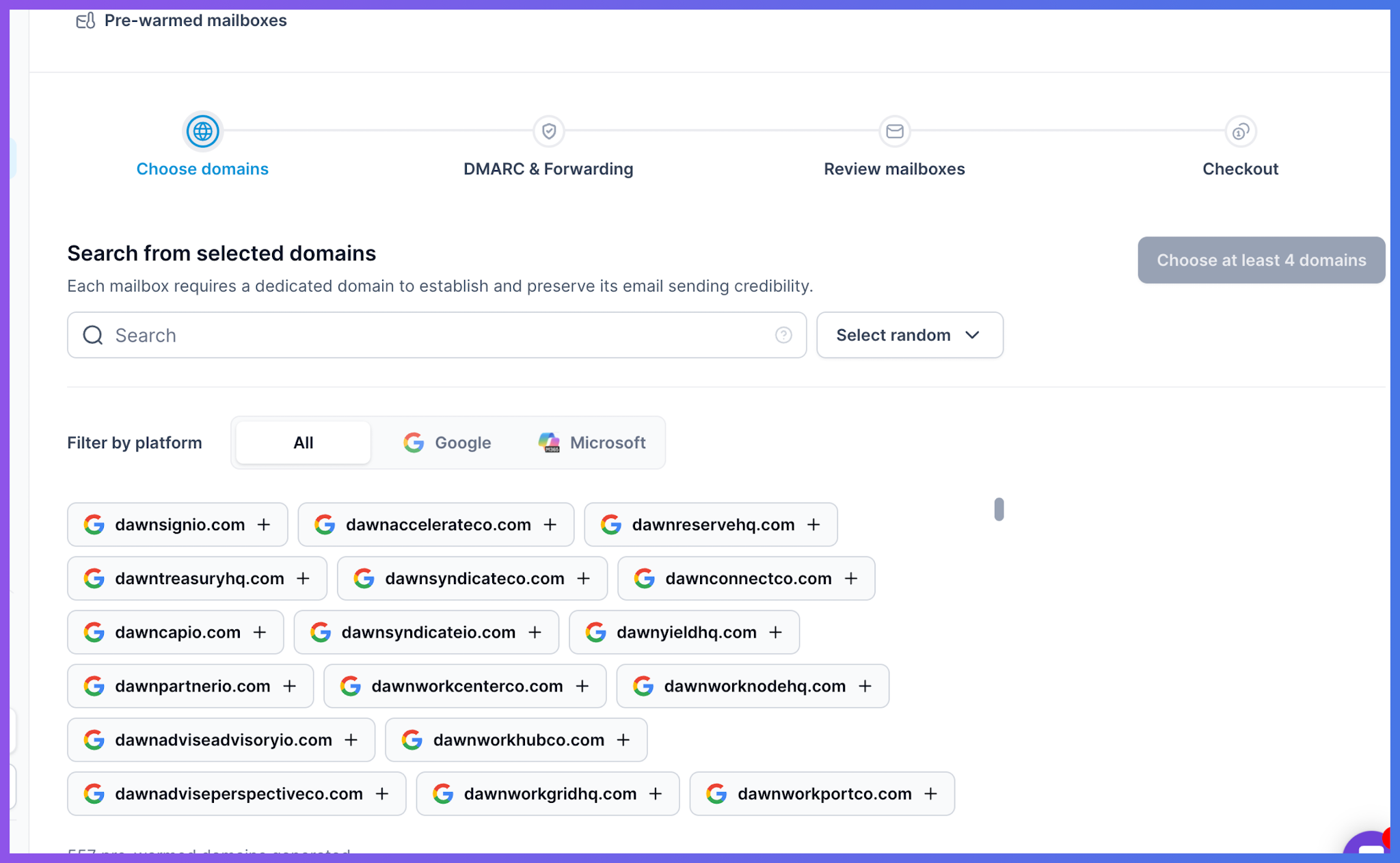
When I connect a domain to Primeforge, I choose Google or Microsoft immediately. Each Google domain gets its own Workspace and Super Admin account, while each Microsoft domain gets its own tenant.
I can use Google for Gmail-heavy lists and Microsoft for enterprise lists instead of hoping one unnamed provider works for both
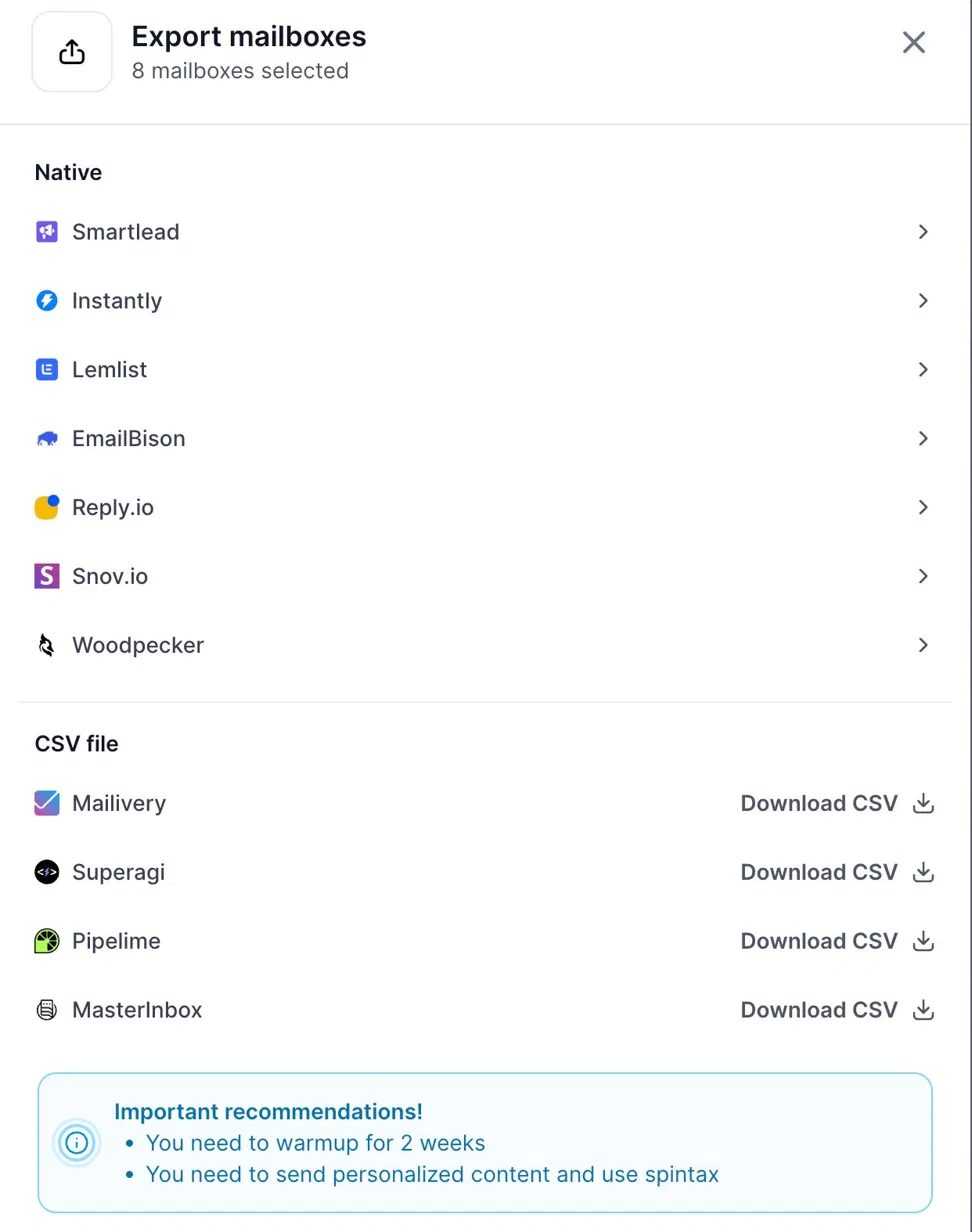
Primeforge names its export options. They include Smartlead, Instantly, Lemlist, EmailBison, Reply.io, Snov.io, and Woodpecker, plus direct connections to Salesforge and Warmforge. Every connection uses OAuth, so I never paste passwords into a sending tool. For unsupported tools like Mailivery or MasterInbox, I can download a CSV.
Mailerr offers bundles of 10, 30, or 100 mailboxes. Primeforge's calculator asks how many contacts I want to reach monthly and how many emails each contact receives. It then calculates the required domains and mailboxes. I pay for my campaign instead of the nearest bundle.
I create a workspace whenever I add a client and can move domains and mailboxes between workspaces later. If a client leaves or two accounts merge, I can reorganize without rebuilding everything.
The API buys domains, creates mailboxes, purchases pre-warmed mailboxes, and exports everything to Salesforge or Warmforge. It can even retrieve mailbox login codes. If I onboard clients weekly, I'd automate it once instead of repeating the work manually.
After exporting to Warmforge, each mailbox gets individual settings for daily minimums, maximums, ramp-up speed, and reply rate. Placement tests show how many messages reach real Google Workspace and Microsoft 365 inboxes.
Enter your email to get a custom plan & stack recommendation for your business
Please check your mailbox in 5 minutes

My verdict depends on one answer from Mailerr's support team.
Before buying, email them and ask which mailboxes they provide. If they use Google Workspace or Microsoft 365, Business offers good value for a solo SDR or small agency. Thirty mailboxes with warmup and validation for $100 is difficult to beat. Pay monthly, stay within three clients, and validate lists before each campaign.
If the answer is unclear or Mailerr uses its own servers, I wouldn't run a client campaign through it. With no reviews or refunds, there's nothing else to rely on.
For mailboxes with a known provider, use Primeforge. Choose Google or Microsoft for each domain, export to your sending tool through OAuth, and warm the mailboxes in Warmforge, free when sending through Salesforge.