
LiteMail sells pre-warmed Google Workspace and Microsoft 365 mailboxes for cold email. Fresh inboxes start at $2.50 per mailbox, pre-warmed at $4.99, and setup takes around 5 minutes.
On paper, that pitch is clean.
In practice, cold email operators keep raising the same three concerns. Real users on r/coldemail have posted split tests where LiteMail's pre-warmed mailboxes actually underperformed fresh Google Workspace accounts they set up themselves.
LiteMail also has zero G2 reviews as of this writing, which is a hard trust gap for infrastructure you plan to run 100+ mailboxes on. And the AI-branded positioning does not change inbox placement, which independent reviewers keep flagging.
Here's the thing. If you're running outbound at scale, your infrastructure choice is a technical responsibility.
Get it wrong, and one bad domain takes down a client campaign. It burns an inbox. It lands you in a spam trap that costs three weeks of pipeline.
So I pulled together the 4 LiteMail alternatives I'd actually recommend in 2026. Each one solves a different flavor of the same problem.
Let's break it down.
| LiteMail Alternative | Best Features | Starting Price |
|---|---|---|
| Primeforge (Best Overall) | Real Google Workspace and MS365 accounts, 30-minute setup, workspace isolation for agencies, tight ecosystem with Warmforge and Salesforge | $4.50 per mailbox per month |
| Zapmail | Official Business Starter mailboxes with EU IPs on every tier, 50+ outreach tool integrations, 12+ weeks of pre-warmed history | $39/month for 10 mailboxes |
| Maildoso | Proprietary SMTP with automated IP rotation, self-healing mailboxes, 30-day money-back guarantee, 4.6 stars across 212 G2 reviews | $75/month for 30 mailboxes |
| MailDeck | Three infrastructure types (Outlook Azure tenants, real GWS, private SMTP) under one provider, dedicated IPs everywhere, free domain replacement | $30/tenant/month for 100 Outlook inboxes |
Before I get into the picks, here's how I actually compared them. I ranked each tool across 5 criteria that matter when you're running outbound at scale, not the marketing bullets on their pricing pages.
Some providers sell real Google Workspace Business Starter accounts and real Microsoft 365 business licenses. Others provision Azure tenants or use proprietary SMTP relays. A few still lean on EDU workarounds. Real business licenses win because Gmail and Outlook trust their own platform accounts more than third-party infrastructure. If you want the deeper category read, my best cold email infrastructure providers breakdown covers why this distinction matters.
Setup speed matters, but so does the warmup period before you can actually send campaigns. Some providers deliver in 5 minutes but require weeks of warmup. Others take 2 to 3 days to provision but arrive ready to send from day one. I looked at total time from purchase to first cold send, not just the headline setup number. My guide to pre-warmed email accounts covers this decision in more depth.
Per-inbox pricing looks cheap at 10 mailboxes and expensive at 500. Per-tenant pricing flips that math completely. I compared cost at three scale points (30 inboxes, 100 inboxes, 500 inboxes) rather than trust the headline per-inbox rate on the homepage.
Do you own the accounts outright or rent them from the provider? What happens if you cancel your subscription? Some providers give you full Google Admin console access. Others hold everything under their own control. This matters when you need to migrate, when a domain gets flagged, or when you want to move mailboxes between sequencers.
Every provider caps how many emails you can send per inbox per day. Every provider also has an implied inbox-per-domain density. High density concentrates risk since one flagged domain takes down every mailbox sitting on it. I flagged both numbers for each tool so you can spot the concentration risk before you commit.
Here are the four picks. Each one is the best fit for a different flavor of the LiteMail problem, so read the opener of each section to see which matches your situation.
Primeforge is the best LiteMail alternative I've tested in 2026.
It gives you real Google Workspace and Microsoft 365 accounts on your own domains. No EDU tricks. No shared SMTP. And your inboxes are ready to send in around 30 minutes.
Here's what makes it worth leading the list. Primeforge is a cold email infrastructure platform built by the same team behind Salesforge and Warmforge.
It sells real Google Workspace Business Starter and Microsoft 365 accounts specifically configured for outbound sending. That means automated DNS, mailbox profile pictures out of the box, and multiple workspace support for agencies managing more than one client.
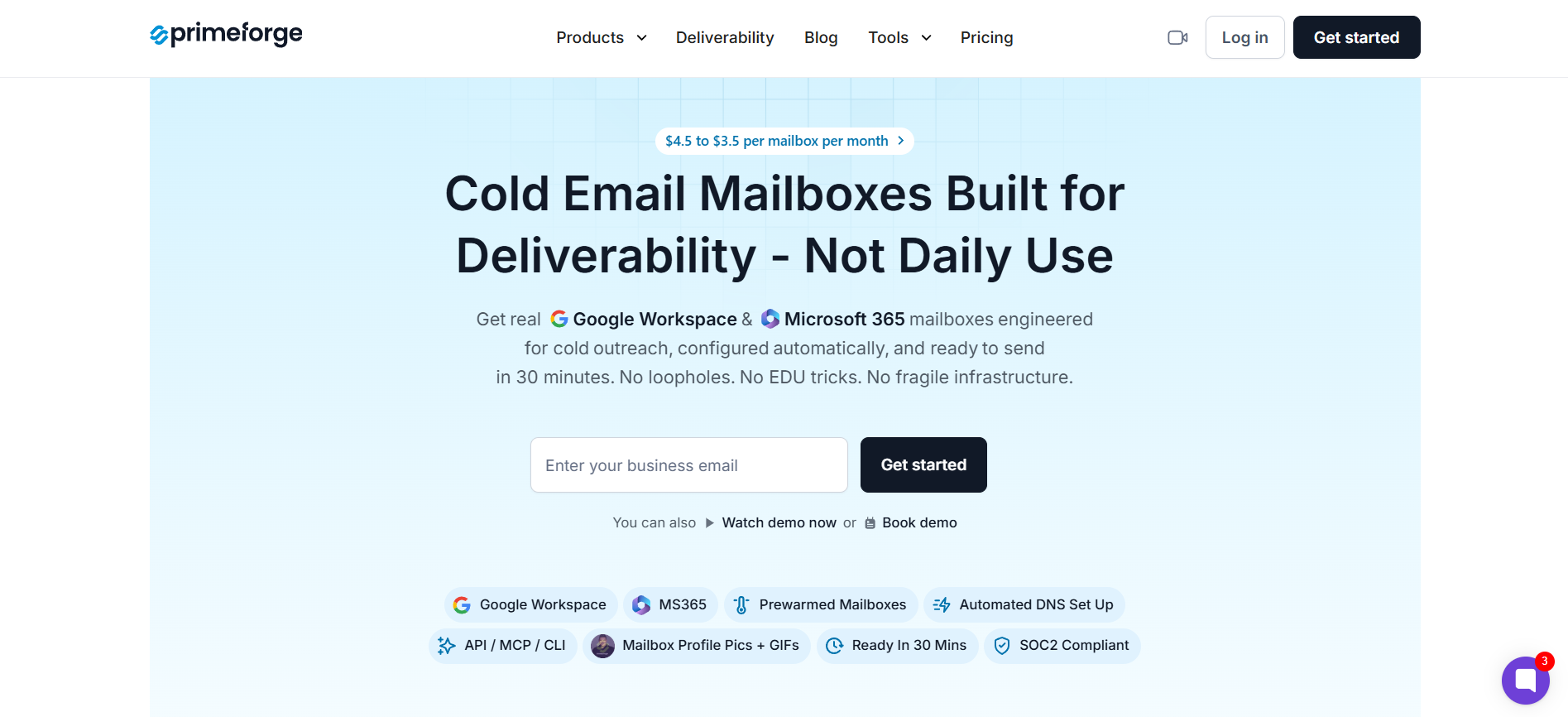
The whole thing sits inside the Forge Stack, so your mailbox provider talks natively to your warmup tool and your sequencer without duct tape.
Key features I liked:
Bonus read: best pre-warmed Google Workspace mailbox
Pricing:
Second on my list is Zapmail. It's the best LiteMail alternative for teams that need documented EU IP coverage and a longer market track record. Zapmail manages 1M+ mailboxes across 330K+ domains, which puts it well ahead of newer alternatives on scale credentials alone.
So what does Zapmail actually do? It's a cold email infrastructure tool that sells official Google Workspace Business Starter and Microsoft 365 mailboxes on your domains. What sets it apart is the EU IP coverage.

Every pricing tier includes EU IP addresses, which matters if you're prospecting into European B2B markets where regional deliverability affects placement. Setup runs around 5 minutes and everything provisions through OAuth, so the flow is fully automated from checkout to sending.
Key features I liked:
Bonus read: if you're weighing pre-warmed providers head-to-head, my Zapmail vs Primeforge comparison breaks down where each one actually wins.
Pricing:
Third pick on my list is Maildoso.
It's the best LiteMail alternative for teams optimizing for pure per-inbox economics at scale. Unlike Primeforge and Zapmail, Maildoso's flagship product is not real Google Workspace or Microsoft 365 mailboxes at all. It's proprietary SMTP infrastructure with automated IP rotation and self-healing mailboxes.
Let me unpack what that actually means. Maildoso is a cold email infrastructure provider built by BacklinkSwappers, based in San Francisco.
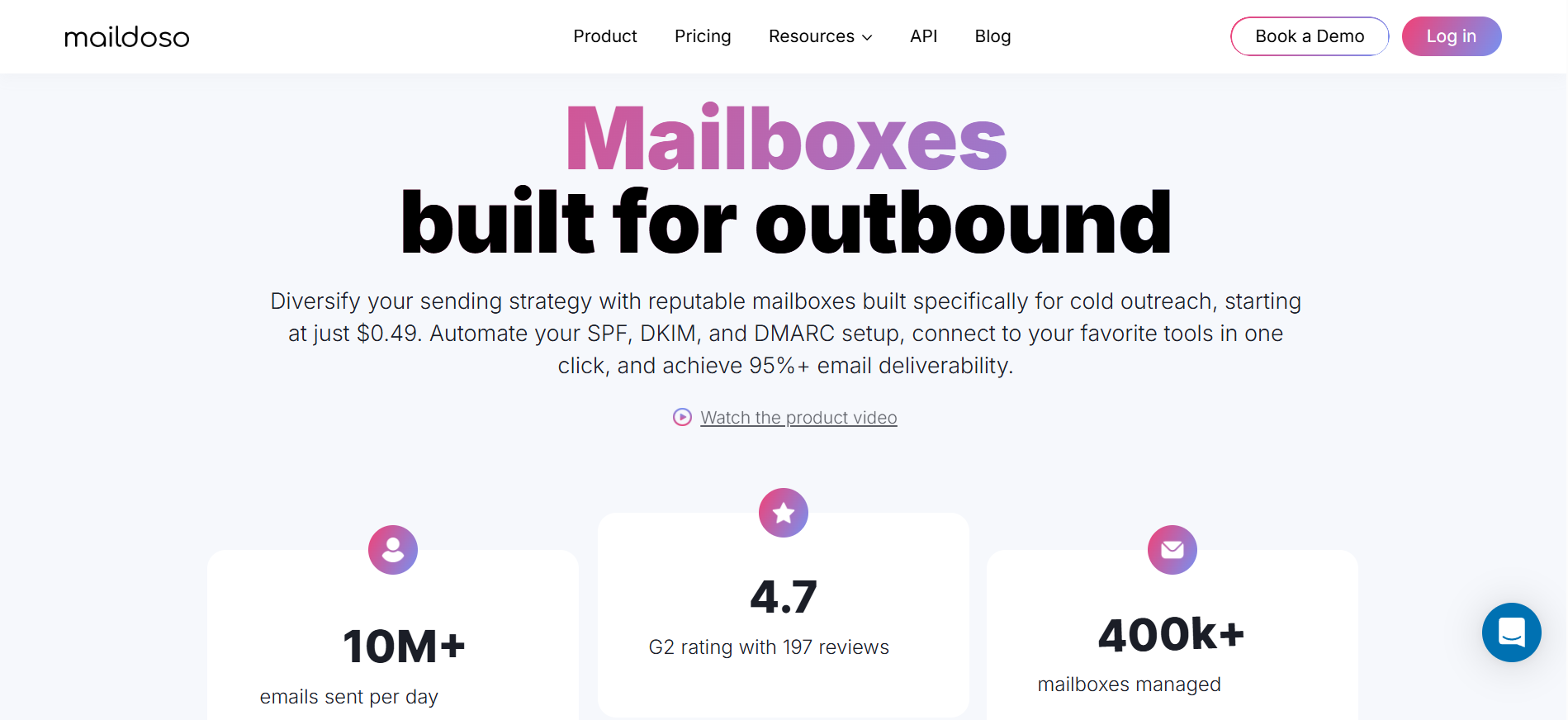
Its core product is proprietary SMTP infrastructure with automated IP rotation across multiple IP addresses per campaign. Every mailbox is capped at 15 cold emails per day. That sounds restrictive at first.
But it actually protects your sender reputation from the kind of volume mistakes that burn domains overnight. Real Google Workspace with business licenses is available as a secondary option at slightly higher pricing.
Key features I liked:
Bonus read: my Maildoso vs Primeforge breakdown covers the SMTP versus real-mailbox tradeoff in depth.
Pricing:
Every plan includes self-healing mailboxes, IP rotation, API and MCP access, and a 30-day money-back guarantee. Maildoso has a stated no-discount policy across all users.
Fourth and final tool on my list is MailDeck. It's the best LiteMail alternative for teams running 500+ inboxes across diversified infrastructure types.
MailDeck is also the only tool in this comparison that openly admits its Microsoft 365 product is Azure tenants, not standard business licenses.
That transparency is either refreshing or a red flag depending on what you're optimizing for.
Here's what MailDeck actually offers. It sells three infrastructure types under one provider. You get Outlook via Azure tenants (100 inboxes per tenant), real Google Workspace, and private SMTP with dedicated IPs.
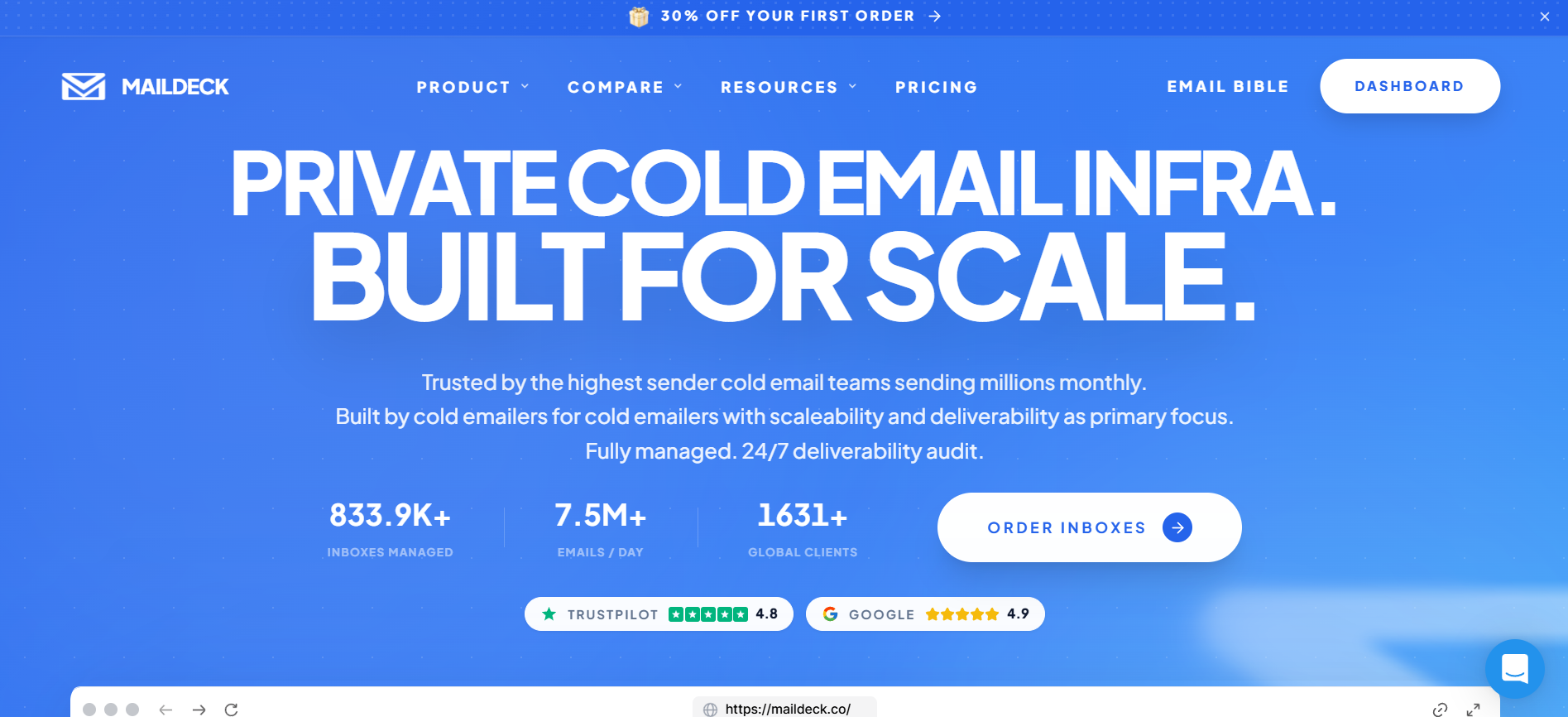
The platform manages 833K+ inboxes for 1,631+ clients sending 7.5M+ emails per day. That's serious scale credentials. But it comes with real tradeoffs specifically around setup speed and warmup runway that you should understand before you commit.
Key features I liked:
Bonus read: for a broader category view, my best cold email infrastructure tools breakdown covers where each type fits in your stack.
Pricing:
After testing all four, Primeforge is the LiteMail alternative I'd hand to a cold email operator running outbound at scale. The mailboxes are real Google Workspace and Microsoft 365 accounts, not EDU workarounds or Azure tenants.
Setup runs around 30 minutes. You get full admin access, workspace isolation, and native integration with the rest of the Forge Stack. It solves the actual LiteMail complaints without introducing new tradeoffs of its own.
Primeforge is the best LiteMail alternative in 2026 for teams that want real Google Workspace and Microsoft 365 mailboxes with 30-minute setup. It gives you full admin access, workspace isolation for agency use, and native integration with Warmforge and Salesforge. Zapmail is the strongest second choice if you specifically need EU IP coverage on every tier.
LiteMail claims 4 to 12 weeks of warmup history on its pre-warmed mailboxes. Real user reports on r/coldemail have flagged split tests where LiteMail pre-warmed inboxes underperformed fresh Google Workspace accounts. If you're paying the pre-warmed premium, ask for placement data before committing to a large batch.
Real Google Workspace and Microsoft 365 business-licensed accounts typically deliver better inbox placement than Azure tenants. Gmail and Outlook trust their own platform accounts more than third-party infrastructure. Azure tenants can work at scale, but setup takes 2 to 3 business days and per-inbox sending limits are more restrictive.
Yes. All four tools in this comparison connect to Instantly, Smartlead, Lemlist, Reply.io, Saleshandy, and other major cold email platforms. Primeforge, Zapmail, and MailDeck use OAuth for automated connection. Maildoso connects via SMTP credentials since its core product is SMTP-based infrastructure.
Pricing ranges from $0.30 per inbox at 1,000-inbox scale (MailDeck Outlook Normal) up to $4.50 per inbox at low volume (Primeforge). Maildoso hits $0.49 per inbox at 1,000 mailboxes. Zapmail runs $2.50 to $3.90 per inbox depending on plan. Primeforge sits in the premium tier because it's real business-licensed GWS and MS365.
Zapmail is the only tool in this comparison that documents full EU IP coverage on every pricing tier. LiteMail also claims EU IPs. Primeforge, Maildoso, and MailDeck do not publish EU IP options on their sites, so if European deliverability is a priority for your campaigns, Zapmail is the safest documented pick.
