
People running B2B growth cannot hit their numbers without the right email marketing tools. And here is the tricky part.
The market is crowded, and most platforms promise to do everything. In reality, they don't.
Some are built for nurturing subscribers who've already opted in. Others are designed for cold outreach to people who've never heard of you. Very few excel at both, even though their marketing pages might suggest otherwise.
To separate the hype from reality, I dug into a wide range of email marketing tools across both categories. Some have been part of my workflow for months. Others I put through real campaign scenarios to see how they actually performed.
Here's what I found.
Skim this table for the shortlist. Jump to any tool by clicking through.
Not every tool on this list plays the same game. So I judged each one against the criteria that matter across both cold outreach and marketing automation. Here is how I weighted them.
If your emails do not land in the inbox, nothing else matters. I checked each tool for its warmup layer, inbox placement tools, sender rotation, and how it handles SPF, DKIM, and DMARC. Tools that treat deliverability as an add-on cost me time. Tools that bake it in earned their spot on this list.
Marketing tools charge by contacts or by emails sent. Cold email tools charge by mailboxes and daily sends. I looked at where each tool caps you, what it costs to lift the cap, and whether the mailbox math actually scales.
Every tool here uses "AI" somewhere. Some just paste it on the pricing page. Others use it to research prospects, draft copy, or run full autonomous outreach. I graded the AI on what it actually did in a real campaign, not on the marketing copy.
Email alone works. Email plus LinkedIn works better for B2B. Email plus SMS works better for eCommerce. I looked at which channels each tool covers natively, which are add-ons, and which are just Zapier hacks in a wrapper.
The sticker price on a pricing page rarely matches what you actually pay. Credit overages, per-seat charges, mailbox add-ons, LinkedIn upcharges, warmup fees. I priced each tool at a real B2B workload to see what it lands at.
G2 star counts are a rough signal. The real signal is what people complain about. I read the critical reviews for every tool on this list and factored patterns into the write-up.
Below is the full rundown. Each tool section covers what it is, the pros, the cons, current pricing, and what real users are saying on G2.
Salesforge is the best email marketing platform for B2B outbound in 2026. Two reasons up front.
It runs multichannel sequences across email and LinkedIn from one platform. And it does not cap you on mailboxes or LinkedIn senders on any paid plan.
That last part matters more than most email outreach tool lists let on. Every other cold email tool I tested either charges per seat, charges per mailbox, or forces LinkedIn into a paid add-on. Salesforge builds unlimited into the base plan and holds pricing flat as the team grows.
The AI SDR, Agent Frank, is the other differentiator. He handles prospecting, writing, and follow-up on autopilot once you set his ICP and knowledge base. I have run him on Co-Pilot mode. The emails he drafts read like a human wrote them.

Not perfect. But close enough to save real time on a full sales motion. If you are building a full cold email infrastructure stack, Salesforge is the sending layer I recommend anchoring on.
One framing note. Salesforge is a cold outreach platform, not a newsletter tool. If your job is broadcasting to warm subscribers, this is not the right pick. If your job is outbound to net-new prospects, this is the sales email tool I recommend first.
If your list is opted-in and your job is nurturing warm subscribers with behavior-triggered flows, ActiveCampaign is the strongest marketing automation platform I tested. That is the honest positioning.
ActiveCampaign is not for cold outreach. It is a marketing automation platform first, with email marketing and CRM stacked on top. What it does better than almost everything else on this list is model complex user paths and trigger emails from real customer behavior.

That is where the depth shows up. The visual automation builder handles branching workflows, tags, conditional logic, and event triggers with more nuance than any general-purpose email marketing software I have used. When you need "if user viewed pricing page twice this week AND has not booked a demo, send email B," ActiveCampaign is where I would build that.
The catch is that pricing scales with contact count. The $15 starter is a great entry point for 1,000 contacts. But past 10,000 contacts, the bill climbs quickly, and advanced features live on higher tiers.
Instantly plays a completely different game from ActiveCampaign. Where ActiveCampaign is built for nurture, Instantly is built for cold outreach volume. The warmup network is what sets it apart.
Instantly claims over 1,000,000 real email accounts in its deliverability pool. That is the largest warmup network of any cold email tool I checked. If you send at high volume across many mailboxes, that pool is a real asset for Google Workspace deliverability protection.
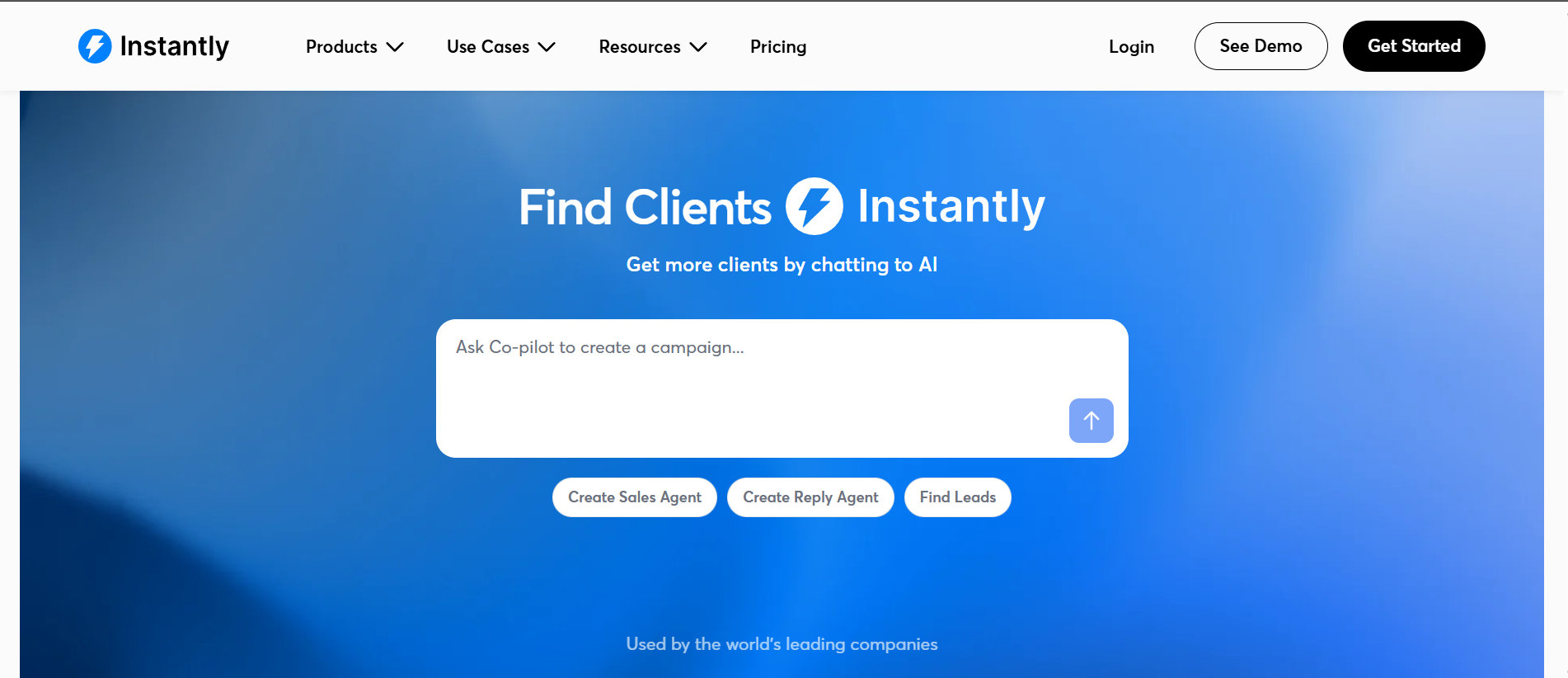
The other thing Instantly does well is the AI Sales Agent, which handles autonomous prospecting, writing, and sequence execution. It is different from Salesforge's Agent Frank in one specific way. Instantly leans harder on scale and volume, while Salesforge leans harder on multichannel (email plus LinkedIn) with unlimited seats.
On feature parity, Instantly does not have native LinkedIn automation. That happens through third-party integrations like HeyReach. If LinkedIn is a real part of your motion, that is worth knowing before you commit.
Pricing is flat by plan, unlimited email accounts on every tier, and 5,000 emails per month on the entry Growth plan. Not the cheapest option, but the volume scales cleanly.
Here is the thing most email marketing tool lists miss about Brevo. The pricing model is genuinely different.
Brevo charges by emails sent, not by contact count. Every other email marketing platform on this list bills you for how many contacts sit in your database. Brevo bills you for how many messages you actually send. If your list is large but you only send once or twice a month, that gap can save real money.

Beyond the pricing angle, Brevo is a legitimate all-in-one marketing platform. Email, SMS, WhatsApp, transactional email, and a free CRM come bundled. The free plan gives you 300 emails per day and up to 100,000 contacts, which is one of the most generous entry tiers in the category.
The tradeoffs show up on the automation side. The workflow builder handles the basics well but does not go as deep as ActiveCampaign for complex behavioral flows. And Brevo's onboarding process includes a strict account review, which can delay activation for new senders.
Apollo is the tool I keep coming back to when I need lead data and outreach in the same platform. That combination is rare.
Most email marketing software makes you plug in a separate data source. Apollo builds the database in, and it is big. The site cites 98% email accuracy, 72M emails verified monthly, and a contributor network of 2 million users. Whether the exact numbers match your niche will vary, but the data is dense enough to be genuinely useful for B2B prospecting.

Sequences, deliverability warmup, unified inbox, dialer, and analytics all live in the same platform. The free plan is generous. Two sequences, 900 credits per seat per year, AI Assistant with a five-chat limit, and the Chrome extension are all free forever.
The catch is that Apollo is per-seat pricing, and credits get consumed for almost every data action. Emails cost credits. Phone numbers cost credits. AI research costs credits. If you have a big team using it heavily, the credit math needs planning.
Omnisend is the tool I would recommend to any eCommerce brand running email marketing today. That is the honest scoping.
Omnisend is built specifically for online stores. Shopify, WooCommerce, and BigCommerce integrations are the reason it exists.
If you are running a Shopify store and need welcome series, abandoned cart flows, browse abandonment, and post-purchase automations, this is one of the cleanest paths from install to first automated revenue.

The other thing Omnisend does that most email marketing platforms do not is bundle SMS natively at every tier that supports it. Email plus SMS in one workflow is genuinely useful for time-sensitive eCommerce moments like flash sales and delivery updates.
Where Omnisend is not the right fit is B2B. There is no cold outreach layer, no LinkedIn integration, and no sales sequencing. The platform is opinionated about eCommerce, and that focus is both the pitch and the limit.
Kit (formerly ConvertKit) sits in a category of its own. It is not built for B2B sales teams or eCommerce stores. It is built for creators.
If you are a writer running a paid newsletter, a YouTuber growing an audience, a course creator selling digital products, or a solo consultant building a personal brand, Kit is one of the tools I would test first. The email builder is opinionated toward simple, text-forward broadcasts. That is a feature, not a limitation, for the audience it serves.

The free Newsletter plan is generous. Up to 10,000 subscribers, unlimited emails, unlimited landing pages, and one automation. That is enough runway for most solo creators to grow well past their first paid tier.
The tradeoff is price. Kit raised prices in September 2025, and the Creator plan is now $33/mo (annual) or $39/mo (monthly) at 1,000 subscribers. That is roughly double the entry price of most competing email marketing platforms. The Creator Network and built-in monetization tools soften that, but it is worth planning for.
Saleshandy is the tool I would recommend to a lean team getting into cold outreach for the first time. The pricing is friendly, the platform covers the basics, and the setup does not require a technical background.
What stands out is the built-in email infrastructure setup. Saleshandy handles domain and mailbox provisioning with SPF, DKIM, and DMARC pre-configured in about 10 minutes. That solves one of the hardest parts of cold email for a new team.

The 852M+ contact B2B Lead Finder is bundled into the platform. So is a native dialer, LinkedIn outreach, WhatsApp, and custom task steps in the same sequence. For a $25/mo starting price, that is a real amount of tooling.
Where Saleshandy trails the top of this list is depth. The AI is centered on the AI Email Sequence Copilot for writing help, not a full autonomous AI SDR. And the Deliverability Suite is included, but heavy senders will still want a dedicated warmup tool like pre-warmed email accounts from a specialist provider.
For B2B teams doing outbound, Salesforge is the pick. Unlimited mailboxes, unlimited LinkedIn senders, and Agent Frank on autopilot make it the platform I recommend first for cold outreach at any scale.
If your job is nurturing warm subscribers with campaigns and automations, ActiveCampaign wins on marketing automation depth. Brevo takes the value slot for anyone sending large lists infrequently. Omnisend owns eCommerce. Kit still owns the creator space.
Pick based on the job to be done. Then let the sending infrastructure catch up.
Ready to run outbound at scale? Start with Salesforge.
Email marketing tools are built for sending to warm, opted-in subscribers who signed up for your list. Newsletters, promotional broadcasts, welcome flows, abandoned cart emails, and behavioral nurture sequences all live in email marketing platforms like ActiveCampaign, Brevo, Kit, and Omnisend.
Cold email tools are built for sending to net-new prospects who have not opted in. That job has different deliverability requirements, different sending patterns, and different compliance rules. Salesforge, Instantly, Apollo, and Saleshandy are cold email tools.
Using a marketing platform for cold outreach will get your account suspended. Using a cold email tool for newsletters wastes the platform's real strengths.
For B2B sales teams focused on outbound pipeline, Salesforge is the pick. It runs multichannel sequences across email and LinkedIn, includes unlimited mailboxes and LinkedIn senders on every plan, and offers Agent Frank as an AI SDR that runs autonomous prospecting.
For B2B teams focused on nurturing warm marketing-qualified leads, ActiveCampaign is stronger on marketing automation depth and CRM-integrated workflows.
Most B2B teams doing both will run a split stack. Cold outreach in Salesforge. Nurture in ActiveCampaign. Both talking to the same CRM.
Yes, in most cases. The two jobs have different deliverability requirements, different sender reputation dynamics, and different compliance rules.
Cold outreach needs dedicated mailboxes, dedicated domains, and dedicated warmup. Marketing nurture runs from your primary domain to opted-in subscribers who already know you. Running both from the same infrastructure can damage your primary domain's sender reputation and hurt your marketing deliverability.
The cleaner architecture is: cold outreach lives on secondary domains with dedicated mailboxes, sent through a cold email tool like Salesforge. Marketing lives on your primary domain, sent through a marketing platform. Both talk to your CRM.
Deliverability depends on more than the tool. Your list quality, sender reputation, mailbox setup, warmup, and content all matter as much as the platform.
That said, on the cold outreach side, Instantly has the largest warmup pool at 1,000,000+ real accounts. Salesforge bundles Warmforge for automated warmup at no extra cost. On the marketing side, Brevo and ActiveCampaign both have strong deliverability infrastructure at their scale.
For infrastructure-level deliverability, the right inbox placement tools can help you monitor and improve results across whichever sending tool you use.
Pricing varies widely by category. Marketing platforms typically start at $9-$15/mo for small lists and scale with contact count. Cold email tools start at $25-$47/mo and scale with mailboxes or sending volume.
Real cost depends on hidden extras. Watch for per-seat charges, credit overages, warmup add-ons, LinkedIn upcharges, SMS add-ons, and contact-count price jumps. The sticker price on a pricing page rarely matches what you pay at real usage.
For a full B2B outbound stack with cold outreach, marketing automation, and CRM, most teams land at $200-$500/mo across three or four tools.
Technically yes, but I would not recommend it. The two jobs put different pressure on your sender reputation, and mixing them can damage your primary domain deliverability over time.
The safer approach is a split stack. Cold outreach on secondary domains with a cold email tool like Salesforge. Marketing on your primary domain with a platform like ActiveCampaign or Brevo. Both integrated through your CRM.
That architecture protects your primary domain, lets each tool do the job it was built for, and gives you cleaner deliverability data on both sides of the funnel.
