
When you look for Google Workspace or Microsoft 365 mailboxes, F60 Host often comes up as a reseller option.
We tested it to see how well it works. While it does get you mailboxes, we also noticed a few gaps that might hold businesses back.
Here are the main drawbacks we found during testing:
That made us curious, are there better F60 Host alternatives that solve these issues?
So we tested other providers side by side.
In this guide, you will discover the 5 best F60 Host competitors we tried, what they do better, and who they are most suited for.
By the end, you will know exactly which option makes the most sense for your business.
F60 Host works if you only need a few mailboxes.
But as soon as you plan to scale or want smoother management, the limitations become clear. Here’s what stood out:
F60 Host is fine if you only need a couple of Google Workspace mailboxes for basic office use.
But if you’re trying to run cold email outreach or scale inboxes in bulk, it doesn’t really help. Here’s why:
So while F60 Host works if you just need email for office tasks, it’s not relevant if you’re scaling outreach campaigns or need flexibility with Google and Microsoft inboxes.
Let’s go through the criteria we used to pick the best F60 Host alternatives.
👉 Get Google Workspace & Microsoft 365 inboxes for cold email ready in 30 minutes with automated setup.
Choosing where to buy Google Workspace or Microsoft 365 mailboxes isn’t just about price.
The right provider makes setup easier, improves deliverability, and helps you scale as you grow.
By keeping these factors in mind, we were able to narrow down the best F60 Host alternatives that actually make buying and managing mailboxes simple, secure, and scalable.
| Factor | Primeforge | Zapmail | CheapInbox | Premium Inbox | Mailscale |
|---|---|---|---|---|---|
| Setup Time | Under 30 minutes | ~10 minutes | 24–36 hours | <12 hours (6h upgrade) | ~1 minute for 50–1,000 inboxes |
| Warmup & Deliverability | Real-time monitoring | Pre-warmed inboxes (IP concerns) | Strong long-term deliverability | Full DNS setup + free replacements | Optimized for cold email, limited monitoring |
| Pricing | $3.50–$4.50 per mailbox (bulk discounts) | $39 for 10 inboxes, $3.00–$3.50 extra | $2.80–$3.50 per inbox (volume discounts) | $2.50–$3.50 per inbox (enterprise at $2.50) | $95/month for 50 inboxes (~$1.90 each) |
| Scale & Management | Bulk dashboard + domain management | Multi-workspace, 50+ tool integrations | Handles 1–2,000+ inboxes | Enterprise support + dedicated manager | Bulk generation + CSV export |
| Best For | Agencies needing reliable Google inboxes | Teams wanting fast, ready-to-send inboxes | Agencies scaling Google accounts cheaply | Teams needing official inboxes fast | Outreach agencies needing instant scale |
Let’s start with the first option, Primeforge.
Primeforge is the easiest way to buy and manage Google Workspace or Microsoft 365 mailboxes without spending 10+ hours setting them up manually on Google, only to see them land in spam.
Instead of dealing with slow setups, confusing DNS settings, or unclear pricing (which often happens with F60 Host), Primeforge simplifies the process by handling setup and configuration for you.
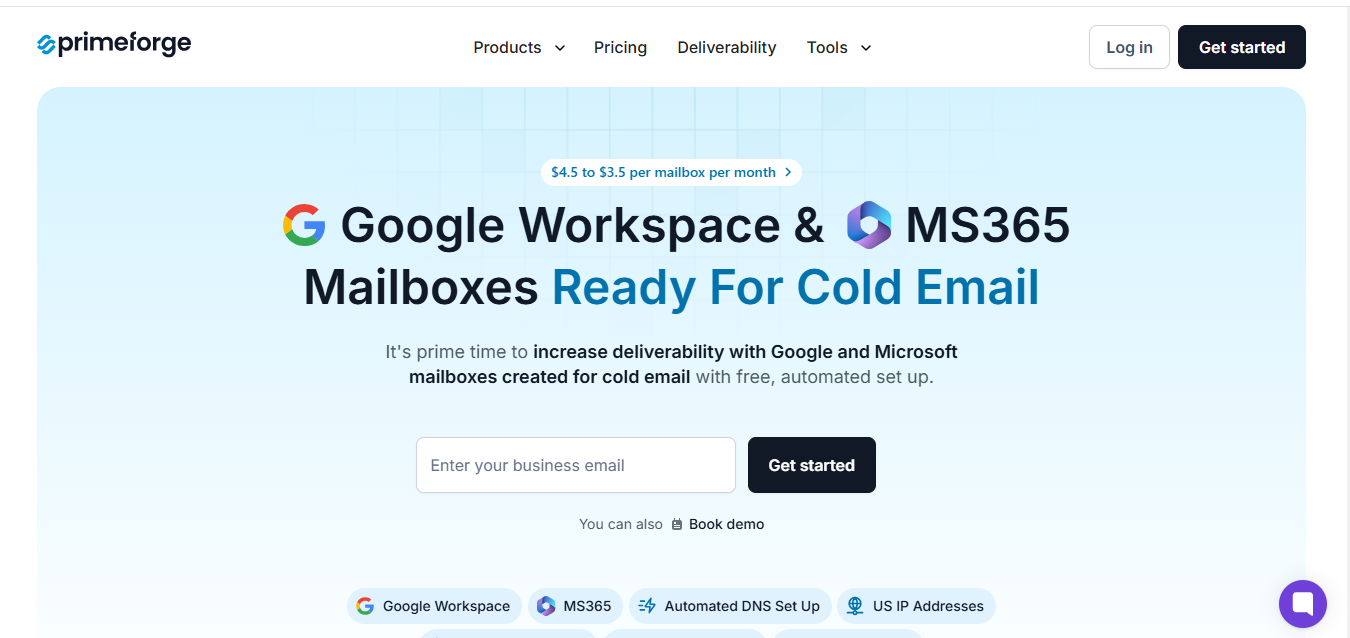
It comes with built-in deliverability monitoring and a slot-based pricing model that makes costs simple and predictable, about $3.50 to $4.50 per mailbox per month, with extra savings on annual plans.
You can add or remove accounts anytime without any hidden fees.
It’s built for teams, startups, and agencies that want mailboxes ready fast, secure by default, and easy to scale as they grow.
| Factor | F60 Host | Primeforge |
|---|---|---|
| Mailboxes Offered | ❌ Google Workspace only | ✅ Google Workspace + Microsoft 365 |
| Setup Time | Manual DNS setup, can take days | ✅ Automated DNS setup (SPF, DKIM, DMARC) in minutes |
| Deliverability | No inbox monitoring, weaker IP reputation | ✅ Real-time deliverability monitoring |
| Pricing | $1.50 Lite, $3.54 Starter, unclear at scale | ✅ $3.50–$4.50 per mailbox, transparent with bulk discounts |
| Scalability | Slower, harder to add multiple domains | ✅ Manage bulk mailboxes and domains from one dashboard |
| Support | Slower responses, not outreach-focused | ✅ Cold email–oriented support with infrastructure expertise |
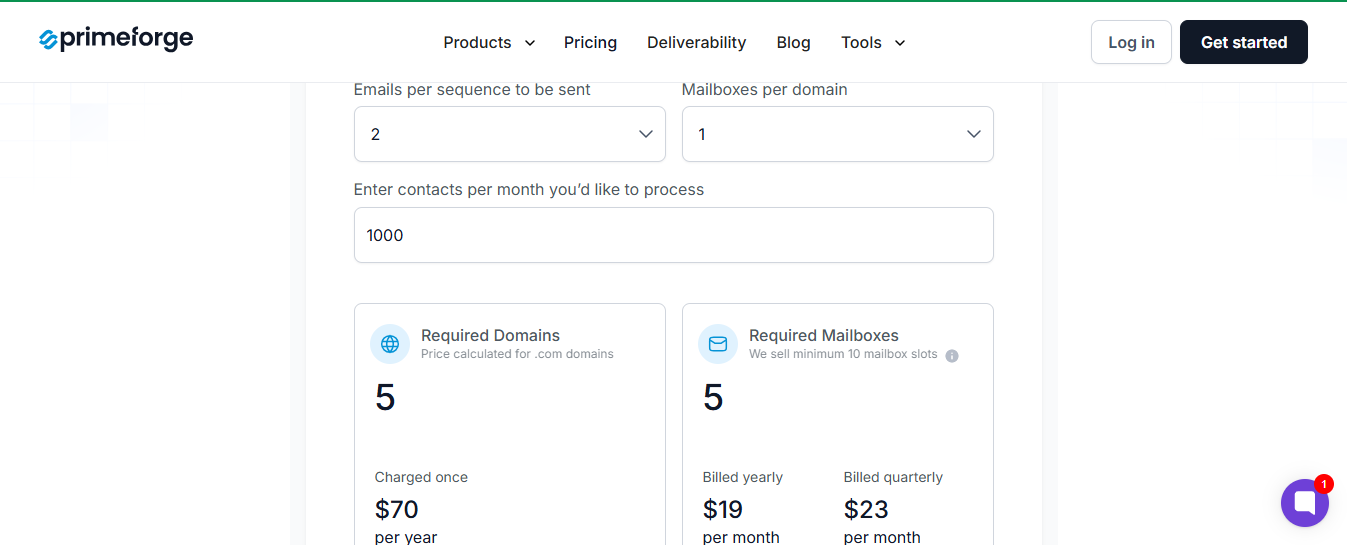
Primeforge keeps pricing transparent and flexible with a slot-based model:


Who It’s Best For
Primeforge is the right choice if you care about deliverability and security as much as mailbox setup for multiple domains.
Zapmail helps you launch Google or Microsoft mailboxes fast.
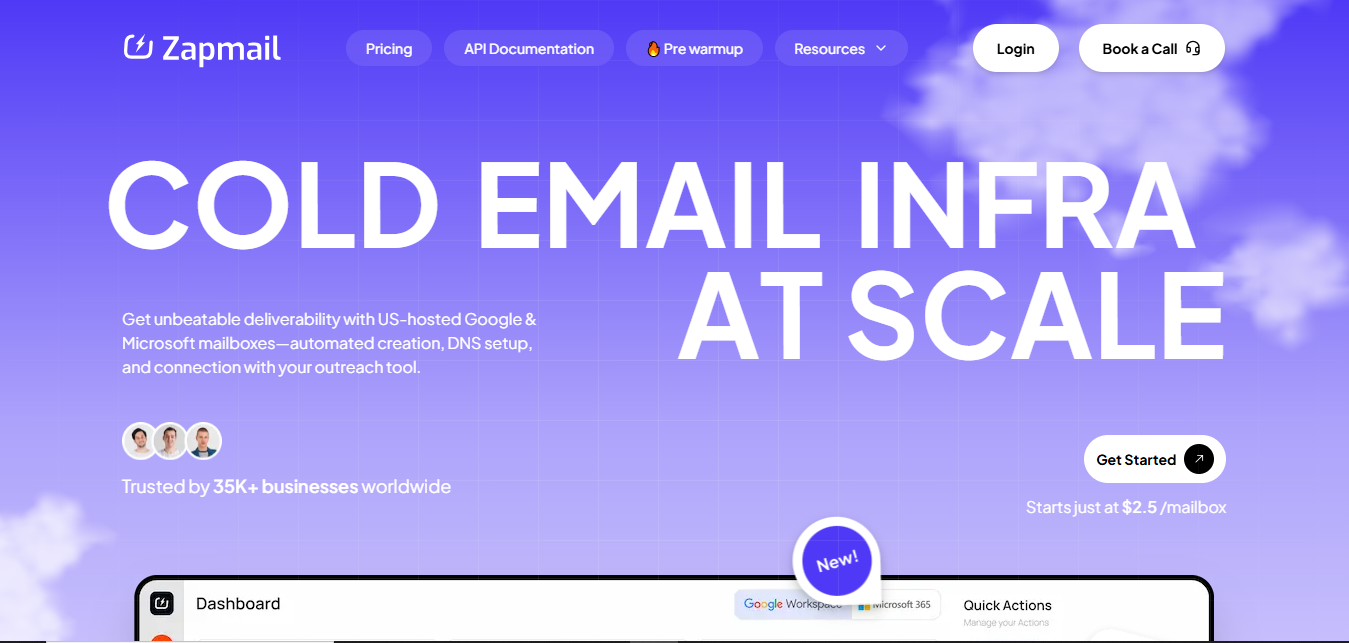
Where F60 setup feels slow and manual, Zapmail gives you pre-warmed accounts with DNS records (SPF, DKIM, DMARC) ready in about 10 minutes.
You can plug them into your outreach tools right away instead of waiting weeks for a warm-up.
| Factor | F60 Host | Zapmail |
|---|---|---|
| Mailboxes Offered | ❌ Google Workspace only | ✅ Google Workspace + Microsoft 365 |
| Setup Time | Manual — can take hours or days | ✅ Automated — mailboxes live in ~10 mins |
| Warmup | No pre-warmup — you must wait weeks | ✅ Pre-warmed Google/MS accounts ready to send |
| DNS & Records | Manual SPF, DKIM, DMARC setup | ✅ Auto-configured instantly |
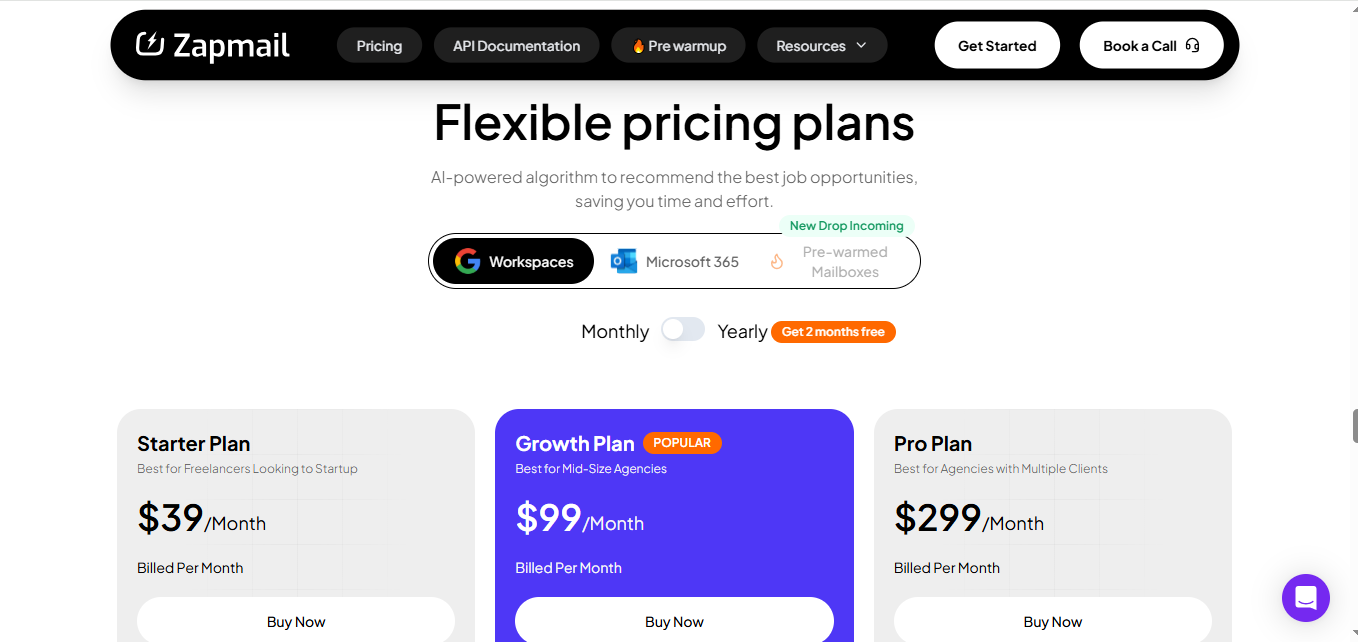
| Pricing | $1.50 Lite plan (limited), $3.54 Starter | ✅ Starter $39 with 10 mailboxes, $3.00–$3.50 per extra |
| Scalability | Harder to manage many domains | ✅ Workspace-level isolation, easy multi-client management |
| Integrations | None native | ✅ 50+ outreach tool integrations |
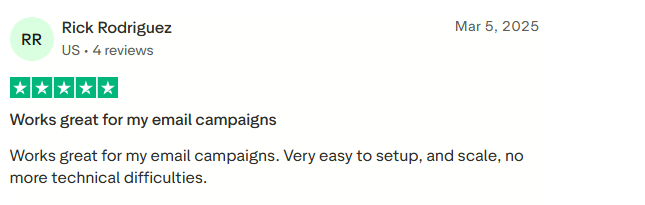

Agencies and teams that want ready-to-send mailboxes at scale without delays or complex setup.
CheapInbox is a bulk email provider that sells Google Workspace Business inboxes at some of the lowest prices in the market.
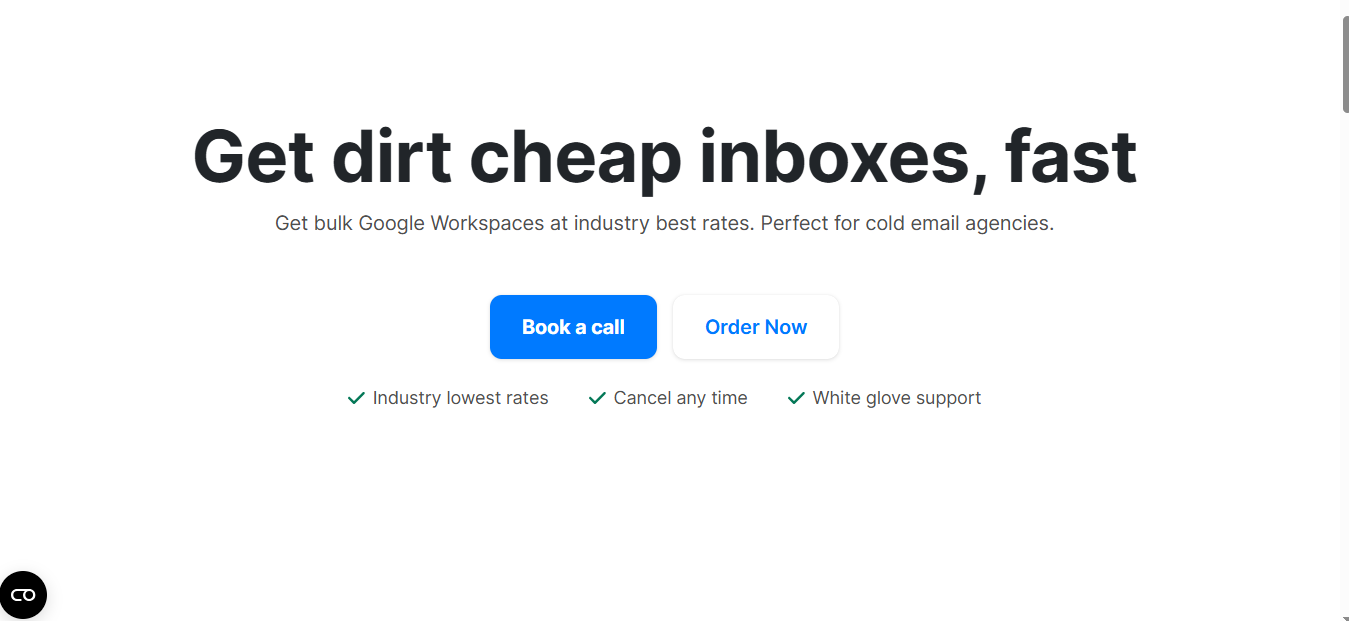
Unlike F60 Host, which can feel slow and expensive when scaling.
CheapInbox is designed for agencies that need anywhere from a single inbox to thousands.
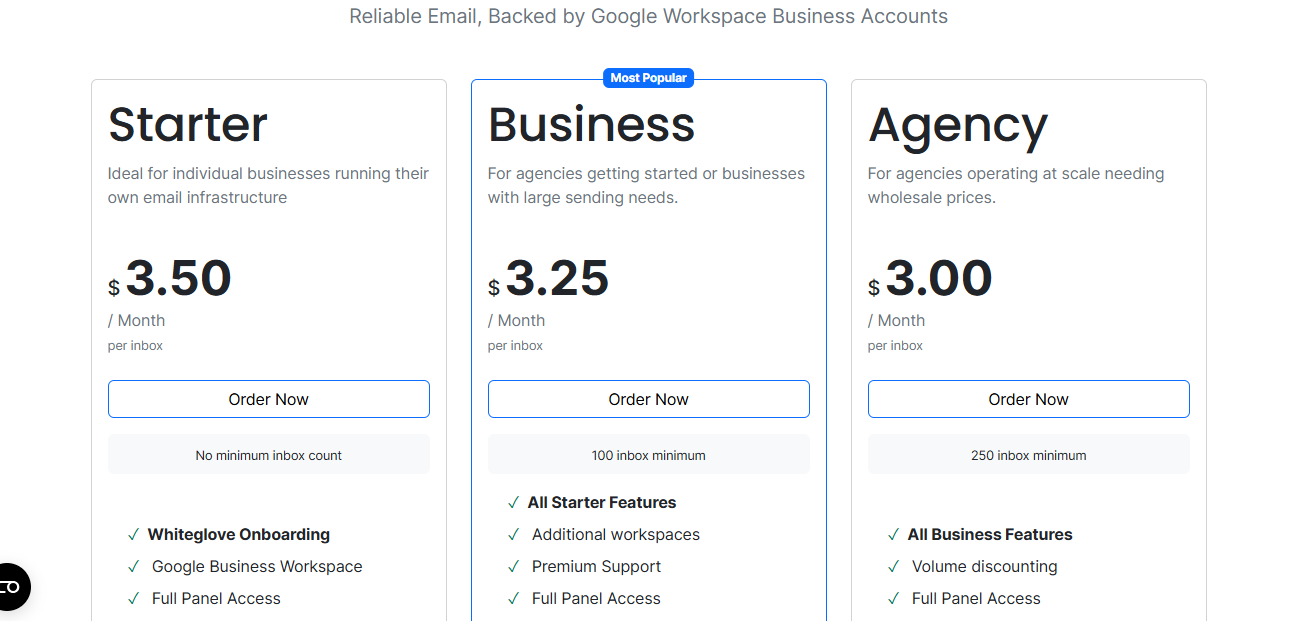
It provides full panel access, white-glove onboarding, and delivers accounts within 24–36 hours, making it a solid option for teams focused on cost and scale.
| Factor | F60 Host | CheapInbox |
|---|---|---|
| Mailboxes Offered | ❌ Google Workspace only | ✅ Google Workspace + Microsoft 365 |
| Setup Time | Manual setup can take days | ✅ 24–36 hour delivery with SLA-backed setup |
| Warmup | No pre-warmup option | ⚪ No pre-warmup, but white-glove onboarding ensures clean setup |
| DNS & Records | Manual SPF, DKIM, DMARC | ✅ Configured during onboarding |
| Pricing | $1.50 Lite, $3.54 Starter, unclear scaling | ✅ $2.80–$3.50 per inbox with clear volume discounts |
| Scalability | Limited, slower with bulk orders | ✅ Built for scale — from 1 inbox to 2,000+ with bulk pricing |
| Support | Slower response times | ✅ White-glove onboarding + dedicated managers for enterprise |
Key Features
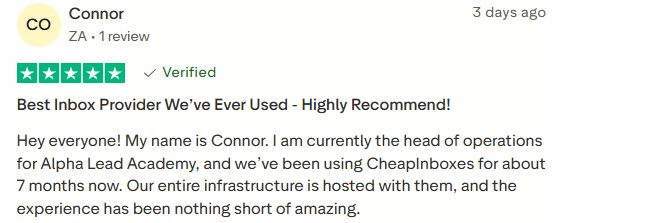
Agencies and enterprise teams that want bulk Google Workspace inboxes at wholesale rates and don’t mind a short wait for setup.
Premium Inbox is specialized email solution desined to maximize deliverabilty.
Instead of waiting days like with F60 Host, you get official Google Workspace inboxes in less than 12 hours (or 6 hours if you upgrade).
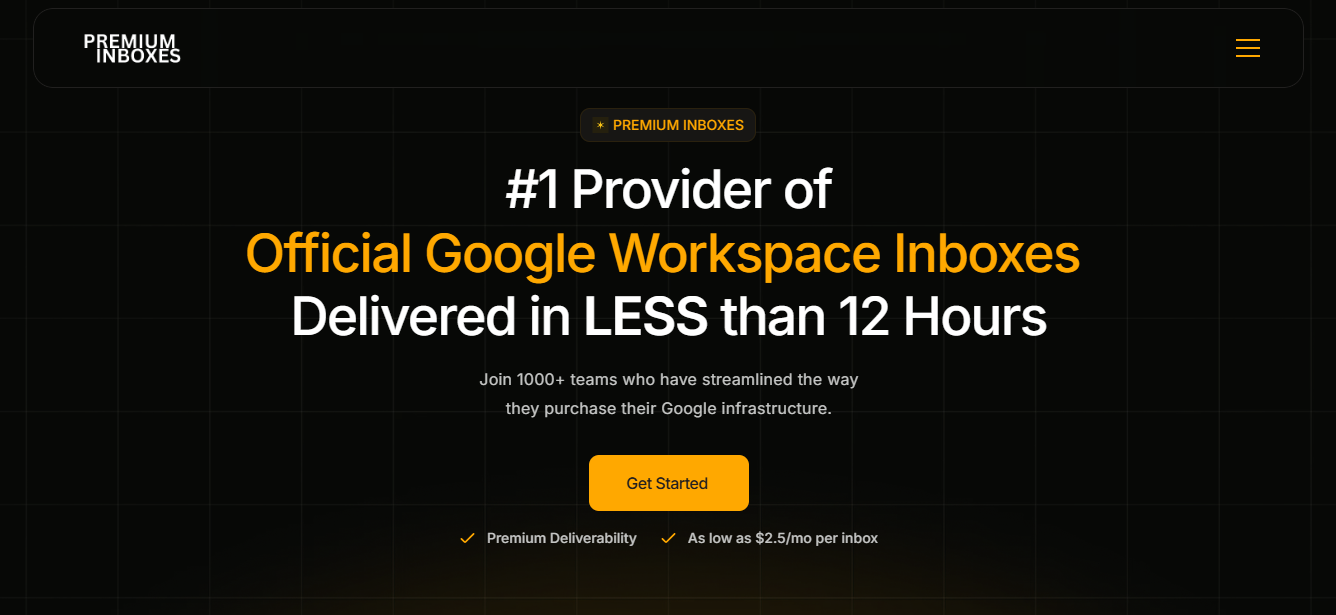
Each inbox comes ready with DNS records like SPF, DKIM, DMARC, and MX, so you don’t need to handle any technical setup.
On top of that, they replace flagged inboxes for free, which makes it safer for cold email teams.
| Factor | F60 Host | Premium Inbox |
|---|---|---|
| Mailboxes Offered | ❌ Google Workspace only | ✅ Google Workspace + Microsoft 365 |
| Setup Time | Manual setup, can take days | ✅ Delivered in <12h (6h with upgrade) |
| DNS & Records | Requires manual setup | ✅ Full SPF, DKIM, DMARC, MX, CNAME pre-configured |
| Warmup | No pre-warmup | ✅ Free replacement inboxes for better deliverability |
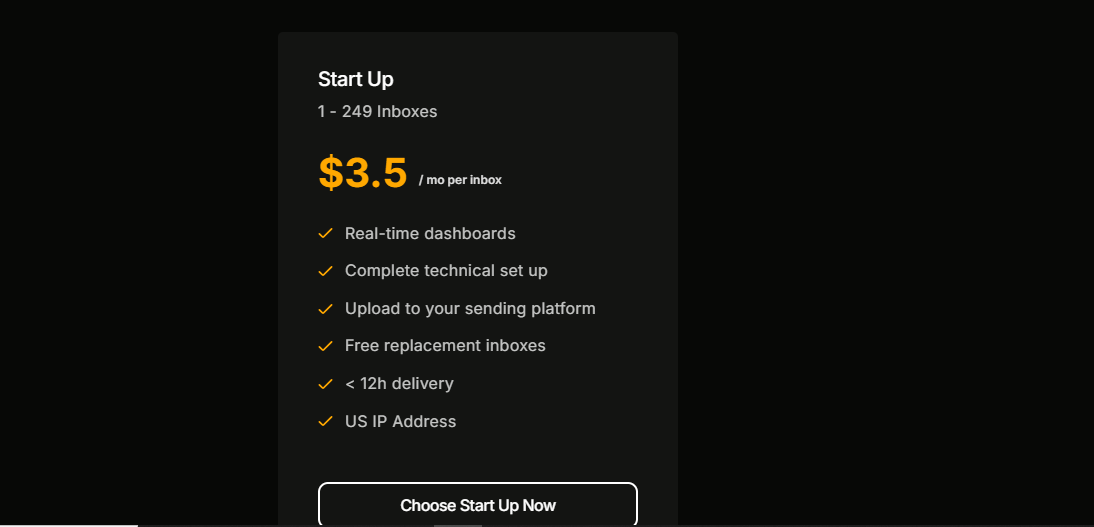
| Pricing | $1.50–$3.54/inbox, unclear scaling | ✅ $2.50–$3.50/inbox with clear tiers |
| Scalability | Slower, harder with bulk | ✅ Handles 1–1,250+ inboxes with bulk discounts |
| Support | Slower response | ✅ Dedicated manager for enterprise plans |
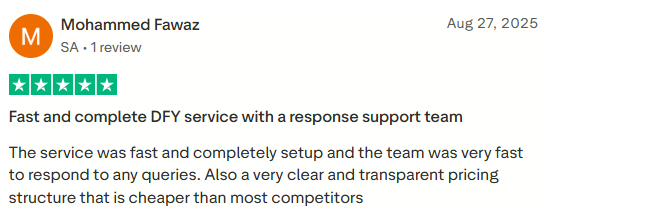

I used Premium Inboxes for 2 months and lost all my accounts due to their 48-hour auto-removal, forcing me to restart warmups and ruining my domain reputation.
On top of that, billing errors like double charges and slow refunds made the experience frustrating.- Umair Abbas, Trustpilot
Teams who want Google Workspace inboxes delivered quickly and ready to send, without wasting time on setup.
Mailscale takes a different approach than F60 Host. Instead of selling traditional Google or Microsoft inboxes, it lets you instantly generate cold email inboxes designed for outreach at scale.
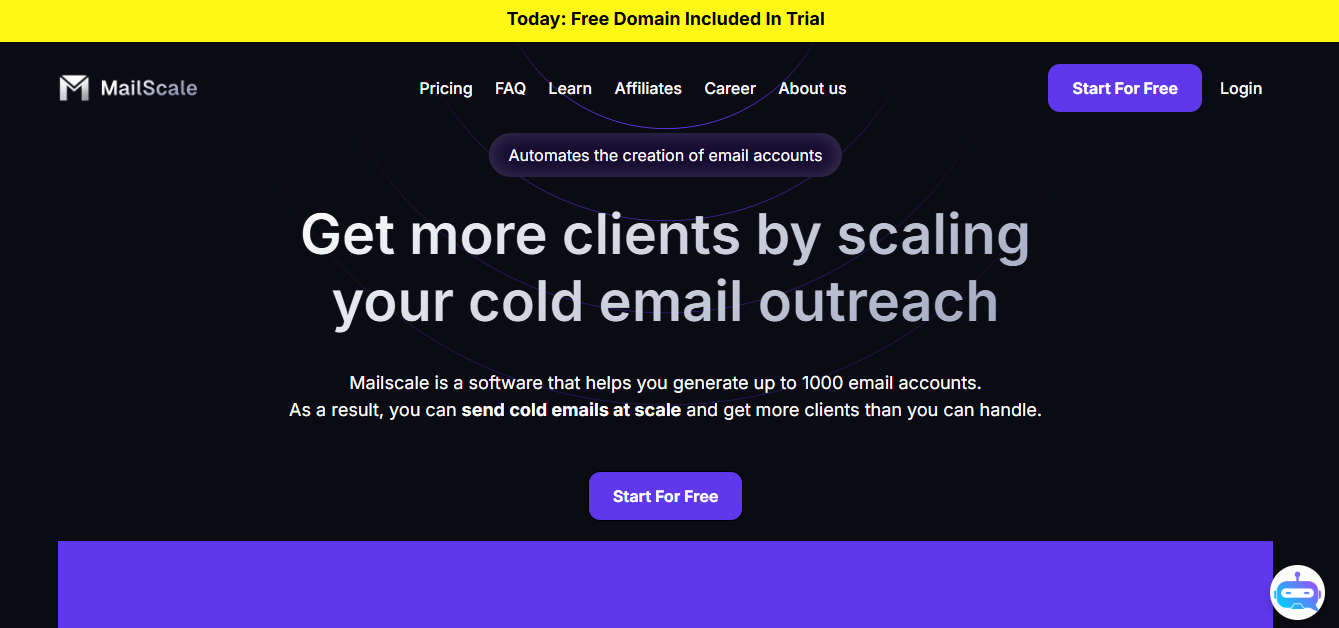
You can spin up 50 to 1,000 accounts in less than a minute, with domains and DNS records handled automatically.
This saves hours of manual work compared to F60 Host, where every step is done by hand.
| Factor | F60 Host | Mailscale |
|---|---|---|
| Setup Time | Manual, takes hours/days | ✅ Create 50–1,000 inboxes in <60 seconds |
| DNS & Records | Manual SPF, DKIM, DMARC | ✅ Automated setup, no manual work |
| Pricing | $1.50–$3.54 per inbox | ✅ $95/month for 50 inboxes (~$1.90/inbox) |
| Scalability | Hard to add bulk inboxes | ✅ Built for scale, add 1,000+ inboxes instantly |
| Use Case | Basic business mail | ✅ Cold email optimized, reply-rate guarantee |



Agencies and B2B teams that need large volumes of inboxes for cold outreach, without paying full Google/Microsoft prices or wasting time on setup.
| Use Case | Best Tool | Why |
|---|---|---|
| You’re an agency that needs bulk Google Workspace inboxes with automated setup and monitoring | Primeforge | Reliable deliverability + automated DNS setup |
| You need mailboxes ready to send in under 10 minutes | Zapmail | Pre-warmed Google/Microsoft inboxes, instant use |
| You’re scaling and want the lowest cost per Google inbox | CheapInbox | Wholesale pricing with strong deliverability |
| You want official Google Workspace inboxes delivered fast | Premium Inbox | <12h delivery, full DNS build-out, free replacements |
| You’re a cold email agency that needs to spin up 50–1,000 inboxes instantly | Mailscale | Built for outreach scale, bulk generation in seconds |
If you want the safest balance of automation, transparency, security, and scalability, Primeforge is the clear choice over F60 Host.
F60 Host works fine for basic mailbox needs, but as businesses grow, limits around scaling, multi-domain support, and deliverability become harder to ignore.
That’s where exploring alternatives makes sense.
Each option fills gaps that F60 Host doesn’t cover. The right choice depends on what matters most to you: cost, security, or scalability.
For many teams, tools like Primeforge can feel like a smoother, more reliable way forward.
👉 If you’re considering a switch, it may be worth trying Primeforge to see how much easier mailbox setup and management can be.
