

Zapmail sells pre-warmed Google and Microsoft mailboxes on tiered plans that renew at a higher rate after year one. Hypertide provisions Azure and Outlook inboxes at $50 per 100-inbox order plus a one-time setup fee, capped at two sends a day per inbox. Both are managed, single-purpose providers.
For cold email teams that need mailboxes they fully own and can scale, Primeforge is the stronger choice. You get real Google Workspace and Microsoft 365 inboxes on US IPs, ESP matching, automated DNS, and the option to pair with free Warmforge warm-up. Pricing runs $4.50 down to $3.50 per mailbox, with no setup fee and no year-two price jump.
I have set up cold email infrastructure for enough campaigns to know which part actually decides results. It is not the landing page or the subject line. It is whether your mailboxes still land in the inbox three months in, or quietly start bouncing.
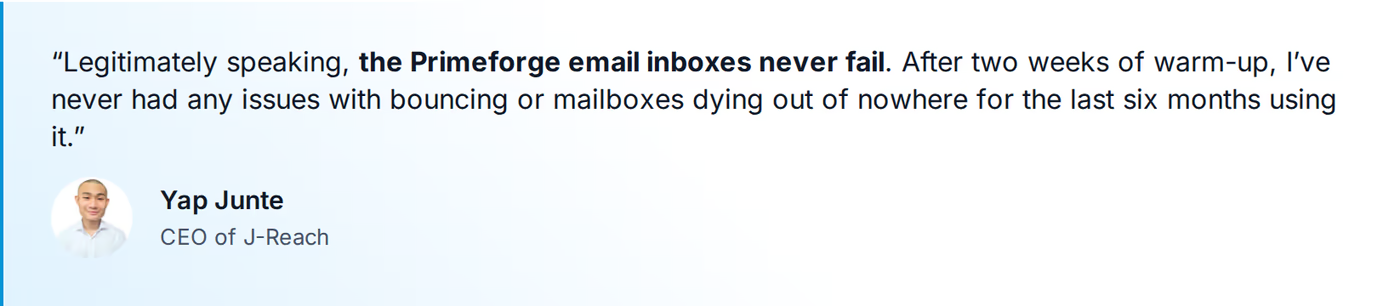
That is the real question behind any infrastructure comparison. Zapmail and Hypertide both promise fast inboxes. Primeforge promises inboxes you own that keep working. One Primeforge customer, J-Reach, ran 69 mailboxes across 23 domains for six months with zero failures.
Below I break down all three on mailbox quality, deliverability, setup, ownership, sending limits, pricing, and where each one fits.
Cold Email Infrastructure Comparison at a Glance: Zapmail vs Hypertide
| Feature | Primeforge | Zapmail | Hypertide |
|---|---|---|---|
| Mailbox providers | Real Google Workspace + Microsoft 365 | Google Workspace + Microsoft 365 | Azure / Entra (Outlook), plus Google + Microsoft |
| Entry price | $4.50/mailbox/mo (down to $3.50 at volume) | $39/mo - Zapmail Starter (10 mailboxes) | $50/mo per 100-inbox order + one-time setup fee |
| IP location | US-based IPs | US-hosted (disputed in reviews) | Azure, tenant-isolated |
| Setup time | ~30 minutes | ~5-30 minutes | 4-6 hours |
| Domain + mailbox ownership | Full ownership | Admin access, revocable | Managed, no DNS access |
| Warm-up | Pre-warmed option; pairs with Warmforge | Pre-warmed option; warm-up is a separate add-on | Built-in tools; 2-week warm-up |
| Per-inbox sending | Standard Google/MS (30-50/day best practice) | Standard Google/MS | 2 emails/day per inbox (~5,000/mo per order) |
| Deliverability monitoring | Placement tests + Heat Score via Warmforge | None built in | Not exposed |
| Free trial | No (explore the app free) | No | No (demo-led) |
| SOC 2 compliant | Yes | Not advertised | Not advertised |
| Best for | SMB/mid-market B2B cold email, $5K-$100K ACV | Fast pre-warmed Google/MS setup | Microsoft/Outlook-heavy sending |
Zapmail Overview
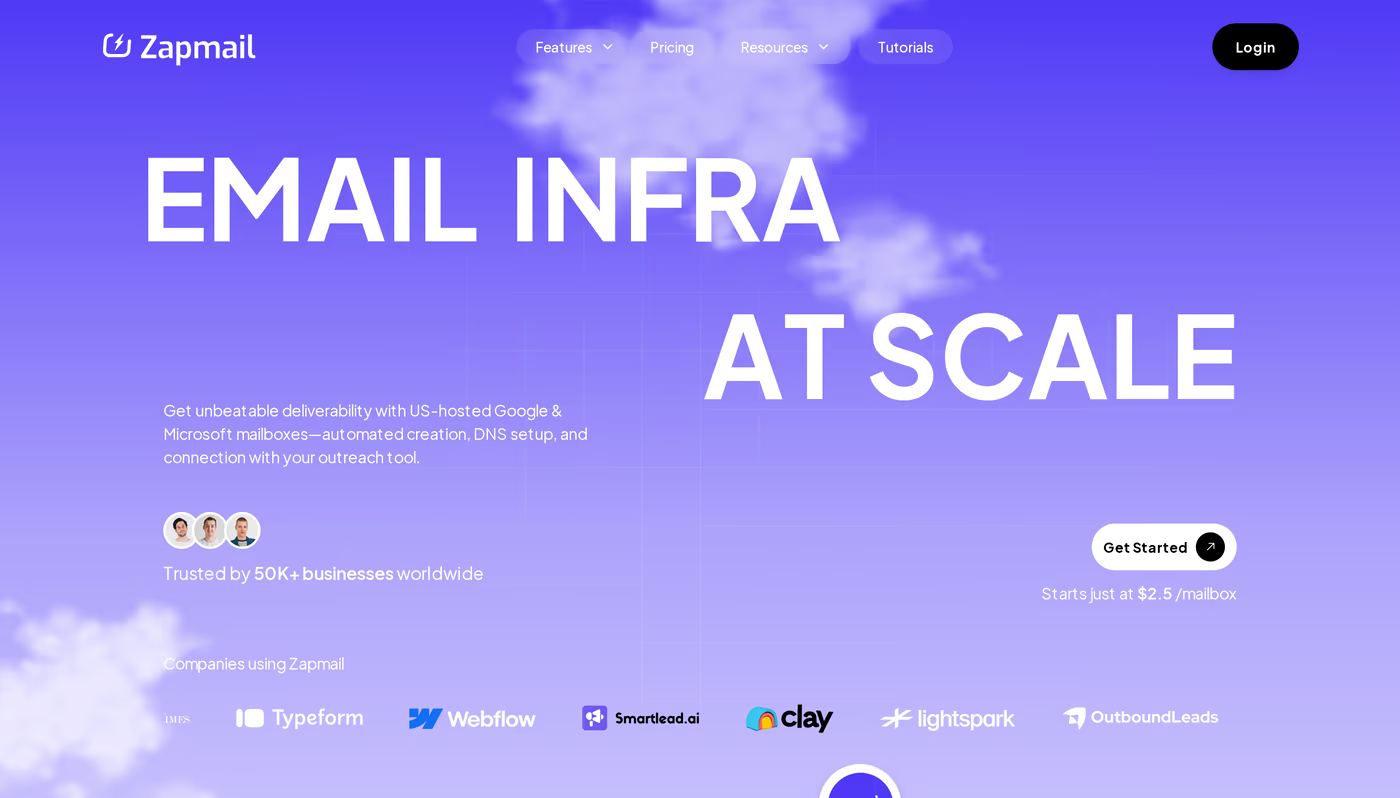
Zapmail is a cold email infrastructure provider that sells pre-warmed Google Workspace and Microsoft 365 mailboxes. It automates domain registration, mailbox creation, and DNS setup, and exports inboxes to sequencers like Instantly and Smartlead. Zapmail says it serves more than 50,000 businesses.
The pitch is speed. Each workspace gets one isolated domain, and pre-warmed accounts ship with roughly 12 weeks of sending history so you can start sooner.
Core features
- Google + Microsoft mailboxes: both providers are supported at similar per-mailbox rates.
- Pre-warmed accounts: optional inboxes that arrive with warm-up history, sold at an added cost.
- Automated DNS: SPF, DKIM, and DMARC configured on provision, with custom tracking domains.
- Workspace isolation: one domain per workspace to keep client reputations separate.
- AI helper tools: Instant Domain Genie, Smart Mailbox Namer, and a Persona Snapshot generator.
- API access: provisioning and DNS control on the Pro plan.
Pricing
Zapmail runs three monthly tiers: Zapmail Starter at $39/mo for 10 mailboxes ($3.50 per extra), Zapmail Growth at $99/mo for 30 mailboxes ($3.25 per extra), and Zapmail Pro at $299/mo for 100 mailboxes ($3.00 per extra) with API and priority support. Annual billing adds two months free, around $2.50 per inbox.
One detail to plan for: Zapmail's own help center confirms that after year one, prices renew higher - Zapmail Starter to $59/mo plus $6 per mailbox, and Zapmail Growth to $169/mo plus $5.50 per mailbox. Warm-up and domains are billed separately.
Who it is for
Zapmail fits freelancers and smaller agencies that want pre-warmed Google or Microsoft inboxes and a low first-year entry price.
What reviewers say
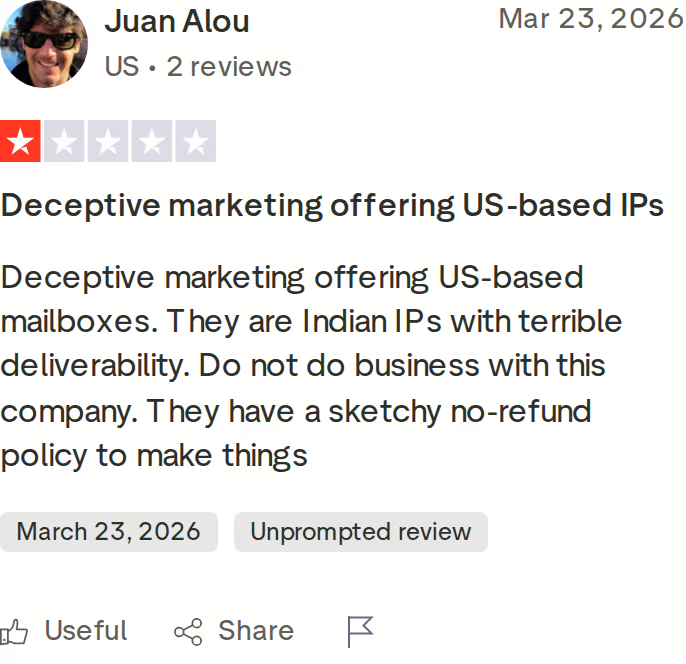
Zapmail holds a 4.4 on Trustpilot, so most reviews are positive. The critical ones cluster around a few points. Reviewers on Trustpilot and r/coldemail report that inbox IPs pointed to India despite US-IP marketing, that Microsoft 365 inboxes disconnected after setup, and that the company runs a strict no-refunds policy. Zapmail also has no built-in placement testing or deliverability monitoring, a gap noted in third-party reviews. These are documented user observations, not my own test results.
Hypertide Overview
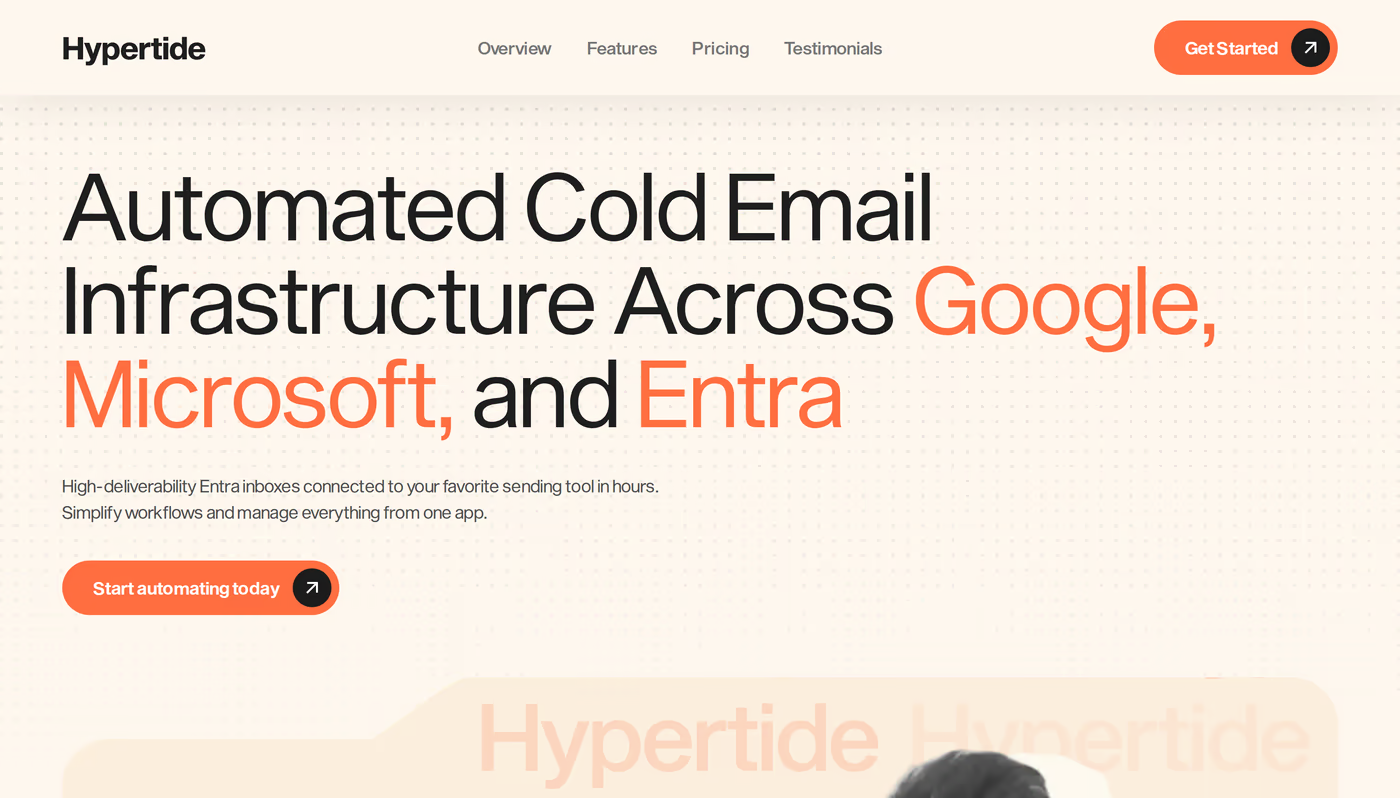
Hypertide is an automated cold email infrastructure provider founded in 2024. Its core product is Azure and Microsoft Entra inboxes, with Google Workspace and standard Microsoft accounts offered for diversification. It connects inboxes to Smartlead, Instantly, or Bison and sets up SPF, DKIM, and DMARC for you.
The selling point is a native Outlook experience on Azure tenants, with each order isolated to its own domains and IPs.
Core features
- Azure / Entra inboxes: a native Outlook UI on Microsoft's Azure servers.
- Tenant separation: each order gets dedicated domains, IPs, and users.
- 4-6 hour setup: automated provisioning with authentication pre-configured.
- Sequencer connections: auto-links to Smartlead, Instantly, and Bison.
- Domain handling: bring your own domains or buy inside the platform, and swap burned ones.
- Warm-up tools: bulk warm-up settings with a recommended two-week warm-up.
Pricing
Hypertide charges $50/month per order. One order is 100 Azure inboxes split across two domains, 50 per domain. There is also a one-time setup fee that the site does not list publicly; third-party reviews put it near $1,500. You can run unlimited orders at $50 each once the setup is done.
The catch is volume. After the two-week warm-up, the live site states each account sends two outbound emails a day, which totals about 5,000 emails a month across all 100 inboxes. To send more, you buy more orders.
Who it is for
Hypertide suits Microsoft-heavy senders and high-volume agencies that can absorb a one-time setup fee and want a managed Azure setup.
What reviewers say
Hypertide is newer and has very little public review history - a single Trustpilot entry at the time of writing, so there is no representative critical review to show. The documented downsides come from third-party reviews and Reddit: reported domain bans with slow support during incidents, an undisclosed setup fee, no DNS-level access, and Azure shutdown risk, where one user described losing a batch of inboxes overnight. The two-sends-a-day per inbox limit is the most concrete constraint, and it is straight from Hypertide's own FAQ.
Primeforge Overview
Primeforge provides real Google Workspace and Microsoft 365 mailboxes built specifically for cold outreach. These are legitimate, fully owned mailboxes - not EDU loopholes, not resold panel access. They arrive configured for deliverability with automated DNS and US-based IPs, ready to send in about 30 minutes.
Where Zapmail and Hypertide stop at provisioning, Primeforge is built around the mechanics that keep inboxes alive: ESP matching, correct authentication, US IPs, and bulk DNS you control from inside the app. You can read its deliverability approach in detail.
Core features
- Real Google Workspace + Microsoft 365: compliant mailboxes you fully own, no grey-market shortcuts.
- US-based IPs: every mailbox sends from a US IP for a strong deliverability baseline.
- ESP matching: send from the same provider your prospect uses to lift primary-inbox placement.
- Automated DNS: SPF, DKIM, DMARC, and custom tracking set up to industry best practice. The DNS setup checklist covers why this matters.
- Bulk DNS management: update records across many domains in a few clicks.
- Profile pictures and GIFs: mailbox identities set at scale so outreach looks legitimate.
- Pre-warmed mailboxes: available when you want to skip the wait.
- Tool-agnostic: works with any sequencer, including Salesforge. There is also an API for mailbox management.
- SOC 2 compliant: a security attestation neither competitor advertises.
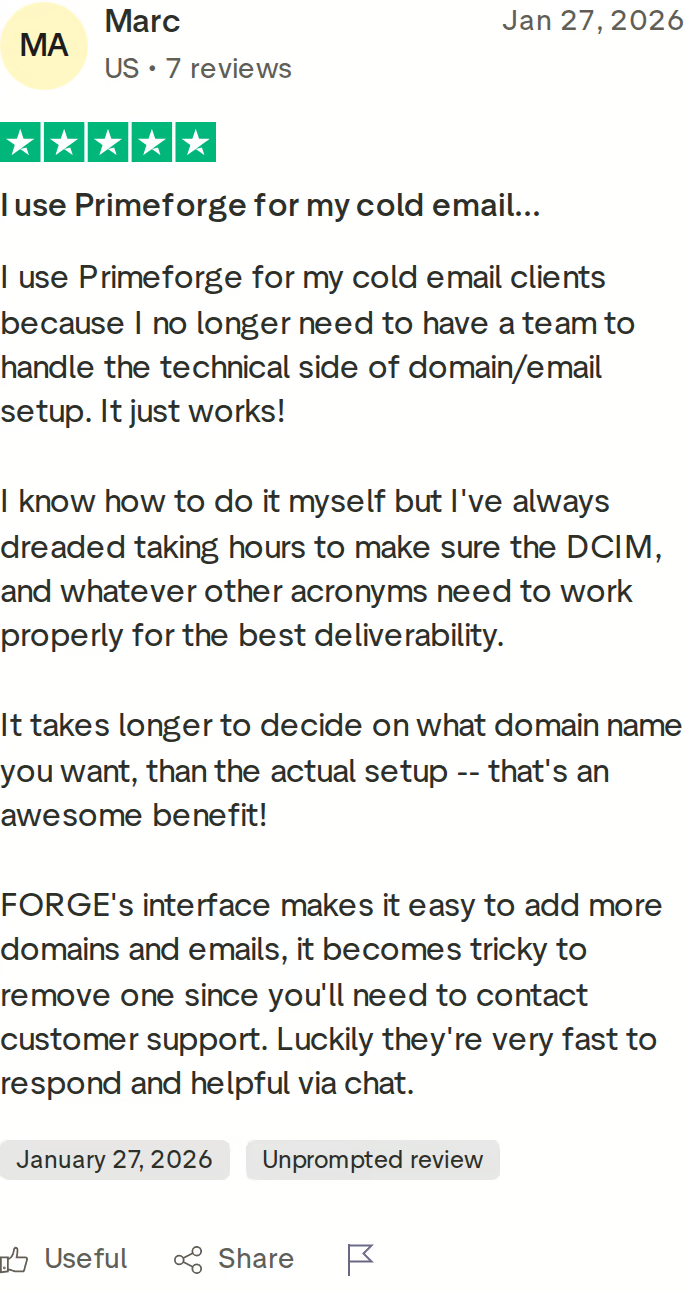
The Forge Stack context
Primeforge is the Google and Microsoft mailbox layer of the Forge Stack. Alongside it sit Mailforge for shared infrastructure, Infraforge for private dedicated IPs, Warmforge for warm-up and monitoring, and Salesforge as the sequencer. The most stable setups mix two providers, and this infrastructure tools guide walks through how.
Pricing
Primeforge is priced per mailbox: $4.50 per mailbox per month, scaling down to $3.50 at volume. There is no setup fee and no year-two price jump. Primeforge says this runs about 46% cheaper than buying Google Workspace directly and 25% cheaper than Microsoft 365. You can verify the live price and run the mailbox calculator before you commit.
Who it is for
Primeforge fits B2B teams selling at ACVs of roughly $5K to $100K to startups, SMBs, and mid-market buyers, who target thousands of accounts and need cold email that lands at scale. It is a poor fit if you sell into Fortune 500 procurement, rely on long RFP cycles, or close a handful of bespoke six-figure deals a year.
Honest limitations
- No free trial - you buy domains and mailboxes to use it, though you can explore the app first.
- It is infrastructure, not a sender, so you still bring a sequencer.
- Warm-up runs through Warmforge rather than being bundled into the mailbox price.
in Action

Head-to-Head Feature Comparison: Zapmail vs Hypertide
Mailbox quality and provider choice
All three sell inboxes, but they are not the same kind. Primeforge gives you real Google Workspace and Microsoft 365 mailboxes you own outright, on US IPs. Zapmail also provisions Google and Microsoft mailboxes and gives revocable admin access. Hypertide is built around Azure and Entra inboxes with a native Outlook feel, with Google and Microsoft offered as extras. If you want owned Google and Microsoft mailboxes rather than managed Azure tenants, Primeforge is the cleaner match.
Email deliverability and warm-up
Deliverability is where the gap shows. Primeforge layers ESP matching, US IPs, and best-practice DNS, then pairs with Warmforge for warm-up, Heat Score monitoring, and inbox placement tests. Zapmail offers pre-warmed accounts but sells warm-up as a separate add-on and ships no placement testing or monitoring. Hypertide pre-configures authentication and includes a two-week warm-up, but exposes no monitoring dashboard. The J-Reach case study shows the payoff of the deliverability-first approach: six months with zero bounce or mailbox failures.
Setup speed and ownership
Primeforge gets mailboxes live in about 30 minutes and hands you full domain and mailbox ownership with bulk DNS in-app. Zapmail is similarly quick and gives admin access you can revoke. Hypertide takes 4-6 hours and runs a managed model with no DNS-level access, so you have less control over your own records. Ownership matters when a domain needs changes or you want to move infrastructure later.
Sending limits and scale
This is the sharpest practical difference. Primeforge and Zapmail use standard Google and Microsoft limits, where best practice is 30 to 50 cold emails a day per inbox, and you scale by adding mailboxes and domains. Hypertide caps each inbox at two sends a day, about 5,000 emails a month per 100-inbox order. That is a real ceiling, and it is why the way sending limits affect deliverability is worth understanding before you buy.
Pricing and how it scales
Primeforge charges a flat per-mailbox rate, $4.50 down to $3.50, with no setup fee and a stable year-two price. Zapmail starts cheaper on paper at $39/mo but adds per-extra-mailbox fees, a separate warm-up add-on, domains, and a year-two renewal jump. Hypertide is $50/month per 100-inbox order plus an undisclosed one-time setup fee. The cheapest sticker price is not always the cheapest running cost once warm-up, domains, and renewals are counted.
Integrations and the Forge Stack
Primeforge works with any sequencer and slots into the Forge Stack, so infrastructure, warm-up, leads, and sending connect without glue tools. Zapmail exports to 50-plus sequencers via one-click and OAuth. Hypertide connects to Smartlead, Instantly, and Bison. All three integrate with the major senders; the difference is that Primeforge is one part of a stack designed to work together, which is useful when you want to diversify providers. The full infrastructure setup guide shows how the pieces fit.
Pricing Comparison: Primeforge vs Zapmail vs Hypertide
| Cost | Primeforge | Zapmail | Hypertide |
|---|---|---|---|
| Pricing model | Per mailbox, per month | Tiered plan + per extra mailbox | Per 100-inbox order |
| Entry cost | $4.50/mailbox/mo | Zapmail Starter $39/mo (10), extra $3.50 | $50/mo per order + one-time setup fee |
| At volume | Down to $3.50/mailbox | Zapmail Growth $99/mo (30); Zapmail Pro $299/mo (100) | $50 per additional 100-inbox order |
| Annual option | Billed monthly per mailbox | ~$82.50/mo Growth annual, about $2.50/inbox (2 months free) | Month-to-month at $50 |
| Warm-up cost | Pairs with Warmforge (free on a Salesforge plan) | Separate add-on; pre-warmed packs cost extra | Included (2-week) |
| Year-two pricing | Stable per-mailbox rate | Renews higher: Starter $59/mo +$6/mailbox; Growth $169/mo +$5.50/mailbox | $50/mo flat |
| Domains | Bring or buy separately | Separate (~$15/yr each) | Bring or buy |
| Free trial | No | No | No |
Say you want about 30 mailboxes to run a few thousand cold emails a month. On Primeforge that is roughly $105 to $135 a month at $3.50 to $4.50 per mailbox, with US IPs and full ownership, plus Warmforge for warm-up.
On Zapmail, the Growth plan is $99/month for 30 mailboxes monthly, or about $82.50/month annual, before you add domains and a separate warm-up add-on, and it renews to $169/month in year two. On Hypertide, $50/month buys 100 inboxes, but each sends only two emails a day, so volume is capped at about 5,000 a month regardless, and you pay the one-time setup fee on top.
See What Primeforge Costs for Your SetupWho Should Use Primeforge, Zapmail, or Hypertide
You might consider Zapmail if:
- You want pre-warmed Google or Microsoft mailboxes you can send from on day one without running warm-up first.
- You are a freelancer or small agency starting at 10 to 30 mailboxes and want a low first-year entry price.
- You are comfortable adding warm-up and domains as separate line items and checking the year-two renewal rate.
You might consider Hypertide if:
- Your prospects are heavily on Microsoft and Outlook and you want Azure and Entra inboxes with a native Outlook feel.
- You run a high-volume agency that can absorb a one-time setup fee and only needs about two sends a day per inbox across many inboxes.
- You prefer a fully managed setup and do not need DNS-level access.
Choose Primeforge if:
- You sell B2B at ACVs of roughly $5K to $100K to SMB and mid-market buyers and need cold email that reliably lands.
- You want real Google Workspace and Microsoft 365 mailboxes you fully own, on US IPs, with ESP matching.
- You need to scale across many domains and mailboxes with bulk DNS and pricing that does not jump in year two.
- You want deliverability monitoring through Warmforge - placement tests and Heat Score - not just provisioning.
- You want one connected stack for infrastructure, warm-up, leads, and sending rather than glued-together tools.
Final Verdict: Which Cold Email Infrastructure to Choose
Zapmail and Hypertide are both capable at one job. Zapmail gets you pre-warmed Google and Microsoft inboxes fast, with warm-up and domains billed on the side and a price that climbs in year two. Hypertide ships managed Azure inboxes for Microsoft-heavy sending, behind a setup fee and a two-sends-a-day cap. Neither hands you mailboxes you fully own with built-in deliverability monitoring.
For cold email teams that want owned Google and Microsoft mailboxes that keep landing at scale, Primeforge is the stronger choice. Real inboxes on US IPs, ESP matching, automated DNS, full ownership, and free Warmforge warm-up, at $4.50 down to $3.50 per mailbox with no setup fee.
One benchmark you can hold me to: J-Reach ran 69 Primeforge mailboxes across 23 domains and went six months with zero mailbox failures and zero downtime. The case study is public.
If you want the short version of how these three stack up, the Zapmail vs Primeforge breakdown goes deeper on the two Google and Microsoft options, and you can browse more side-by-side comparisons across the stack.
Set Up Your Primeforge InboxesFrequently Asked Questions
Is Primeforge better than Zapmail?
For teams that want to own their mailboxes and scale, Primeforge has the edge. It provisions real Google Workspace and Microsoft 365 inboxes on US IPs with full ownership, ESP matching, and SOC 2 compliance, and pairs with Warmforge for placement testing and Heat Score monitoring. Zapmail offers pre-warmed Google and Microsoft mailboxes with a lower entry price, but warm-up is a separate add-on, there is no built-in monitoring, and prices renew higher after year one.
What is the main difference between Primeforge, Zapmail, and Hypertide?
Primeforge sells owned Google and Microsoft mailboxes built around deliverability. Zapmail sells pre-warmed Google and Microsoft mailboxes with fast setup and tiered pricing. Hypertide sells managed Azure and Entra inboxes for Microsoft-heavy sending, capped at two emails a day per inbox. The split comes down to ownership and control: Primeforge gives you both, Zapmail gives revocable admin access, and Hypertide runs a managed model with no DNS access.
Which is cheaper: Primeforge, Zapmail, or Hypertide?
It depends on what you count. Zapmail has the lowest sticker price at $39/mo for 10 mailboxes, but adds per-mailbox fees, a separate warm-up add-on, domains, and a year-two renewal to $59-$169/mo. Hypertide is $50/mo per 100 inboxes plus a one-time setup fee, with a 5,000-email monthly ceiling. Primeforge is $4.50 down to $3.50 per mailbox with no setup fee and a stable year-two rate, which often wins on running cost once everything is added up.
Does Hypertide support Google Workspace mailboxes?
Yes, but it is not the focus. Hypertide is built around Azure and Microsoft Entra inboxes with a native Outlook experience, and offers Google Workspace and standard Microsoft accounts mainly for diversification. If Google Workspace is your primary channel, Primeforge and Zapmail are more directly built for it. Primeforge also adds ESP matching, so you can send from the same provider your prospect uses.
Can I switch from Zapmail or Hypertide to Primeforge easily?
Yes. Primeforge is tool-agnostic, so it connects to any sequencer you already use, including Instantly, Smartlead, and Salesforge. You provision new Google or Microsoft mailboxes, let Primeforge handle DNS and authentication, warm them through Warmforge, and point your sending tool at the new inboxes. Most teams keep existing campaigns running while new Primeforge domains warm up, then shift volume over once they are ready.
Which has better email deliverability?
Primeforge is built deliverability-first. It combines real Google and Microsoft mailboxes, US IPs, ESP matching, and best-practice DNS, then adds Warmforge placement tests and Heat Score monitoring. Zapmail relies on pre-warmed accounts but has no built-in monitoring, and Hypertide pre-configures authentication but exposes no monitoring dashboard. The J-Reach case study reports six months of zero bounce issues and stable inbox placement on Primeforge across 23 domains.
Does Primeforge offer a free trial?
No. Primeforge is infrastructure, so you buy domains and mailboxes to use it, the same as Zapmail and Hypertide, which also have no free trial. You can sign up and explore the Primeforge app without buying first, and the mailbox calculator on the pricing page helps you size a setup before you commit. Pricing starts at $4.50 per mailbox and scales down to $3.50 at volume.
Who is Hypertide best for?
Hypertide is best for Microsoft-heavy senders and high-volume agencies that want managed Azure and Entra inboxes with a native Outlook feel, and that can absorb a one-time setup fee. The trade-offs are a two-sends-a-day per-inbox limit, no DNS-level access, and very little public review history so far. Teams that want owned Google and Microsoft mailboxes with deliverability monitoring tend to land on Primeforge instead.