
Personalized Outbound Strategy
Get The Right Outbound Strategy In Minutes
Enter your email to get a custom plan & stack recommendation for your business
It's being carefully crafted by AI
Please check your mailbox in 5 minutes

OpenMail gives you 10 inboxes and 10,000 emails a month for €9.
That works out to less than €1 per inbox before you even count the included email volume.
But OpenMail is not giving you 10 Google Workspace or Microsoft 365 inboxes. It is giving AI agents their own email infrastructure for sending outreach and handling replies.
And that changes the question.
For cold email, a low mailbox cost does not help much if you do not know how the underlying setup will hold up once you start sending real campaigns.
OpenMail says its inboxes come pre-warmed and it handles sending reputation. But I’d want to take a closer look at those claims before using it for cold outreach.
So, is OpenMail a good choice for sending cold emails? That is what I’ll break down in this review.
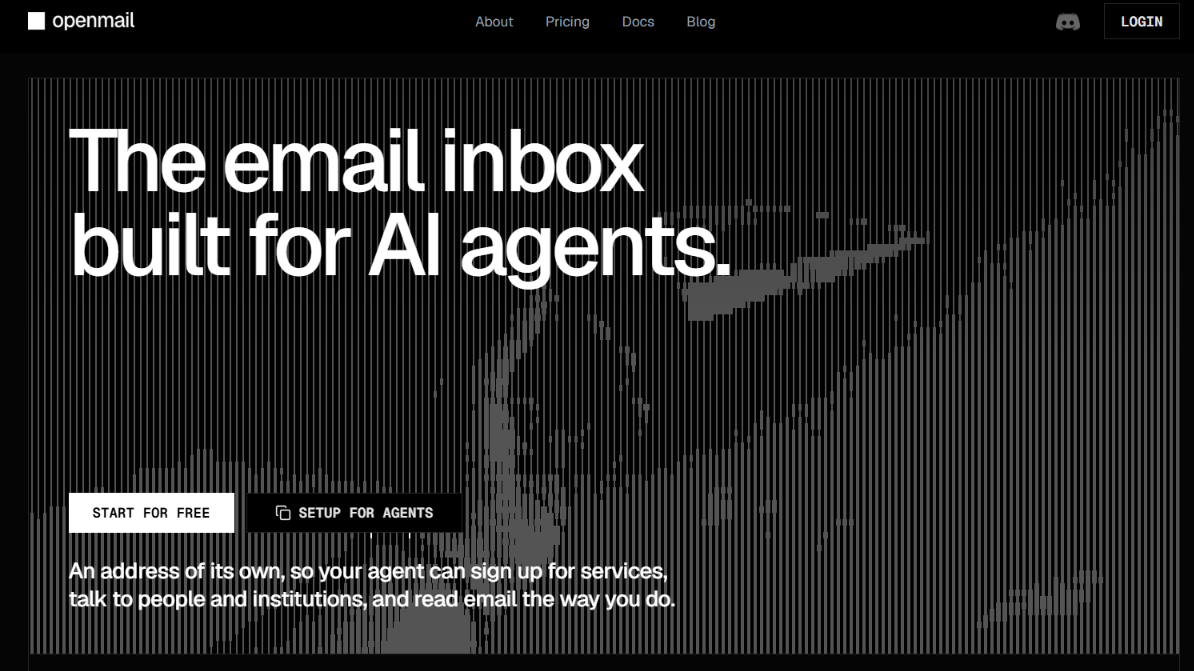
OpenMail gives your AI agent its own email inbox. Your agent can send emails, receive replies, read the full conversation, and reply in the same thread. Replies come through a webhook or WebSocket, so the agent does not need to keep checking for new emails.
You can also create and manage inboxes through the API. On Pro, you can use your own domain. For cold outreach, OpenMail says its inboxes are pre-warmed. It also handles SPF, DKIM, DMARC, and sending reputation.
But there are a few things you do not get. OpenMail does not give you Google Workspace or Microsoft 365 mailboxes. It also is not a traditional cold email tool where you upload leads and build campaigns from a ready-made dashboard.
Pro has no daily sending cap, but that doesn’t mean you should send unlimited cold emails from each inbox. That’s where Primeforge differs. It provides Google Workspace and Microsoft 365 mailboxes built for cold outreach, with an API for managing mailboxes, domains, DNS records, and workspaces. OpenMail API is part of the email conversation itself.
Here’s a quick comparison:
So, the better fit depends on what you need. If you are building an AI sales agent that should send emails and handle replies itself, OpenMail gives you the email layer to do that.
If you need Google Workspace or Microsoft 365 mailboxes for cold outreach and want to use your own sending software, Primeforge is the more direct fit.
OpenMail gives your AI agent its own email inbox and lets it use that inbox through an API.
For cold outreach, the process looks like this:
1. Create an inbox for your AI agent
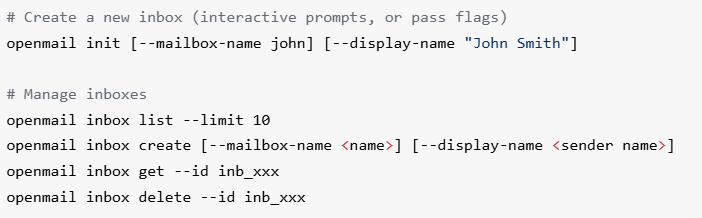
You can create an inbox through the OpenMail API or CLI. On Pro or Enterprise, you can connect your own domain and create an inbox such as [email protected].
2. Your agent sends the email
The AI agent can send an email directly through OpenMail. You do not need a separate sending tool for this step.
3. OpenMail receives the reply
When a prospect replies, OpenMail sends the reply to your agent through a webhook or WebSocket. OpenMail says this happens in under 500ms.
4. Your agent gets the full conversation
The agent does not receive only the latest reply. It gets the full email thread as structured data, so it can see what was already said before deciding what to do next.
5. The agent can reply and continue the thread
Your AI agent can reply in the same email thread, handling follow-ups, objections, and scheduling until a person needs to step in.
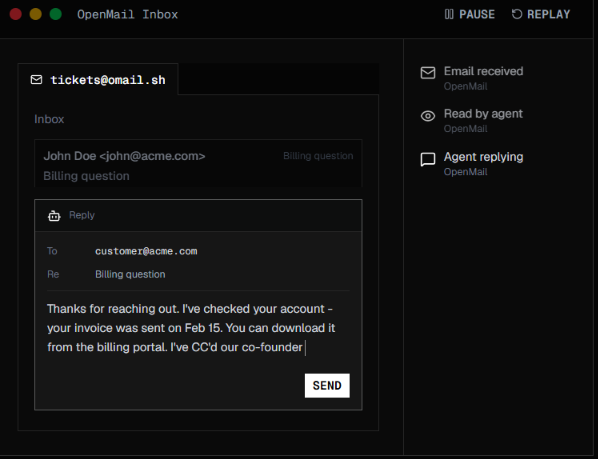
So OpenMail gives your AI agent an inbox and the tools to keep the conversation going once someone replies.
OpenMail’s key features let your AI agent send emails, read replies, and follow the conversation so it can keep things moving without you managing the inbox.
The most useful part is the two-way email flow. Your agent can send the first email, receive the reply with the previous conversation, and continue the same thread.
OpenMail does not give you an AI agent. You need to build your own agent or connect an agent you already use. OpenMail gives that agent an email inbox and the tools to send, receive, and reply to emails.
For example, you could connect an agent built with OpenClaw, Hermes, Claude Code, LangChain, CrewAI, or another setup that can work with OpenMail's API.
Once connected, you can use OpenMail for:
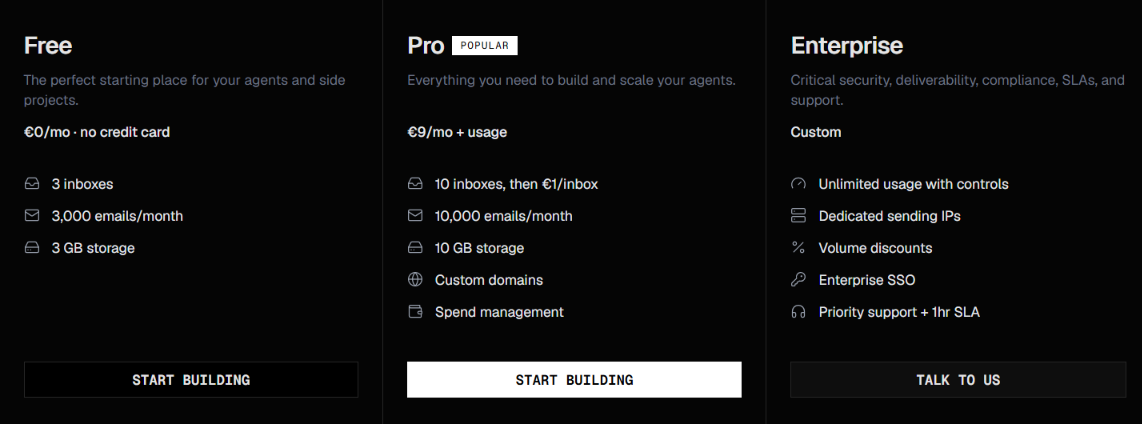
OpenMail has three plans, Free, Pro, and Enterprise. You can start without a credit card, while Pro uses a base monthly price plus usage charges when you go beyond the included limits.
The Pro plan is the most relevant for cold outreach if you want to send from your own domain. It includes 10 inboxes and 10,000 emails per month, with no listed daily sending limit.
If you go beyond the included Pro usage, OpenMail charges:
One important detail is that “no daily send limit” does not mean unlimited cold email sending. Your monthly allowance still applies, additional usage costs extra, and sending volume should still be managed carefully.
OpenMail also offers eligible pre-seed, seed, and bootstrapped startups €500 in usage credit and six months on Pro.
So, the €9/month price is only the starting point. Your actual OpenMail cost depends on how many inboxes, emails, and storage your agents use.
OpenMail can be a good choice for cold email if you are building an AI sales agent that needs to send emails and handle prospect replies.
Your agent can send the first email through OpenMail. When someone replies, the agent gets the full conversation through a webhook or WebSocket and can continue the same thread. You can also use your own domain on Pro, while OpenMail handles SPF, DKIM, and DMARC.
For cold email, a few things stand out:
OpenMail doesn’t include an AI sales agent. You’ll need to build your own or connect one you already use. It doesn’t provide Google Workspace or Microsoft 365 mailboxes, either. And unlike a regular cold email platform, it has no ready-made dashboard for uploading leads and setting up campaigns.
OpenMail is a good fit if you are building an AI tool that needs its own inbox to handle email. It is less suited to teams that simply want mailboxes for a regular cold email setup.
OpenMail is a good fit if:
You should look elsewhere if:
OpenMail is a better choice when you are building an AI setup that needs email. If you just need mailboxes for your existing cold email tool, another option may suit you better.
OpenMail can work well for cold outreach when you already have an AI agent or plan to build one. OpenMail gives that agent an inbox and the tools to send emails, receive replies, and continue conversations.
But OpenMail does not provide the AI agent itself.
If you do not have an AI agent, do not plan to build one, and mainly need mailboxes for your existing cold email software, Primeforge takes a more direct approach.
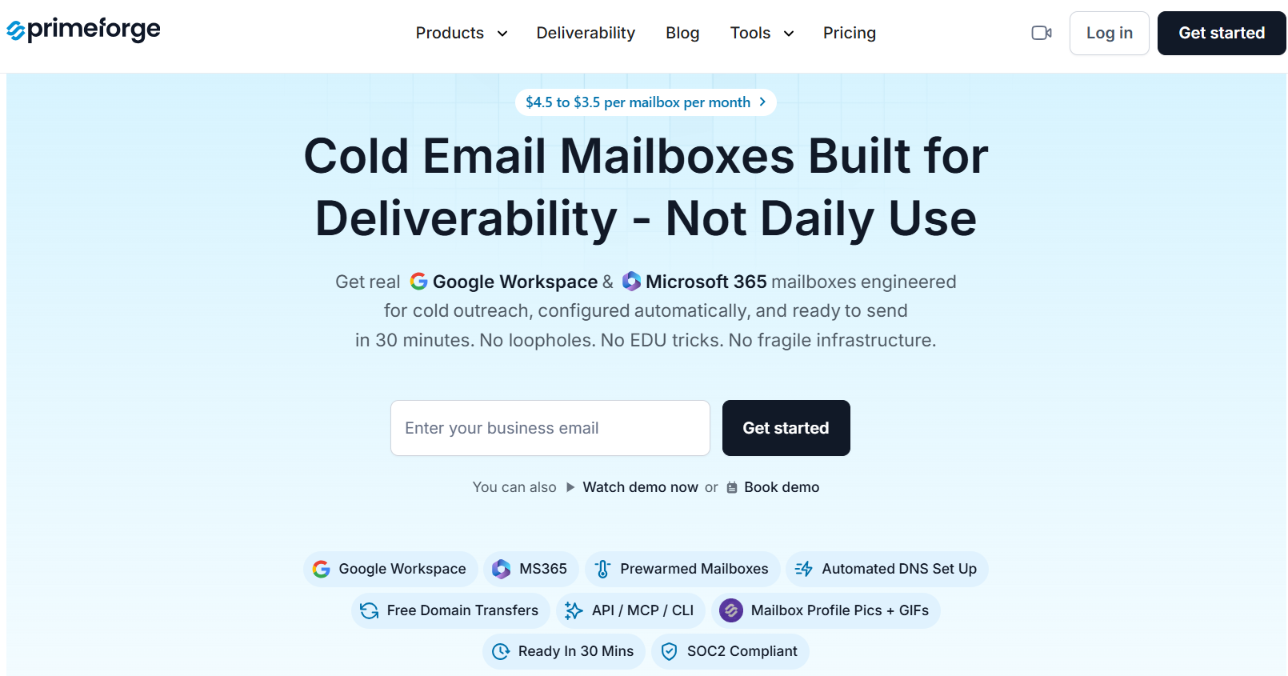
Primeforge gives you Google Workspace and Microsoft 365 mailboxes built for cold outreach. You can connect them to your existing sending software and run your sequences there.
You also get:
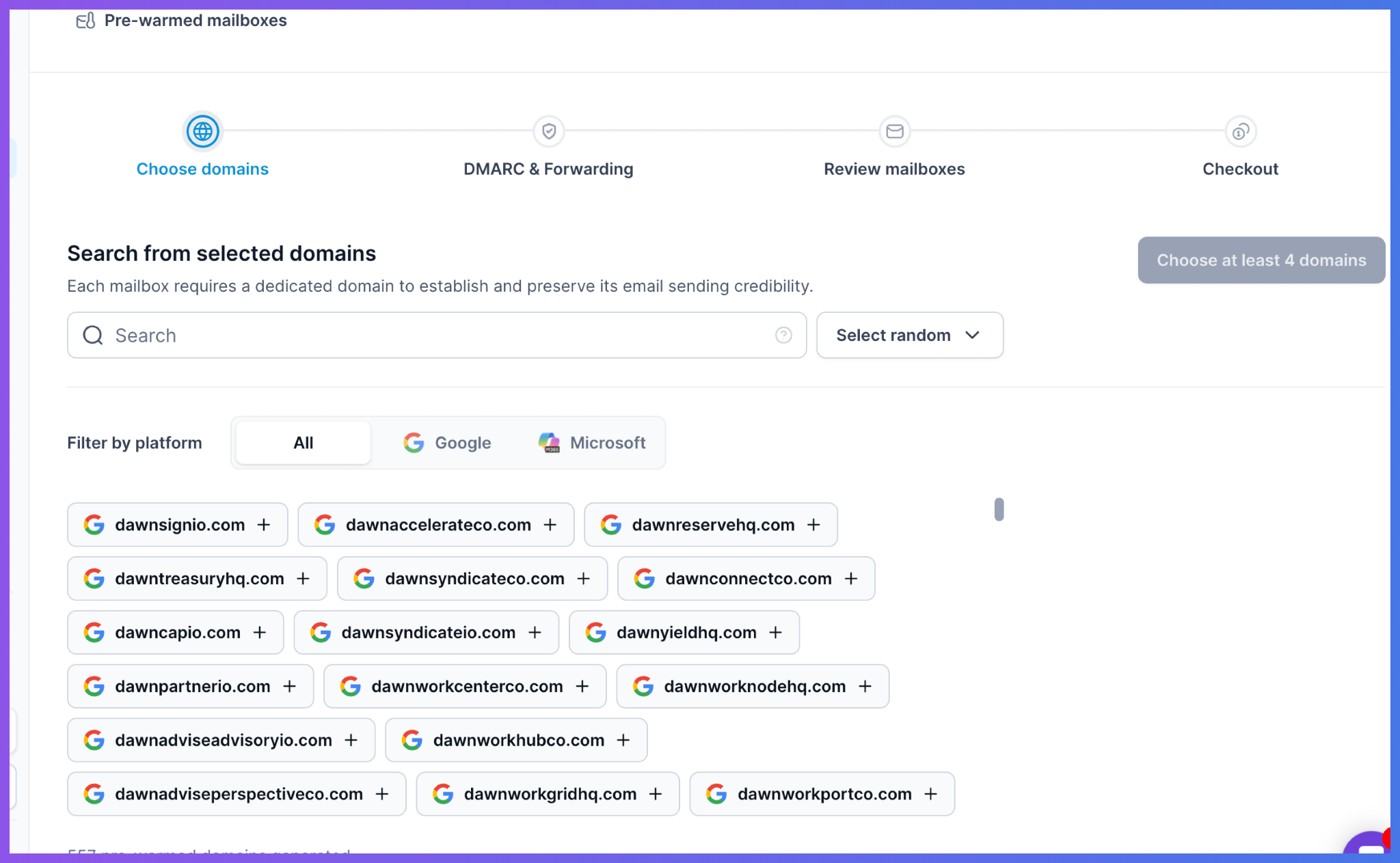
The API also helps if you want more automation later. You can use it to manage domains, mailboxes, DNS records, and workspaces without handling everything manually.
If you’re building an AI agent that sends and replies to emails, OpenMail is a better fit. If you don’t have an AI agent and just need Google or Microsoft mailboxes for your current cold email tools, take a look at Primeforge.
Enter your email to get a custom plan & stack recommendation for your business
Please check your mailbox in 5 minutes

OpenMail is worth considering if you are building cold outreach around an AI agent. It gives the agent the email layer it needs, but you still need to build or connect the agent yourself.
If you already have a cold email sending tool and need Google Workspace or Microsoft 365 mailboxes for your campaigns, Primeforge takes a more direct route.
You can set up your mailboxes, connect them to your existing sending software, and use Primeforge's API, MCP, or CLI when you need to manage the infrastructure at scale.
So, if that setup matches how you run cold email, Primeforge is worth checking out.