IP rotation is a critical part of email outreach, but doing it wrong can harm your sender reputation and email deliverability. Here’s what you need to know:
Key Tip: Keep bounce rates under 2% and complaint rates below 0.3% to maintain strong deliverability. Platforms like Primeforge can simplify IP rotation with automation and US-based IPs.
Avoid these mistakes, and your campaigns will have a better chance of landing in inboxes, not spam folders.
Marketers often stumble into IP rotation missteps that can undo months of effort spent building a solid reputation and significantly harm campaign performance. Let’s break down some of the most common errors to watch out for.
Relying on just one IP address for all your email campaigns is a recipe for disaster. It creates a single point of failure, making your entire operation vulnerable. Overloading one IP increases the chances of "infrastructure burn", where the reputation of your email-sending infrastructure takes a hit. For instance, if you send a high volume of emails from one IP and encounter even a moderate bounce rate, spam filters from providers like Gmail or Outlook are quick to act. To avoid this, savvy marketers spread their email traffic across multiple IPs, domains, and Email Service Providers (ESPs), reducing the strain on any single point.
Diving straight into high-volume email sending with a new IP is a surefire way to get flagged as spam. Email providers expect a gradual and steady increase in sending volume to establish trust. Skipping this warm-up phase makes your activity look suspicious. Instead, introduce new IPs slowly over 14 to 30 days. This gives providers enough time to evaluate your sending patterns, bounce rates, and engagement levels before you scale up.
Switching IPs haphazardly without a clear plan confuses email providers and raises red flags. Erratic rotation disrupts your ability to build a strong sender reputation, as it sends mixed signals to spam filters. A smarter approach is to group senders into distinct pools based on factors like domain maturity, provider, and overall health. This way, older and more trusted domains can handle larger volumes, while newer ones are carefully warmed up to build credibility.
DNS authentication is non-negotiable when it comes to maintaining email deliverability during IP rotation. Protocols like SPF, DKIM, and DMARC ensure that your emails are verified and authorized, reducing the chances of being flagged as spam. When working with multiple IPs and domains, you must update these DNS records to reflect the changes. Since manual updates can be error-prone, automating DNS configuration is a practical way to maintain authentication accuracy at scale.
Sending emails to unverified or purchased lists is a fast track to ruining your IP reputation. These lists are often riddled with outdated addresses, spam traps, and disengaged recipients, leading to high bounce and complaint rates. Such issues can tarnish the reputation of not just one IP but your entire rotation pool. If you’re using shared IPs, the problem worsens, as another sender’s poor practices can impact your deliverability too. For businesses sending over 100,000 emails annually, using dedicated IPs is crucial to maintaining control over your reputation. Sticking to verified, high-quality email lists is essential for a healthy IP rotation strategy.
Now that we've covered the common mistakes, let's dive into strategies to create a reliable IP rotation system. These methods will help safeguard your sender reputation and improve email deliverability.
The cornerstone of a successful IP rotation strategy is thoughtful segmentation. Group your IPs and domains based on three key factors: age, reputation, and provider. This prevents high-performing assets from being diluted by newer or less reliable ones.
To further minimize risks, consider diversifying across multiple Email Service Providers (ESPs). By combining platforms like Primeforge's Google Workspace and Microsoft 365 mailboxes with private or shared infrastructure, you create backup options to maintain deliverability even if one channel encounters issues.
Once segmented, the next step is to warm up these IPs gradually to ensure optimal performance.
When introducing new IPs, a slow and steady warm-up process is essential. Experts recommend starting with a 14-30 day warm-up period, during which you gradually increase email volumes while monitoring performance metrics.
Begin with small batches - around 50-100 emails per day for the first week - and double the volume weekly until you reach your target capacity. Use tools like Gmail Postmaster Tools and Microsoft SNDS to track your sender reputation, bounce rates, and engagement levels.
Real-time monitoring is crucial, both during the warm-up phase and beyond. Set alerts for bounce rates exceeding 2% or complaint rates above 0.3%, as these thresholds are used by major email providers to gauge sender quality. If you notice any issues, reduce your sending volume immediately and investigate the cause.
After segmenting and warming up your IPs, consistent authentication is critical. Manual DNS configuration can be error-prone, especially when managing multiple IPs and domains. Automation ensures accuracy and simplifies the process, saving time and reducing the risk of mistakes.
Proper SPF, DKIM, and DMARC configuration is non-negotiable for maintaining deliverability during IP rotation. Platforms like Primeforge make this process easier by offering automated DNS setup that adheres to best practices. For example, automated DNS configuration can cut setup time from over 24 hours to just 30 minutes. This speed is especially valuable when scaling your infrastructure or replacing compromised assets.
As your operation grows, bulk DNS updates become essential. Managing dozens - or even hundreds - of domains manually is inefficient and prone to errors. Look for tools that allow you to update DNS records for multiple domains in just a few clicks, ensuring consistent authentication across your entire infrastructure.
Dynamic throttling is a smarter approach than using static daily caps. Instead of sending a fixed number of emails regardless of performance, adjust your send rates based on real-time metrics. If a list shows high bounce rates, immediately reduce the send volume and clean the list by removing invalid addresses.
To protect your sender reputation, set up automated rules to pause sending when performance thresholds are exceeded. This proactive approach prevents further damage and ensures you maintain high deliverability rates.
Maintaining list hygiene is equally important. Regularly remove inactive subscribers, validate email addresses, and segment your audience. High-quality, verified lists not only improve engagement metrics but also shield your IP rotation pool from reputation issues.
For high-volume email operations, dedicated IPs offer unmatched control over your sender reputation. Shared IPs, while cost-effective, leave your reputation vulnerable to the behavior of other senders. Dedicated IPs eliminate this risk, making them ideal for mission-critical campaigns or businesses sending large volumes of emails.
As a general rule, if you're sending more than 100,000 emails annually, it's worth investing in dedicated IPs. Below this threshold, shared IPs can work well, but the risk of being affected by others' poor practices increases with higher volumes.
| Feature | Shared IPs | Dedicated IPs |
|---|---|---|
| Reputation Control | Shared with other users | Fully controlled by you |
| Volume Suitability | <100,000 emails/year | >100,000 emails/year |
| Risk of Blacklisting | Higher | Lower (if managed well) |
| Cost | Lower | Higher |
| Best For | Small/medium senders | High-volume campaigns |
While dedicated IPs require more effort to manage, the benefits - like consistent deliverability and reputation control - make them a valuable asset for businesses running large-scale or client-focused email campaigns.
This checklist brings together the essential steps and practices to solidify your IP rotation strategy. By following it, your team can implement a reliable system that ensures high deliverability rates and safeguards your sender reputation.
Work through these phases in order to establish a dependable IP rotation process.
Pre-Campaign Setup (Week 1-2)
Begin with a thorough audit of your current infrastructure. Identify and list all IPs and domains, noting their health scores. Eliminate any assets with bounce rates exceeding 2% or complaint rates above 0.3%.
Strategically segment your assets. Group IPs and domains by age, assigning older, more established ones to priority campaigns. Create separate pools tailored to different email providers - for example, use Google Workspace mailboxes for Gmail recipients and Microsoft 365 mailboxes for Outlook users. This matching approach can significantly enhance inbox placement.
Automate the configuration of DNS records like SPF, DKIM, and DMARC. Tools such as Primeforge can streamline this process, reducing setup time from over 24 hours to just 30 minutes.
Warm-Up Phase (Week 2-4)
Gradually warm up new IPs over 14 to 30 days. Start with a modest volume - around 100 to 500 emails per day.
Use tools like Gmail Postmaster Tools and Microsoft SNDS to monitor key metrics daily. Track bounce rates, complaint rates, and sender reputation scores. Set up automated alerts to notify you if bounce rates exceed 2% or complaint rates go above 0.3%.
Ongoing Operations (Daily/Weekly)
Adopt dynamic throttling based on real-time metrics to keep complaint rates under 0.3% and bounce rates below 2%.
Clean your email lists regularly - before each campaign and on a monthly basis. Remove invalid addresses, unengaged subscribers, and any addresses that have bounced. High bounce rates can lead to spam filters flagging your emails and harm your sender reputation.
Rotate IPs in a controlled, methodical manner. Avoid abrupt changes in patterns, as these can raise red flags with spam filters. Gradual and predictable rotation, consistent with your warm-up schedules, helps establish trust with email providers.
Performance Monitoring (Weekly/Monthly)
Review segmentation monthly. Place underperforming IPs (with health scores below 85%) in a resting phase to allow recovery.
Analyze campaign performance by IP pool to identify trends. If certain pools consistently fall short, consider extending their warm-up periods or retiring them altogether.
Geographic Alignment
For campaigns targeting American recipients, use US-based IP addresses. This alignment enhances deliverability and improves inbox placement with major US email providers like Gmail, Outlook, and Yahoo.
Time Zone Optimization
Schedule your emails to arrive during business hours in your recipients' time zones. For nationwide campaigns, stagger sends across Eastern, Central, Mountain, and Pacific time zones to maximize engagement.
Provider-Specific Strategies
Since Gmail and Outlook dominate the US email market, tailor your rotation strategy to these providers. Assign your highest-reputation Google Workspace IPs to Gmail recipients and your best Microsoft 365 IPs to Outlook users.
Compliance Considerations
Make sure all campaigns comply with the CAN-SPAM Act by including clear unsubscribe options and accurate sender details. This reduces complaints, protects your IP reputation, and helps you avoid legal issues.
Volume Management
US email providers are particularly sensitive to sudden spikes in sending volume. Maintain consistent patterns and avoid abrupt increases. If scaling is necessary, do so gradually over several weeks, closely monitoring performance metrics along the way.
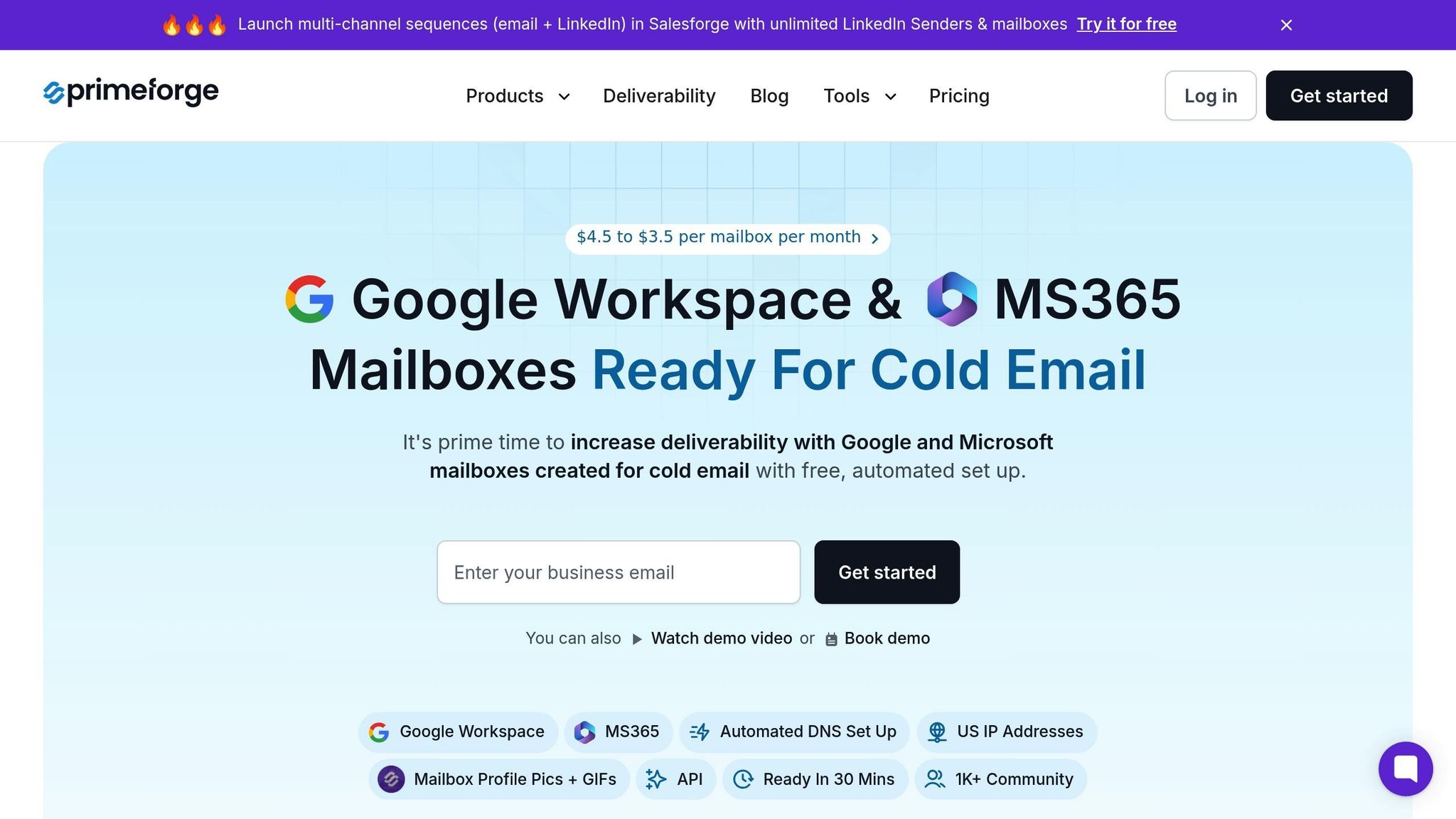
Primeforge takes the hassle out of IP rotation by automating the process, reducing costly manual errors, and simplifying the infrastructure behind your outreach campaigns. This automation ensures smoother operations, fewer mistakes, and improved email deliverability.
Primeforge simplifies DNS configuration by automatically setting up SPF, DKIM, and DMARC records according to industry standards. This process cuts setup time down to just 30 minutes, while also minimizing the manual errors that often disrupt IP rotation.
The platform provides dedicated US-based IP addresses for Google Workspace and Microsoft 365 mailboxes. This ensures geographic consistency with American recipients, allowing you to use Google Workspace IPs for Gmail users and Microsoft 365 IPs for Outlook users - offering a more targeted and effective approach.
Bulk DNS updates make managing multiple domains and IPs much easier. Instead of manually configuring each domain, you can update DNS records for your entire infrastructure in one go - an essential feature for scaling operations efficiently.
With multi-workspace support, teams can organize campaigns by client, product line, or region, all while maintaining centralized control. Each workspace operates independently, reducing the risk of cross-contamination that could negatively impact your sender reputation.
Additionally, Primeforge automates account setup, including profile picture uploads, which enhances email authenticity and builds trust during the IP warm-up process.
These features set Primeforge apart in a competitive market, offering a comprehensive solution for email outreach.
The email infrastructure market includes several platforms, but Primeforge stands out with its focus on automation, high-quality IPs, and US-specific features.
| Platform | IP Rotation Features | DNS Automation | US-Based IPs | Dedicated vs Shared IPs | Multi-Workspace Support |
|---|---|---|---|---|---|
| Primeforge | Automated rotation, bulk DNS updates | Full automation | Yes | Dedicated | Yes |
| Instantly | Pool-based, dynamic | Partial automation | Limited | Shared/Dedicated | Yes |
| Woodpecker | Manual rotation, limited automation | Limited | Yes | Shared | Yes |
Unlike many competitors that charge monthly platform fees, Primeforge uses a per-mailbox pricing model starting at $3.50–$4.50 per mailbox. This scalable pricing is often more cost-effective than directly purchasing Google Workspace ($8.40 per mailbox) or Microsoft 365 ($6 per mailbox).
Primeforge doesn’t just compete on features - it also excels in addressing the unique requirements of US-based campaigns.
Primeforge’s automated tools and US-based infrastructure align perfectly with the strict standards upheld by American email providers. These providers place a high value on sender reputation and geographic consistency, and Primeforge delivers on both fronts, ensuring your campaigns are set up for success.
In 2023, a US-based sales team using Primeforge saw significant improvements in their outreach results. By leveraging automated DNS setup and bulk DNS updates, they reduced their email bounce rate from 15% to just 3% over 90 days. This effort, which included setting up multiple workspaces and utilizing US-based IPs, also boosted email deliverability by 40% and generated an additional $1.2 million in revenue.
"Forge embodies exactly what we were looking for - an agency-friendly stack without the unnecessary paywalls. It's built for how agencies actually work." - Jānis Plūme, Founder & CEO, Outbound Pros
Primeforge is also a key part of The Forge Stack, which includes tools like Warmforge for email warm-up and Salesforge for multi-channel campaigns. This integration eliminates the need to juggle multiple third-party tools, streamlining your outreach strategy.
The platform works seamlessly with existing sending software, including Salesforge, HubSpot, and custom solutions. You can upgrade your infrastructure without having to migrate to a new platform, making the transition smooth and disruption-free.
Finally, Primeforge prioritizes compliance with the CAN-SPAM Act and other best practices for US deliverability. This focus not only protects your campaigns from potential legal issues but also strengthens your sender reputation, ensuring long-term success for your outreach efforts.
Avoiding mistakes in IP rotation can make or break your email campaigns. Consistent senders enjoy inbox placement rates of 96-98%, while campaigns that neglect proper management often see much lower results. For U.S.-based businesses targeting American audiences, these errors can be particularly costly due to the strict standards set by email providers.
The key to success lies in proper segmentation and a gradual warm-up process. Experts recommend warming up new IPs over 14-30 days, starting with small email volumes and increasing gradually. Rushing this process - or skipping it entirely - can lead to blacklisting, resulting in lost opportunities that may take months to repair.
DNS authentication is another critical factor. Without accurate SPF, DKIM, and DMARC records, emails are more likely to get flagged as spam. Thankfully, automation tools have made managing these configurations much simpler compared to a few years ago.
When it comes to cold outreach, deciding between in-house infrastructure and specialized platforms like Primeforge depends on your available time, expertise, and budget. With features like a 30-minute setup and automated DNS configuration, platforms like these can simplify the process significantly.
Email providers now enforce stricter benchmarks, such as keeping complaint rates under 0.3% and bounce rates below 2%. Succeeding under these conditions requires not just technical accuracy but also a well-thought-out strategy. These factors distinguish successful campaigns from those that damage sender reputation and waste valuable resources. Combining IP rotation best practices with strong list management and effective content strategies is crucial for achieving long-term deliverability success.
IP rotation isn’t a standalone solution - it’s part of a larger strategy. High-quality lists, consistent sending patterns, and relevant content all work together to ensure your emails land in inboxes. Businesses that excel in these areas while steering clear of common rotation pitfalls will gain a strong advantage in today’s competitive email marketing landscape.
IP rotation is key to boosting email deliverability. By spreading the sending load across multiple IP addresses, you minimize the chances of overwhelming a single IP. This approach helps avoid triggering spam filters or, worse, being blacklisted.
It also creates a varied email infrastructure, which aligns better with the requirements of different email service providers (ESPs). Distributing email traffic this way safeguards your sender reputation and improves the likelihood of landing in recipients' inboxes - an essential factor for running successful cold outreach campaigns.
Warming up a new IP is a crucial step to establish trust with email providers and achieve better email deliverability. The idea is to start small: send a limited number of emails to people who are likely to engage, such as colleagues or existing contacts. Over the course of several weeks, slowly increase the volume. This gradual approach helps demonstrate to email providers that your IP is reliable and not linked to spam activity.
Before you even hit "send", double-check that your DNS settings are properly configured. This includes settings like SPF, DKIM, and DMARC, which play a key role in authenticating your emails. Throughout the warm-up process, keep an eye on critical metrics such as open rates, bounce rates, and spam complaints to gauge your progress.
If managing all these technical details feels overwhelming, tools like Primeforge can make it easier. It offers automated DNS setup and tailored email infrastructure designed specifically for outreach, simplifying the process and helping you achieve better results.
Proper DNS configuration plays a key role in IP rotation, as it directly affects email deliverability and helps maintain your sender reputation. If DNS records like DKIM, DMARC, or SPF are set up incorrectly, your emails may end up flagged as spam or even rejected entirely.
Automation can take the headache out of this process by ensuring DNS records are consistently and accurately configured across all your domains. Tools like Primeforge make DNS management easier by automating the setup of essential records. This not only minimizes manual errors but also saves time, keeping your cold outreach campaigns running efficiently and without interruptions.