
If you are searching for a HyperInboxes review, you are likely deciding whether it is safe to use for cold email.
HyperInboxes promises ready-to-send Google Workspace inboxes with no technical setup and fast delivery.
We used 30 HyperInboxes inboxes in real cold email campaigns to see how fast inboxes are delivered, how setup works, and what to expect when sending.
In this review, we share exactly what worked, what did not, and who HyperInboxes is actually good for.
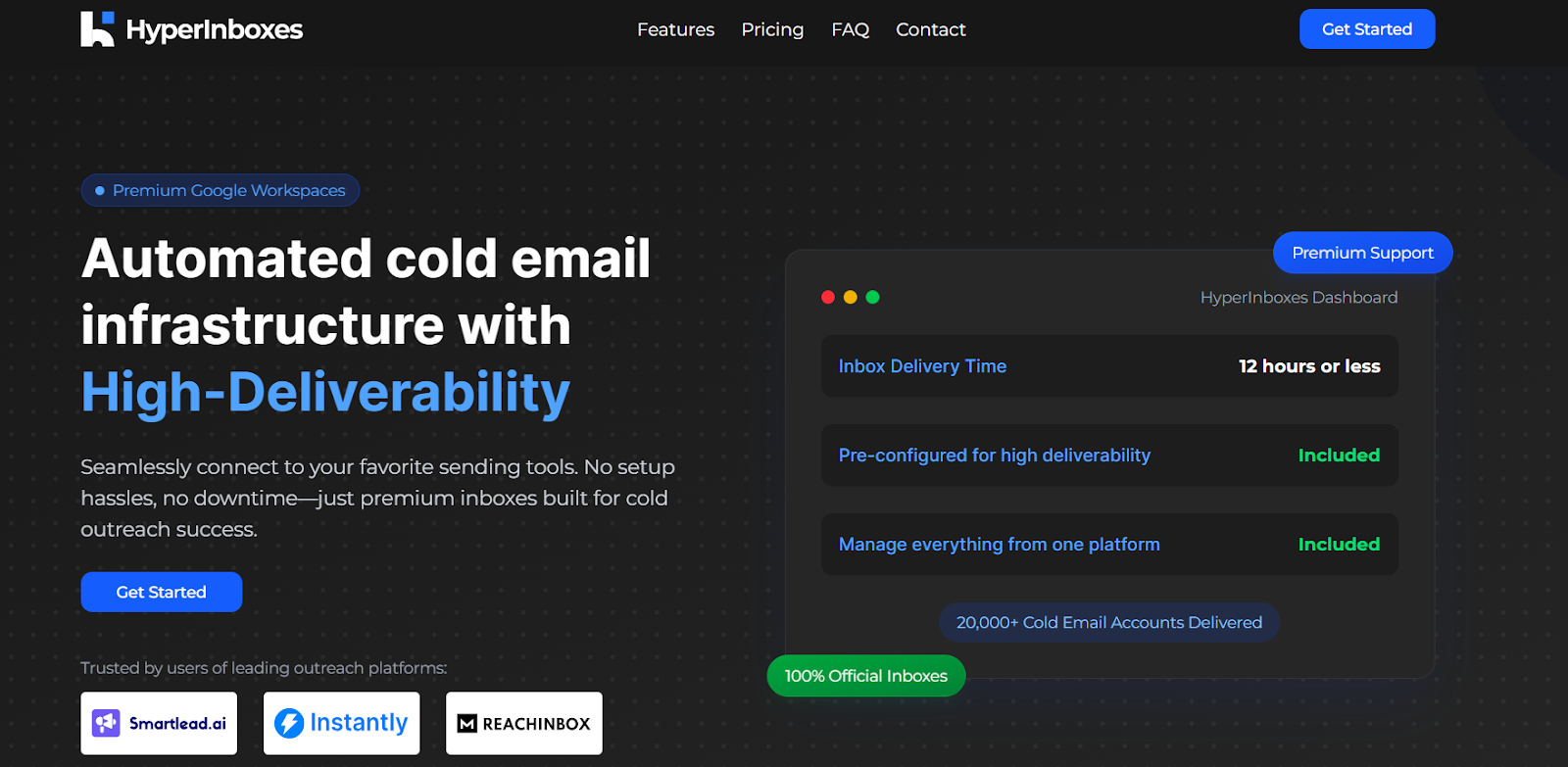
HyperInboxes is a cold email inbox provider that offers premium Google Workspace inboxes made specifically for outbound outreach.
It helps teams launch cold email faster by handling all the technical setup, including DNS and deliverability configuration.
HyperInboxes delivers ready-to-use inboxes within 12 hours or less, with everything pre-configured for high deliverability.
This includes SPF, DKIM, DMARC, MX, and CNAME records, so users do not need to manage any technical steps.
The platform is built to work smoothly with popular cold email tools like Smartlead, Instantly, and ReachInbox.
Users can connect inboxes directly using secure SMTP and IMAP settings and manage everything from a single dashboard.
HyperInboxes is built to remove all the technical work from setting up cold email inboxes.
The goal is to help teams start sending fast without dealing with DNS, deliverability, or manual configuration.
First, you place your order and choose how many inboxes you need. You can also bring your own domains for branding and trust.
Next, the HyperInboxes team sets everything up for you.
This includes creating official Google Workspace inboxes and configuring all required records like SPF, DKIM, DMARC, MX, and CNAME.
Within 12 hours or less (or faster with express delivery), you receive inboxes that are ready to use.
You connect them to tools like Smartlead, Instantly, or ReachInbox using the provided SMTP and IMAP settings.
After that, you manage inboxes, subscriptions, and settings from one dashboard.
If any inbox runs into issues, HyperInboxes replaces it for free so your cold email campaigns can continue without interruption.
HyperInboxes focuses on fast setup, strong deliverability, and easy management for cold email teams.
Below are the main features based only on what HyperInboxes provides.
| Feature | What It Means |
|---|---|
| Premium Google Workspaces | You get 100% official Google Workspace inboxes built for cold outreach. |
| Inbox delivery in 12 hours | Inboxes are ready in 12 hours or less, with a faster express option available. |
| Automated deliverability setup | SPF, DKIM, DMARC, MX, and CNAME are fully configured for every inbox. |
| Centralized dashboard | Manage inboxes, subscriptions, and settings from one platform. |
| Custom domains and branding | Use your own domains with profile pictures and personalization. |
| Guaranteed inbox replacements | Faulty inboxes are replaced for free to avoid campaign downtime. |
| SMTP/IMAP access | Secure integration using app-specific passwords instead of sharing logins. |
| Pros | Cons |
|---|---|
|
|
Whether HyperInboxes is a good choice depends on what you need from your cold email setup.
HyperInboxes is a good fit if you:
HyperInboxes might not be ideal if you:
HyperInboxes works well if you want Google Workspace inboxes delivered fast with zero setup.
But if you want both Google Workspace and Microsoft 365 inboxes, pre-warmed mailboxes, and more control at scale, Primeforge is a stronger alternative.
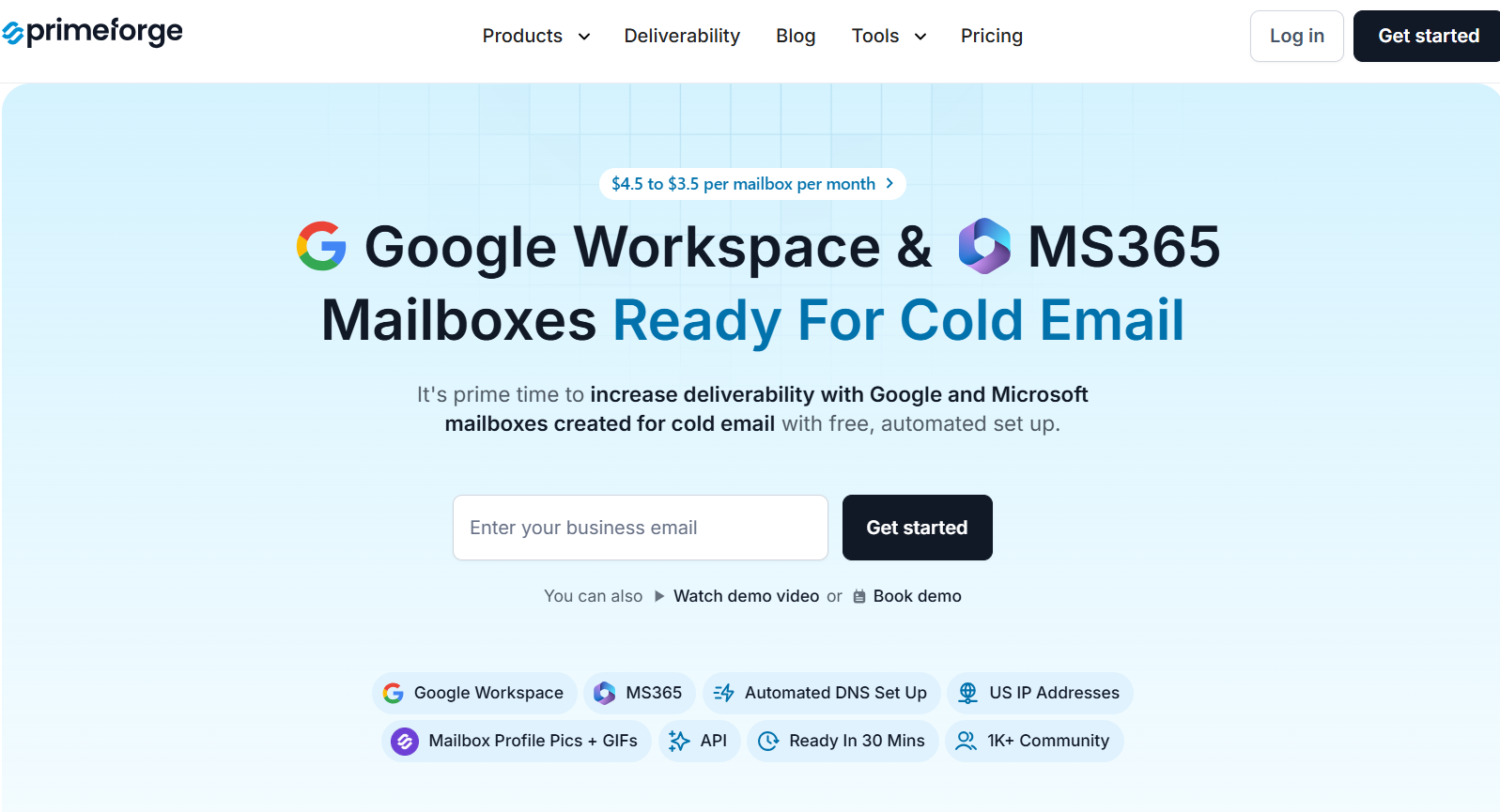
Primeforge is a cold email infrastructure platform built specifically for outbound teams that need stable deliverability at scale.
It provides real Google Workspace and Microsoft 365 mailboxes, pre-warmed and configured automatically for cold outreach.
Unlike inbox resellers or manual setups, Primeforge is designed only for cold email.
Mailboxes are ready in about 30 minutes, come with automated DNS, and work with any outreach tool.
Here’s a quick comparison to help you decide.
| Feature | HyperInboxes | Primeforge |
|---|---|---|
| Mailbox type | Google Workspace only | Google Workspace + Microsoft 365 |
| Inbox setup time | 12 hours or less | ~30 minutes |
| Warmup status | Not specified as pre-warmed | Pre-warmed mailboxes |
| DNS setup (SPF, DKIM, DMARC) | Fully automated | Fully automated |
| IP setup | Not specified | Google/Microsoft-managed IPs |
| Profile pictures / GIFs | Supported | Supported (including GIFs) |
| Pricing | Not publicly listed | $4.5 → $3.5 per mailbox / month |
| Availability | New purchases paused | Actively available |
In short, HyperInboxes is a good option if you want managed Google Workspace inboxes with zero setup.
Primeforge is the better choice if you want Google + Microsoft inboxes, pre-warmed mailboxes, faster launch, clear pricing, and infrastructure built to scale cold email safely.
HyperInboxes is useful if you want Google Workspace inboxes without doing any setup work.
It delivers inboxes fast, handles DNS and deliverability, and works with tools like Smartlead and Instantly.
However, it only supports Google inboxes, pricing is not clearly listed, and new signups are currently paused.
If you want Google and Microsoft inboxes, pre-warmed mailboxes, clear pricing, and faster launch, Primeforge is the better option.
Sign up with Primeforge now!
