If you've been running cold outbound for a while, you've probably realized that your email sending tool eventually becomes the bottleneck.
At first, everything looks great. Then you start scaling. Suddenly you're hitting mailbox limits, deliverability starts slipping, or your monthly bill climbs because every new teammate means another paid seat.
I got tired of relying on marketing pages that all promised "best deliverability" and "unlimited scale." Most of them sound identical until you're a few hundred dollars in and discover where the real limits are.
So over the last few months, I tested a bunch of email sending tools across real outbound campaigns. I looked at how they handled volume, what they actually cost as you scaled, and whether they could keep up without creating new headaches.
The 6 email sending tools below are the ones that consistently held up when deliverability, scale, and pricing stopped being marketing claims and became real business problems.
I ranked these tools on the criteria that matter most when you send at scale, which means deliverability infrastructure, mailbox limits, warmup quality, sender rotation, and how honest the pricing feels once you move past the homepage. Here is where each one lands.
1. Salesforge
Salesforge is my top pick for cold email sending in 2026, and two things put it there. You get unlimited mailboxes on every plan, and warmup runs free through the built-in Warmforge integration at no extra cost.
That combination matters more than it sounds because most sending platforms I tested either cap mailbox counts or charge per seat. A $50 plan quickly turns into a $500 plan the moment you add teammates, and Salesforge skips that entirely with flat workspace pricing. It is the best all-in-one outbound stack without per-seat pricing on this list.
The sending side of the platform gives you Smart Mailbox Rotation and Dynamic IPs out of the box, and both features spread your volume across accounts and IP addresses to protect your sender reputation as you scale.
If you need leads to send to, you can pull them straight from Leadsforge without switching tools. Agent Frank sits on top of the platform as the AI SDR layer, and he handles prospecting, writes personalized outreach, and books meetings while you focus on closing. You can hire him in Auto-Pilot mode where he runs the whole outbound motion, or in Co-Pilot mode where you approve replies before they go out.
Reply management runs through Primebox™, which pulls email and LinkedIn conversations into one inbox. That saved me hours per week when I was managing dozens of sending accounts across a few campaigns at once.
Pros
Unlimited mailboxes come with every plan, both Pro and Growth, which means scaling from 10 mailboxes to 400 does not change your subscription price at all.
Free unlimited warmup runs through the built-in Warmforge integration, and most competitors charge $30 to $50 extra per month for the same functionality.
Multi-channel sequences pull email and LinkedIn into a single workflow, which stopped me from bouncing between platforms and cut my daily campaign management time in half.
Agent Frank handles autonomous prospecting, sequence writing, and follow-up sending in 20-plus languages, and I tested him on Auto-Pilot for two weeks where he booked meetings without any manual input.
Flat workspace pricing means adding teammates does not raise your bill, which stands out because every other tool on this list charges per user or caps team access behind higher tiers.
Cons
The free trial runs 14 days rather than the 30-day trial some competitors offer, and while two weeks is enough to test the sending flow, you may feel rushed if you want to run a full deliverability benchmark.
Pricing Plans
Plan
Price
Pro
$40/mo
Growth
$80/mo
Agent Frank
Starting at $499/mo
What Users Have to Say
"Salesforge makes outbound sales much easier by combining personalization, email automation, and deliverability management in a single platform." — Jessica K., Outreach Specialist. Read the review here
2. Instantly
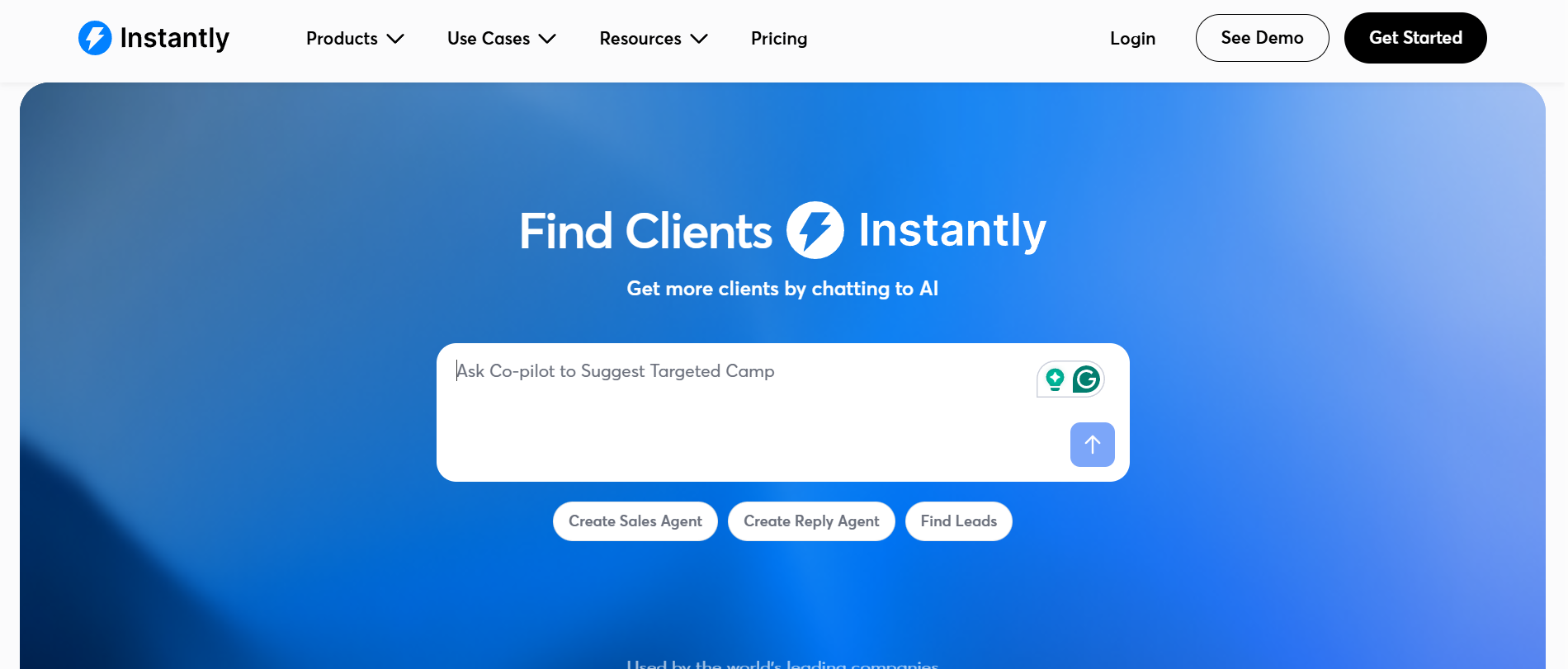
Another email sending tool that shows up on almost every shortlist is Instantly, which comes at cold email from an infrastructure-first angle. The warmup pool is genuinely one of the biggest in the market, and that shapes almost everything else about the product.
Instantly claims over 1 million real email accounts in its warmup network, and that scale is the main reason it lands on so many agency stacks. The wider the network, the more natural your engagement patterns look to spam filters, and in my testing, mailboxes ramped fast and stayed clean through the first campaign.
Sequencing runs through Salesflows, and the platform pairs it with an AI Sales Agent for autonomous outreach. LinkedIn is not native, though, so you will connect it through Aimfox or HeyReach if multichannel matters to your motion.
Unibox is the unified inbox on the sending side, and it handles reply management across all your connected accounts. That worked well when I was running 20-plus mailboxes at the same time.
Pros
The warmup pool has over 1 million real accounts, which is the largest network I found across the tools I tested, and mailboxes ramped from cold to sending in around 10 days.
Unlimited email accounts on every paid plan mean you never hit a mailbox ceiling as you scale, and both the Growth and Hypergrowth tiers give you that from the start.
The AI Sales Agent runs autonomous prospecting and outreach based on a plain-language brief, and I fed it an ICP definition and it built a working sequence in around 15 minutes.
The Unibox pulls replies from every connected mailbox into a single view, which cut my inbox-switching time significantly across a full campaign week.
The Instantly Credits product gives you access to a 450M-plus B2B lead database with waterfall enrichment, and that saved me from paying for a separate data provider on top of the sending stack.
Cons
The pricing page has separate tabs for Outreach, Credits, and VIP, which means running both Outreach and Credits requires two subscriptions, and my bill got confusing quickly once I added lead credits.
LinkedIn outreach is not native to the platform, so you will route it through third-party tools like HeyReach or Aimfox, which works but adds complexity if multichannel matters.
Several G2 reviewers flagged support delays on the VIP plan, and my experience matched theirs on tickets that were not billing-related.
The monthly and annual pricing toggles did not visibly change displayed rates during my testing, so you will want to confirm billing math with sales before paying.
The lowest sending tier caps you at 5,000 emails per month, which fills up fast if you run more than a couple of campaigns.
Pricing Plans
Plan
Price
Growth
$47/mo
Hypergrowth
$97/mo
Light Speed
$358/mo
Enterprise
Custom
What Users Have to Say
"The warmup network is what I lean on most... the warmup paired with the unified inbox makes it genuinely manageable to operate dozens of mailboxes." — Brian Y., Founder. Read the review here
3. Smartlead
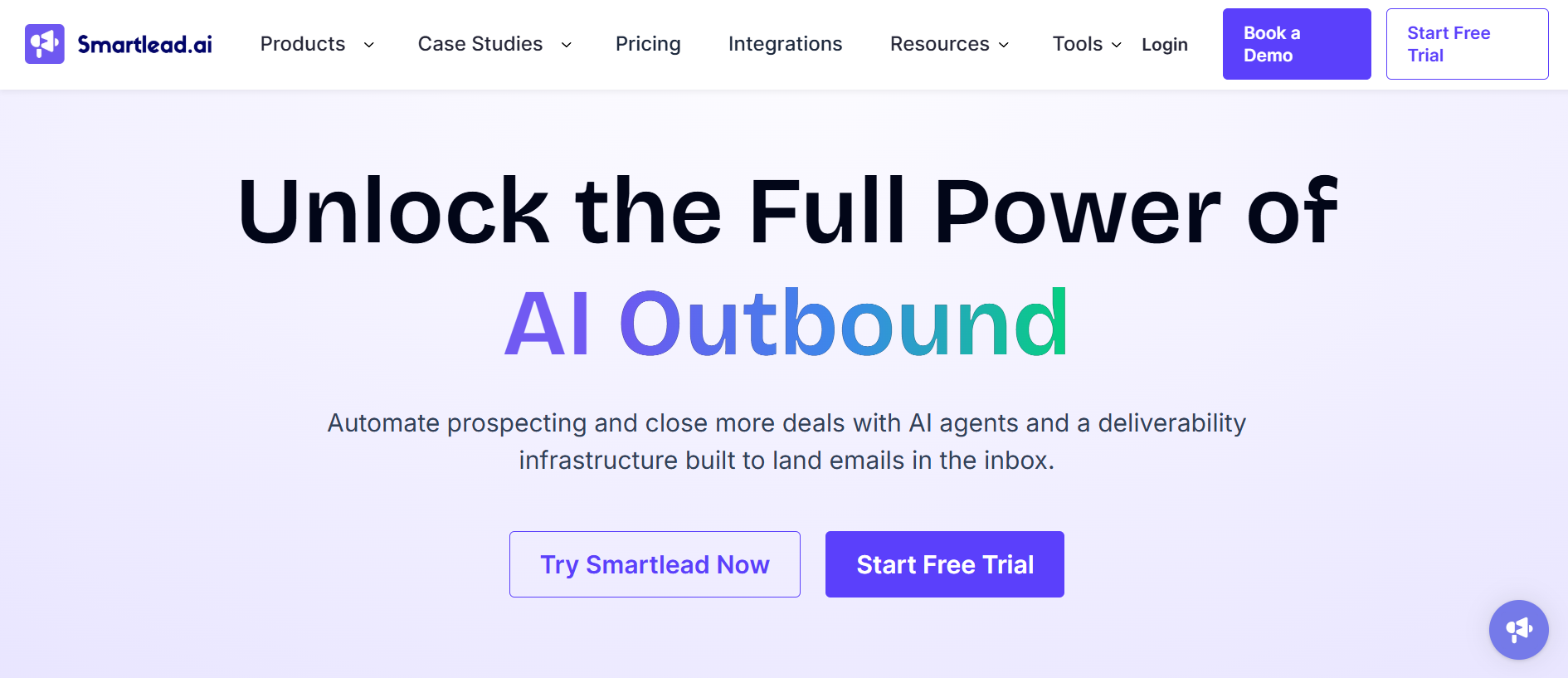
Smartlead takes a different angle on cold email sending, and instead of building on a shared warmup pool, it runs on dedicated-tenant infrastructure it calls SmartInfra.
That dedicated-tenant model means your IPs and warmup activity stay isolated from other Smartlead users, and in my tests, that translated to cleaner deliverability once I was past the warmup phase. Reply and open rates held steady across long campaign windows.
The platform pairs the infrastructure layer with SmartAgents, which are no-code automation agents you build from plain-English prompts. I used one to alert me when a campaign's reply rate dropped below a threshold, and it worked as described.
You get unlimited mailboxes and unlimited contact storage on the Unlimited plans, though mailbox purchases themselves are separate. Smartlead sells them through its SmartSenders product at $3.99 to $9 per mailbox per month.
Pros
SmartInfra runs on dedicated-tenant infrastructure with IP isolation from other Smartlead users, which protected my sender reputation better than any shared-pool setup I tested.
Unlimited mailboxes and unlimited contact storage on the Unlimited plans remove the cap most competitors hit around 100,000 contacts, so I never had to prune lists mid-campaign.
SmartAgents are no-code automation agents you build from plain-English prompts, and I set up a stale-reply alert in about 5 minutes without touching code.
The Master Inbox handles reply management across your entire mailbox fleet, and sentiment tagging and bulk actions saved me hours per week when clearing out-of-office replies.
SmartProspect includes a 300M-plus verified B2B database with waterfall verification, and every three emails you send earns a verified lead, which is unusual in this category.
Cons
Mailbox purchases through SmartSenders are billed separately at $3.99 to $9 per mailbox per month, and your total bill can climb fast once you scale past 20 mailboxes.
The Monthly and Yearly toggle on the pricing page did not visually update during my testing, so you will want to confirm billing math directly with sales before signing up.
Several G2 reviewers flagged slow customer support response times, especially on Master Inbox issues, and that matched what I saw when I opened a ticket during the trial.
The SmartDelivery placement-testing add-on runs $49 to $599 per month on top of your base plan, and while it is optional, the cost stacks up if you rely on it.
There is no native LinkedIn automation, so multichannel sequences require third-party tools like GetSales or Waalaxy, which adds complexity if LinkedIn is core to your motion.
Pricing Plans
Plan
Price
Base
$32/mo
Pro
$78/mo
Unlimited Smart
$144/mo
Unlimited Prime
$315/mo
If you want a deeper look at Smartlead's mailbox provisioning side, I covered it in a separate Smartlead mailboxes review.
What Users Have to Say
"Running cold email across a large number of sending domains has stayed surprisingly manageable from one place, and inbox placement continues to hold up." — Matt R., CEO. Read the review here
4. Lemlist
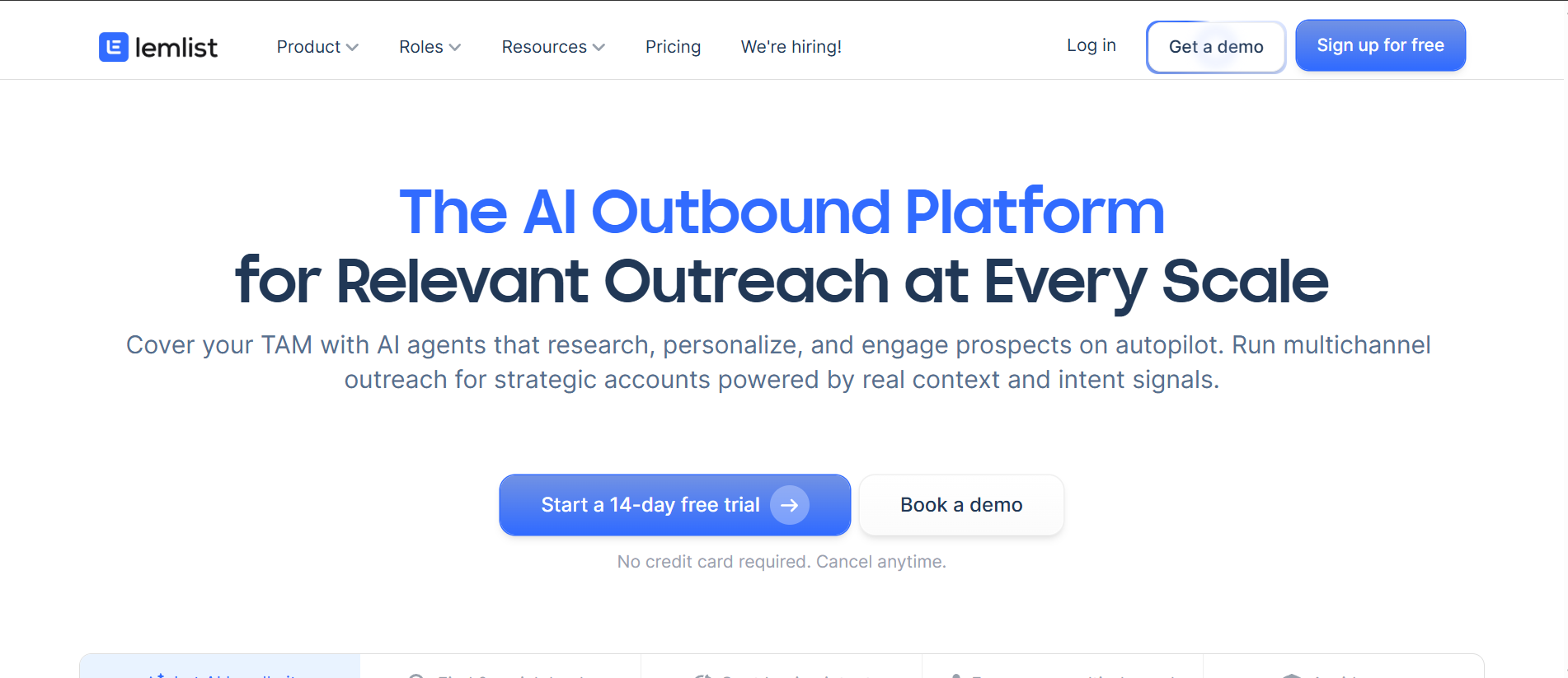
Lemlist takes cold email sending in a personalization-first direction, and the tool is built around lemwarm for deliverability, with a suite of AI agents for prospect-level research and outreach sitting on top.
On the sending side, lemwarm handles automated warmup on every plan, which is unusual in a market where warmup is often a paid add-on. The Deliverability Hub tracks sender reputation and flags issues before they turn into inbox placement drops, and I saw fewer spam events on Lemlist than on any other tool that lacks dedicated infrastructure.
Sequencing is where Lemlist has always led, and you get conditional multichannel sequences across email, LinkedIn, calls, WhatsApp, and SMS. The lemAgent AI agent handles prospect-level research and writes personalized outreach based on live signals rather than templates.
You get access to a 650M-plus lead database inside the platform, and pulling contacts costs credits at $0.01 per credit. Verified emails cost 5 credits and phone numbers cost 20 credits, so you will want to budget for that separately.
Pros
Lemwarm runs automated warmup on every plan without an add-on charge, which is rare in this category, and my mailboxes reached a healthy reputation baseline in under 2 weeks.
The Deliverability Hub gives you a live view of sender reputation, inbox placement, and DNS health across every mailbox, and that surfaced issues on my domains before they became campaign-killing problems.
Conditional multichannel sequences run across email, LinkedIn, calls, WhatsApp, and SMS from one workflow, and I sequenced a prospect across four channels without leaving the platform.
The lemAgent AI agent researches prospects before writing outreach, and that pulls specific context into every message, so my reply rates on a test campaign were noticeably higher than on template-based sequences.
Unlimited users and unlimited senders on the Email plan mean team scaling does not multiply your bill, and that flat structure is unusual for a personalization-heavy platform.
Cons
The Multichannel plan is priced per user at $87 per user per month, so a 5-person team lands at $435 per month on that tier.
Lead data and phone finding are billed through a separate credit system on top of your plan, and verified emails cost 5 credits and phone numbers cost 20 credits.
WhatsApp automation is a paid add-on even on the Multichannel plan, so if WhatsApp is central to your outbound, budget for it separately.
Several G2 reviewers flagged surprise invoices when adding new users mid-cycle, and the platform issues immediate charges rather than prorating to your next billing date.
The Email-only plan lacks LinkedIn, calls, and WhatsApp, so multichannel senders must upgrade to the higher tier, which doubles per-user cost.
Pricing Plans
Plan
Price
Email
$55/mo
Multichannel
$87/user/mo
Enterprise
Custom
What Users Have to Say
"Performance is reliable, even when managing larger campaigns, and the personalization features make outreach feel much more human." — Lukas M., Co-Founder & COO. Read the review here
5. Woodpecker
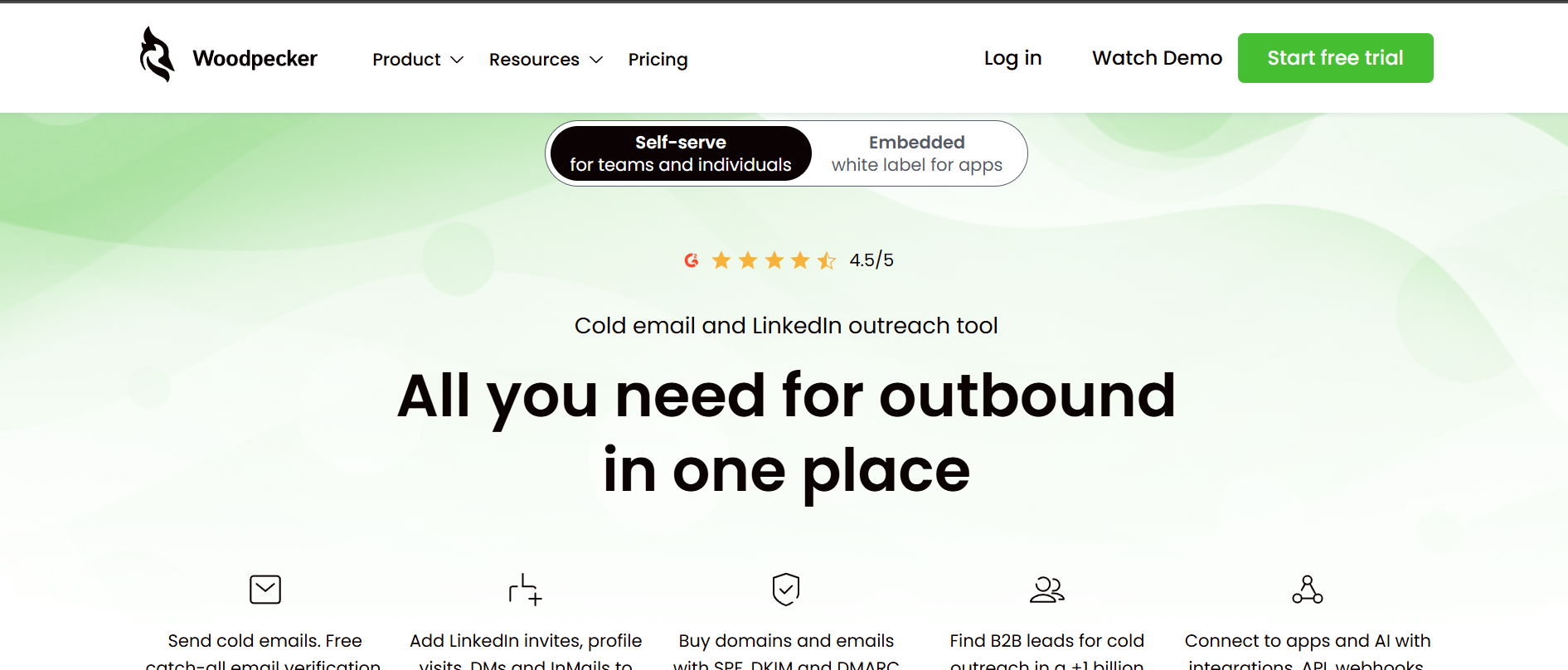
Woodpecker takes a leaner, usage-based approach to email sending, and rather than tiered plans, the platform charges per contacted prospect. That model suits smaller teams and solo senders well.
The sending side pairs cold email with native LinkedIn outreach, and the platform bundles free email verification and free warmup into every plan. That is a rare combo in this category because most competitors gate verification behind a credit system or charge extra for warmup beyond a certain volume.
The Adaptive Sending feature protects you from exceeding sending limits, and the Deliverability Monitor flags issues before they turn into inbox placement drops. I tested both on a mid-sized setup, and neither triggered false alerts during a two-week run.
Domains and mailboxes are available for purchase inside Woodpecker at around $1 per domain per month and $6 per email address per month, which gives you a fully bundled sending stack if you want it in one place.
Pros
The pricing scales by contacted prospects rather than seats or mailboxes, and a 500-prospect month costs $24 on annual billing, which is one of the lowest entry points I found.
Free email verification and free warmup are bundled into every plan without add-on charges, and that saved me around $40 per month compared to platforms that gate verification behind credits.
Native LinkedIn automation covers invites, profile visits, DMs, and InMails from the same sequence, and I sequenced a prospect across email and LinkedIn without connecting a third-party tool.
The Adaptive Sending feature caps daily sends automatically to protect your reputation, and I never saw a mailbox burn during a large campaign push in my testing.
Domains, mailboxes, and dedicated servers are all available for purchase inside Woodpecker, which gives you a one-stop sending stack without stitching together external providers.
Cons
There is no unified inbox or centralized reply management branded on the platform, so you will handle replies inside individual mailboxes or through a separate tool.
The Integrations, API, and webhooks bundle is a paid add-on at $20 per month rather than being included in the base plan, which is unusual for a mid-tier sending platform.
The AI personalization side lacks a clearly named autonomous SDR agent, and reviewer commentary suggests basic AI assistance for copy, so nothing like Agent Frank or Jason AI exists here.
Several G2 reviewers flagged customer support quality as inconsistent, particularly around refund handling, and my own trial did not require a ticket, so I cannot personally confirm that.
The free trial is 14 days without a credit card, which is standard for the category, and it is still shorter than Woodpecker's annual-lock-in model would suggest.
Pricing Plans
Plan
Price
Monthly Billing (500 Contacted Prospects)
$35/mo
Annual Billing (500 Contacted Prospects)
$24/mo
What Users Have to Say
"I especially like the built-in email validation feature, which ensures that all emails land in the inbox, thereby enhancing my campaign's effectiveness." — Dominik W. Read the review here
6. Saleshandy
Saleshandy rounds out my shortlist with a strong multichannel sending stack, and it pairs email with calls, LinkedIn, WhatsApp, and custom tasks inside one workflow.
On the sending side, Saleshandy runs an inbuilt email infrastructure layer, and it handles domain and mailbox setup with SPF, DKIM, and DMARC in under 10 minutes. Warmup runs in the background across all connected mailboxes, and in my testing, a fresh Google Workspace mailbox reached a healthy sender reputation in about 12 days.
Every Outreach plan gives you unlimited email accounts, which puts Saleshandy in the same infrastructure-friendly camp as Salesforge, Instantly, and Smartlead. The unified inbox handles replies across all connected mailboxes and channels.
The AI Email Sequence Copilot is the personalization layer, and it writes campaign copy and adapts follow-up messaging based on prospect behavior. On the data side, you get access to 852M-plus verified contacts with 50-plus buying signals baked in.
Pros
Unlimited email accounts on every Outreach plan mean you never hit a mailbox ceiling as you scale, and that puts Saleshandy in the same infrastructure-friendly camp as Salesforge, Instantly, and Smartlead.
The inbuilt email infrastructure sets up domains and mailboxes with SPF, DKIM, and DMARC in under 10 minutes, and I timed my setup at 8 minutes for a 5-mailbox test batch.
Multichannel sequences cover email, calls, LinkedIn, WhatsApp, and custom tasks in one workflow, and conditional branching triggers subsequences based on opens and reply behavior.
The 852M-plus verified contact database includes 50-plus buying signals for intent-based prospecting, and that saved me from paying for a separate signals provider on top of the sending platform.
A/Z variant testing on the Outreach Pro plan lets you test up to 26 sequence variants, and most competitors cap testing at A/B or A/B/C only.
Cons
The Lead Finder pricing tab did not visibly update during my testing, so standalone Lead Finder costs are unclear from the pricing page, and you will want to clarify with sales before signing up.
AI Credits and Email Verification are billed separately from the base plan, where AI Credits run $10 per 5,000 and verifications run $19 per 5,000, and those add up quickly on high-volume campaigns.
Third-party CRM integrations were not clearly itemized on the pages I reviewed, so you may need to verify HubSpot or Salesforce sync directly with support before committing.
Several G2 reviewers flagged unverified or wrong emails coming through Lead Finder credit reveals, and my own test batch had a lower verified-hit rate than the marketing pages suggest.
The 7-day free trial is shorter than most alternatives on this list, which is barely enough time to test a full sequence end-to-end.
Pricing Plans
Plan
Price
Outreach Starter
$25/mo
Outreach Pro
$69/mo
Outreach Scale
$139/mo
Outreach Scale Plus
$209/mo
What Users Have to Say
"I have 10 mailboxes across 5 domains connected, and the sequences with inbox rotation let me manage everything from one place instead of juggling accounts." — rafael v., Owner/Operator. Read the review here
So, Which Is the Right Email Sending Tool?
For most teams building outbound infrastructure in 2026, Salesforge is my pick, and the combination of unlimited mailboxes, free warmup, and flat workspace pricing puts it ahead. It is the best all-in-one outbound stack without per-seat pricing on this list.
That said, each competitor has an angle worth acknowledging, because Instantly wins on warmup pool size, Smartlead on dedicated-tenant IP isolation, and Lemlist on AI-driven personalization. Woodpecker wins on lean usage-based pricing, and Saleshandy on a built-in verified lead database.
1. What is the best email sending tool for cold outreach?
For most cold outreach teams, Salesforge is the strongest pick because it gives you unlimited mailboxes on every plan, free warmup through Warmforge, and flat workspace pricing. Your subscription cost does not change based on team size or mailbox count.
2. How many mailboxes do I need for cold email?
A safe rule is 3 mailboxes per domain and 1 domain per 100 emails per day, so if you send 3,000 emails per day, that means around 30 domains and 90 mailboxes. Tools like Salesforge, Instantly, and Smartlead let you scale mailboxes without hitting a hard cap.
3. What is the difference between shared and dedicated IP infrastructure?
Shared IP infrastructure means your emails send from IP addresses that other cold email senders also use, while dedicated IP infrastructure gives you IP addresses that only you send from. Dedicated IPs protect your sender reputation better but cost more and take longer to warm up. For a broader breakdown of the infrastructure layer beneath sending platforms, check my guide on cold email infrastructure providers.
4. Do email sending tools include warmup?
Some do and some do not, and Salesforge, Lemlist, and Instantly include free warmup on every plan. Smartlead and Saleshandy include warmup on standard plans, while Woodpecker includes free warmup on a limited basis and charges $5 per month for additional warmup slots.
5. How much does an email sending tool cost?
Entry-tier email sending tools range from $24 to $55 per month on annual billing, where Woodpecker starts at $24, Saleshandy at $25, Salesforge at $40, Instantly at $47, and Lemlist at $55. Higher tiers can reach $200 to $500 per month based on volume and features.
6. Can I send cold email from Gmail or Outlook?
You can, but you should not send high-volume cold outreach from a personal Gmail or Outlook account because personal accounts have low daily sending limits and no domain isolation. Sending tools like Salesforge, Smartlead, and Saleshandy support real Google Workspace and Microsoft 365 mailboxes purpose-built for cold outreach.
Scale outreach with real Google and Microsoft inboxes
Set up Google Workspace and Microsoft 365 inboxes faster.