
Cold email performance boils down to two key metrics: open rates and click-through rates (CTR). Open rates measure how many recipients view your email, while CTR tracks how many click on links. These metrics help you understand if your subject lines grab attention and if your email content drives action.
Tracking tools like Primeforge, HubSpot, and Smartlead.ai can monitor these metrics while ensuring emails land in inboxes. Focus on testing, personalization, and maintaining a strong sender reputation for better results.

Cold Email Open Rates and Click-Through Rates by Industry Benchmarks
Comparing your campaign's performance to industry standards can highlight areas where improvements are needed. By tracking your metrics accurately, you can identify gaps in performance. For instance, a high open rate combined with a low reply rate might indicate that while your subject lines are effective, your email content or calls-to-action (CTAs) need work.
Cold email success varies widely across industries, influenced by factors like communication norms and market saturation. Industries such as finance and energy tend to have higher engagement levels due to frequent business communications. On the other hand, SaaS companies often struggle with lower open rates, partly due to spam filters and inbox fatigue.
| Industry | Average Open Rate | Average Click-Through Rate |
|---|---|---|
| Energy Management Systems | 46.31% | 2–5% |
| Investment Firms | 45.47% | 2–5% |
| Finance / Banking | 43.00% | 2–5% |
| Healthcare / Medical | 45.00% | 2–5% |
| HR Tech / Staffing | 42.00% | 2–5% |
| Agencies / Marketing | 39.00% | 2–5% |
| SaaS | 25.71–38.00% | 1.19–2% |
| IT Services | 27.35% | 2–5% |
| E-commerce Platforms | 28.21% | 2–5% |
If your results fall below these benchmarks, it’s worth revisiting your email list quality and delivery methods before increasing your outreach volume. These metrics offer a baseline for evaluating and refining your campaigns.
Top-performing campaigns go well beyond industry averages. Elite campaigns often achieve open rates between 70% and 88%. One key factor is the use of highly targeted prospect lists, typically ranging from 11 to 50 contacts, which can drive open rates as high as 62% - a significant jump compared to the roughly 38% seen with larger lists of over 200 contacts. These campaigns also prioritize domain warm-up strategies and utilize secondary domains to protect their primary email infrastructure.
When it comes to click-through rates, top campaigns consistently surpass the 5% mark, especially when they feature a single, clear call-to-action. Smaller teams sending fewer than 10,000 emails per month often achieve open rates in the 50%–60% range due to more personalized messaging. In contrast, larger organizations typically see open rates in the 30%–40% range. Additionally, leveraging AI-powered targeting can boost open rates by as much as 18 percentage points compared to less precise "spray and pray" approaches.
(function(d,u,ac){var s=d.createElement('script');s.type='text/javascript';s.src='https://a.omappapi.com/app/js/api.min.js';s.async=true;s.dataset.user=u;s.dataset.campaign=ac;d.getElementsByTagName('head')[0].appendChild(s);})(document,372145,'wzqrljsrcet38mumssx2');
When it comes to tracking email engagement, most cold email platforms rely on two main methods. Open tracking uses a tiny, invisible 1x1 pixel embedded in the email's HTML. Each time a recipient opens the email, their email client loads this pixel from a server, which logs the open event. Click tracking, on the other hand, works by wrapping your URLs in a redirect link. When someone clicks the link, they’re briefly routed through a tracking server before landing on the final destination.
Platforms like Primeforge simplify this process by automating DNS setup for SPF, DKIM, and DMARC, and they integrate seamlessly with Google Workspace and Microsoft 365. HubSpot provides free email tracking for Gmail, Outlook, and Office 365 users. For teams focused on email deliverability, Mailreach not only tracks engagement but also monitors inbox placement and sender reputation.
To improve deliverability, always use a branded subdomain (e.g., track.yourcompany.com) for tracking URLs. Email providers are quick to flag misaligned domains as spam, so ensuring alignment between your sending domain and tracking links is crucial.
Ricky Pearl of POINTER highlights the risks of generic tracking links: "By adding click tracking you are cementing your place in the promotions folder at best. so never track clicks. Never. Impacts delivery too much for cold email. Open tracking is okay, provided you're using a custom tracking domain".
Once you’ve chosen the right tools, the next step is setting them up correctly.
Implementing tracking requires some technical setup, but it’s worth the effort to improve your email performance. Here’s how to do it:
Lastly, if you’re using a new domain, take the time to warm it up. Gradually increase your email volume over 30–45 days to build a solid sender reputation. This step can make a big difference in keeping your emails out of spam folders and ensuring they land in your recipients’ inboxes.
Your email’s ability to land in an inbox depends heavily on its technical foundation. As of 2024, implementing SPF, DKIM, and DMARC protocols is non-negotiable for delivery to platforms like Gmail and Yahoo. Without these in place, your emails might end up blocked or banished to spam folders. Primeforge simplifies this by automating DNS setup.
Another key decision is whether to use a dedicated or shared IP. Dedicated IPs give you full control over your sender reputation but require a warm-up period of 2–6 weeks. Shared IPs, on the other hand, are ideal for smaller email volumes (under 100,000 per month) but come with the risk of being affected by other users’ bad practices. Pairing your IP choice with an ESP that matches your needs further boosts the chances of hitting the primary inbox.
Tracking is another technical hurdle. While standard tracking pixels are common, they can increase the likelihood of your email being flagged as spam by up to 15%. To avoid this, using custom tracking domains is a smarter option. These technical steps set the foundation for crafting content that gets noticed and drives engagement.
Your subject line is your first impression. Studies show that 33% to 47% of recipients base their decision to open an email solely on the subject line. Personalization is key - emails with personalized subject lines are 26% to 50% more likely to be opened than generic ones. But personalization isn’t just about adding a first name. Mentioning the recipient’s company, addressing specific pain points, or referencing recent achievements can make a big difference.
For example, subject lines with the recipient’s name tend to achieve open rates around 43.41%, while those framed as questions can reach an average of 48.39%. Emojis? They can boost open rates by about 8%, but be cautious - they might also lead to an uptick in unsubscribe rates. Keeping subject lines between 35 and 50 characters ensures they perform well on both mobile and desktop devices.
When it comes to engagement, a clear and compelling call-to-action (CTA) is essential. CTAs that spark curiosity, like “Are you interested in learning more?”, have a 30% success rate - nearly double that of more generic approaches. On the flip side, thought-provoking CTAs like “What are your thoughts?” can backfire, lowering meeting bookings by about 20% as they may undermine your authority. With 81% of emails being opened on mobile devices, keeping your message concise and easy to skim is non-negotiable.
Timing plays a massive role in how your emails perform. Sending emails between 8 PM and 11 PM can yield the highest reply rates (6.52%) and open rates (36.41%) due to less competition in inboxes during these hours. Thursdays also tend to outperform other days, with an average reply rate of 6.87% compared to Monday's 5.29%.
Frequency is another factor you can’t ignore. Adding a third email to your sequence might drop reply rates by as much as 20%, while spam complaints can rise from 0.5% on the first email to 1.6% by the fourth follow-up. To maintain your sender reputation, it’s wise to limit outreach to 30–50 emails per day per mailbox. Additionally, reaching out to just 1–2 contacts per company tends to yield a reply rate of around 7.8%. Targeting 10 or more contacts in the same company, however, can drag that rate down to about 3.8%.
If you want to see better results, start by testing one change at a time. For example, altering both your subject line and CTA in the same test makes it impossible to pinpoint what actually worked. Focus on a single variable - like comparing a curiosity-driven subject line ("Quick question") to a benefit-focused one ("Increase [Company] sales by 20%"). Run these variations simultaneously to rule out external factors like holidays or shifts in domain reputation.
Personalization isn’t just about slapping a first name into the email. Deep personalization - mentioning a prospect’s recent LinkedIn activity, a funding milestone, or their current tech stack - can boost open rates by 25% to 35%. In November 2025, the agency Cleverly saw an impressive 88% open rate over three weeks by targeting over 2,000 SaaS founders with personalized subject lines like "Saw [Company] just raised Series A." They used secondary domains, a 30-day warm-up, and specific trigger events, achieving a 12% improvement over their previous benchmarks.
For your results to be statistically reliable, aim for at least 100–200 prospects per group in standard tests, or 1,000–5,000 for larger campaigns. Allow 24–72 hours to gather meaningful data, as responses trickle in over time. Keep in mind, only 1 in 8 A/B tests typically produces a major breakthrough, so patience and consistency are key. Once you’ve nailed your approach, focus on improving deliverability to make the most of your efforts.
Even the best-crafted emails won’t perform if they don’t reach the inbox. That’s where warm-up tools like Warmforge (available with any Salesforge subscription) come into play. These tools help build your sender reputation by gradually increasing email volume and mimicking human-like sending patterns. They also move emails from spam folders to the primary inbox and mark them as important, signaling to email providers that your messages are trustworthy.
This matters because spam-folder issues cost businesses a staggering $20.5 billion annually. A strong cold email open rate typically falls between 20% and 30%. Tools like Primeforge, with automated DNS setup, work seamlessly with warm-up solutions to create a solid technical foundation for your email campaigns.
After dialing in your testing and deliverability, keep a close eye on your campaigns to fine-tune CTAs and content. Use metrics like the click-to-open rate (CTOR) to gauge how well your internal content and CTAs are performing. This metric compares clicks to the number of people who opened your email, helping you identify weak spots. For instance, if your open rates are solid but clicks are low, your CTA might need reworking. Test direct asks like "Schedule a call this Thursday" against softer approaches like "Would it make sense to explore this?" to see what resonates better.
If open rates start slipping, check your sender reputation and clean up your email list. Removing inactive or invalid addresses helps protect your hard-earned reputation. With 81% of emails now being opened on mobile devices, make sure your CTAs are easy to tap and concise. Even small tweaks, like using anchored links, can increase click rates by 3–5%, proving that minor adjustments can lead to noticeable improvements.
When it comes to tracking email engagement, having the right tools can make all the difference. Let’s take a closer look at some key options and how they stack up.
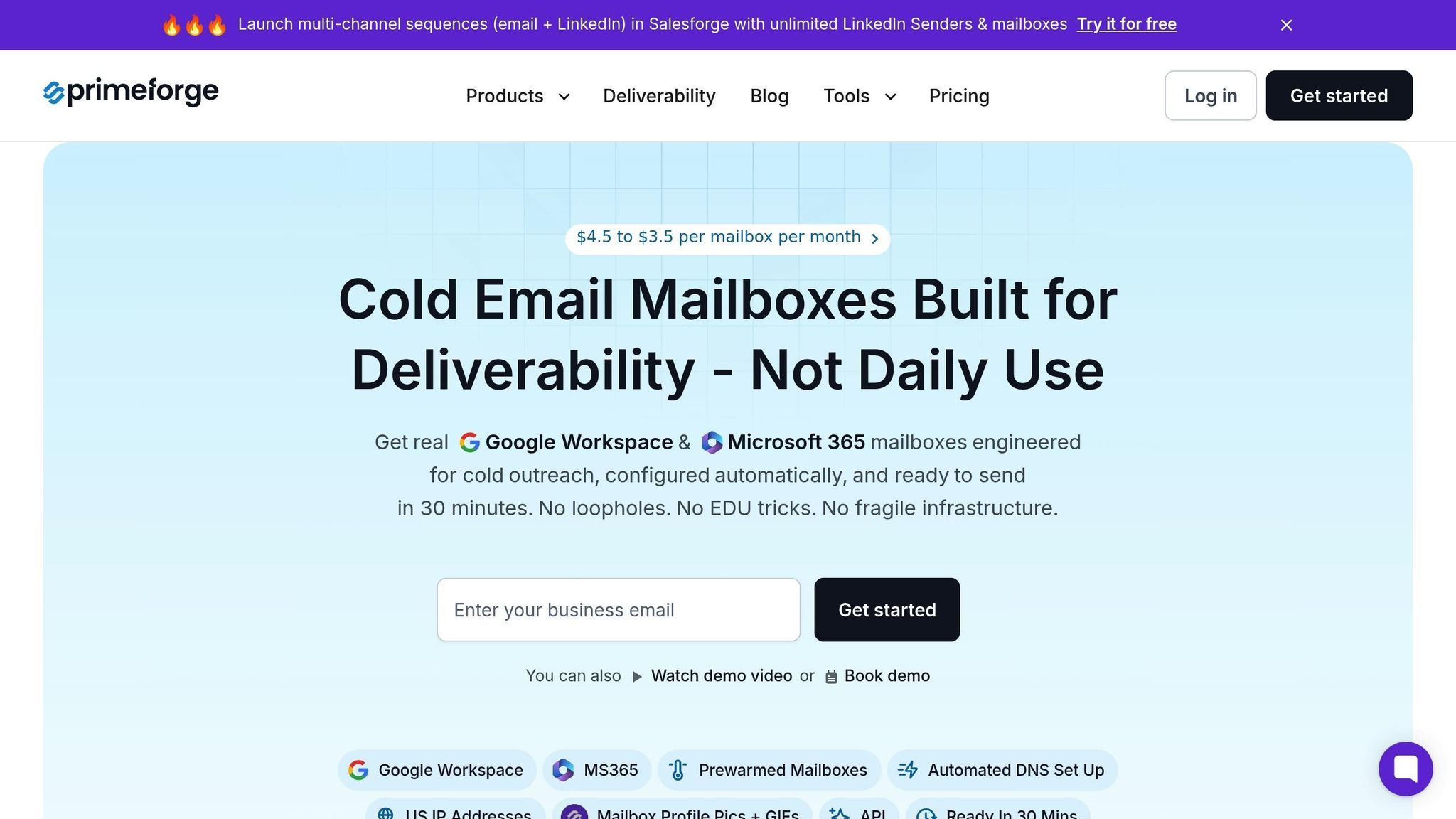
Primeforge stands out by prioritizing email deliverability infrastructure before diving into tracking metrics. Instead of simply monitoring opens and clicks, it ensures your emails actually land in the inbox. For instance, Primeforge sets up Google Workspace and Microsoft 365 mailboxes with automated DNS configurations (SPF, DKIM, DMARC) in just 30 minutes - much faster than the usual 24+ hours. Since DNS records are critical to deliverability, this approach ensures your tracking data is reliable because the emails actually reach their intended recipients.
The platform also optimizes inbox placement by matching sender and recipient email service providers (e.g., Google-to-Google) and relies on custom domain tracking. This strategy has led to an impressive 85% deliverability rate. For example, UniteSync, under CEO Carlos Palop Moliner, leveraged Primeforge and other Forge Stack tools to achieve an 85.26% positive reply rate and a customer acquisition cost of just $2.86. Some campaigns even hit reply rates as high as 17%.
At $3.50–$4.50 per mailbox per month, Primeforge offers a cost-effective solution compared to many competitors. It also integrates seamlessly with Salesforge for multi-channel outreach and includes Warmforge for email warm-up - at no extra charge.
While Primeforge focuses heavily on deliverability, other tools emphasize different strengths like campaign automation or CRM integration. HubSpot, for instance, shines in CRM integration, linking email engagement directly to your sales pipeline. This helps you see how opens and clicks translate into deals. On the other hand, Smartlead.ai (starting at $39/month for its Basic Plan) specializes in campaign automation with features like a centralized Master Inbox for tracking. It has earned a strong 4.8/5 rating on G2. However, both HubSpot and Smartlead.ai require manual or guided DNS setup, which can slow down your launch and introduce errors.
It’s also worth noting that tracking pixels, while useful, can negatively impact deliverability. Studies show they increase the chances of emails landing in spam by 15%. To mitigate this, experts often recommend using custom tracking domains and disabling open tracking after initial testing to maintain deliverability throughout your campaigns.
Here’s a quick comparison of these tools:
| Feature | Primeforge | Smartlead.ai | HubSpot |
|---|---|---|---|
| Primary Focus | Deliverability & Infrastructure | Campaign Automation & Warmup | CRM & Pipeline Management |
| DNS Setup | Fully Automated (30 mins) | Manual/Guided | Manual/Guided |
| Monthly Cost | $3.50–$4.50/mailbox | $39+ (Basic Plan) | Varies (CRM-based) |
| Tracking Method | Custom Domain Tracking | Master Inbox & Link Tracing | Integrated CRM Tracking |
| Setup Time | 30 minutes | Varies | Varies |
It’s important to consider how privacy features, like Apple’s Mail Privacy Protection, have impacted open rate tracking. With around 95% of Apple users enabling this feature, open rates can be artificially inflated, often showing 100% regardless of actual engagement. Because of this, link tracking and reply rates have become more reliable indicators of performance. Tools like Hunter Campaigns address this by allowing you to toggle tracking on or off for specific campaigns, helping you troubleshoot without affecting overall deliverability.
When evaluating cold email performance, certain metrics stand out as critical indicators of success. Open and click-through rates are essential benchmarks, but they should be examined alongside bounce rates, reply rates, and re-open rates. For context, the B2B industry typically sees open rates ranging from 36–42%, while top performers can reach impressive rates of 60–88%. Click-through rates, generally between 2–5%, reveal whether your email content delivers on the promise of its subject line. For a deeper insight into content quality, pay close attention to the click-to-open ratio.
To protect your sender reputation and ensure a healthy return on investment, aim to keep bounce rates below 2% and reply rates above 8–10%. Re-opens, meanwhile, offer a more nuanced view of recipient interest. As Denisa Lamaj from MailTracker aptly explains:
"Opens are noise. Re-opens are intent. That's the signal that matters."
By integrating these metrics into your analysis, you can better identify genuine engagement and fine-tune your campaigns for optimal results.
Metrics alone won’t guarantee success - effective outreach also depends on the right tools and strategies. A strong technical foundation, as discussed earlier, is crucial for ensuring deliverability and supporting strategic experimentation. Tools like Primeforge play a vital role in enhancing deliverability and should be a core part of your outreach toolkit.
Systematic A/B testing of elements like subject lines, calls-to-action (CTAs), and sending times can uncover what resonates most with your audience. Using custom tracking domains can also mitigate deliverability risks, as tracking pixels are known to increase spam placement by up to 15%. Additionally, with privacy features like Apple’s Mail Privacy Protection inflating open rates, it’s wise to focus on more reliable indicators such as link clicks, reply rates, and re-opens.
The most successful campaigns consistently outperform benchmarks by blending strong technical infrastructure, precise targeting, personalized messaging, and continuous adjustments based on meaningful engagement metrics - not just vanity numbers.
Improving cold email open rates hinges on two main factors: ensuring your emails actually land in the inbox and crafting subject lines that demand attention. If your email gets flagged as spam, even the most clever subject line won’t help. To avoid this, start with clean, verified lead lists to minimize bounce rates. Then, focus on subject lines that are short, personalized, and spark curiosity. For reference, industry benchmarks consider open rates of 30-50% solid, while top performers hit 70% or more by nailing deliverability, writing engaging subject lines, and timing their emails perfectly - usually between Tuesday and Thursday, 8-10 a.m. ET.
Here’s how to boost your open rates:
Primeforge simplifies all of this by offering a complete solution for email infrastructure. It handles everything from mailbox creation and DNS automation to warming up your mailboxes, helping you maintain open rates above 70%. By combining strong deliverability strategies with attention-grabbing subject lines, you’ll not only boost open rates but also lay the groundwork for more replies and conversions.
Low click-through rates (CTR) in your emails often stem from a few common missteps that can hinder engagement with your links. Let’s break them down and see how to fix them:
By addressing these issues - improving deliverability, personalizing your emails, and creating a single, compelling CTA - you’ll be well on your way to increasing your cold email CTR and achieving better results.
Email deliverability is the backbone of cold email success. Why? Because even the most carefully written emails won’t matter if they land in spam folders or get blocked entirely. Deliverability directly affects open rates - the very first indicator that your audience is seeing your message.
Building a solid email infrastructure is key. This includes protecting your sender reputation, meeting authentication standards like SPF, DKIM, and DMARC, and ensuring compliance with regulations such as CAN-SPAM and GDPR. These steps help reduce the likelihood of being flagged as spam, keeping your emails where they belong - in your prospects' inboxes. With providers like Gmail and Outlook constantly tightening their filters, even a minor drop in deliverability can derail your outreach efforts.
Tools like Primeforge can simplify this process by automating DNS setups, warming up mailboxes, and monitoring sender reputation. These measures ensure your emails maintain strong deliverability, which is essential for achieving the opens, clicks, and responses that drive meaningful results in your campaigns.
