Top 5 Pre-Warmed Email Accounts Providers in 2025

If you've ever tried running cold email campaigns at scale, you know the pain.
New inboxes don't just magically work; they need weeks of warming up.
You spend time:
- Setting up domains and email accounts
- Running sending cycles carefully to build trust
- Checking that emails actually land in inboxes
One small mistake and your outreach can fail before it even starts.
This is why many sales teams and growth marketers turn to pre-warmed email accounts.
These accounts already have a history, a good reputation, and can be plugged into your email tools right away.
In this guide, you'll learn:
- How to pick a reliable pre-warmed email account provider
- The top 5 pre-warmed email account providers in 2025
- Common mistakes and red flags to avoid
Whether you're launching your first campaign or managing 10,000+ contacts a month, this guide will help you save time and get better results.
TL;DR - Top 5 Pre-Warmed Email Account Providers in 2025
- Primeforge – Best for affordable, pre-warmed Gmail & custom domain accounts.
- Mailforge – Great for cheap pre-warmed email accounts for cold outreach.
- Infraforge – Best for reliable Gmail & custom domain accounts.
- WarmInboxes – Ideal for prewarmed Google, Microsoft, and Azure inboxes.
- Zapmail – Great for automation-friendly email accounts with CRM integration.
How We Evaluated the Best Pre-Warmed Email Account Providers
Before selecting the top 5 pre-warmed email account providers, we focused on features that matter most for reliable cold email outreach:
- Deliverability & Inbox Reputation → How likely emails are to reach the inbox and avoid spam filters.
- Warm-Up Quality & History → Whether accounts were genuinely pre-warmed and ready to send.
- Domain Options & Flexibility → Availability of Gmail, Google Workspace, and custom domains.
- Integration with Outreach Tools → How easily accounts connect with platforms like Smartlead, Salesflare, or Apollo.
- Scalability & Volume → Whether providers can support both small campaigns and large-scale outreach.
- Pricing & Value → Cost transparency and suitability for startups, agencies, and enterprises.
By using these factors, we shortlisted the 5 best pre-warmed email account providers that give reliable, ready-to-send inboxes for your outreach campaigns.
Top 5 Pre-Warmed Email Account Providers in 2025: Quick Comparison
1. Primeforge - Best for Google Workspace & Microsoft 365 Email Accounts
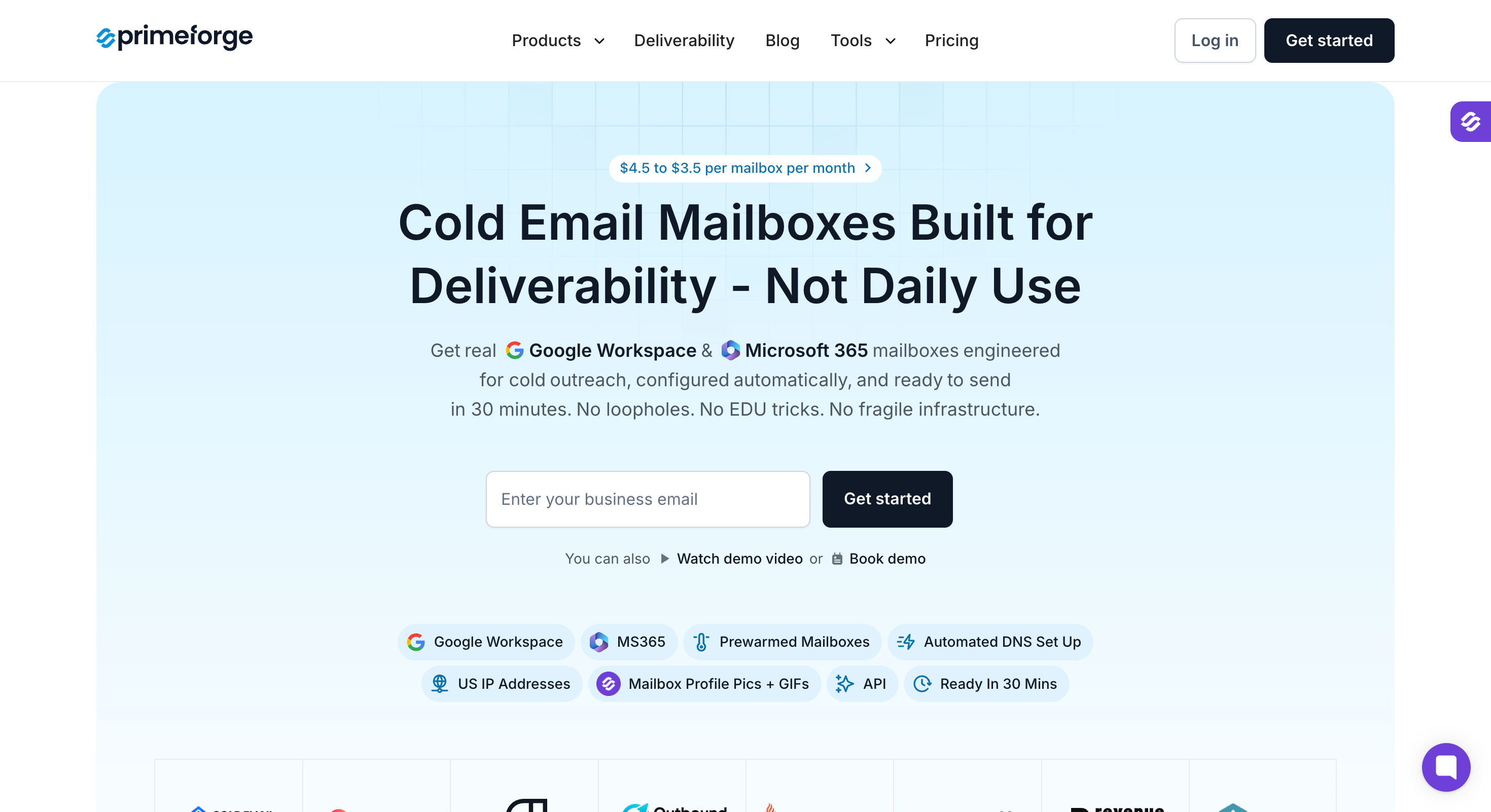
Primeforge offers a unique approach to cold email outreach by providing fully owned Google Workspace and Microsoft 365 mailboxes tailored specifically for cold email campaigns.
Unlike typical pre-warmed email accounts, Primeforge does not sell rented inboxes but instead delivers mailboxes that you control with automated setup and optimized infrastructure.
Key Features of Primeforge:
- Provides Google Workspace and Microsoft 365 mailboxes with full administrator access and domain ownership.
- Automated setup of SPF, DKIM, DMARC, and MX records ensures optimal deliverability without manual configuration.
- Mailboxes are ready within 30 minutes, significantly faster than traditional warm-up periods.
- Uses US IP addresses to enhance sender reputation and improve inbox placement with major email providers.
- Supports multiple domains and multiple inboxes, allowing easy scaling for agencies managing multiple clients.
- Compatible with all major cold email tools, including Salesforge, Instantly platform, and Smartlead, enabling seamless integration.
- Includes mailbox profile pictures and GIFs to help your emails stand out in crowded inboxes.
Pros of Primeforge:
- Full domain ownership and administrator access eliminate vendor lock-in and provide long-term control.
- Fast setup with automated DNS configuration saves time and reduces technical barriers.
- Affordable pricing compared to direct Google or Microsoft subscriptions.
- Scalable infrastructure suitable for agencies and businesses handling high sending volume.
Cons of Primeforge:
- Does not offer traditional pre-warmed inboxes; some users may prefer immediate warm-up history.
- Requires some familiarity with Google Workspace or Microsoft 365 administration for advanced management.
Primeforge Pricing:
This image shows the Primeforge pricing
- Pricing ranges from $3.50 to $4.50 per mailbox per month, depending on the plan and volume.
- No hidden fees for domain setup or DNS configuration; everything is included.
- Annual billing options available for cost savings.
Best For: Agencies, startups, and businesses seeking full control over their email infrastructure with fast setup and scalable, secure mailboxes built for cold outreach.
If you want to build sender reputation on owned domains with optimal deliverability and avoid the risks of rented pre-warmed accounts, Primeforge offers a reliable and cost-effective solution.
Check out more details and sign up at Primeforge.
2. Mailforge - Best Cheap Pre Warmed Email Accounts for Cold Outreach
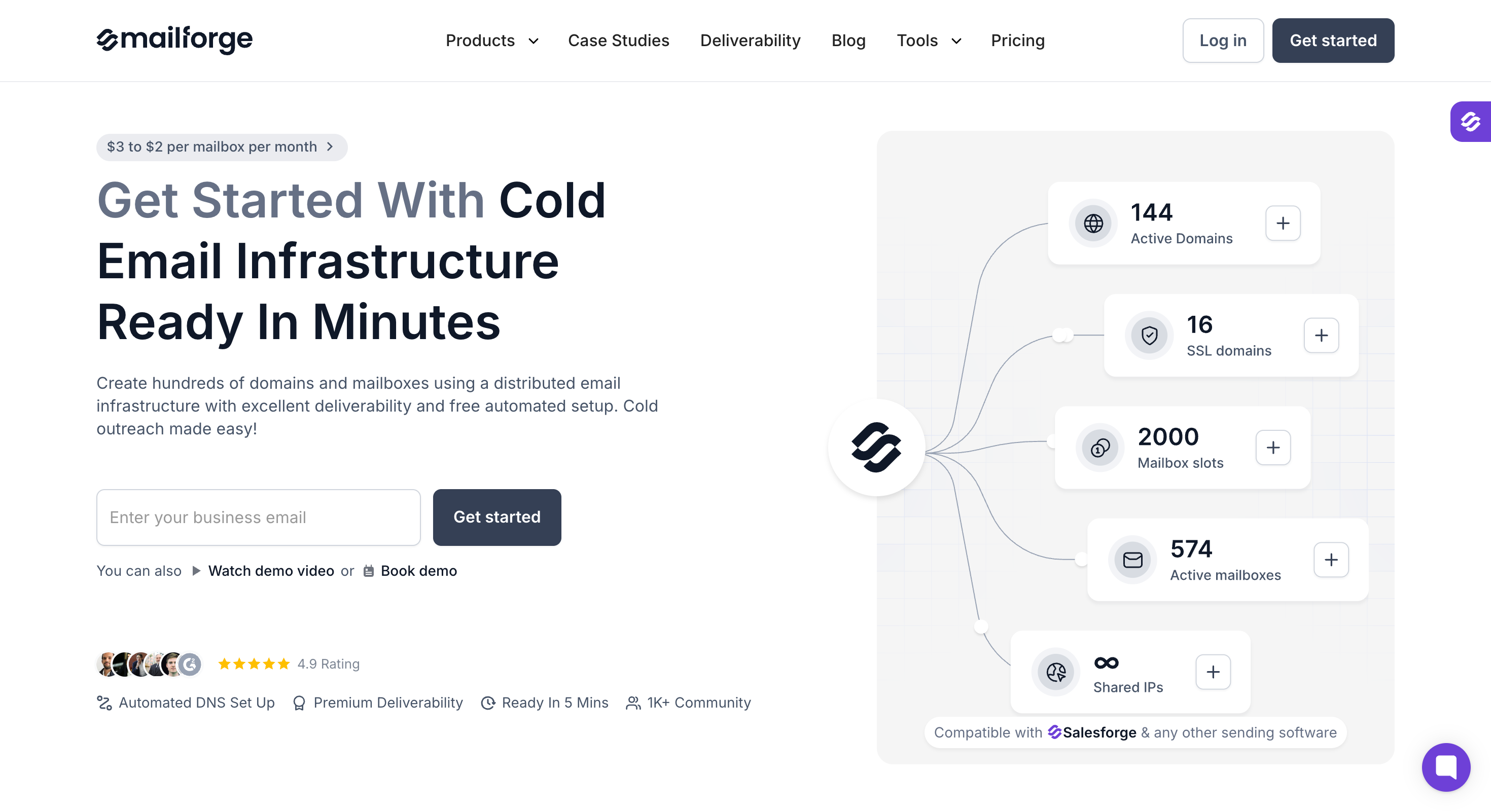
Mailforge is an affordable provider of pre warmed email accounts designed specifically for cold outreach campaigns. It offers budget-friendly, ready-to-send inboxes that come with built-in warm-up history, enabling users to launch campaigns without delay.
Key Features of Mailforge:
- Provides pre warmed mailboxes with established email history to improve deliverability and reduce the risk of landing in spam folders.
- Accounts come pre configured with essential SPF, DKIM, and DMARC records to ensure optimal deliverability.
- Supports multiple inboxes and alternative domains to help distribute sending volume and protect primary domain reputation.
- Offers domain forwarding options and forwarding domains to maintain brand consistency while using secondary domains.
- Includes IP rotation to minimize spam flags and improve inbox placement.
- Enables easy scaling by adding additional mailboxes and extra domains as your outreach grows.
Pros of Mailforge:
- Very cost-effective solution for startups and small businesses looking to save money without sacrificing deliverability.
- Quick setup with ready-to-use pre warmed accounts that bypass the traditional email warm up process.
- Provides key metrics dashboard for monitoring response rates, spam flags, and overall campaign health.
- Supports seamless integration with popular cold email tools and platforms.
Cons of Mailforge:
- Limited advanced automation features compared to higher-end providers.
- Smaller selection of domain options compared to enterprise-focused services.
Mailforge Pricing:
- Pricing starts at $3 per mailbox per month, with discounts available for bulk purchases.
- Domains are included with plans or available as affordable add-ons.
- Flexible business plans tailored to different outreach volumes and team sizes.
Best For: Small to medium businesses and freelancers who want affordable, pre warmed email accounts with solid deliverability and easy scaling options.
Mailforge is an excellent choice if you want to launch cold email campaigns quickly and cost-efficiently without compromising on the essentials of email infrastructure and domain reputation.
3. Infraforge – Best for Reliable Gmail & Custom Domain Accounts

Infraforge is a private email infrastructure tool designed for cold outreach.
Instead of shared pools, it gives you dedicated IPs and pre-warmed Gmail or custom-domain accounts.
All the setup, warm-up, and monitoring are handled in the background, so your campaigns can start sending within minutes without worrying about inbox placement.
Key Features of Infraforge:
- Infraforge provides pre-warmed Gmail and custom-domain mailboxes that already have a strong reputation and sending history.
- You get dedicated IPs with multi-IP support, which keeps deliverability under your direct control.
- The platform sets up SPF, DKIM, and DMARC records automatically, so you don’t need technical skills to configure them.
- You can create domains and mailboxes in bulk, making it easy to scale outreach quickly.
- Built-in sender rotation and smart sending limits keep accounts safe from being flagged as spam.
- The system includes SSL and domain masking, giving you secure and branded links.
Pros of Infraforge:
- The setup process is fast, often within 5 minutes.

- The inbox deliverability is strong, outperforming Google Workspace or Outlook.

- Infraforge’s pricing is fair, especially for bulk mailboxes.
- Its dashboard is simple and makes managing multiple mailboxes easier.
Cons of Infraforge:
- The documentation should cover advanced setups in more detail.

Infraforge Pricing:
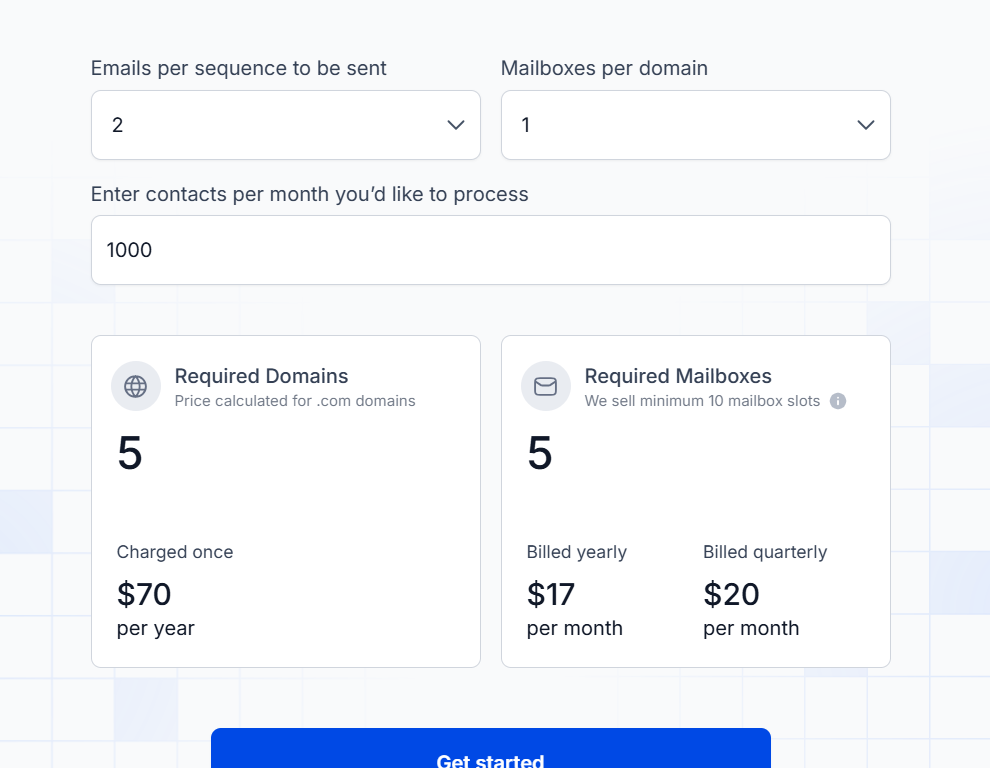
Infraforge pricing is based on two things, domains and mailboxes.
- Domains → $14 per .com domain per year. Example: 5 domains = $70/year.
- Mailboxes → Minimum 10 mailbox slots.
- $17/month if billed yearly.
- $20/month if billed quarterly.
- $17/month if billed yearly.
So, if you want to contact 1,000 people per month with 2 emails each:
- You’ll need 5 domains ($70/year).
- And at least 10 mailbox slots ($17/month yearly billing).
This setup lets you start sending with warm, deliverable inboxes.
Best For: Teams and agencies that want ready-to-send Gmail and custom-domain accounts with guaranteed deliverability from day one.
If your priority is control and reliability, Infraforge is one of the most trusted ways to get pre-warmed accounts running instantly and scale outreach without any spam issues.
4. WarmInboxes - Prewarmed Google/Microsoft/Azure Inboxes
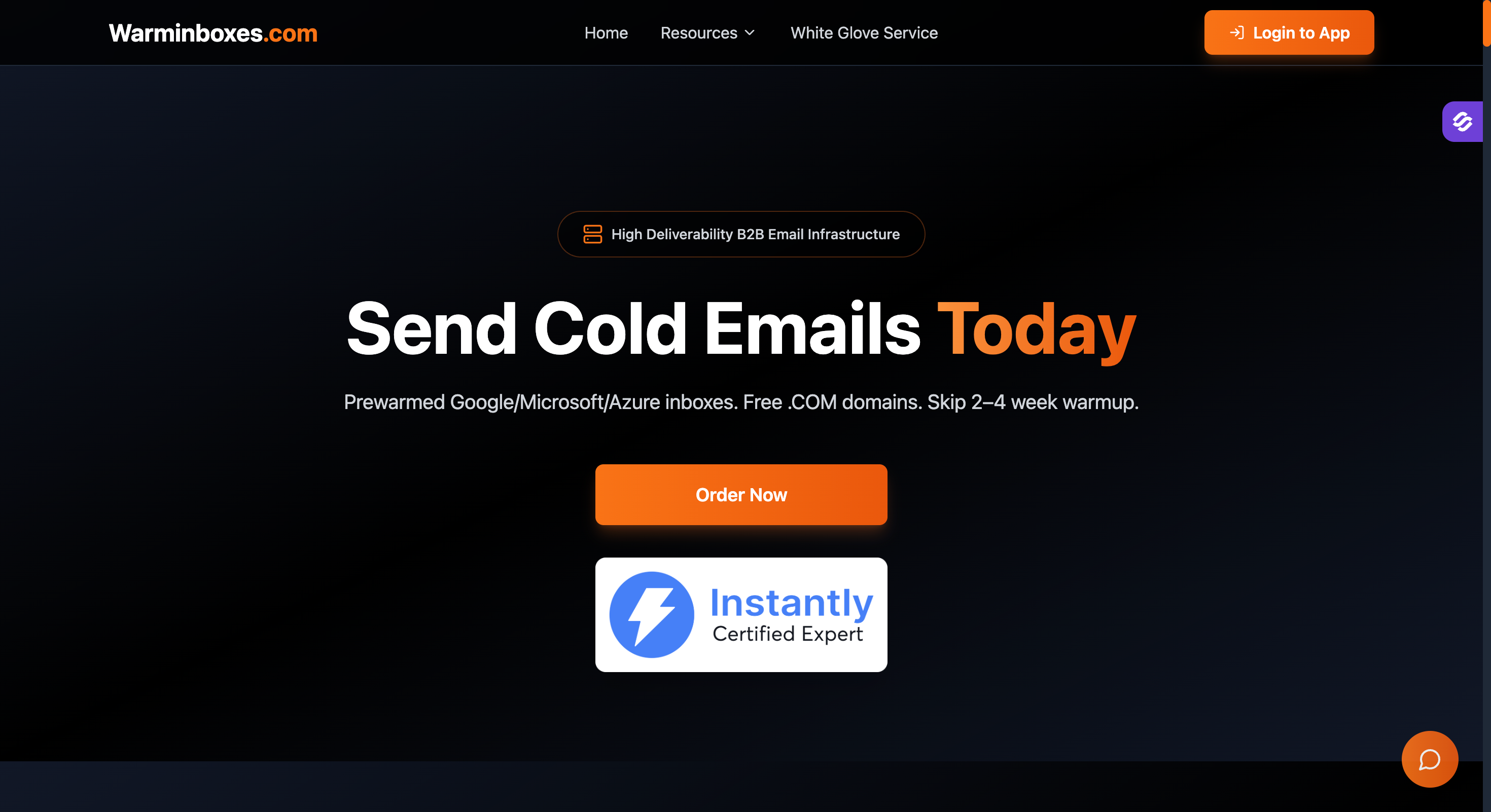
WarmInboxes specializes in delivering prewarmed email accounts across Google Workspace, Microsoft 365, and Azure platforms, tailored specifically for cold email outreach.
Their inboxes come fully configured with essential authentication protocols and a solid sending history, enabling users to launch campaigns immediately without waiting through a warm-up period.
Key Features of WarmInboxes:
- Offers prewarmed Google Workspace, Microsoft 365, and Azure mailboxes with established email history and positive sender reputation.
- Accounts are pre configured with SPF, DKIM, DMARC, and MX records to ensure optimal deliverability and reduce the risk of hitting spam filters.
- Supports multiple domains and inboxes, allowing businesses to distribute sending volume and protect primary domain reputation.
- Provides domain forwarding and forwarding domains to maintain brand consistency while using secondary domains for outreach.
- Includes IP rotation and automated warm-up process to minimize spam flags and improve inbox placement.
- Compatible with popular cold email tools, facilitating seamless integration into existing outreach workflows.
Pros of WarmInboxes:
- Wide platform support covering Google, Microsoft, and Azure ecosystems.
- Fast setup with ready-to-send prewarmed accounts that bypass traditional warm-up timelines.
- Scalable infrastructure suitable for agencies managing multiple clients and high sending volumes.
- Strong focus on email deliverability and domain reputation protection.
Cons of WarmInboxes:
- Pricing details are available upon request, which may require direct contact for custom plans.
- Advanced automation features are less prominent compared to some competitors.
WarmInboxes Pricing:
- Pricing varies based on mailbox volume and domain requirements; interested users should contact WarmInboxes for tailored quotes.
- Flexible plans accommodate different business sizes and outreach needs.
Best For: Businesses and agencies seeking prewarmed inboxes across multiple major platforms with strong deliverability features and scalable options for cold email campaigns.
WarmInboxes is an excellent choice if you want preconfigured, prewarmed email accounts that support Google, Microsoft, and Azure environments to launch cold outreach same day with confidence.
3. Zapmail – Great for Automation-Friendly Email Accounts
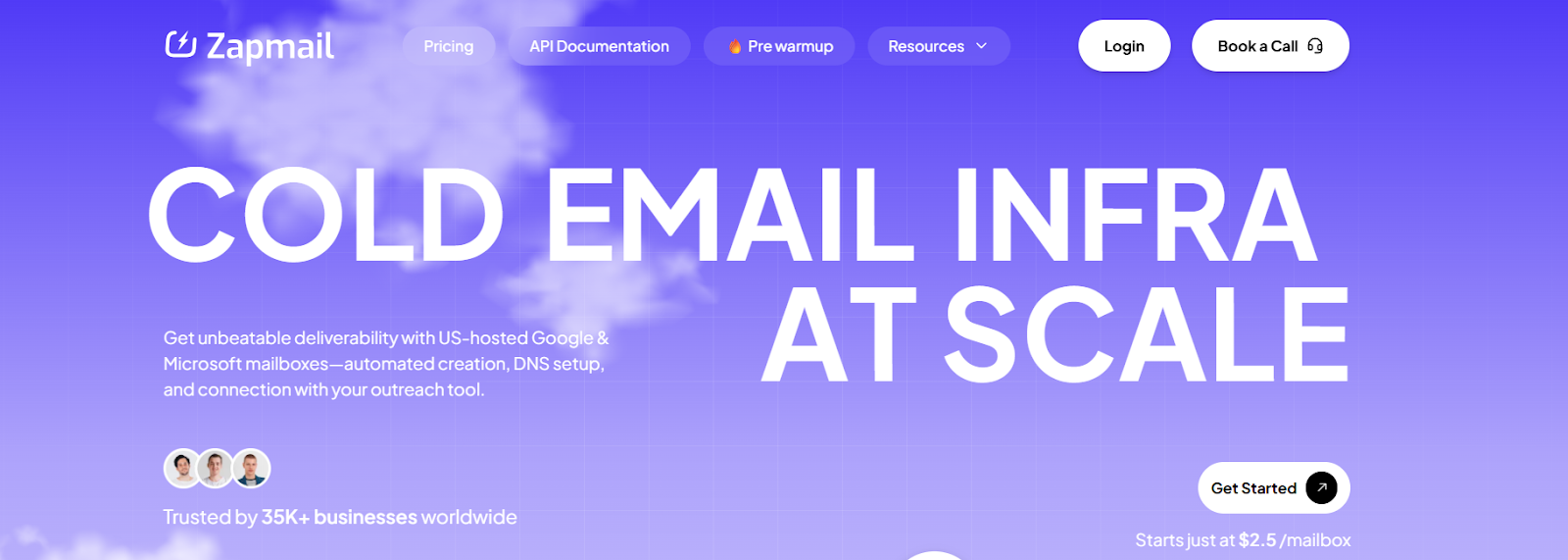
Zapmail offers pre-warmed Google and Microsoft mailboxes that are ready to send from day one.
Every account comes with 12+ weeks of warm-up history, realistic sender profiles, clean domains, and properly set up DNS records (SPF, DKIM, DMARC).
Built for cold email deliverability, Zapmail makes it easy to plug new accounts into your outreach tools without spending weeks on manual warm-up.
Key Features of Zapmail:
- Zapmail provides pre-warmed Gmail and Outlook mailboxes that already have over 12 weeks of sending history.
- Each mailbox is set up with SPF, DKIM, DMARC, and custom tracking domains, so you don’t need to handle DNS manually.
- You can connect new accounts through OAuth in just a few clicks, no technical steps required.
- Zapmail is designed for CRM and outreach integrations, making it automation-friendly.
Pros of Zapmail:
- Zapmail is easy to set up, with OAuth login making it quick.
- It’s good for scaling fast, especially with bulk mailbox packs.
Cons of Zapmail:
- The pricing transparency could be better (need to contact for custom plans in some cases).
- There could be more providers beyond G Suite and Outlook (e.g., Office 365 support).

Zapmail Pricing:
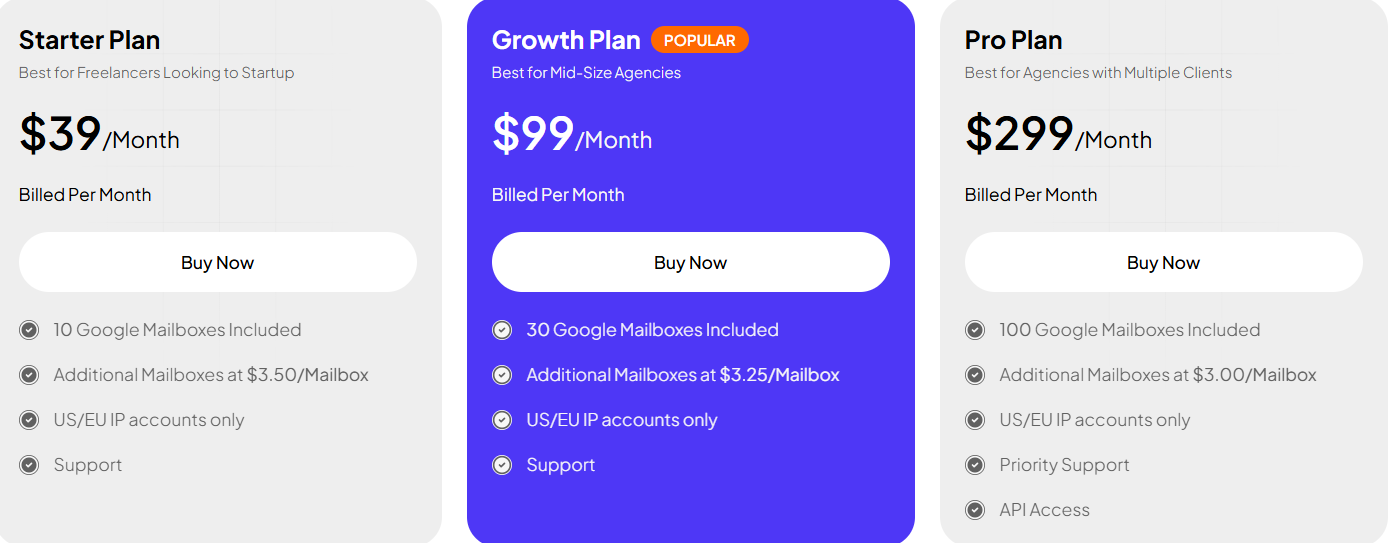
- Starter Plan: $39/month (10 mailboxes, extra at $3.50 each).
- Growth Plan: $99/month (30 mailboxes, extra at $3.25 each).
- Pro Plan: $299/month (100 mailboxes, extra at $3.00 each).
- All plans include US/EU IPs, instant setup, DNS management, and bulk mailbox customization.
Best For: Sales teams and agencies that want automation-friendly Gmail and Outlook accounts with long warm-up history and fast CRM integrations.
Zapmail is a strong choice if your priority is automation and CRM integration, letting you scale campaigns instantly with inbox-ready mailboxes that seamlessly integrate into your outreach stack.
5 Zapmail Alternatives & Competitors Used By Top Consultants
Which Pre-Warmed Email Accounts Provider Should You Choose in 2025?
If you want something more reliable and long-term, Infraforge is a better choice. Unlike most providers, it gives you two paths:
- Pre-warmed infrastructure → start sending immediately without waiting weeks.
- Private, dedicated infrastructure → own your domains, inboxes, and IPs with automated DNS setup and scaling built-in.
This flexibility makes Infraforge safer for serious teams, agencies, and businesses who don't want to depend on rented accounts.
You can launch campaigns fast and still have full control of your sending setup as you grow.
If you're planning to scale beyond just a few inboxes, Infraforge is the top pick.
A Better Alternative to Pre-Warmed Account Providers: Primeforge
Most providers sell you pre-warmed inboxes on rented or generic domains.
They work fast but, you don't own the domains, deliverability may drop over time, and scaling can get expensive.
Primeforge takes a different path. Instead of renting inboxes, it gives you Google Workspace and Microsoft 365 mailboxes that you fully own and that are built specifically for cold outreach.
You don't get “pre-warmed” accounts, but you do get:
- Free automated setup of DNS records (SPF, DKIM, DMARC).
- Ready in 30 minutes, not weeks of manual work.
- US IP addresses to boost trust and inbox placement.
- Mailbox profile pics & GIFs to stand out in prospects' inboxes.
- Affordable pricing at $3.5–$4.5 per mailbox per month (cheaper than Google or Microsoft direct).
- Works with any sending software, including Salesforge, Instantly, and Smartlead.
With Primeforge, you're not locked into rented inboxes that you could lose anytime.
You build a long-term, stable email infrastructure on Google and Microsoft domains that scales with your team safely.
Sign up with Primeforge now!