
Mailsuite alternatives are becoming a necessity for teams frustrated with limited tracking, clunky scheduling, and rising costs.
Mailsuite promises clean tracking, seamless scheduling, and Gmail productivity, but cracks show with long-term use:
❌ Tracking can lag or break unexpectedly
❌ The interface feels heavier than it should
❌ Pricing scales quickly with team size
That raises the real question: are there better tools that do what Mailsuite does, but faster, cheaper, and more reliably?
This blog breaks it all down:
If you're already facing these limits, or want to avoid them entirely, this guide will help you choose the right replacement.
| Tool | Open & Click Tracking | Scheduling / Follow-Ups | Domain & Deliverability Setup | Gmail / Outlook Compatibility | Free Plan Available |
|---|---|---|---|---|---|
| Primeforge | ✅ Yes, Automated mailboxes + tracking via built-in DMARC/SPF/DKIM setup | ❌ No Gmail-facing scheduling UI; infrastructure focused | ✅ Automated domain setup and cold-mail infrastructure | ✅ Gmail only | ❌ No |
| Premium Inbox | ❌ No, focuses on Workspace provisioning | ❌ No follow-up features | ✅ Custom domain & workspace setup with security focus | ✅ Gmail only | ❌ No |
| CheapInbox | ❌ Only provides inbox provisioning, no tracking offered | ❌ No | ✅ Bulk email inboxes with basic IMAP/SMTP support for outreach | ✅ Gmail only | ❌ No |
| Zapmail | ✅ Real-time tracking + analytics dashboard via infrastructure product | ✅ Supports campaign scheduling and follow-ups via integrated setup | ✅ Automated mailbox/domain setup optimized for cold outreach | ✅ Gmail + Outlook | ❌ No |
| Mixmax | ✅ Yes – Real-time open/click tracking with engagement insights | ✅ Yes – Multistep sequences, send-later, auto-follow-ups | ❌ No domain/inbox infrastructure – Chrome extension based | ✅ Gmail only (Outlook via Zapier) | ✅ Yes – Free plan |
While Mailsuite is a go-to extension for Gmail tracking, many users run into real limits once they try to scale outreach or automate workflows.
Here’s what they consistently report:
Users complain they can't track emails sent from their phones.
There's no mobile app, which limits use on the go.

Users dislike that some key features like mail merge are locked behind higher-tier plans, even after paying for Pro.

Users feel the insights are too basic, mostly just open notifications, without deeper engagement tracking.
Some users report Mailsuite doesn’t work with non-Google providers like Zoho Mail, making it unusable for many business setups.

Users find the free version too aggressive with branding or pop-up interruptions

To ensure we're recommending reliable tools, each Mailsuite alternative was evaluated based on:
| Tool | Rating (Out of 5) | Notes |
|---|---|---|
| Primeforge | ⭐⭐⭐⭐⭐ | Best cold email infra replacement for Mailsuite |
| Mixmax | ⭐⭐⭐⭐☆ | Full-featured Gmail tool with tracking + automation |
| Zapmail | ⭐⭐⭐⭐☆ | Infra-focused, good for scheduled cold outreach |
| Premium Inbox | ⭐⭐☆☆☆ | Lacks tracking/scheduling, mostly for mailbox setup |
| CheapInbox | ⭐⭐☆☆☆ | Just inbox provisioning, no real outreach tools |

Primeforge is built for scaling cold outreach from the backend, setting up mailboxes, automating DNS authentication, and boosting deliverability.
You won’t find open rates or Gmail plugins here. Instead, Primeforge ensures that the messages you send through tools like Instantly, Smartlead, or Lemlist actually land in inboxes, and stay there.
👉 If Mailsuite helps you “track emails,” Primeforge helps you “send emails that don’t get lost.”
Here are the key features of Primeforge:





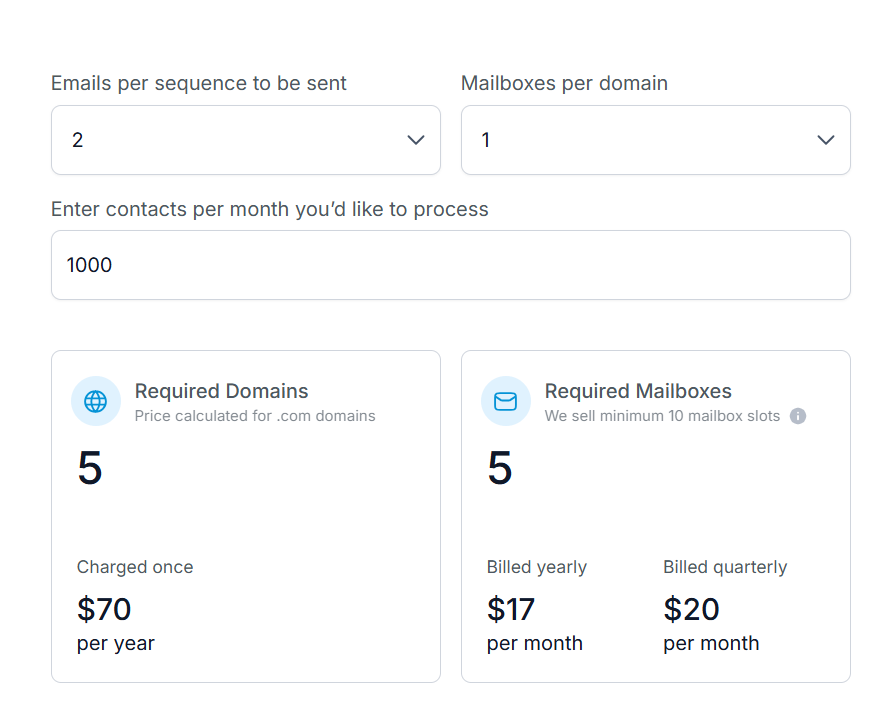
| Feature | Primeforge | Mailsuite |
|---|---|---|
| Email Tracking (Opens, Clicks) | ❌ Not included | ✅ Native in Gmail |
| Templates & Reminders | ❌ Not offered | ✅ Yes, with personalization and follow-ups |
| DNS / Deliverability Setup | ✅ Fully automated (SPF, DKIM, DMARC) | ❌ None, depends on Gmail reputation |
| Gmail UI / Plugin | ❌ No, backend infrastructure only | ✅ Yes, works inside Gmail UI |
| Outlook Support | ✅ Microsoft 365 supported | ❌ Outlook beta, but still Gmail-first |
| Ideal Use Case | Cold outreach infrastructure (teams, agencies, founders) | Solo users tracking opens in Gmail |
Mailsuite is perfect if you just need email tracking in Gmail.
But if you care about deliverability, setup speed, and scalable outreach infrastructure, Primeforge is a far better fit.
It’s not a replacement for Mailsuite inside Gmail, it’s what you’d add underneath your cold email stack once you want real inbox placement.
Primeforge is Best for:
Next up is Premium Inbox, a Gmail-facing tool that helps provision workspaces but lacks deeper deliverability infrastructure.

Mixmax is a powerful email productivity tool built for Gmail (and available via Outlook integrations).
Unlike Mailsuite, which focuses mainly on tracking, Mixmax combines tracking, templates, sequences, calendar booking, and CRM integrations into one seamless platform.
If Mailsuite shows you who opened your email, Mixmax helps you schedule, automate, and personalize that email, and follow up too.





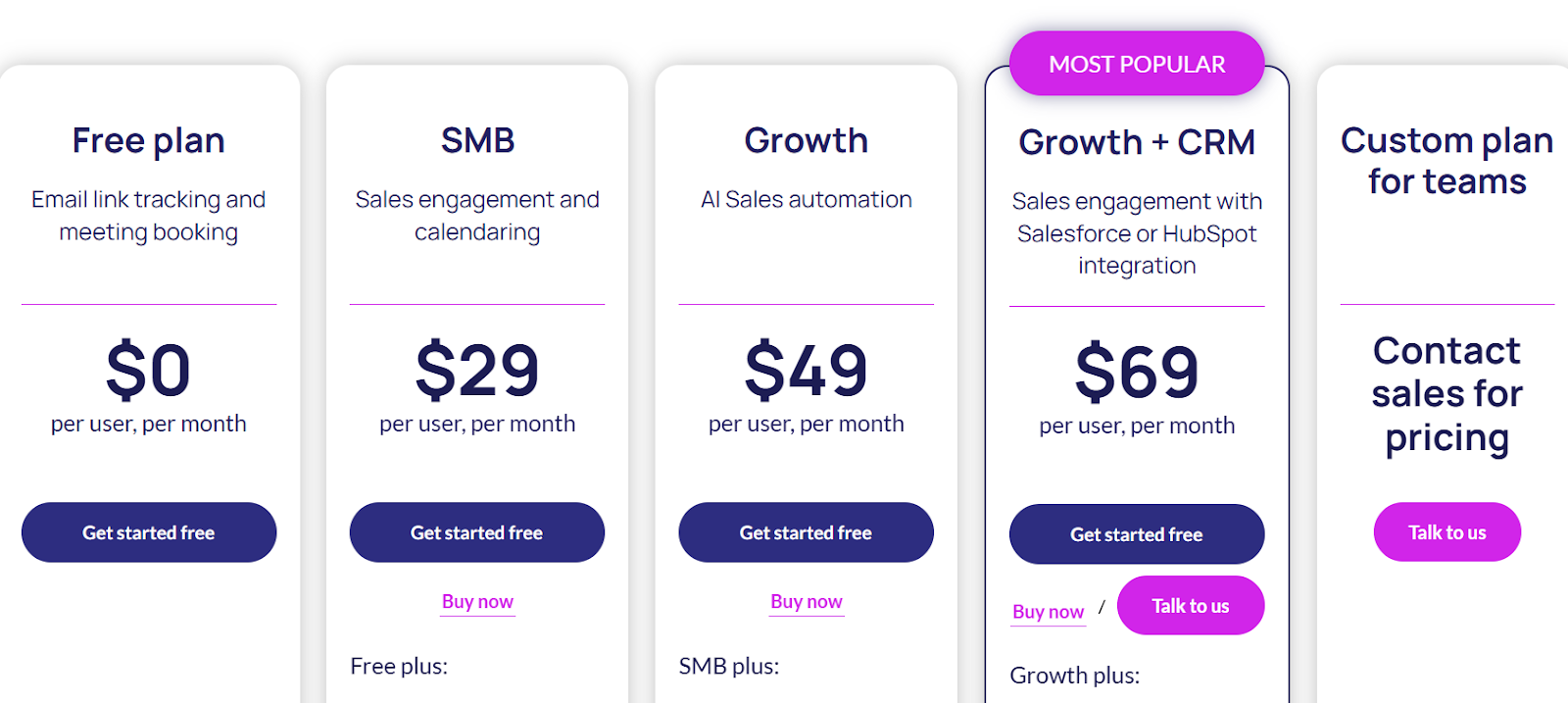
All plans billed annually. 14-day free trial available.
| Feature | Mixmax | Mailsuite |
|---|---|---|
| Email Tracking | ✅ Real-time open & click alerts | ✅ Basic Gmail tracking |
| Templates & Personalization | ✅ Merge tags, polls, surveys | ⚠️ Limited |
| Scheduling & Sequences | ✅ Yes – send later, auto follow-ups | ❌ No built-in follow-up support |
| Calendar Booking | ✅ One-click, shared calendar links | ❌ Requires external tool |
| CRM & Tool Integrations | ✅ HubSpot, Salesforce, Slack, Zoom | ❌ None |
| Gmail / Outlook Support | ✅ Gmail native, Outlook via integrations | ✅ Gmail native, Outlook still limited |
Mixmax is a strong upgrade. It fits best for teams who want to combine tracking, follow-ups, scheduling, and CRM workflows in one place.
Best for:
Let’s look at Zapmail, a leaner Mailsuite alternative built for speed, privacy, and cold email performance.
Zapmail is a cold email infrastructure tool that handles setup and delivery behind the scenes, and it’s not a Gmail plugin.
It automates mailbox creation, DNS authentication (SPF, DKIM, DMARC), and IP warming, making it ideal for teams scaling cold outreach.
In contrast, Mailsuite offers lightweight Gmail-based tracking. Zapmail ensures your emails land reliably across Gmail and Outlook mailboxes.

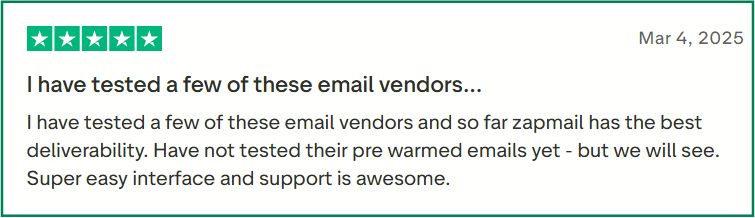



| Feature | Zapmail | Mailsuite |
|---|---|---|
| Open / Click Tracking | ✅ Yes – Real-time analytics dashboard available | ✅ Yes – basic Gmail extension tracking |
| Scheduling & Follow-ups | ❌ No – Zapmail focuses on infrastructure only | ❌ No – follow-ups not included in plugin |
| DNS / Deliverability Setup | ✅ Fully automated (SPF, DKIM, DMARC, IP backing) | ❌ No – relies on Gmail sender reputation |
| Gmail / Outlook Support | ✅ Supports both platforms as managed mailboxes | ✅ Gmail native; Outlook support limited |
| Best Use Case | Infrastructure for cold email outreach at scale | Lightweight tracking inside Gmail UI |
Zapmail makes it easy to set up and manage email accounts for cold outreach.
It’s best for teams or founders who want to send lots of emails without dealing with technical setup.
Next up is Premium Inbox, an inbox provisioning tool focused solely on Gmail setup without tracking or deliverability automation.
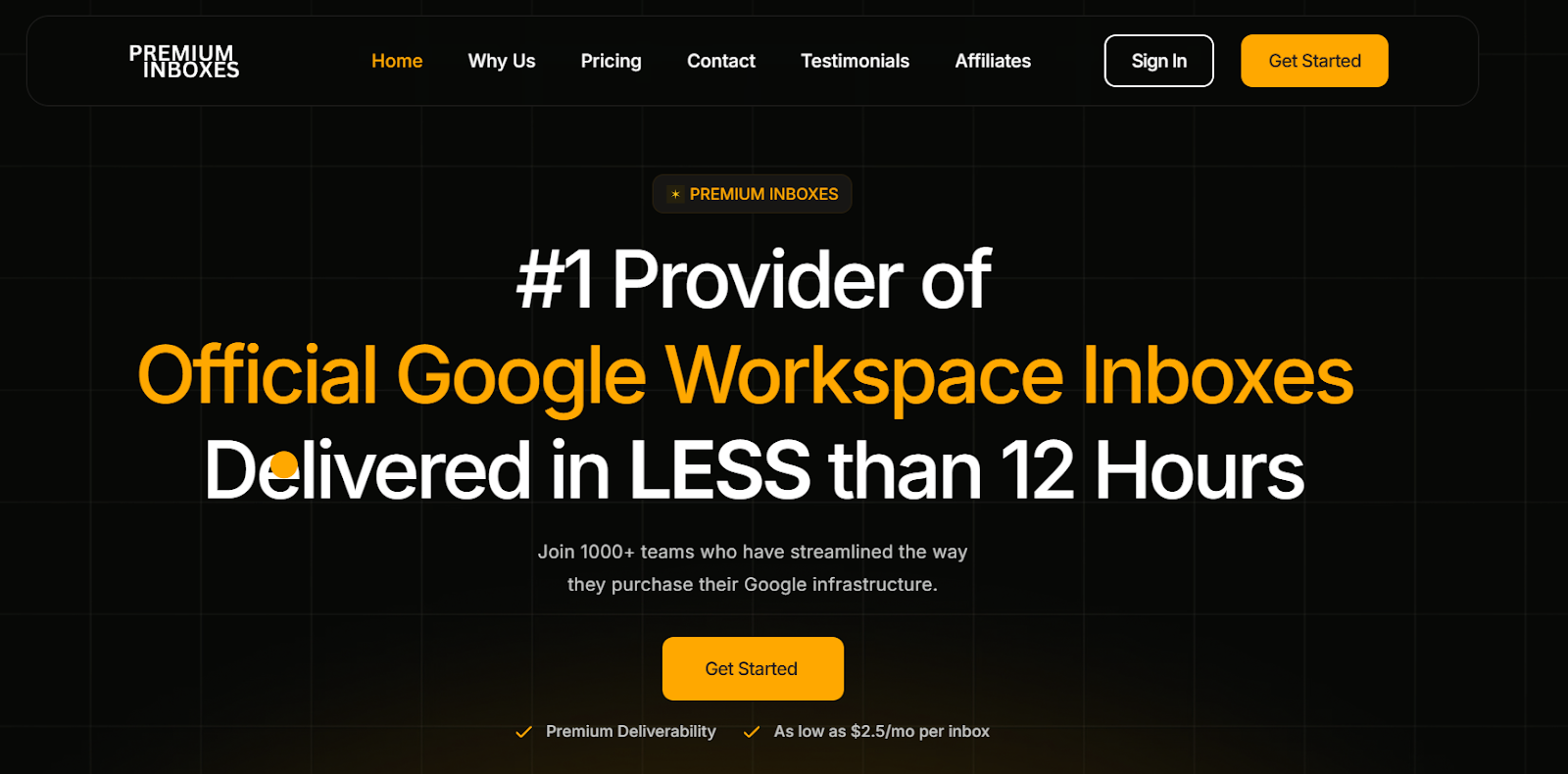
Premium Inbox is a Google Workspace inbox setup service focused on cold outreach infrastructure.
It handles the complete setup, including inbox creation, domain integration, DNS configuration like SPF, DKIM, and DMARC, and inbox warming.
This makes it easy to connect your emails to platforms like Instantly or Smartlead without needing manual setup.



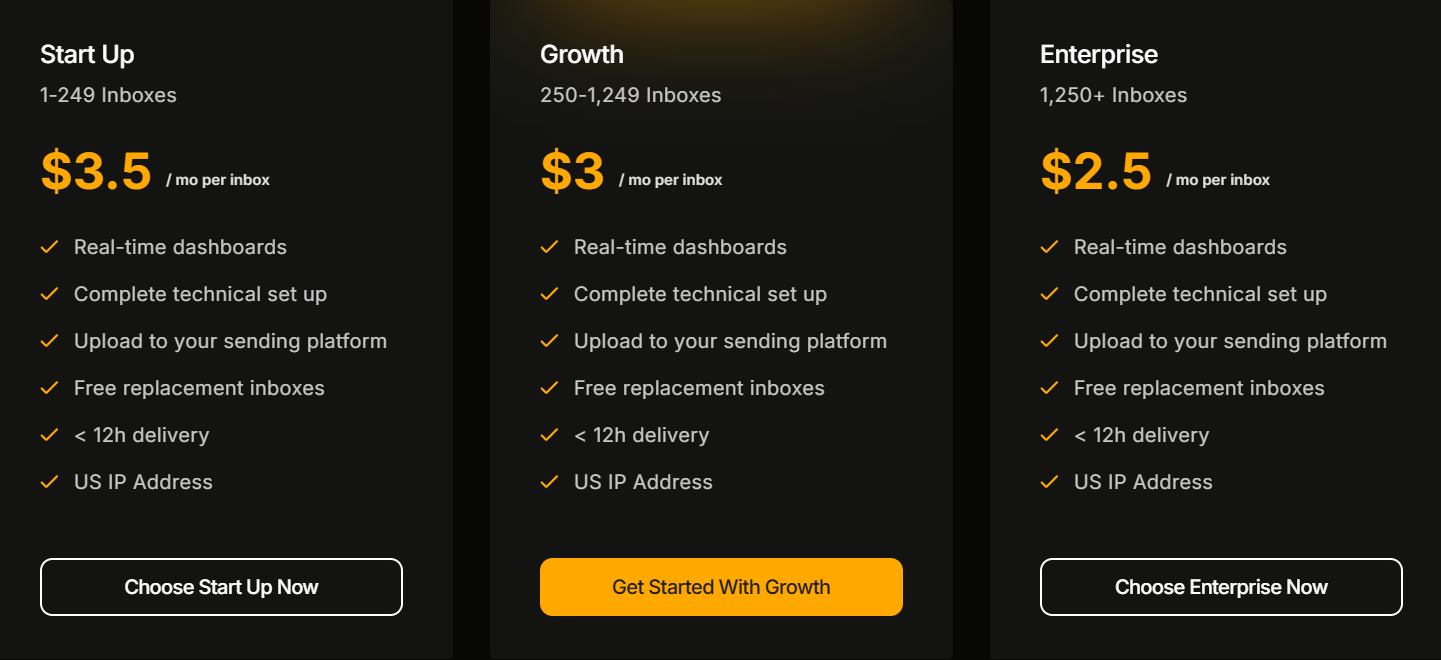
All plans include setup, deliverability, warming, and replacement inboxes. Billing is monthly; delivery setup completes in under 12 hours. Bulk pricing scales automatically.
| Feature | Premium Inboxes | Mailsuite |
|---|---|---|
| Domain / Inbox Setup | ✅ Fully handled (infrastructure + DNS) | ❌ Not provided—Gmail plugin only |
| DNS / Deliverability | ✅ Pre-configured (SPF, DKIM, DMARC) | ❌ None—depends on Gmail reputation |
| Gmail UI / Tracking | ❌ Backend-only; no tracking UI | ✅ Gmail extension with tracking |
| Cold Email Tool Integration | ✅ Upload-ready export to tools like Instantly | ❌ Minimal integrations |
| Ideal Use Case | Teams scaling cold outreach affordably | Solo users wanting email tracking inside Gmail |
Premium Inbox is ideal if you want turnkey Gmail inbox infrastructure without managing DNS or domain settings.
It delivers predictable deliverability and scale, making cold outreach setup fast and hassle-free.
Best for: Agencies, founders, or growth teams needing campaign-ready Google Workspace inboxes in hours.
Next, let’s look at a lighter option for inbox setup: CheapInbox.
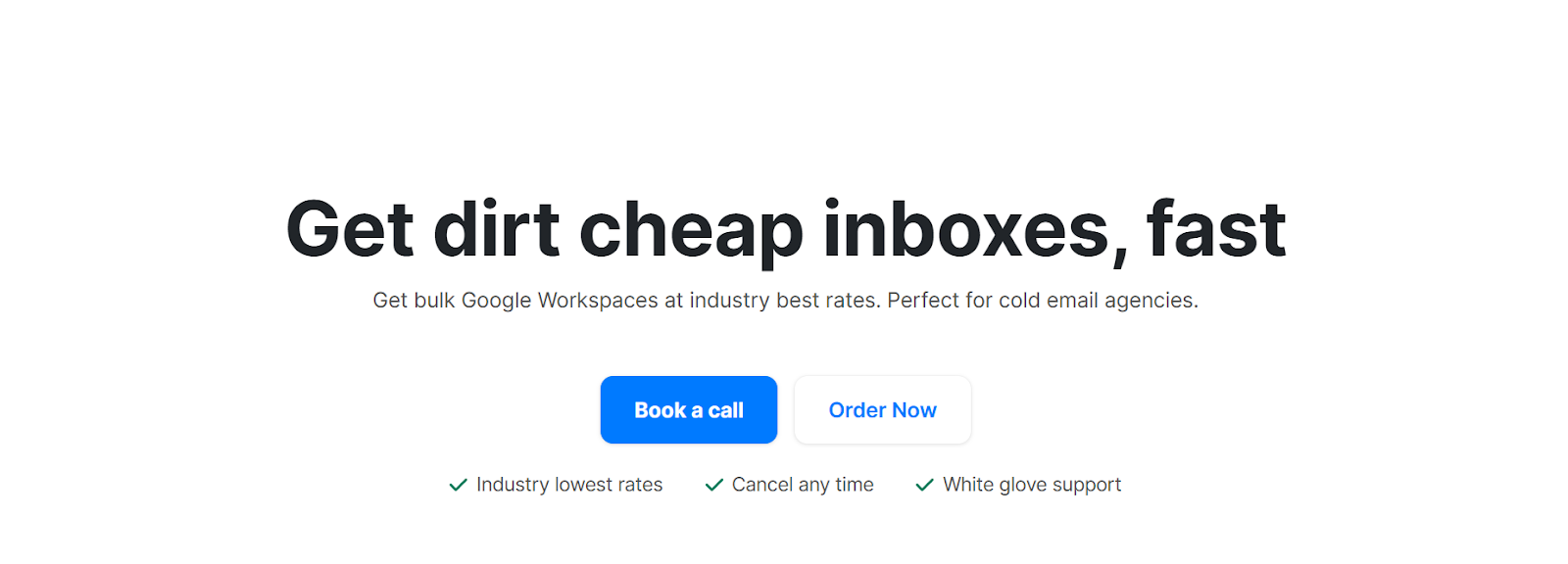
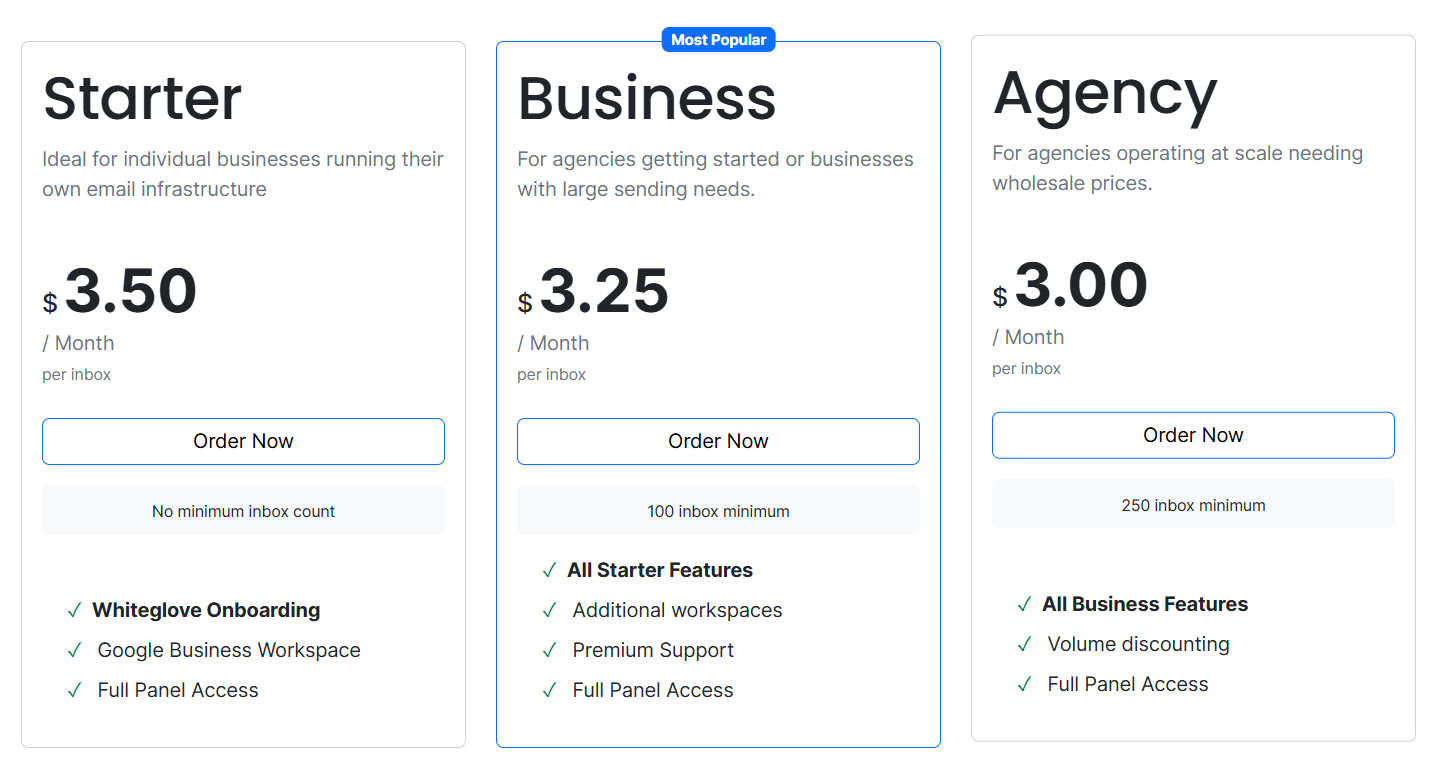
CheapInboxes offers ultra-budget Gmail inboxes for cold email use.
It focuses solely on Google Workspace account setup, without tracking, warm-up, DNS setup, or deliverability features.
If tools like Mailsuite track emails inside Gmail, CheapInbox simply provides inboxes, cheaply and in bulk.
It's ideal for those who already have sending tools and just need inboxes at the lowest cost.

| Feature | CheapInbox | Mailsuite |
|---|---|---|
| Gmail Inbox Provisioning | ✅ Yes, low-cost inboxes | ❌ Not included |
| Email Tracking | ❌ No | ✅ Yes, open & click tracking |
| DNS / Deliverability Setup | ❌ None | ❌ None |
| Gmail / Outlook UI | ❌ Backend inboxes only | ✅ Gmail plugin with UI |
| Ideal Use Case | Teams needing cheap inboxes for outreach | Solo users wanting in-Gmail tracking |
CheapInboxes is best if you're on a tight budget and already have tools to handle sending, tracking, and warm-up. It's for users who just need Gmail inboxes fast.
Best for:
Mailsuite gets the basics done, while tools like Mixmax, Zapmail, or Premium Inbox offer more advanced features for growing teams.
Not sure which tool to pick? Here’s a quick breakdown of the best Mailsuite alternatives based on your specific use case:
| Use Case | Best Alternative | Why It’s Ideal |
|---|---|---|
| Scalable cold outreach infrastructure | Primeforge | Automates domain setup, mailbox provisioning, and deliverability for teams |
| Gmail-based tracking + automation | Mixmax | Combines tracking, sequences, templates, and calendar booking |
| Backend setup for inboxes at scale | Zapmail | Managed inbox setup with DNS config and IP warming for cold email |
| Hands-off Gmail provisioning | Premium Inbox | Fast, pre-warmed inboxes with admin dashboard and DNS management |
| Cheapest option for basic inboxes | CheapInboxes | Entry-level Gmail inbox provisioning at the lowest price |
If you’re using Mailsuite just to track opens inside Gmail, there are lighter and more modern tools that provide better value.
However, if you’re looking to,s automate follow-ups, boost deliverability, or manage inboxes at scale, then Mailsuite will quickly start to feel limiting.
Here’s how it breaks down:
But if you want the most reliable cold email setup from day one, with no manual DNS, no IP issues, and mailboxes that actually land in inboxes, then Primeforge is your best bet.
✅Schedule a free demo today and get your cold email infrastructure up and running in under 30 minutes.
