
If you are searching for a Mailreef review, you want to know if it is stable and safe for large-scale cold email.
Mailreef gives you a fully dedicated mail server and dedicated IP so you control your entire delivery stack.
We analyzed 100+ real user reviews and product data to see how Mailreef performs in real cold email campaigns.
In this review, we explain how Mailreef works, how fast setup is, what limits matter, how pricing works, and who Mailreef is best for.
So, let’s begin.
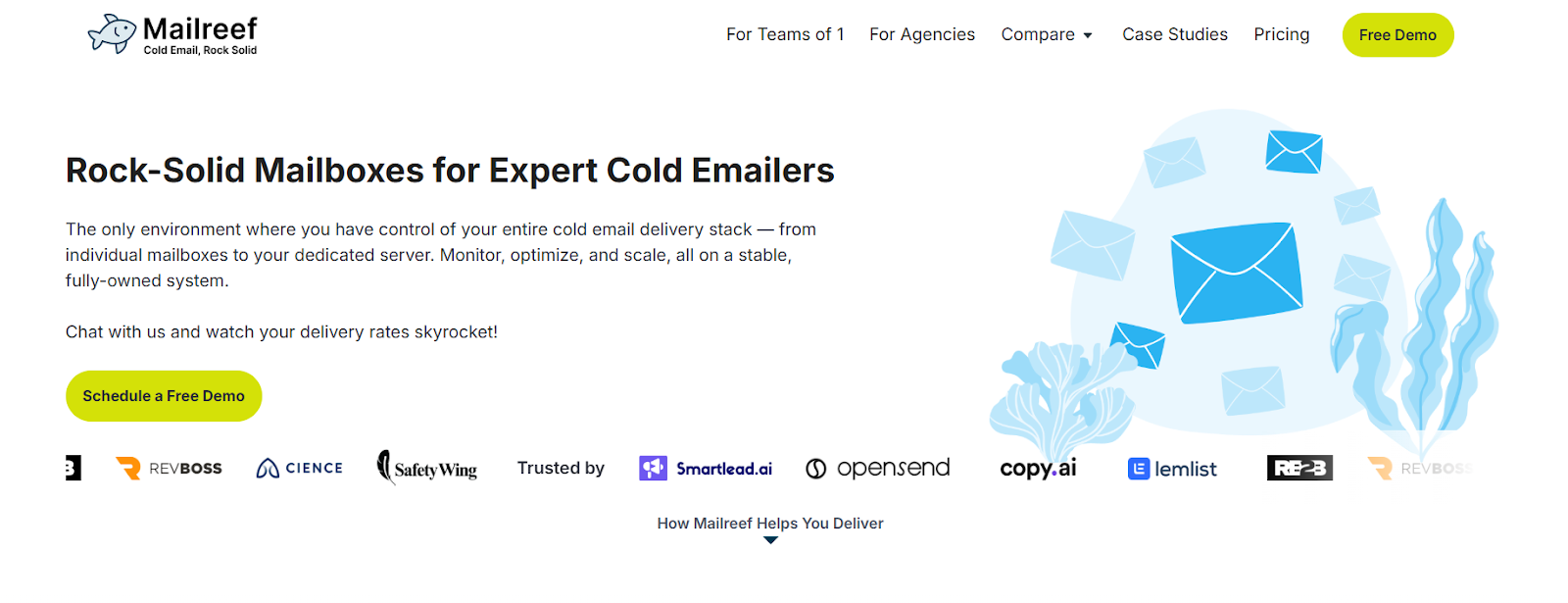
Mailreef is a cold email infrastructure service built for high-volume outreach.
It gives each customer a fully dedicated mail server and dedicated IP address, so no other sender can affect their reputation.
The platform is made for teams that need to send large amounts of cold email without using shared servers or rotating IPs.
Mailreef allows 1-click domain and mailbox creation and automatically sets up SPF, DKIM, and DMARC for every domain.
All mailboxes support standard SMTP and IMAP, so they can connect to tools like Smartlead and Instantly.
Mailreef also provides live deliverability support to help users monitor, fix, and optimize email delivery while they scale.
Mailreef gives you your own private email server so you can send cold emails without sharing reputation with others.
It removes manual setup and lets you create domains and mailboxes very fast.

Mailreef pricing is based on dedicated server infrastructure instead of paying per inbox.
You pay for your own private mail server and then add mailboxes and sending volume on top.
All plans include a dedicated mail server and a dedicated IP address.
You can use your own domains or buy new domains with one click. SPF, DKIM, and DMARC are set up automatically for every domain.
You get live technical and deliverability support from Mailreef experts.
You also get API access, server and mailbox monitoring, and Smartlead and Instantly integration.
For larger needs, the Enterprise plan offers custom infrastructure and custom pricing.
Mailreef is built for people who send cold emails at scale.
It helps you take control of your deliverability, automate setup, and scale outreach.
Here’s are the top features of Mailreef:
| Feature | What It Means |
|---|---|
| Dedicated Mail Server | You get your own mail server. No shared infrastructure. |
| Dedicated IP Address | Every customer gets a clean, private IP to protect sender reputation. |
| Unlimited Free Inboxes | You can create as many inboxes as needed without extra cost per inbox. |
| 1-Click Mailbox & Domain Setup | Create domains and inboxes in seconds, no technical steps required. |
| Auto DNS Setup (SPF, DKIM, DMARC) | Mailreef configures all records automatically to ensure emails are trusted. |
| SMTP/IMAP Access | Compatible with any email sending software, including Smartlead & Instantly. |
| Built-in Spam Protection | Each customer is screened. Spammers get filtered out. |
| Server & Mailbox Monitoring | You get delivery insights, server uptime tracking, and reputation monitoring. |
| Live Deliverability Support | Real experts available via live chat to help fix or optimize your email setup. |
| Cold Email Friendly | Mailreef allows and supports cold email campaigns out of the box. |
| Supports Custom Tracking Domains | Improve deliverability and branding with personalized tracking links. |
| API Access | Automate mailbox creation and infrastructure setup through Mailreef’s API. |
Mailreef is made for cold email senders who want full control over their sending setup.
Here are the top pros and cons of Mailreef:
| Pros | Cons |
|---|---|
|
|
If your goal is to scale cold email sending with your own dedicated server and full control over deliverability, Mailreef is a strong option.
But if you want an all-in-one outreach app with sequencing, lead sourcing, and campaign management built in, you will still need to connect Mailreef to a separate sending tool.
Mailreef focuses on private SMTP servers and full server control.
But many teams prefer sending from real Google Workspace or Microsoft 365 inboxes because recipients trust those providers more.
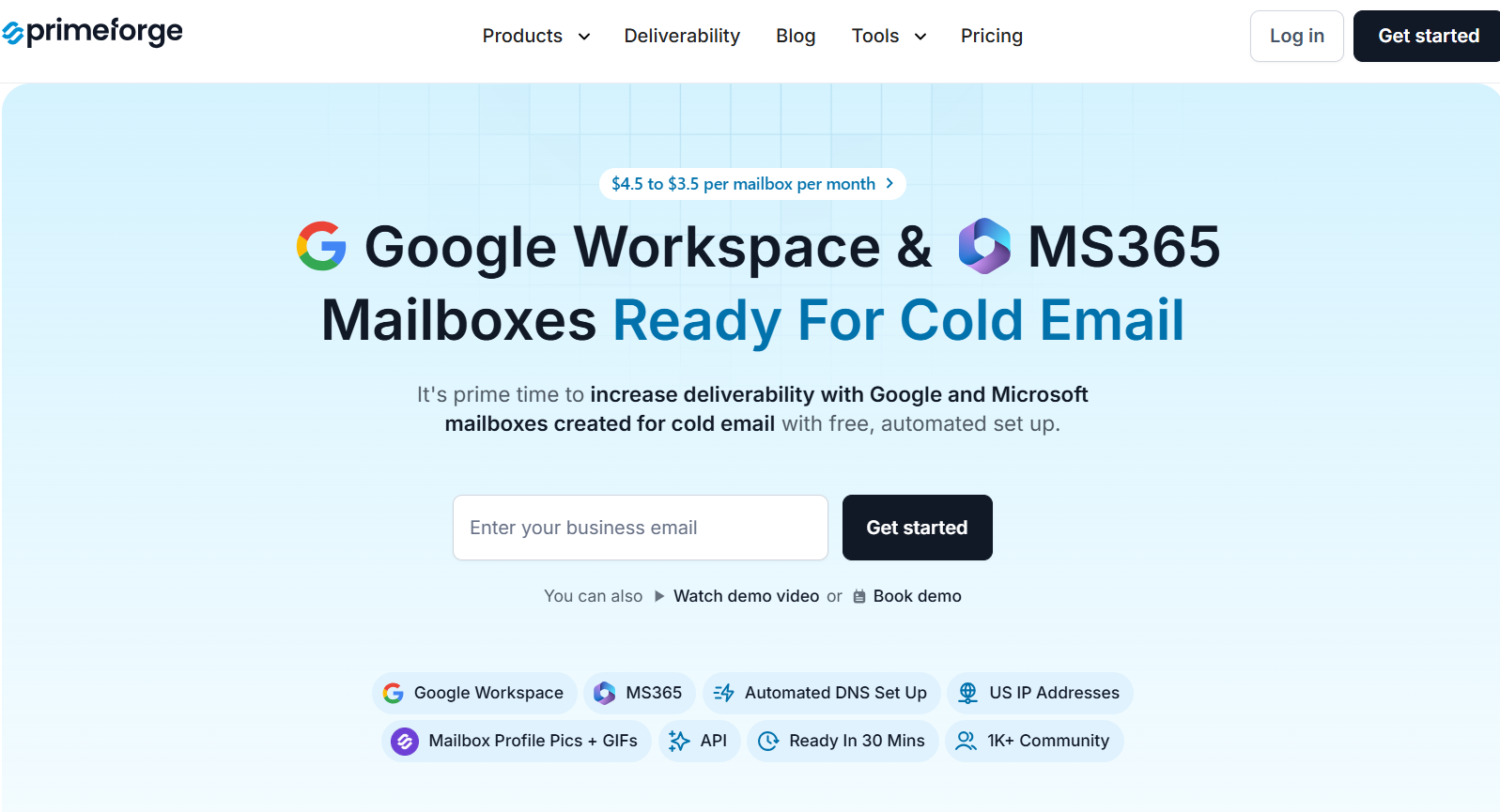
Primeforge is a cold email infrastructure platform that provides fully compliant, pre-warmed Google Workspace and Microsoft 365 mailboxes built specifically for cold outreach and deliverability.
Here’s a quick comparison between Mailreef and Primeforge:
| Feature | Mailreef | Primeforge |
|---|---|---|
| Mailbox type | Custom SMTP mailboxes on dedicated servers | Real Google Workspace & Microsoft 365 mailboxes |
| IP setup | Dedicated server IP per customer | Clean IPs from Google or Microsoft |
| DNS setup (SPF, DKIM, DMARC) | Automatically configured | Automatically configured |
| Pre-warmed inboxes | Requires manual warmup before sending | Pre-warmed and optimized for cold email |
| Sending limits guidance | ~20 cold + 20 warm per mailbox/day recommended | Built for safe cold outreach limits from day one |
| Domain ownership | You bring or buy domains | You can bring your own or connect new domains |
| Profile pictures / branding | Not provided | Mailbox profile photos and GIFs supported |
| Pricing model | Server fee + usage cost | $4.5 → $3.5 per mailbox per month |
In short, choose Mailreef when you want full private server infrastructure.
Choose Primeforge when you want real Google or Microsoft inboxes that are fast to launch, pre-warmed, and built to land in the primary inbox.
Mailreef is a good option if you need full control over cold email infrastructure.
It gives you a dedicated server, your own IP, and automated setup for domains, DNS, and mailboxes. This makes it useful for teams sending large volumes of cold email.
Mailreef works well for agencies and teams that want private SMTP infrastructure and are comfortable managing warmup, daily sending limits, and careful ramp-up.
However, if your goal is stronger inbox placement using native Google Workspace or Microsoft 365 mailboxes that recipients already trust, Primeforge is the better choice.
Primeforge creates real Google and Microsoft mailboxes that are pre-warmed, ready to send fast, and optimized for cold outreach.
It also supports profile pictures, GIFs, and works with any cold email software, helping emails look more real and land in the inbox more often.
If deliverability matters most to you, Primeforge is the better option to start with.
Sign up with Primeforge now!
