
If you’re looking for an Inboxology review, you probably just want to know if it’s really worth using for Google and Microsoft mailboxes.
Inboxology says it can help you build a full cold email infrastructure, from buying domains and setting up inboxes to configuring DNS records, all at a lower cost than standard Google or Microsoft plans.
But how well does it actually work? Can it handle large setups smoothly? And does it really help improve deliverability?
In this review, I’ll explain how Inboxology works, what you actually get, its pricing, pros, and cons, and whether it's worth for Google & Microsoft mailboxes.
Inboxology is a platform that helps you build and manage your cold email infrastructure using Google Workspace or Microsoft 365.
You can buy accounts, configure domains, and authenticate automatically with built-in MX, SPF, DKIM, and DMARC setup.
Everything is handled for you in a few clicks, so you can start sending faster.
Inboxology is an authorized reseller, offering 50–60% lower pricing than standard Google and Microsoft plans with $0 setup fees.
You also get full admin access and GDPR-compliant routing (5% through EU servers).
It integrates easily with cold email tools like Instantly, Smartlead, and ReachInbox using OAuth or App Passwords, giving teams full flexibility over their sending setup.
In short, Inboxology cuts your setup time, saves on license costs, and keeps your cold emails landing where they should, the inbox.
Inboxology lets you build and manage your entire cold email infrastructure using Google Workspace or Microsoft 365 accounts, fully automated and ready to scale.
1. Pick the setup that fits your workflow:
2. Once your order is placed, Inboxology automatically:
3. You can easily integrate with tools like Instantly, Smartlead, and ReachInbox using:
4. Your dashboard lets you:
5. You can create unlimited inboxes.
6. Inboxology helps keep your sender reputation clean with:
In short, Inboxology automates everything, from domain setup to warm-up, helping you scale your outreach faster, lower costs, and maintain top deliverability with full control.
Inboxology is built to help cold emailers scale faster, reduce costs, and improve deliverability — without losing control over their setup.
Here are the Inboxology features that are actually useful:
| Feature | What It Does |
|---|---|
| Authorized Reseller | Issues verified Google Workspace and Microsoft 365 accounts, never VPN or educational ones. |
| 50–60% Cost Savings | Get Workspace or Outlook inboxes at 50–60% lower cost with no setup fee. |
| Full Admin Access | Every workspace comes with 100% ownership and billing control directly with your ESP. |
| Fast Setup | Order new domains, create users, and configure DNS automatically in just a few clicks. |
| Unlimited Scaling | Add as many inboxes as you need, with no multiple payment methods or phone verifications required. |
| Smart Billing | Pay monthly and scale easily. Pricing drops from $3.50 to $2.60 per inbox as your volume grows. |
| Cold Email–Optimized Setup | Includes MX, SPF, DKIM, DMARC, forwarding, and automatic warm-up activation. |
| AI Spam Checker (Free) | Detects and replaces risky or spammy keywords in real time to protect deliverability. |
| Email Verifier | Pay-per-use tool that checks multiple providers, detects catch-all emails, and exports clean data to CSV. |
| Email Health Check (Free) | Tests inbox placement, verifies DNS records, and checks for blacklist issues. |
| Tool Compatibility | Works with Instantly, Smartlead, ReachInbox, and any other cold email platform via oAuth or App Passwords. |
Inboxology combines verified infrastructure, automation, and deliverability tools into one platform that’s simple enough for beginners and scalable enough for agencies.
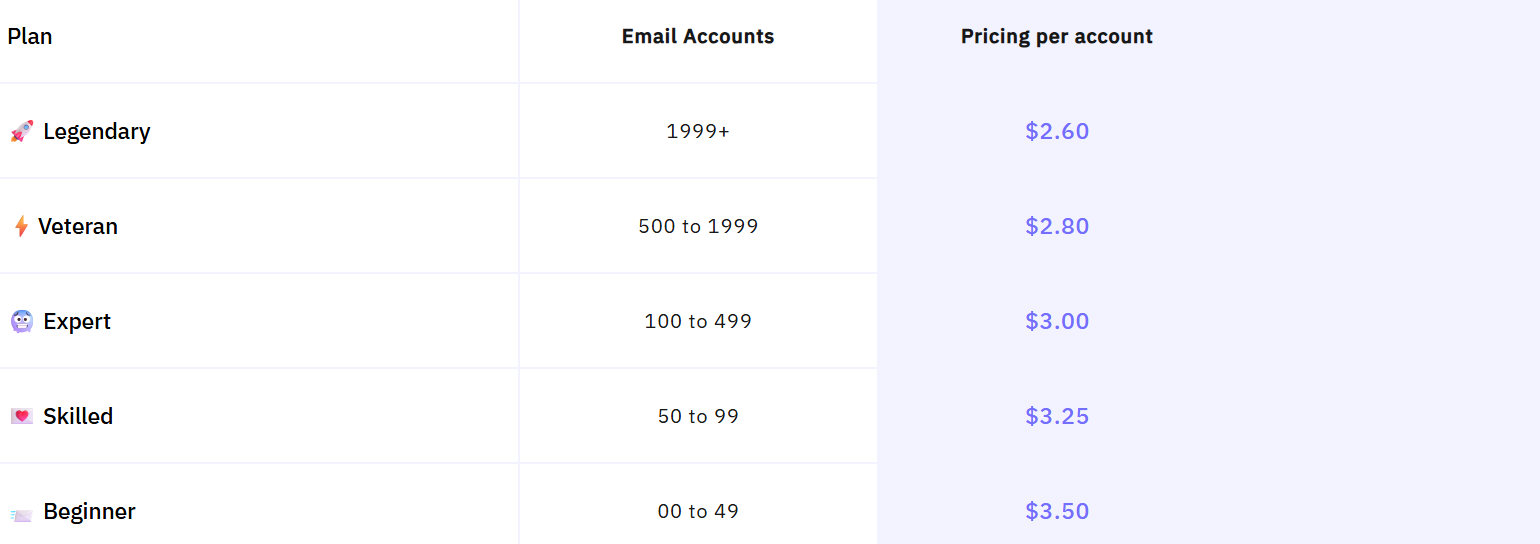
Inboxology uses a simple per-inbox monthly pricing model that gets cheaper as you scale.
Every plan includes full admin access, domain authentication, and all DNS records pre-configured, so you don’t pay extra for setup or technical management.
Pricing starts at $3.50 per inbox and drops to $2.60 per inbox as your volume increases. All plans are billed monthly and can be upgraded or downgraded anytime.
| Plan Name | Inboxes | Price per Inbox (Monthly) |
|---|---|---|
| Beginner | 0–49 | $3.50 |
| Skilled | 50–99 | $3.25 |
| Expert | 100–499 | $3.00 |
| Veteran | 500–1,999 | $2.80 |
| Legendary | 1,999+ | $2.60 |
All plans include:
There’s $0 setup fee, and you can cancel or reactivate anytime directly from your dashboard.
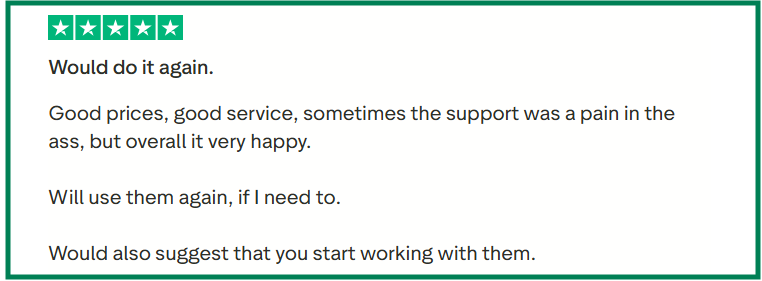


If your focus is building cold email infrastructure and you want real Google or Microsoft accounts at low cost, Inboxology is a solid choice.
But if you’re looking for a full cold outreach tool with warm-up, AI, or sequencing, you may need to combine it with another platform.
Inboxology is great if you just need affordable, scalable cold email infrastructure with Google and Microsoft accounts.
If you like how Inboxology provides verified Google and Microsoft mailboxes with automated setup, but you need faster delivery, ESP-matched mailboxes, and higher inbox placement, Primeforge is the better option.
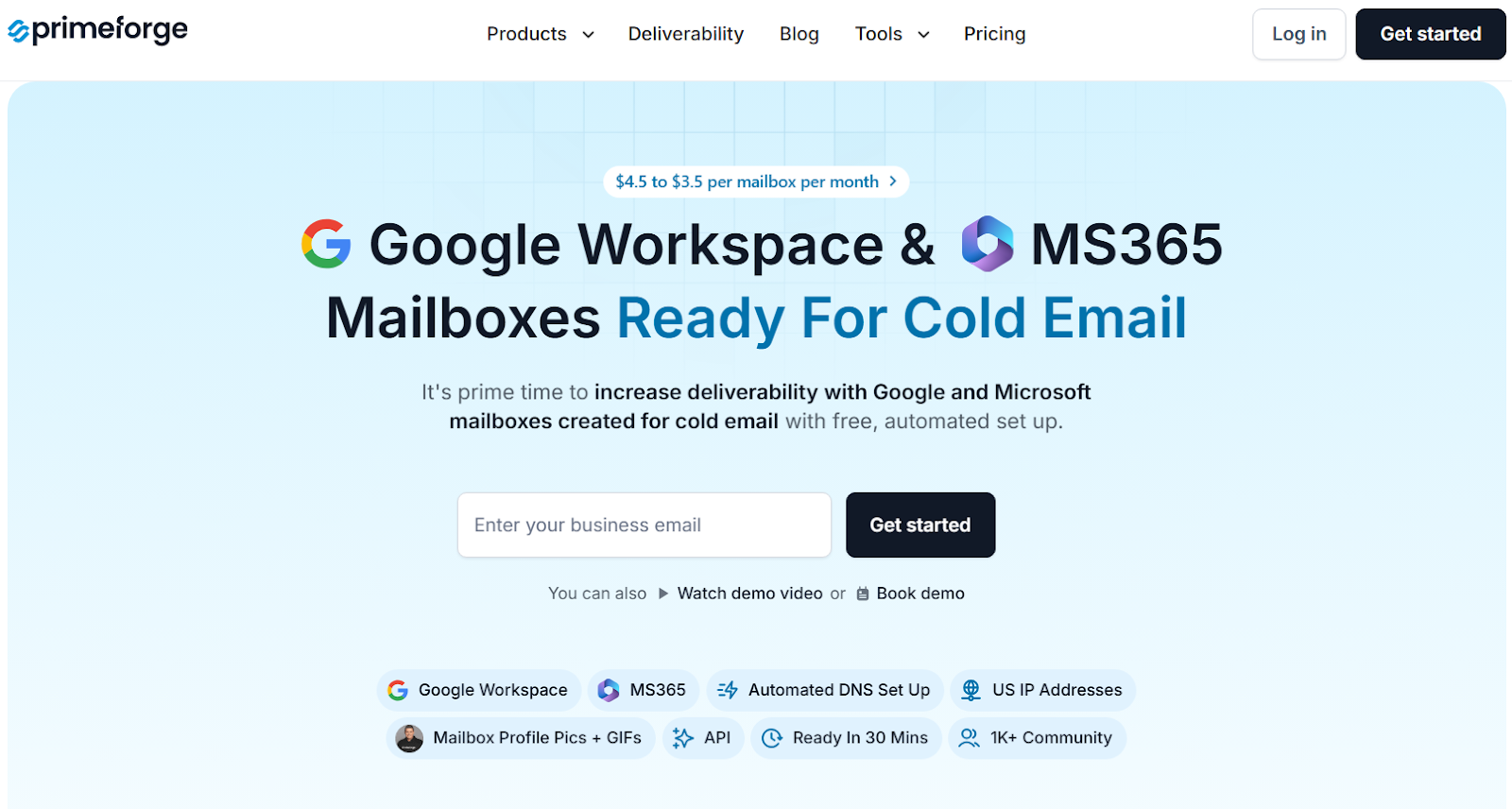
Primeforge provides Google Workspace and Microsoft 365 mailboxes that are pre-optimized for cold outreach with automated DNS setup and a ready-to-send configuration in under 30 minutes.
Unlike Inboxology, which resells Workspace and Microsoft accounts, Primeforge gives you brand-name deliverability by sending directly from the same ESPs your prospects use, improving inbox placement through ESP matching.

It also includes unique personalization features like mailbox profile pictures and GIFs, proven to increase reply rates by 3–15%.
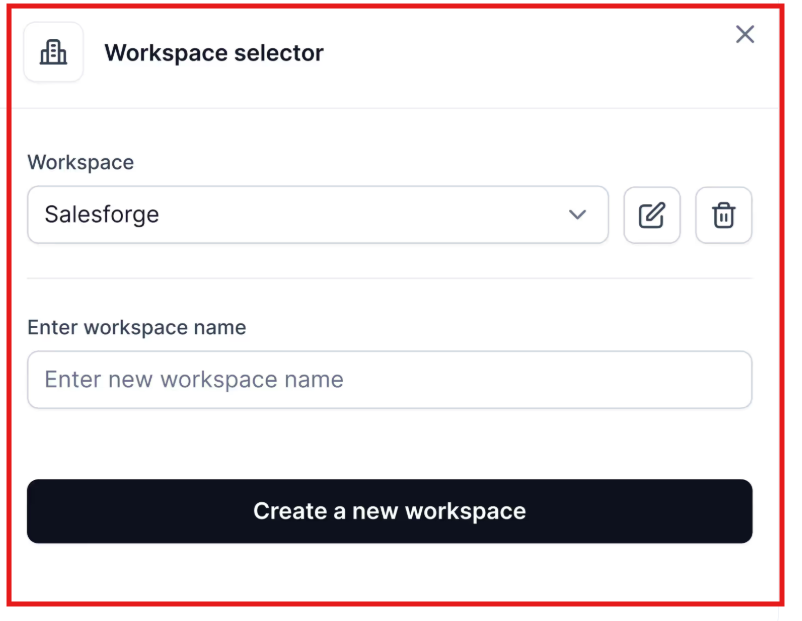
You can manage multiple workspaces, perform bulk DNS updates, and connect with any outreach tool, all from one dashboard.
Pricing starts from $3.5 to $4.5 per mailbox/month, compared to Inboxology’s $2.6–$3.5 per mailbox/month.
But with Primeforge, you get Google/MS365 mailboxes, automated DNS, and GIF branding included in the base cost, giving better deliverability value overall.
| Feature | Inboxology | Primeforge |
|---|---|---|
| Infrastructure Type | Google Workspace & Microsoft 365 reseller setup | Google Workspace & Microsoft 365 mailboxes |
| Setup Speed | 24–48 hours | ~30 minutes (fully automated) |
| DNS Configuration | Automated SPF, DKIM, DMARC setup | Automated SPF, DKIM, DMARC setup |
| Deliverability Optimization | Verified mailboxes with DNS setup | ESP matching for better inbox placement |
| Warm-Up | Not included | Works with Warmforge for inbox health |
| Personalization | Basic mailbox setup | Profile pictures + animated GIFs per mailbox |
| Integrations | Smartlead, Instantly, ReachInbox | Works with all cold email tools (Salesforge, Instantly, Lemlist, etc.) |
| Pricing | $2.6–$3.5 per mailbox/month | $3.5–$4.5 per mailbox/month |
| Best For | Teams needing verified Google/MS accounts fast | Teams wanting top-tier deliverability using Google/MS365 mailboxes |
If you’re managing cold email volume and need inboxes that send from the same ESPs as your prospects, Primeforge gives you better control, brand reputation, and deliverability from day one.
If your goal is to scale your cold email infrastructure affordably and manage everything in one place, Inboxology is a solid option.
You can buy verified Google Workspace and Microsoft 365 mailboxes with SPF, DKIM, and DMARC pre-configured, plus admin access and ownership included.
However, Inboxology’s mailboxes still run on reseller-managed licenses, not directly through Google or Microsoft’s native setup.
That means while you get verified mailboxes, you don’t benefit from ESP-level matching or advanced personalization (like profile pictures or GIFs) that improve inbox placement and engagement.
If you want that extra layer of native deliverability and faster sending readiness, go with Primeforge.
It offers real Google Workspace and Microsoft 365 mailboxes, hosted directly with those providers, combined with automated DNS setup and GIF profile pictures proven to increase reply rates by up to 15%.
If deliverability and brand reputation matter most, Primeforge is the smarter pick.
It gives you faster setup, real ESP-backed mailboxes, and consistent inbox placement from day one.
