
Google's bulk sender guidelines ask for three things: authentication with SPF, DKIM, and DMARC, a spam complaint rate under 0.1%, and one-click unsubscribe on marketing mail.
The rules apply to anyone sending around 5,000 or more messages a day to personal Gmail addresses. Since November 2025, Gmail has rejected non-compliant mail with permanent errors instead of routing it to spam.
For B2B cold email, the rules only bite when you send to personal Gmail.com inboxes, not Google Workspace accounts. The catch is that authentication is now the floor, and fragile mailbox setups fail first.
Real Google Workspace and Microsoft 365 mailboxes with authentication configured on day one are the cleanest way to stay on the right side of the line.
I have watched cold email get harder every year, and 2026 is the year the rules grew teeth. The Google bulk sender guidelines are not new. They landed in February 2024.
What changed is enforcement. Since late 2025, mail that fails the requirements gets rejected outright, not quietly filed into spam.
If you run outbound at any real scale, this affects whether your emails reach a person or bounce off a wall. I want to walk through what the guidelines require, who they actually apply to, and how to keep your outreach landing.
The guidelines come down to three pillars. Each one maps to a real check that Gmail runs on your mail.
None of this is exotic. Most of it is what careful senders already do. The shift in 2026 is that skipping any pillar now costs you delivery.
This is the question that decides how much of this applies to you. Google draws the line at volume.
A bulk sender is anyone who sends close to 5,000 or more messages to personal Gmail accounts in a 24-hour window. Google defines this in its own sender guidelines, and the count rolls up every subdomain into one primary-domain total.
Two details catch people out. Once you cross that line even once, the classification is permanent. Dropping your volume later does not remove it.
The second detail matters more than any other for B2B. The guidelines apply to mail sent to personal gmail.com and googlemail.com addresses, not to Google Workspace accounts. I will come back to it because it changes how exposed you really are.
The three pillars have not changed since 2024. What changed is how hard Google enforces them, and how good the tooling is at catching you.
Here is what enforcement looks like in practice. When your mail fails a check, Gmail hands back an error code that names the problem.
Fail SPF, and you see a 5.7.27 rejection. Fail DKIM, and it is 5.7.30. Miss a DMARC record, and you get 5.7.31. A sending IP with no matching reverse DNS record throws 5.7.25.
The most common quiet killer is alignment. Your From address has to match the domain that SPF or DKIM authenticates. When it does not, DMARC fails even though each record looks correct on its own. That failure shows up as a 4.7.32 error.
Google is not alone here. Microsoft began rejecting non-compliant bulk mail in May 2025, using its own 550 5.7.515 code. Since most B2B campaigns hit both Gmail and Outlook, a setup that satisfies one and not the other still leaks deliverability.
What breaks first is almost always infrastructure, not copy. A misconfigured mailbox fails the authentication checks before your subject line ever gets a chance.
Now, the part that changes the whole picture for B2B. The bulk sender rules are scoped to personal Gmail recipients.
Most B2B prospects do not use personal Gmail. They use Google Workspace or Microsoft 365 at their company domain. Mail to those inboxes sits outside the strict bulk sender enforcement.
The volume math helps too. The 5,000-a-day threshold is per primary domain. Cold outreach spreads sending across many domains and mailboxes, so a single domain rarely reaches it.
So, is this a non-issue for cold email? No. Two things keep it real.
Authentication is treated as a baseline for everyone now, not just bulk senders. Missing DMARC is a negative signal even at low volume.
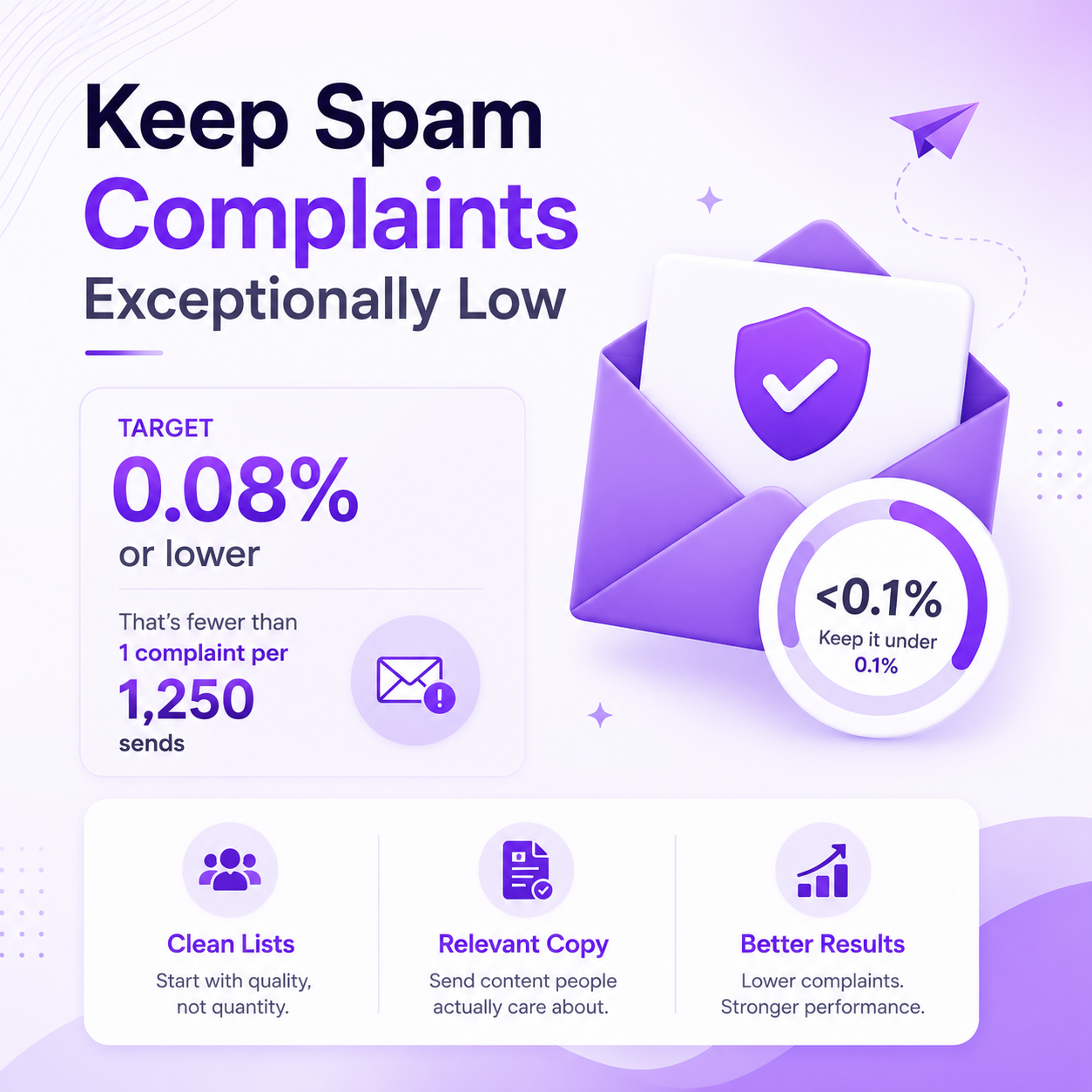
The spam complaint rate applies to how any recipient reacts. Keep it under 0.1%, and aim for 0.08% or lower, which is fewer than one complaint per 1,250 sends. That target rewards clean lists and relevant copy, no matter who you send to.
Compliance is mostly an infrastructure problem with a clear fix. Publish the right records, send from legitimate mailboxes, and monitor your reputation.
Here is the short list I run before any campaign goes out. Clear each row, and your mail meets the current bar for Gmail, Yahoo, and Microsoft.
| Requirement | What Google Checks | What to Do |
|---|---|---|
| SPF | Your domain is authorized to send | Publish an SPF TXT record for every sending domain |
| DKIM | The message is signed and unaltered | Enable DKIM signing and publish the key in DNS |
| DMARC | A policy is present, and alignment passes | Publish a DMARC record at p=none or stricter, aligned to SPF or DKIM |
| Reverse DNS (PTR) | The sending IP resolves to a hostname | Confirm each sending IP has a matching PTR record |
| TLS | Mail travels over an encrypted connection | Send over TLS on every SMTP connection |
| Spam Rate | Complaints stay under the threshold | Keep it below 0.1%, and target 0.08% or lower |
| One-Click Unsubscribe | Marketing mail carries an opt-out | Add List-Unsubscribe headers per RFC 8058 |
| From Alignment | From the domain matches the authenticated domain | Match your visible From domain to the SPF or DKIM domain |
Compliance starts with the mailbox you send from. Primeforge gives you real Google Workspace and Microsoft 365 mailboxes with authentication configured before your first send.
Set up your mailboxes and start outreach on a foundation Gmail already trusts.
Do Google's bulk sender guidelines apply to cold email?
They apply when you send to personal Gmail addresses in bulk. A bulk sender is anyone sending around 5,000 or more messages a day to personal Gmail accounts. Most B2B cold email targets Workspace inboxes, which sit outside the strict enforcement, but the authentication baseline still applies to you.
Do the guidelines apply when I send to Google Workspace accounts?
No. Google's sender guidelines do not apply to mail sent to Google Workspace accounts. Enforcement applies only when you send to personal gmail.com and googlemail.com addresses. You still benefit from clean authentication, since Workspace and Microsoft filters look for the same signals.
What spam complaint rate do I need to stay under?
Keep your rate below 0.1% and never let it reach 0.3%. In practice, aim for 0.08% or lower, which is fewer than one complaint per 1,250 messages. Google calculates this daily in Postmaster Tools.
Do I need DMARC if I send low volume?
You are not forced to as a non-bulk sender, but you should. Missing DMARC is now treated as a negative signal even at low volume. A record at p=none with reporting is the minimum that removes that penalty.
What happens if my mail fails the requirements?
Since November 2025, Gmail has rejected non-compliant bulk mail with permanent 550 errors instead of routing it to spam. You receive an error code that names the failing check, such as 5.7.27 for SPF or 5.7.31 for DMARC. Fix the record, send a test batch, and monitor the result in Postmaster Tools.
How is the 5,000-a-day threshold counted?
Google counts every message from the same primary domain, including all subdomains. If you send 2,500 from one subdomain and 2,500 from another on the same root domain, you are a bulk sender. The classification is permanent once you cross it.
